How To Get Started On Visual Studio Code Microsoft Defends Intrusive Dialog In Visual Studio Code That Asks If Visual Studio Code Download Git Repository Storepag Visual Studio Code Tips And Tricks Unique Home Interior Ideas Run Code In Visual Studio Adamspen Visual Studio Code Format Code Mobile Legends Getting Started with Visual Studio Code and Building HTML Websites Codecademy Visual Studio Code is one of the most popular and powerful text editors used by software engineers today In this article we will go over the steps necessary to download a popular text editor called Visual Studio Code also referred to as VS Code
In this tutorial you will learn how to use Python 3 in Visual Studio Code to create run and debug a Python Roll a dice application work with virtual environments use packages and more By using the Python extension you turn VS Code into a Getting Started with Visual Studio Code Codecademy Codecademy Team Visual Studio Code is one of the most popular and powerful text editors used by software engineers today In this article we will go over the steps necessary to download a popular text editor called Visual Studio Code also referred to as VS Code
Visual Studio Code Format Code Mobile Legends 100 OFF Visual Studio Code Ultimate Course With Certificate Of How To Format File In Visual Studio Code For Mac Bingerkr Developing In Visual Studio Code Vs Visual Studio Rainbowkop Getting Started With Python In Visual Studio Code Britishgawer Visual Studio Code Teemain Visual Studio Code Gon alo Gon alves Microsoft Visual Studio Code Wir Erkl ren Die Geniale Chapter 2 How To Create A HTML File On Visual Studio Code YouTube
How To Get Started On Visual Studio Code
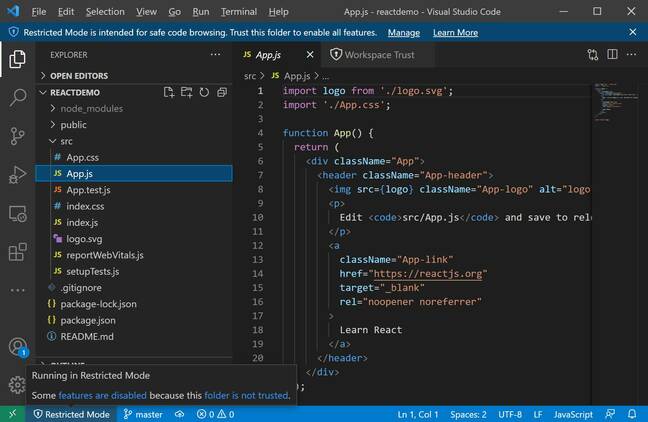 How To Get Started On Visual Studio Code
https://regmedia.co.uk/2021/07/07/vscode.jpg?x=648&y=422&infer_y=1
You ve just run your first C program in VS Code The next step is to learn more about the Microsoft C C extension s language features such as IntelliSense code navigation build configuration and debugging using one of the Tutorials in the next section Tutorials Get started with C and VS Code with tutorials for your environment
Templates are pre-designed files or files that can be utilized for various purposes. They can save time and effort by providing a ready-made format and layout for developing different kinds of content. Templates can be utilized for individual or expert jobs, such as resumes, invitations, leaflets, newsletters, reports, presentations, and more.
How To Get Started On Visual Studio Code
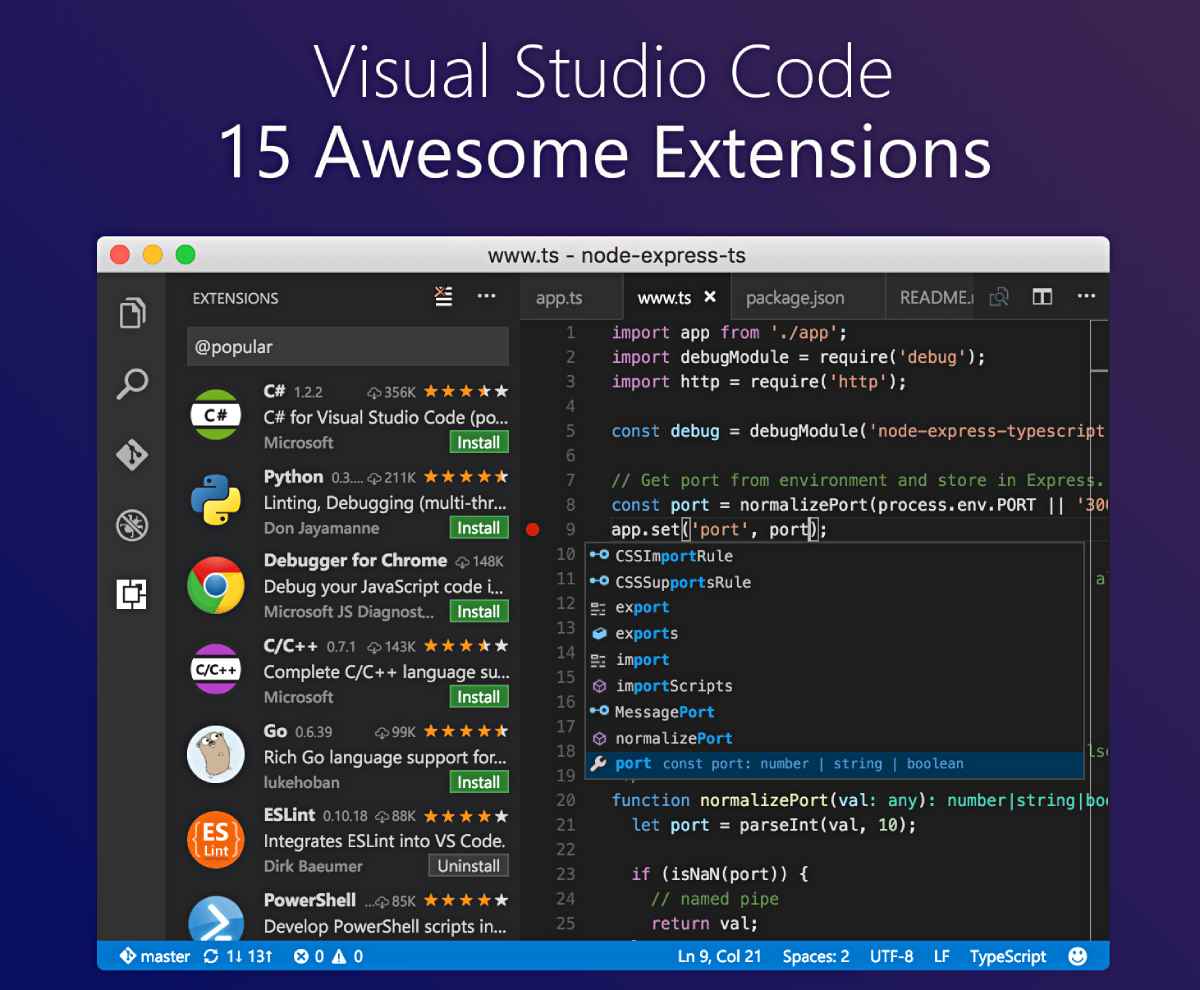
Css Best Visual Studio Code Extensions For Web SexiezPicz Web Porn

100 OFF Visual Studio Code Ultimate Course With Certificate Of
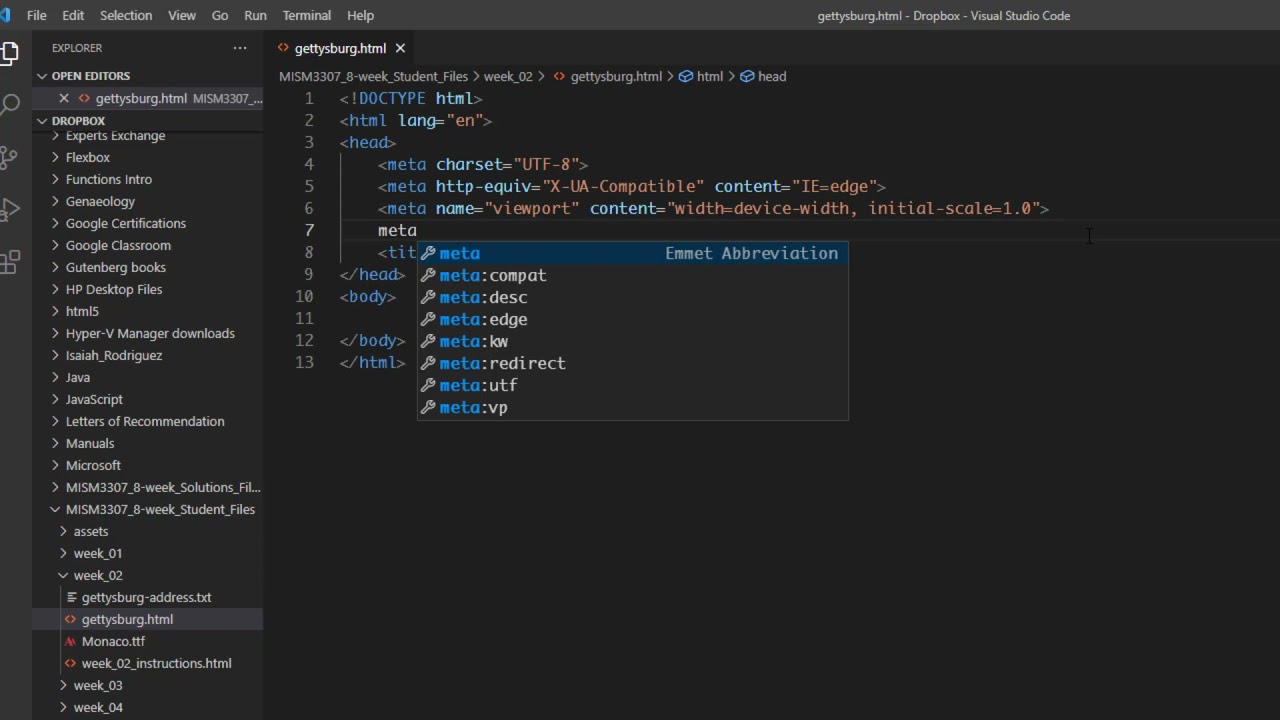
How To Format File In Visual Studio Code For Mac Bingerkr
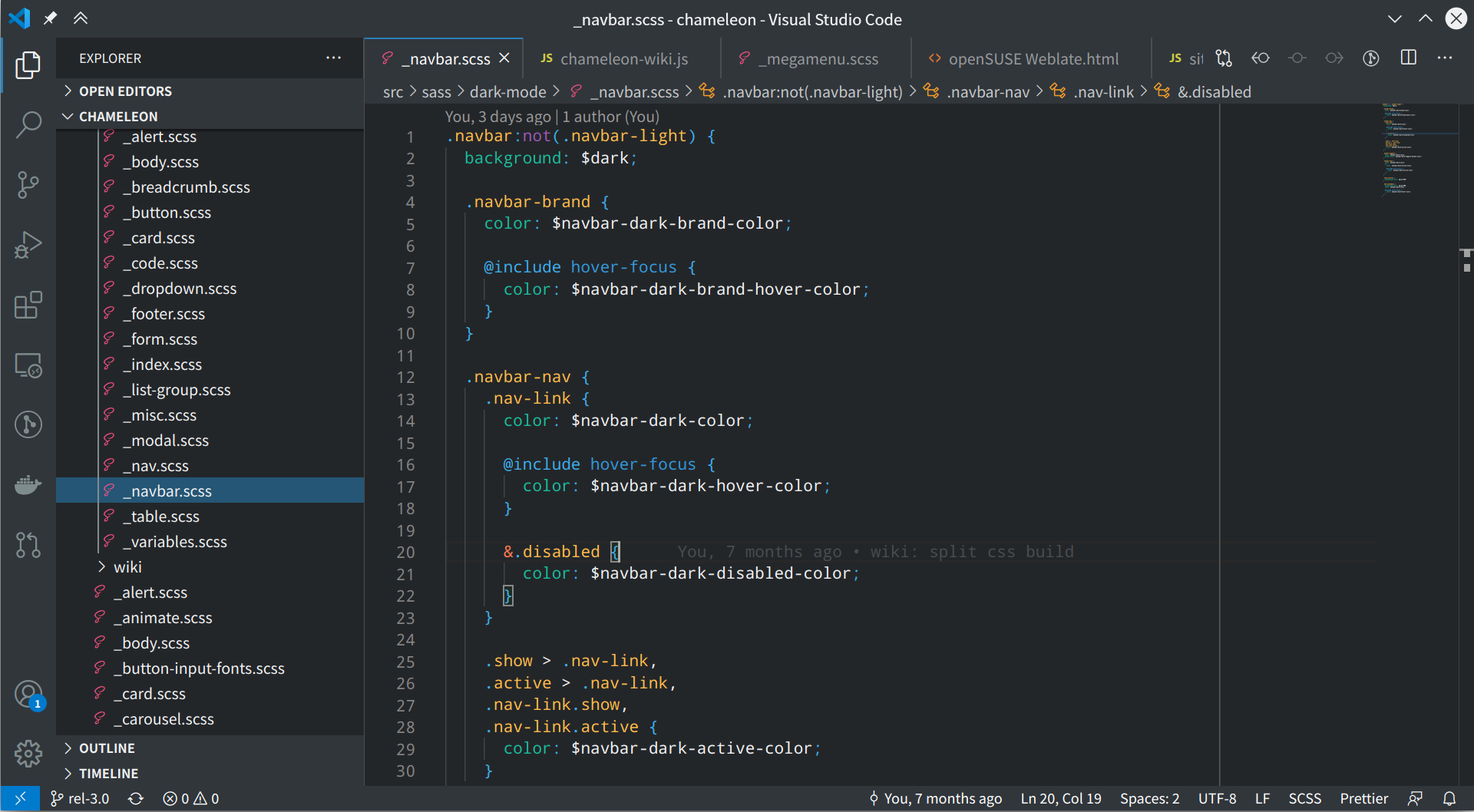
Developing In Visual Studio Code Vs Visual Studio Rainbowkop

Visual Studio Code Teemain

Visual Studio Code Gon alo Gon alves
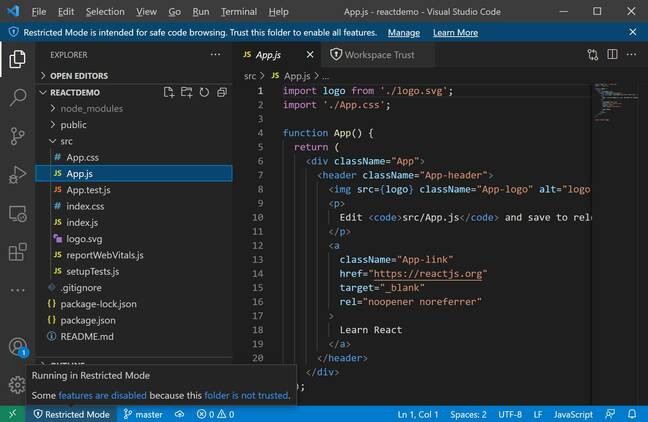
Getting started The best way of exploring VS Code hands on is to open the Welcome page and then pick a Walkthrough for a self guided tour through the setup steps features and deeper customizations that VS Code offers As you discover and learn the walkthroughs track your progress

Visual Studio Code is a free coding editor that helps you start coding quickly Use it to code in any programming language without switching editors Visual Studio Code has support for many languages including Python Java C JavaScript and more
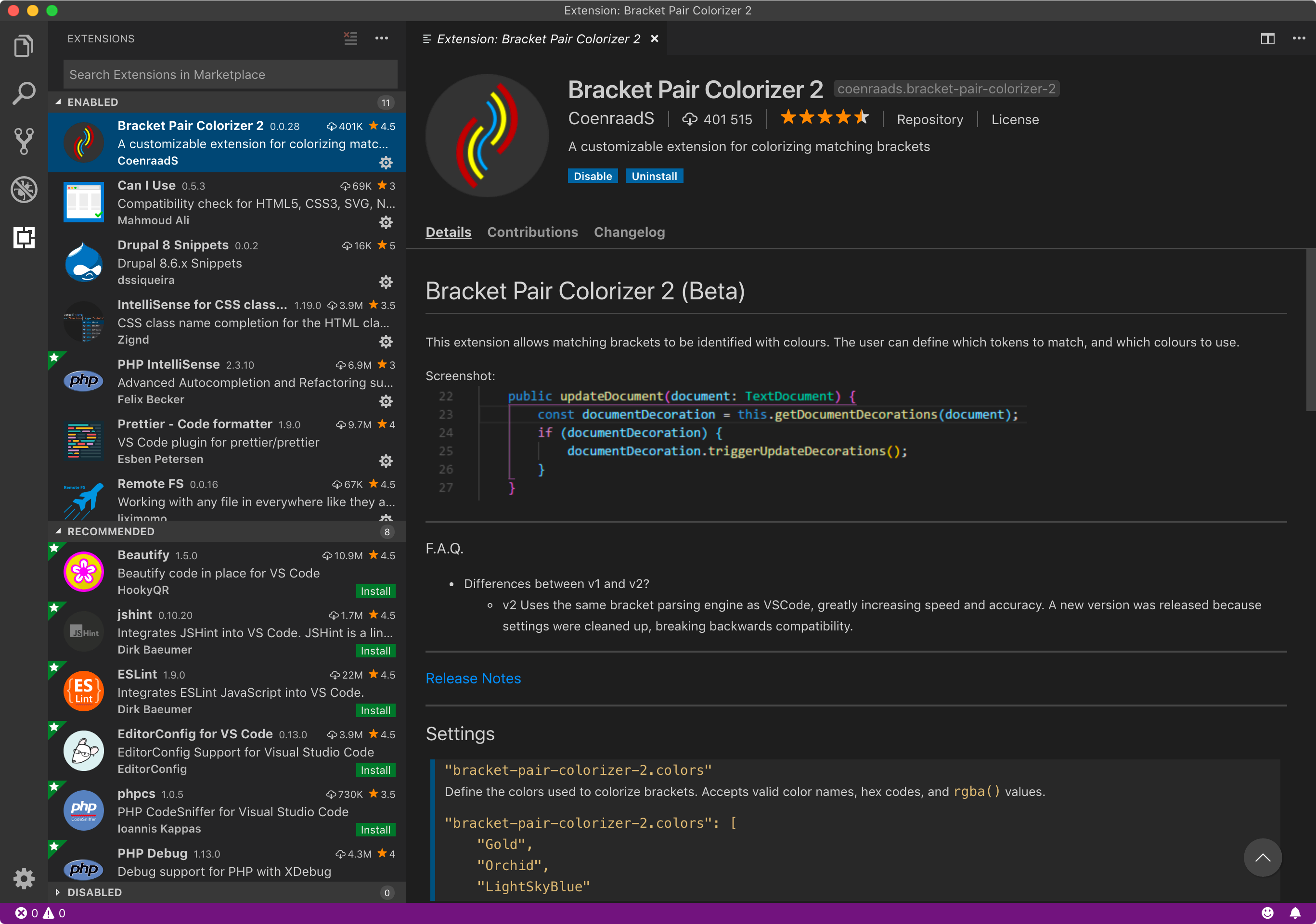
Getting Started with Visual Studio Code EDU Watch on Next video Extensions for Visual Studio Code Outline Download and install VS Code Create a new file See an overview of the user interface Install support for your favorite programming language Change your keyboard shortcuts and easily migrate from other editors using keymap
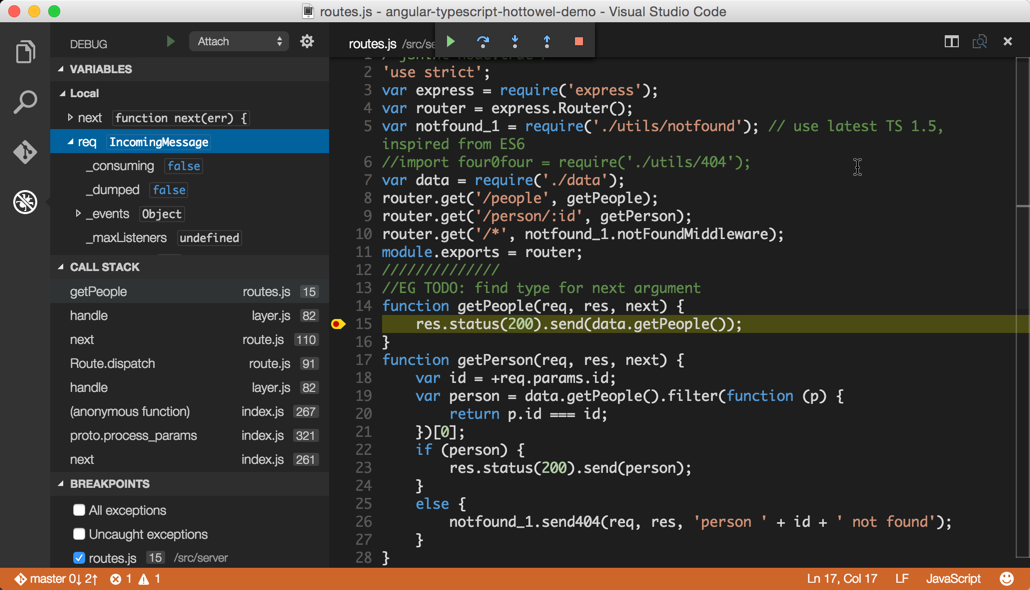
Getting Started with VS Code Visual Studio Code available on macOS Linux and Windows is your new traveling companion Whether you re editing text writing code or manipulating data it ll be there for you at every step In a few minutes or even less you ll be ready to code Let s explore the different options available to you

19K 1 9M views 2 years ago Getting Started with Visual Studio Code Get started from scratch in this short overview of Visual Studio Code writing executing JavaScript Python
Visual Studio Code Tutorial for Beginners Introduction YouTube Academind 908K subscribers Subscribed 35K 3M views 5 years ago Are you looking for a free cross platform and highly Beginner Developer Visual Studio Code In this module you learn how to assess whether Visual Studio Code is the right source code editor for you We explore how Visual Studio Code can be used in different development situations
Developer Student Windows Visual Studio Code Practice the beginning steps of web development by creating a simple web project in Visual Studio Code that contains a web page a CSS file and a JavaScript file Learn how to use developer tools in your browser to check your work Learning objectives In this module you practice how to