How To Get Run Command On Mac What Is Mac Command For Center Text Lanesos Get Acquainted With These Mac Keyboard Shortcuts You Won t Regret It Using Run Command In CrossOver Mac 15 YouTube How To Get Gopro Pictures Onto Mac Fleferx Mac Command TeknoTalk The macOS Terminal application is located in the folder Applications Utilities To run the Terminal app from the Finder follow these steps
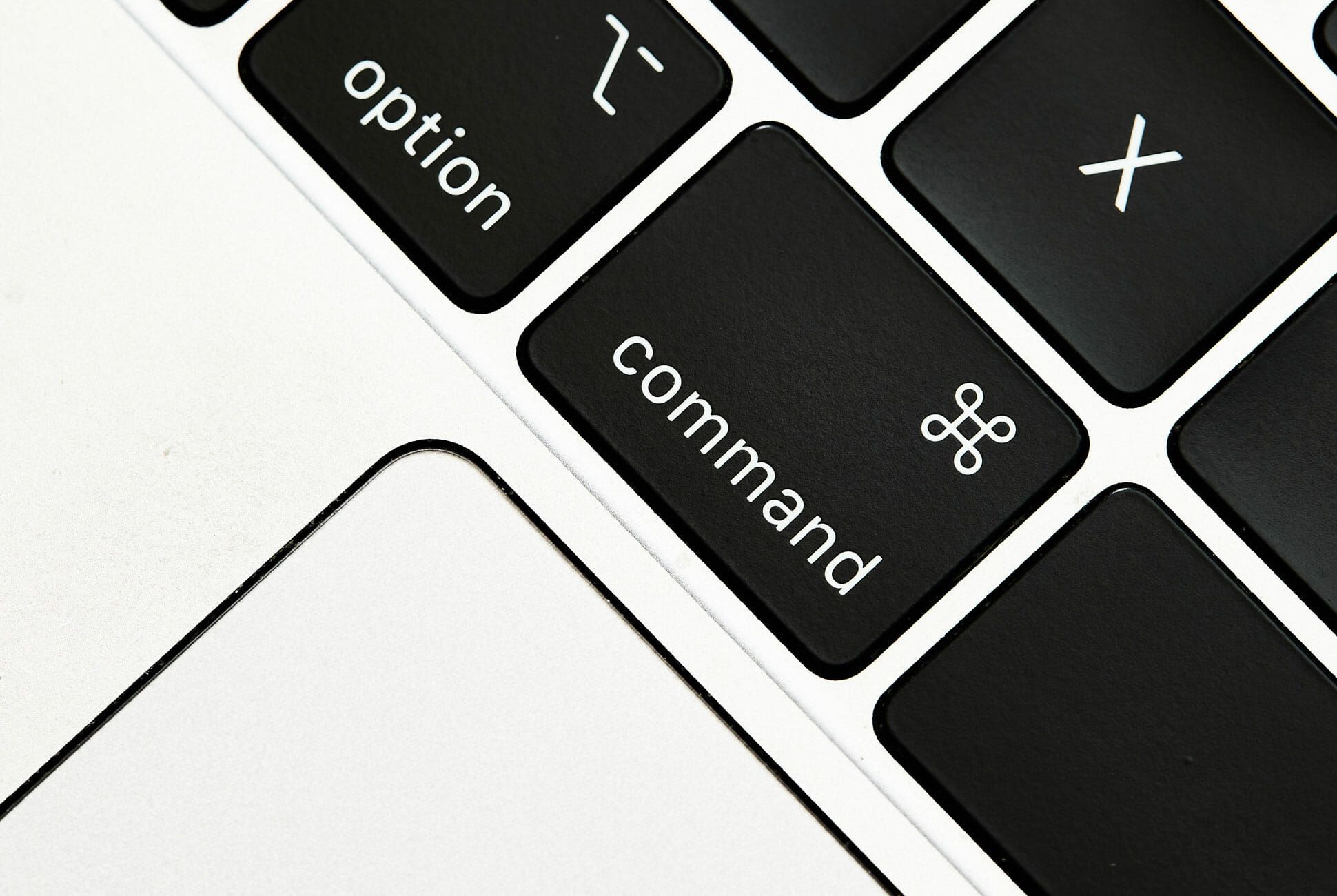
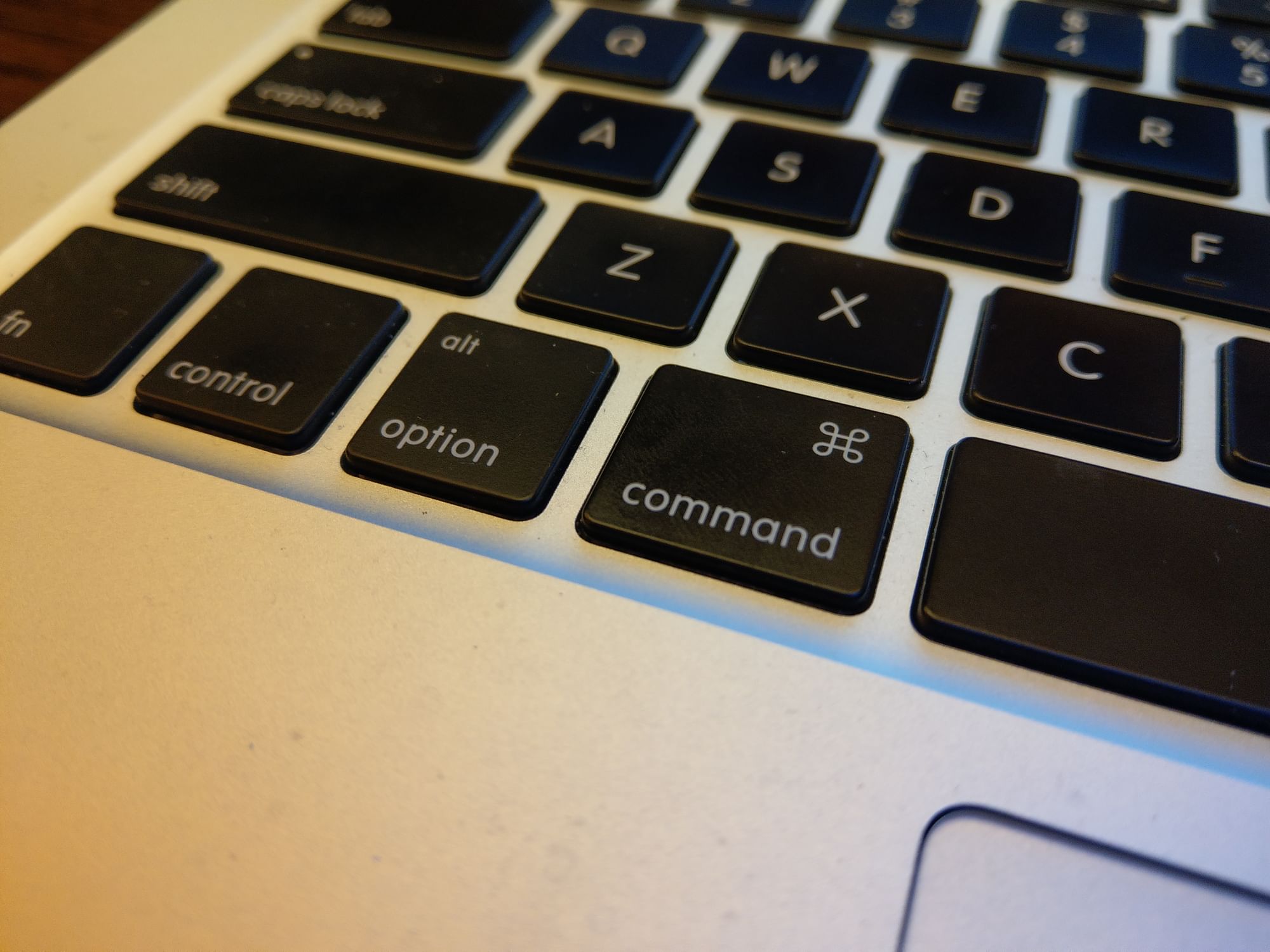
1 Press the Command button and the space bar simultaneously this will open a search bar on your screen SCREENSHOTS OPEN TERMINAL MAC 4 2 Method 2 Opening Terminal through Spotlight Press Command Space Bar on your Mac keyboard alternatively press F4 Type in Terminal When
Mac Command TeknoTalk Switching To MacOS From Windows Here Are A Few Tips For Beginners Windows Run Command On Mac Holisticlokasin How To Use The Run Command In CrossOver Mac YouTube Windows R Command Freelancejawer How To Launch Command Prompt Windows 10 Mokasinindiana How To Run C Program In Command Prompt Cmd Vrogue Where Is The Run Command On Mac Bettaenglish Selling Your Mac Here s How To Reset Mac Before Selling EaseUS
How To Get Run Command On Mac
 How To Get Run Command On Mac
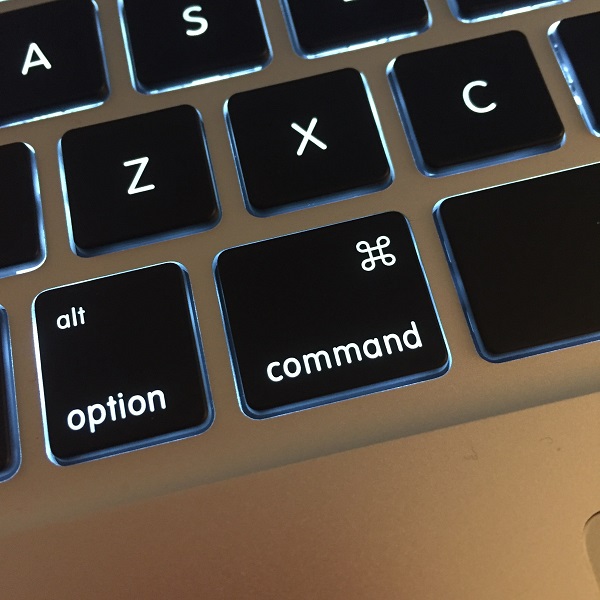
https://hips.hearstapps.com/amv-prod-gp.s3.amazonaws.com/gearpatrol/wp-content/uploads/2020/04/FD-Command-Key-Gear-Patrol-Lead-Full.jpg
The Mac command line is a program called Terminal It lives in the Applications Utilities folder To find it go to your Applications folder Near the bottom
Pre-crafted templates use a time-saving option for creating a diverse series of documents and files. These pre-designed formats and designs can be used for numerous individual and professional jobs, including resumes, invitations, flyers, newsletters, reports, presentations, and more, improving the content creation process.
How To Get Run Command On Mac

10 Run Commands You Should Know Part 2 YouTube
Switching To MacOS From Windows Here Are A Few Tips For Beginners
Windows Run Command On Mac Holisticlokasin
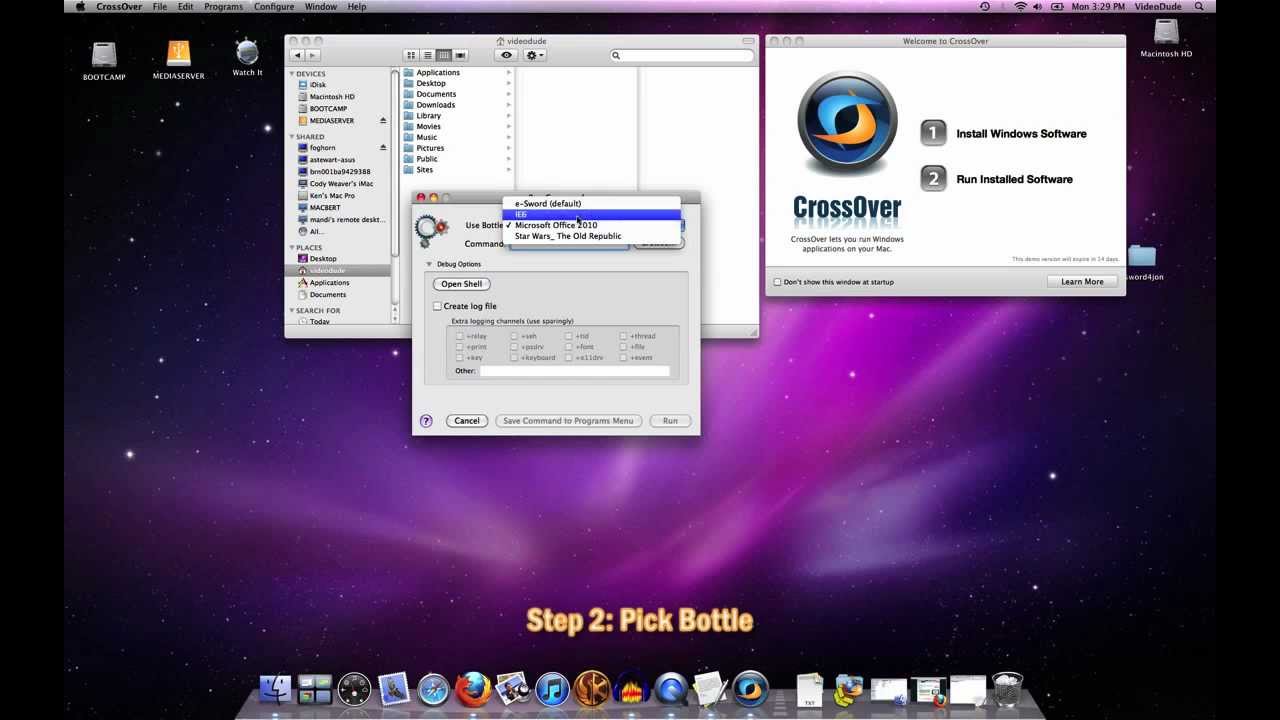
How To Use The Run Command In CrossOver Mac YouTube
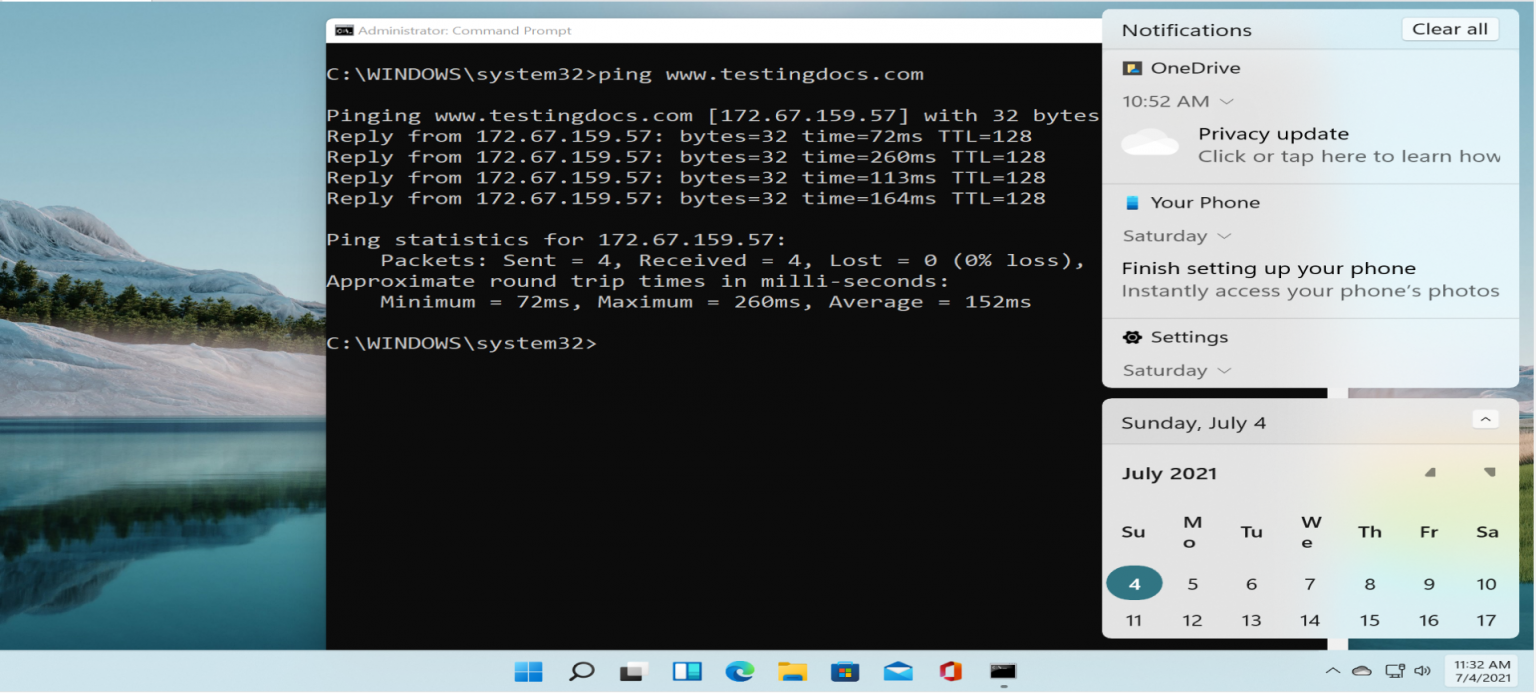
How To Launch Command Prompt Windows 10 Mokasinindiana

How To Run C Program In Command Prompt Cmd Vrogue
To open it either open your Applications folder then open Utilities and double click on Terminal or press Command space to launch Spotlight

Type terminal into the search box Terminal will appear in the search results Double click Terminal The Terminal application will now

As you know MacOS runs on Unix and sometimes there is a requirement to run commands
This tutorial will teach you how to to run commands from the command line on mac Check out
Terminal commands on macOS aren t difficult to run The only difficult or inconvenient part is
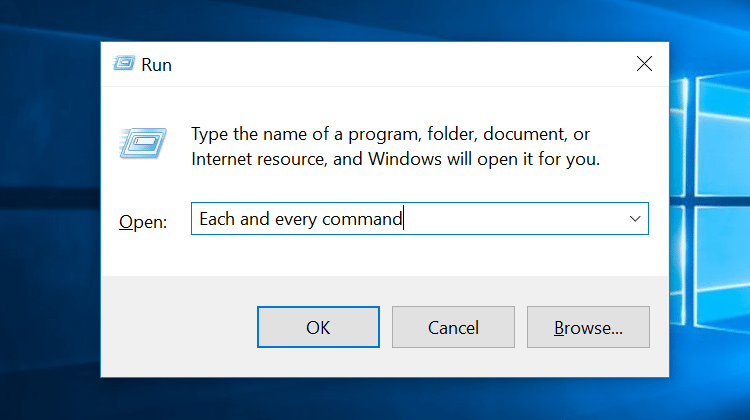
Opening the Run box To access it use the keyboard shortcut Windows key X In the menu select the Run option You can also press the keyboard shortcut How to open the Terminal on Mac The Terminal application is in the Utilities folder in Applications There are several ways you can access
The operating system your MacBook runs OS X is built on top of UNIX and Terminal provides you with access to the underlying UNIX system commands