How To Get Previous Version In Github How To Get Previous Version GitHub Tutorial YouTube How To Get Previous Version YouTube How To Download Older Version Manager Forum Git And GitHub Tutorial Version Control For Beginners Solved How Can I Replace The Latest Version Of An Item With A Previous WEB To create a new tag type a version number for your release then click Create new tag If you created a new tag select the Target dropdown menu then click the branch that contains the project you want to release
WEB Jul 26 2016 nbsp 0183 32 How to find out where you are in the history of your project how to restore older file versions and how to make Git branches so you can safely conduct wild experiments WEB May 19 2020 nbsp 0183 32 The simplest way to get your files back without dealing with the branching and merging is to checkout a prior version in a temporary directory then copy the missing files from there back to your working directory Then just add and commit those files back to source control
Solved How Can I Replace The Latest Version Of An Item With A Previous How To Get Download Url Through Download Contents Of A DriveItemVersion Upload Project files On Github Using Command Line Tuts Make Push Your How To Create Stunning Github Profile Upbeat Code Releases Git And Github In Software Development MechoMotive How To Get A Girl To Open Up To You When You re A Guy 8 Steps The Complete Guide To Putting GitHub On Your Resume Git Vs Github Git Vs Github Difference Between Git And Github Updated
How To Get Previous Version In Github
 How To Get Previous Version In Github
https://i.ytimg.com/vi/8MqU5aTwx2Q/maxresdefault.jpg
WEB Jun 14 2024 nbsp 0183 32 Here are several methods to view an old version of a file in Git 1 Using git show The git show command is used to display various types of objects including the content of a file in a specific commit To view a file as it was in a specific commit use the following command git show lt commit hash gt lt path to file gt
Pre-crafted templates use a time-saving solution for developing a diverse range of documents and files. These pre-designed formats and designs can be used for various personal and professional jobs, including resumes, invitations, leaflets, newsletters, reports, discussions, and more, streamlining the material creation process.
How To Get Previous Version In Github

Kirby s Return To Dreamland Deluxe How To Get Sword Challenge Gold
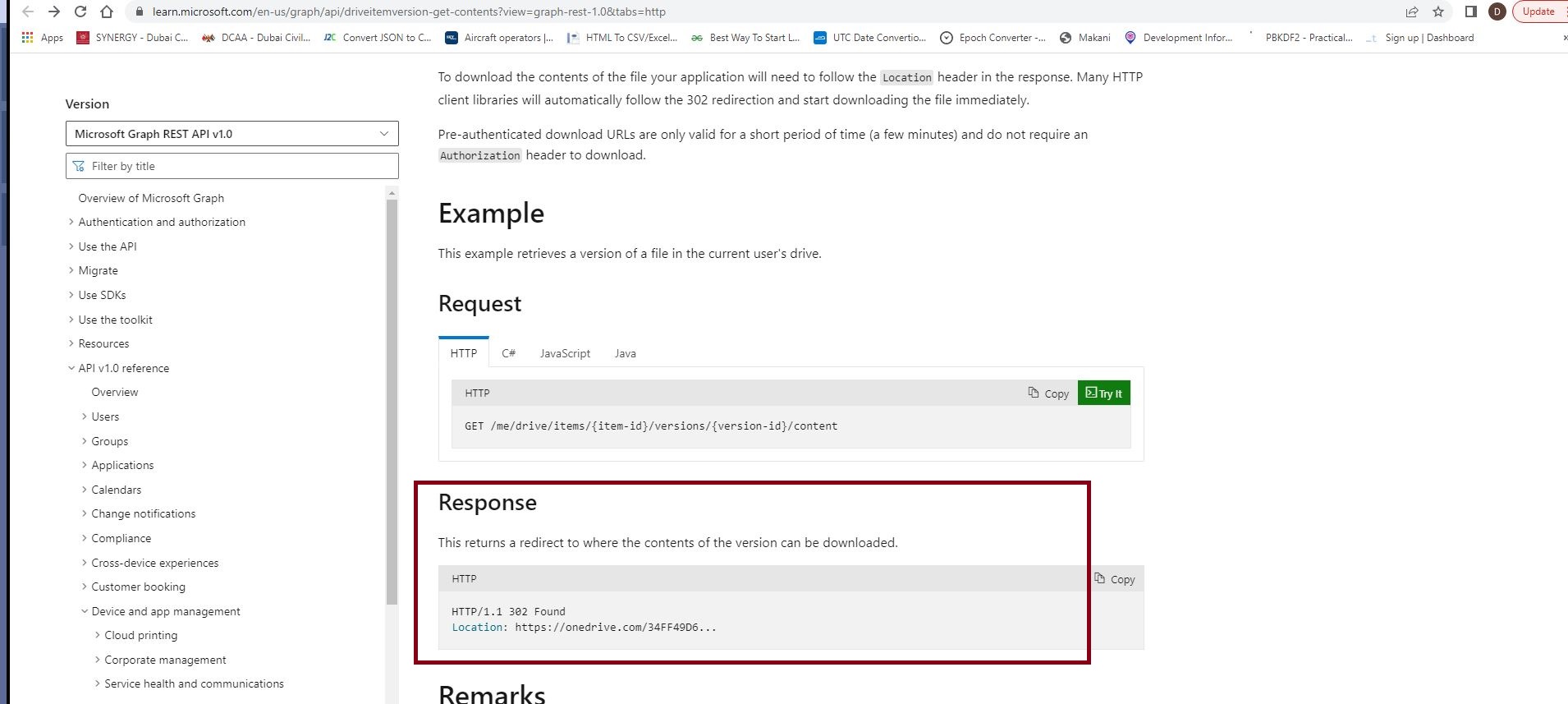
How To Get Download Url Through Download Contents Of A DriveItemVersion
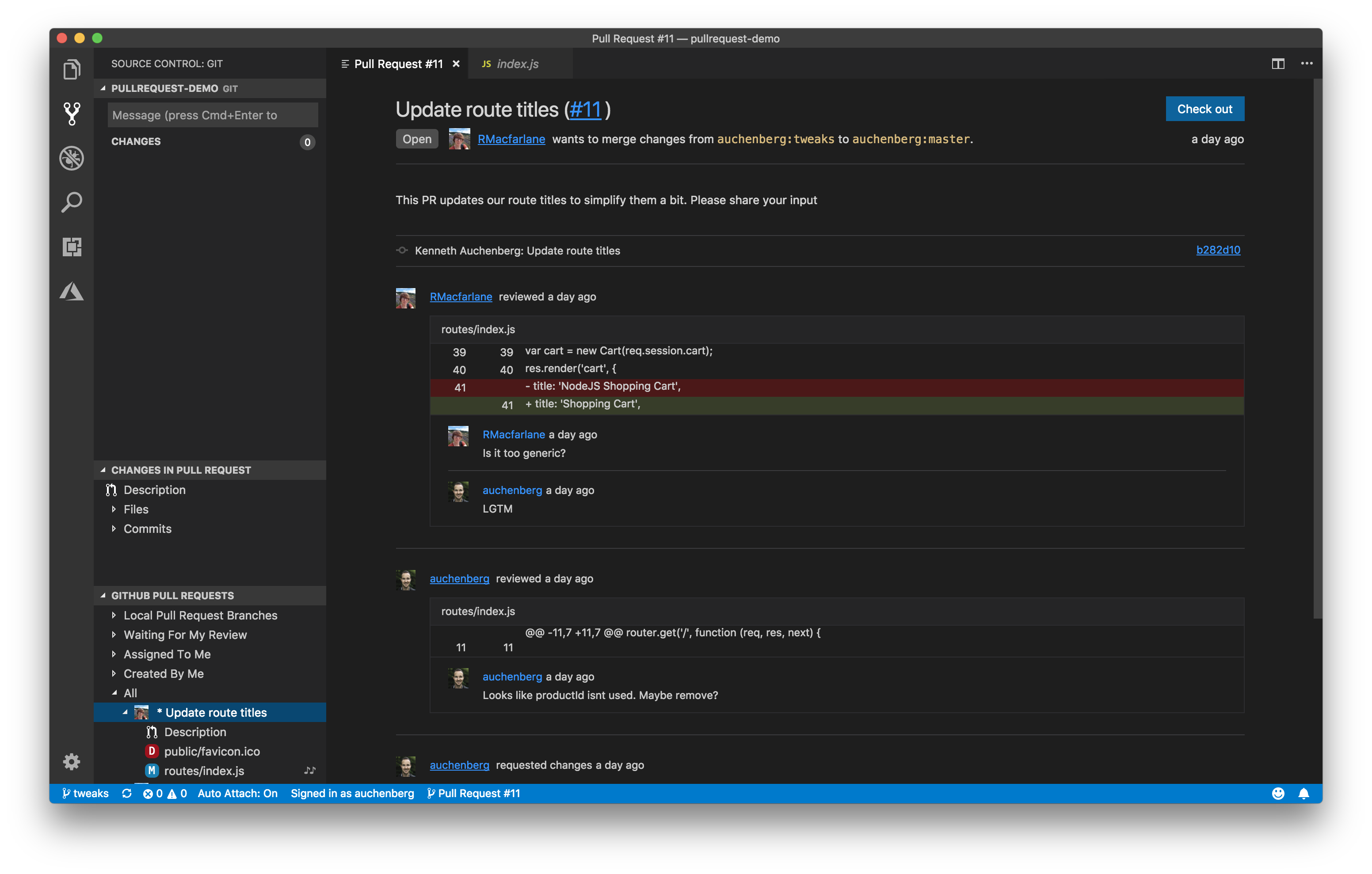
Upload Project files On Github Using Command Line Tuts Make Push Your
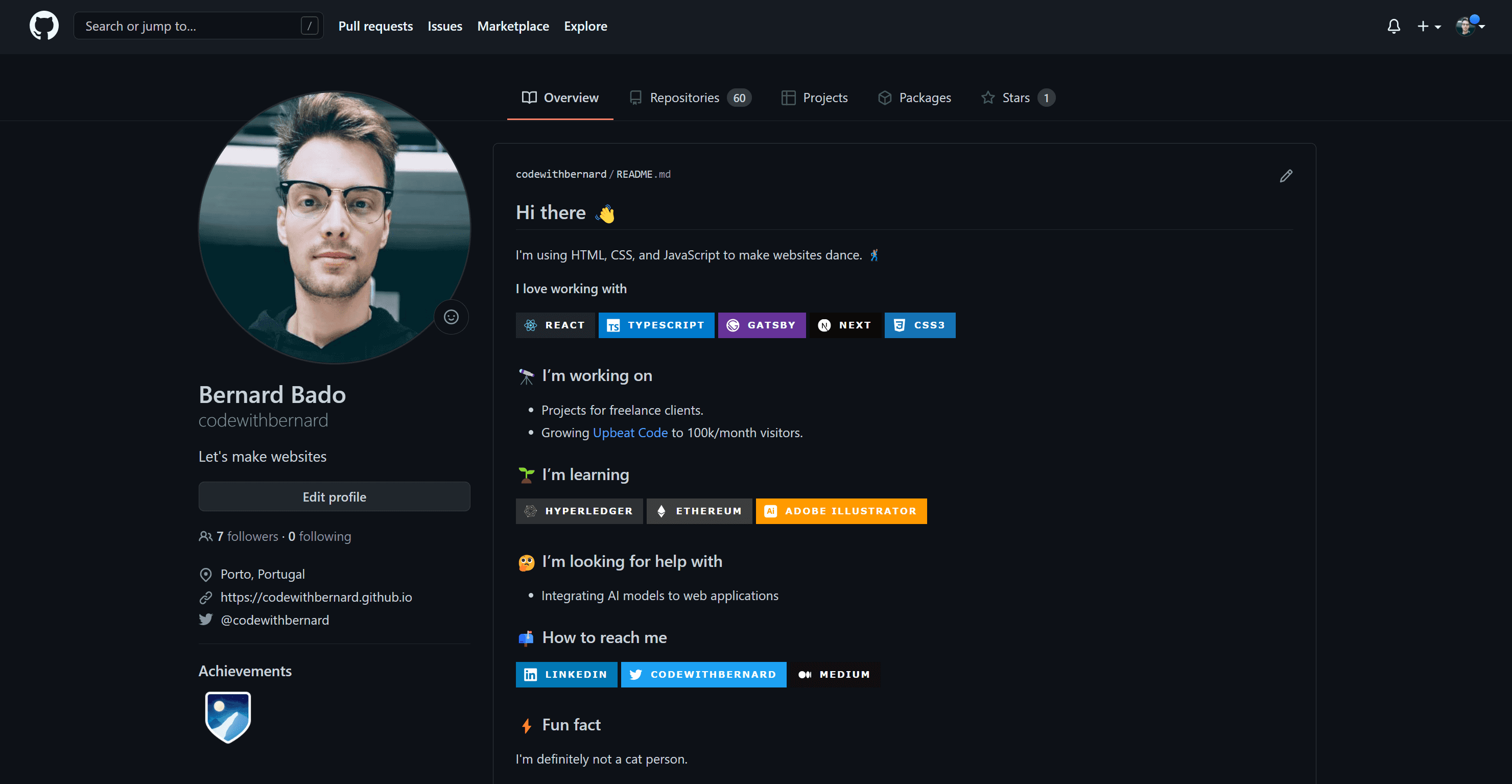
How To Create Stunning Github Profile Upbeat Code

Git And Github In Software Development MechoMotive

How To Get A Girl To Open Up To You When You re A Guy 8 Steps

WEB Mar 15 2021 nbsp 0183 32 How do I get a particular older version of a file from git repository without wiping out later versions

WEB Sep 4 2012 nbsp 0183 32 When you clone a repository you are copying all versions So first clone a repository which does initially checkout the latest version then checkout the version you actually want You can checkout the commit based on the hash

WEB The fastest way to restore an old version is to use the quot reset quot command git reset hard 0ad5a7a6 This will rewind your HEAD branch to the specified version All commits that came after this version are effectively undone your project is

WEB Nov 28 2023 nbsp 0183 32 Learn how to check out any previous version into the working directory Git make time traveling possible at least for your project The checkout command will update your working directory to any previous commit

WEB You can use the file when running git blame locally as well git blame ignore revs file git blame ignore revs You can also configure your local git so it always ignores the revs in that file git config blame ignoreRevsFile git blame ignore revs Bypassing git blame ignore revs in the blame view
WEB Jul 13 2016 nbsp 0183 32 There are a number of reasons why you might want or need find and checkout an old version of a file in your git repository Maybe you edited a file in your feature branch and it is no longer needed and you want to just reset that file back to the HEAD branch state WEB You can use git cat file to dump the contents of the file to the standard output and redirect that into your desired destination git cat file p lt sha1 gt file tex gt wherever tex The is necessary if you are in a subdirectory of the repository if you re in the top level of the repository it may be omitted
WEB Here is how you can easily view an older version of your files using Github Desktop