How To Get Excel File In Sql Server How To Import Excel File In Sql Server Excel To SQL Mansoor Anwar Audit SQL Server Jobs Thomas LaRock 03 Hindi How To Import The Excel File In Sql Server Using Ssis YouTube Insert Into Sql Server Table From Excel Brokeasshome Creating A Sql Database From An Excel Spreadsheet Riset Web Feb 28 2023 nbsp 0183 32 Excel file path Specify the path and file name for the Excel file For example For a file on the local computer C MyData xlsx For a file on a network share Sales Database Northwind xlsx Or click Browse Browse Locate the spreadsheet by using the Open dialog box
Web Sep 9 2021 nbsp 0183 32 1 External table to CSV is probably an good option alexherm Sep 9 2021 at 22 08 2 Excel can read CSV However if you really need a xls file and you have SSIS available on your SQL server you can use that Web Excel can open dqy files directly which allows you or other users to create additional external data ranges from the same query To open a saved query from Excel On the Data tab in the Get External Data group click From Other Sources and then click From Microsoft Query The Choose Data Source dialog box is displayed
Creating A Sql Database From An Excel Spreadsheet Riset How To Export Excel File In Sql Server Sql Server Log Files It Pro Riset How To Export Excel File In Sql Server Sql Server Identifying Database Default Locations For Data And Logs How To Run A SQL Query With VBA On Excel Spreadsheets Data Our Code World Import Excel File In SQL Server Using SSIS Package Load Excel File In SQL Server Using SSIS YouTube Import Data From Excel To SQL Server QA With Experts
How To Get Excel File In Sql Server
 How To Get Excel File In Sql Server
https://i.ytimg.com/vi/GBkeQ4I8bUo/maxresdefault.jpg
Web Mar 19 2018 nbsp 0183 32 Step 1 for me will be xp cmdshell copy D Data Admits blank xlsx intranet Reports Admits Admits xlsx Step 2 will be the dtsx package Change the step type to be SQL Server Integration Services Package and at the bottom specify the path for the package which we saved at D Data
Templates are pre-designed files or files that can be utilized for numerous purposes. They can conserve time and effort by providing a ready-made format and layout for creating different sort of content. Templates can be utilized for individual or professional projects, such as resumes, invitations, flyers, newsletters, reports, presentations, and more.
How To Get Excel File In Sql Server

How To Import Sql File In Mysql Database With Php Devnote Riset

How To Export Excel File In Sql Server

Sql Server Log Files It Pro Riset

How To Export Excel File In Sql Server
How To Run A SQL Query With VBA On Excel Spreadsheets Data Our Code World

Import Excel File In SQL Server Using SSIS Package
Web The quickest way to get your Excel file into SQL is by using the import wizard Open SSMS SQL Server Management Studio and connect to the database where you want to import your file into Import Data in SSMS in Object Explorer under Databases right click the destination database and select
Web Nov 10 2017 nbsp 0183 32 There are many ways to import data from an Excel file to a SQL Server database using SQL Server Integration Services SSIS the OPENROWSET and OPENDATASOURCE functions SQL Server linked servers the

Web Jun 11 2014 nbsp 0183 32 SELECT FROM OPENROWSET Microsoft ACE OLEDB 12 0 Excel 8 0 HDR NO Database T temp Test xlsx select from sheet1 But we aware sometimes this just wont work I had this working for local admins only There is a way to do this using SSIS as well Share Improve this answer Follow edited Aug 10 2017 at 11 31
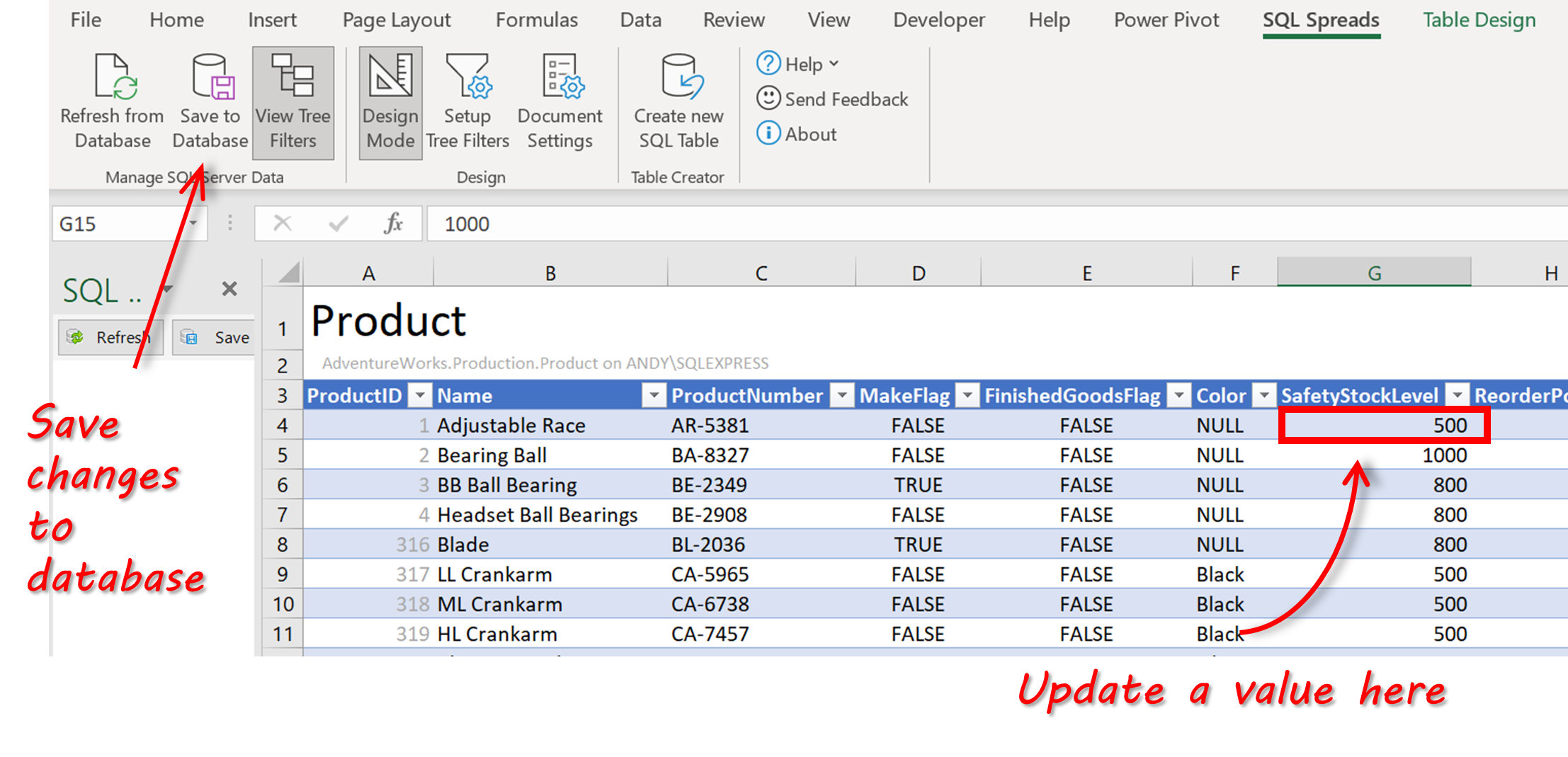
Web In this article a couple of ways to import and export SQL Server data to an Excel file will be explained Export SQL Server data to an Excel file using the SQL Server Import and Export Wizard T SQL code Export to Excel from ApexSQL Complete Import SQL Server data into Excel using the Data Connection Wizard

Web Solution Let s try to read a simple Excel file from within T SQL code using OPENROWSET and OPENDATASOURCE First of all let me describe a little bit about my environment Windows Server 2012 R2 Standard virtual machine with SQL Server 2016 SP2 CU7 13 0 5337 0 default instance
Web May 6 2022 nbsp 0183 32 1 Benefits of connecting Excel to SQL Server 2 Connect Excel to a SQL Server database 3 easy steps a Step 1 Gather the database connection details b Step 2 Connect to SQL Server c Step 3 Select the relevant table in SQL Server 3 Example A simple Quote form in Excel connected to SQL Server a Connection details b Connect Web Sep 15 2009 nbsp 0183 32 Exporting data from SQL Server to Excel can be achieved in a variety of ways Some of these options include Data Transformation Services DTS SQL Server Integration Services SSIS and Bulk Copy BCP
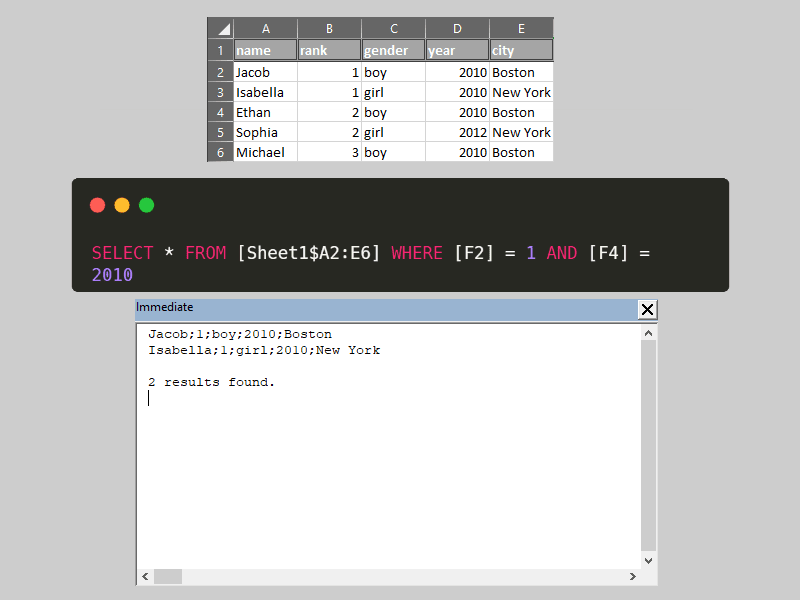
Web Feb 23 2023 nbsp 0183 32 Open a SQL connection to an Excel file Before running a SQL query you have to open a connection with the Excel file you want to access To establish the connection create a new variable named Excel File Path and initialize it with the Excel file path Optionally you can skip this step and use the hard coded path of the file later in