How To Get Command Line On Mac 7 Ways To Get Command Line Help On Linux Linux New Things To Learn How To Find Out How To Rename Move Files With Spaces In Name At Command Line How To Erase Disk In Command Line On Mac OS Compsmag How To Get Command Line Switch Working Configuration Home Assistant Community 3 Ways To Get To The Command Line On A Mac WikiHow Web Sep 15 2022 nbsp 0183 32 Open Terminal Using Finder Go to the Dock and click on the Finder icon It looks like a two tone smiling face Choose Applications in Finder s left panel If it s not there click Go at the top of
Web Mar 21 2018 nbsp 0183 32 To open it either open your Applications folder then open Utilities and double click on Terminal or press Command space to launch Spotlight and type quot Terminal quot then double click the search result You ll Web Control Option Command Slash Complete directory or file name On a command line type one or more characters then press Tab Display a list of possible directory or file
3 Ways To Get To The Command Line On A Mac WikiHow How To Get Command Blocks UPDATED YouTube 3 Ways To Get To The Command Line On A Mac WikiHow 7 Ways To Get Command Line Help On Linux How To Get Command Blocks In MCPE Minecraft PE FAQ Minecraft Commands Minecraft Pe Minecraft How To Get Command Strip Hangers To Attach To A Textured Bathroom Wall Hometalk 3 Ways To Get To The Command Line On A Mac WikiHow 3 Ways To Get To The Command Line On A Mac WikiHow 3 Ways To Get To The Command Line On A Mac WikiHow
How To Get Command Line On Mac
 How To Get Command Line On Mac
https://i.pinimg.com/originals/bc/11/a6/bc11a69aafcea427e918b716e3dda0aa.jpg
Web Feb 26 2022 nbsp 0183 32 Open a File open Edit a File nano Run as Super User sudo Show the Working Directory pwd Show Running Processes top Terminate a Process kill Learn More about a Command man Do More with
Templates are pre-designed files or files that can be utilized for numerous purposes. They can save effort and time by providing a ready-made format and layout for developing different type of content. Templates can be used for personal or expert tasks, such as resumes, invites, flyers, newsletters, reports, discussions, and more.
How To Get Command Line On Mac
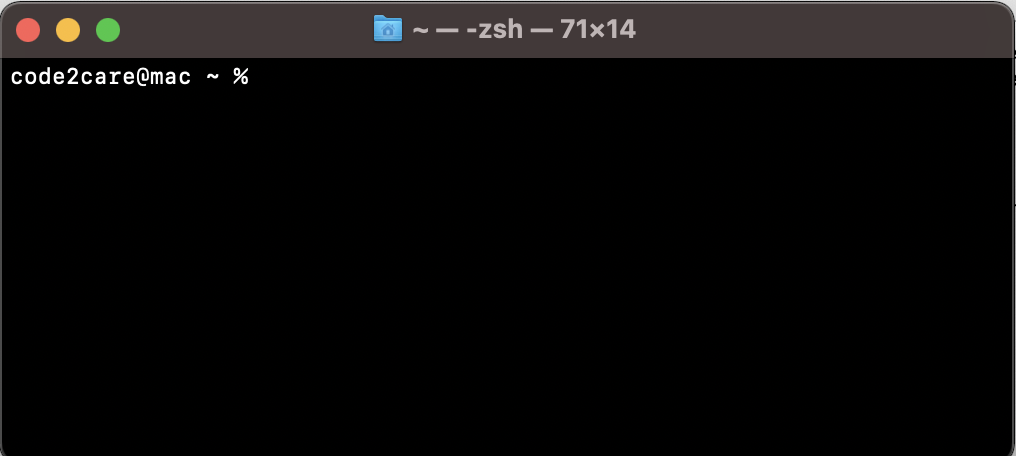
How To Use Command Prompt On A Mac Code2care

How To Get Command Blocks UPDATED YouTube

3 Ways To Get To The Command Line On A Mac WikiHow
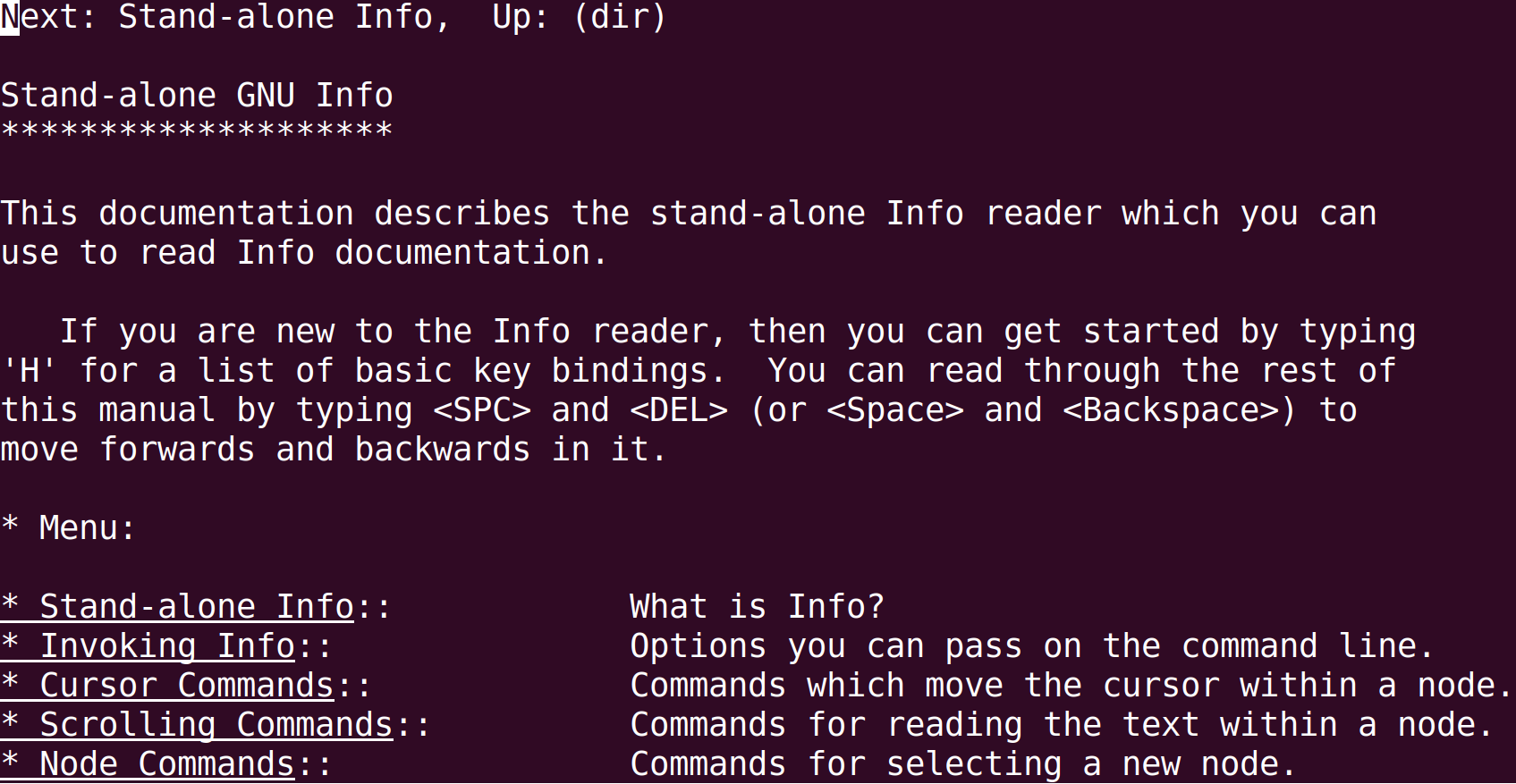
7 Ways To Get Command Line Help On Linux
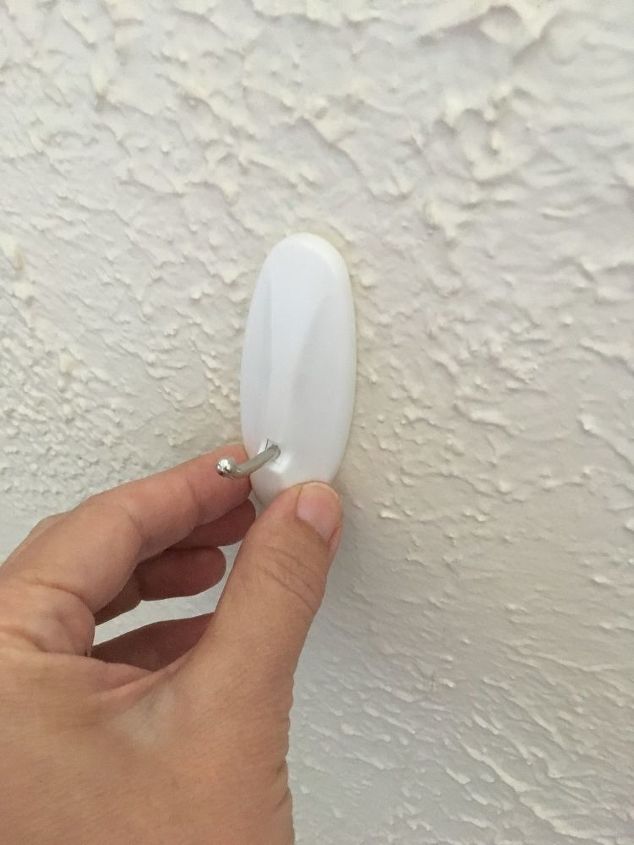
How To Get Command Strip Hangers To Attach To A Textured Bathroom Wall Hometalk

3 Ways To Get To The Command Line On A Mac WikiHow

Web In the Terminal app on your Mac click the Terminal window that is running the command you want to terminate Press Control C This sends a signal that causes most commands

Web Learn how to use Terminal on your Mac to interact directly with macOS using the command line

Web Aug 10 2020 nbsp 0183 32 In the menu bar click quot Go quot and select quot Applications quot Your Applications folder will open Scroll through until you find the quot Utilities quot folder Double click the quot Utilities quot
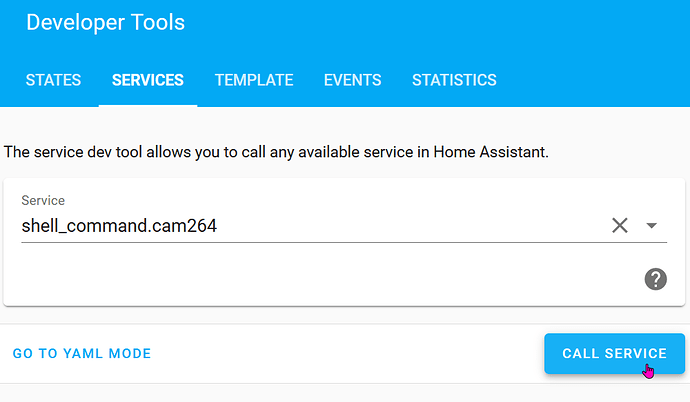
Web May 18 2023 nbsp 0183 32 A system running macOS Access to the command line terminal Note Since both macOS and Linux are compatible with UNIX applications most commands listed in this overview have their Linux

Web Nov 6 2021 nbsp 0183 32 Command line using Spotlight Search In the upper right corner of the desktop click the icon Type Terminal into the Spotlight Search bar that appears
Web Dec 12 2021 nbsp 0183 32 Launch the Terminal app from Applications gt Utilities or search for it via Spotlight Then you can get started with some of the powerful commands below FREE Web Jul 9 2022 nbsp 0183 32 The way to access the Mac s command line is through the Terminal app which is located in the Utilities folder inside Applications
Web May 31 2023 nbsp 0183 32 Using keyboard shortcuts To use a keyboard shortcut press and hold one or more modifier keys and then press the last key of the shortcut For example to use Command C copy press and hold the