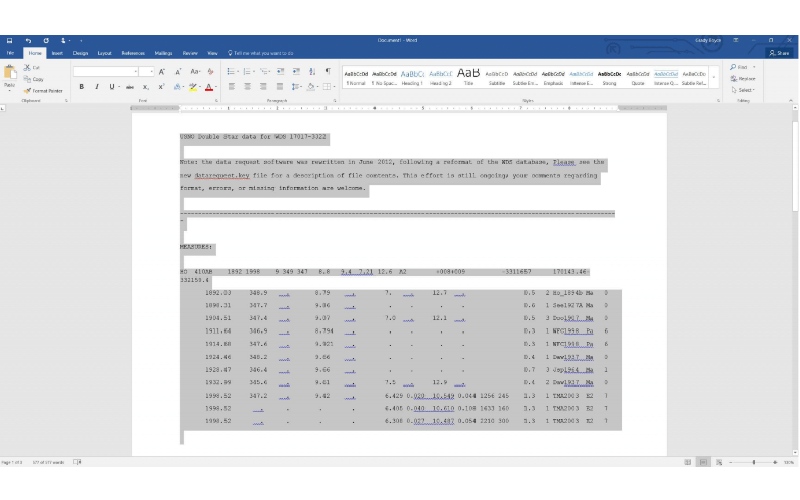
How To Format Data As Table In Google Sheets Concepe Misiune Invidie How To Create A Table Google Sheets Voal Satisface Compozi ie How To Format Data As Table Without Shortcut YouTube Microsoft Excel Sheet Format Data As Table Remove Table Format YouTube How To Format Data Series In Excel with Easy Steps ExcelDemy How To Format Data From The USNO Boyce Astro Web Open a spreadsheet in Google Sheets Click a cell that s empty or double click a cell that isn t empty Start typing Optional To add another line within a cell press Enter on a Mac or
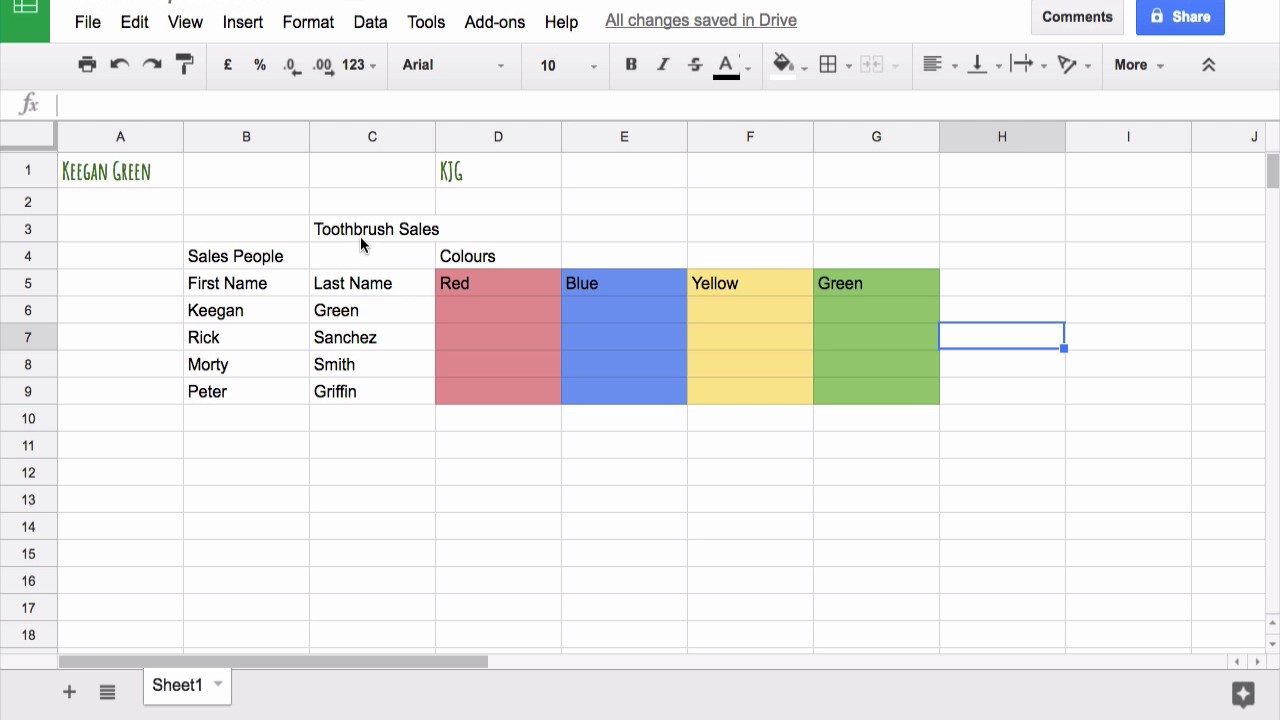
Web Jan 14 2023 nbsp 0183 32 1 Go to Google Sheets How to Make a Table in Google Sheets Open Sheets 2 Add column headers How to Make a Table in Google Sheets Add Headers 3 Add row data How to Make a Table Web Adding Data to Your Table If you insert new rows or columns into the middle of your table Google Sheets will automatically apply the table formatting to the inserted rows columns so your table formatting still looks good You can even type new rows of data at the
How To Format Data From The USNO Boyce Astro How To Format Data As Dates In A Microsoft Excel Spreadsheet Smart Office How To Format Data Series In Excel with Easy Steps ExcelDemy How To Format Data Series In Excel with Easy Steps ExcelDemy How To Format Data Labels In Excel with Easy Steps ExcelDemy How To Make A Multiplication Table In Google Sheets 2021 Hearet Sidamopw Kds 2022 How To Format Data In Excel Using Python Openpyxl Tutorial 8 YouTube How To Format Data Series In Excel with Easy Steps ExcelDemy Python How Can I Format Index Text Data Using Pandas styler Stack Overflow
How To Format Data As Table In Google Sheets
 How To Format Data As Table In Google Sheets
https://i.ytimg.com/vi/APVpBoO7cgA/maxresdefault.jpg
Web Nov 30 2021 nbsp 0183 32 Intro Create a Data Table in Google Sheets Like Excel Chester Tugwell 71 2K subscribers Subscribe 91K views 1 year ago Download the featured file here https www bluepecantraining cre In
Pre-crafted templates use a time-saving option for creating a varied variety of documents and files. These pre-designed formats and designs can be utilized for different personal and professional projects, including resumes, invitations, flyers, newsletters, reports, discussions, and more, streamlining the material creation procedure.
How To Format Data As Table In Google Sheets
How To Insert Use Pivot Table In Google Sheets

How To Format Data As Dates In A Microsoft Excel Spreadsheet Smart Office
How To Format Data Series In Excel with Easy Steps ExcelDemy
How To Format Data Series In Excel with Easy Steps ExcelDemy

How To Make A Multiplication Table In Google Sheets 2021 Hearet Sidamopw Kds 2022

How To Format Data In Excel Using Python Openpyxl Tutorial 8 YouTube
Web Click within your formatted data and then in the Ribbon go to Insert gt Tables gt Table All the data is selected If your data has headers make sure that option is ticked and then click OK The data is automatically
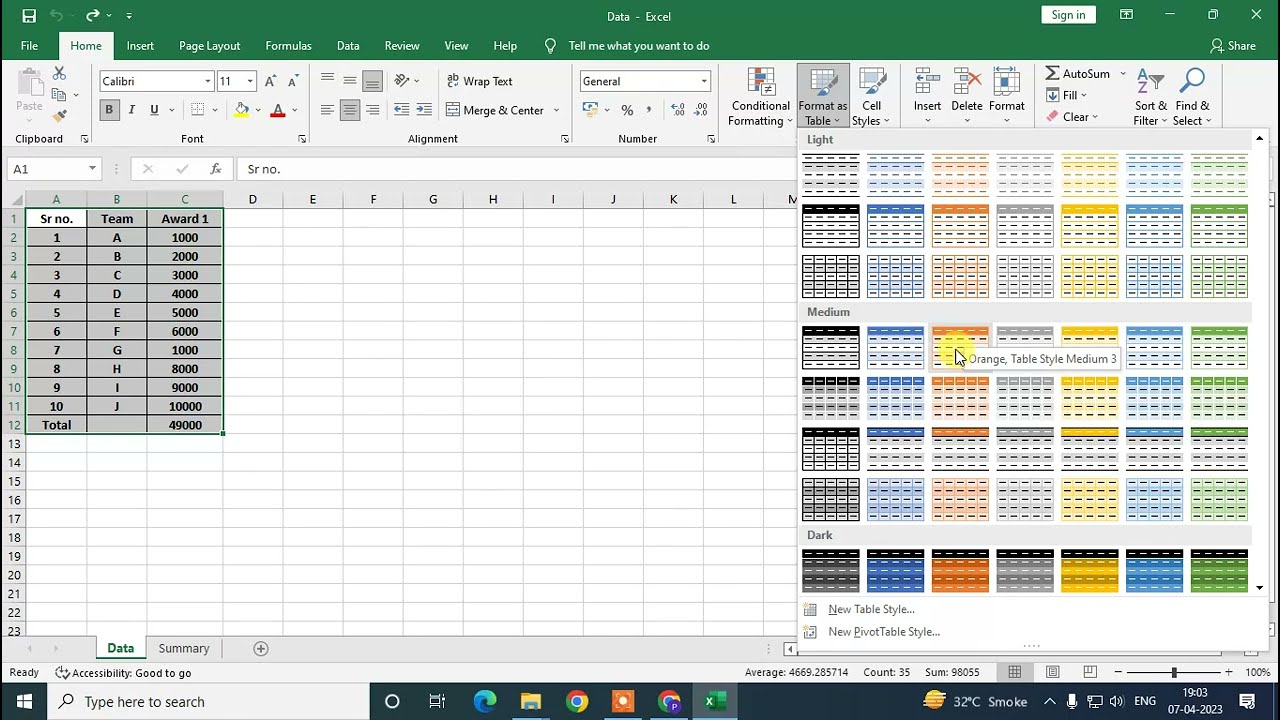
Web Sep 26 2023 nbsp 0183 32 Create a table in Google Sheets with alternating colors Make a scrolling table in Google Sheets Format data as table in Google Sheets using the named range Create a table with filters in
Web Sep 10 2018 nbsp 0183 32 How to make a table in Google Sheets with colors and indicator arrows Hidden in the Custom Number Format menu is a conditional formatting option for setting different formats for numbers

Web Mar 12 2018 nbsp 0183 32 Excel makes Format as table really simple All you have to do is select the data that belong in your table and then click CTRL T Windows or Apple T Mac Alternatively there s a Format as Table button in the standard toolbar
Web Apr 30 2021 nbsp 0183 32 Step 1 Enter the Raw Data First let s enter the raw values for some dataset Step 2 Format the Header First let s make the header text bold and centered Step 3 Format the Columns Next we ll format
Web Mar 8 2023 nbsp 0183 32 Step 1 Select the data you want to include in the table To begin select the data you want to include in the table You can select a single cell a range of cells or an entire column or row Step 2 Click the Format as Table button Web Feb 7 2023 nbsp 0183 32 You can do this manually or use the good old keyboard shortcut Control A if you use a Windows computer or Command A on Mac Once you have selected the data in your spreadsheet the next thing you want to do is navigate to the Borders icon in
Web Step 1 Create a Google Sheets spreadsheet with tabular data and format the data Step 2 Create a filter so users can easily filter rows in the table Step 3 Make the totals row auto update aggregate metrics when rows are inserted into or removed from the table