How To Format An Image Description Emails Free Printable Executive Summary Templates Excel PDF 49 OFF Info Memo Editing Papers Annotated Bibliography Official Google Business Profile Help Center where you can find tips and tutorials on using Google Business Profile and other answers to frequently asked questions
On your computer open Chrome At the top right select More Settings On the left select On startup Open the New Tab page You can add update or remove phone numbers on your Google Account Phone numbers are used for different reasons and you have controls to manage how your numbers are used
Annotated Bibliography Itinerary Of Travel Cc Email Format Executive Presentation Template How To Easily Format Your Ireland Address With Examples Emily Embarks How To Write Unfair Dismissal Appeal Letter Infoupdate On Epigraphs By Courtney Maum Email Writing Class 8 Format Examples with Index Teachoo Respectful Email Greetings
How To Format An Image Description
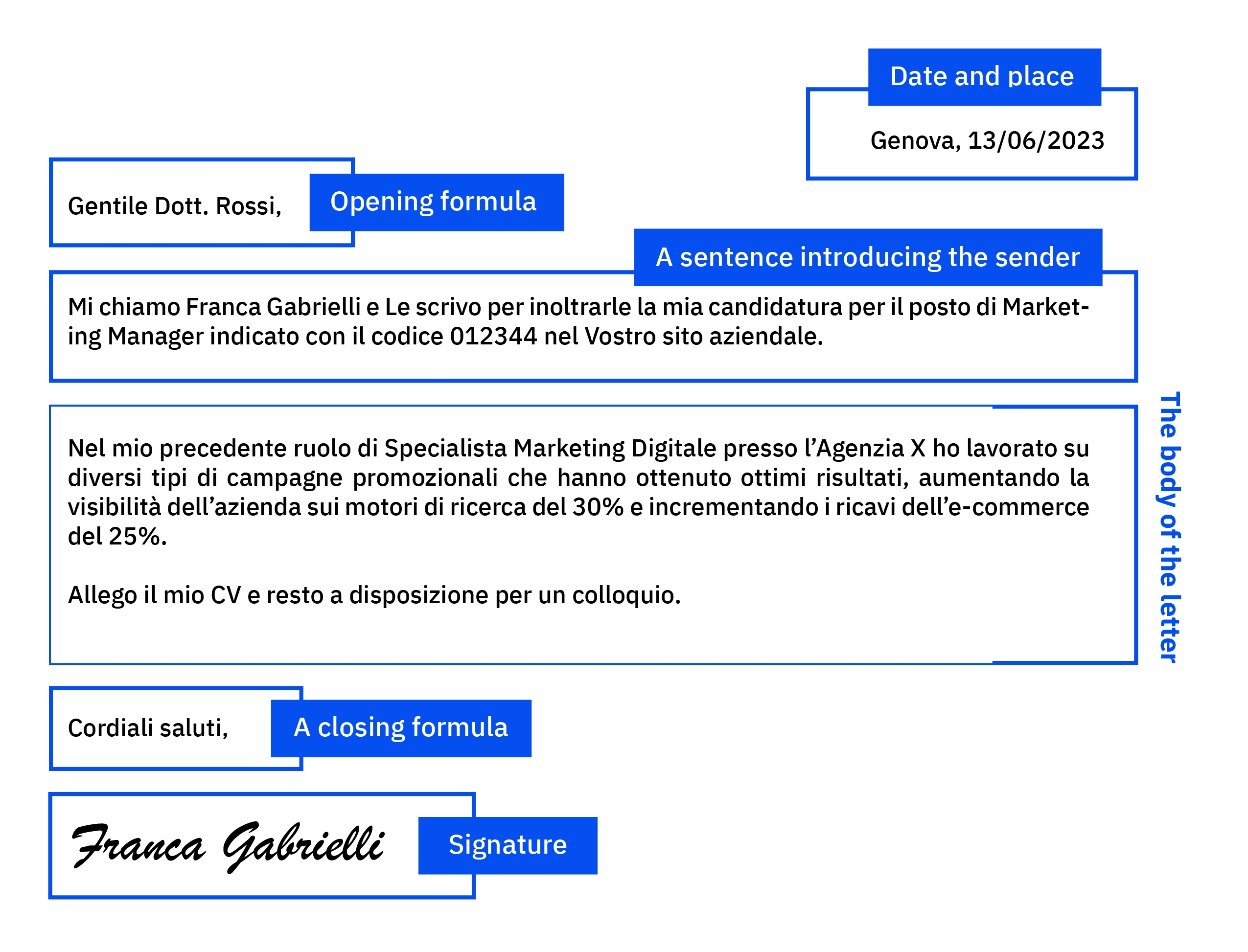 How To Format An Image Description
https://images.contentstack.io/v3/assets/bltacc1a01c4d280f24/blt1a780544d120c19b/64926cfd48a8ff0668477cf2/Formal_letter_formatting_Italian.jpg
With a Business Profile on Google you can manage how your business shows up on Maps and Search at no charge Whether you own a storefront business or provide services where your customers are a
Templates are pre-designed documents or files that can be utilized for various functions. They can conserve time and effort by offering a ready-made format and layout for producing different kinds of content. Templates can be used for personal or expert jobs, such as resumes, invitations, leaflets, newsletters, reports, presentations, and more.
How To Format An Image Description

Email Format
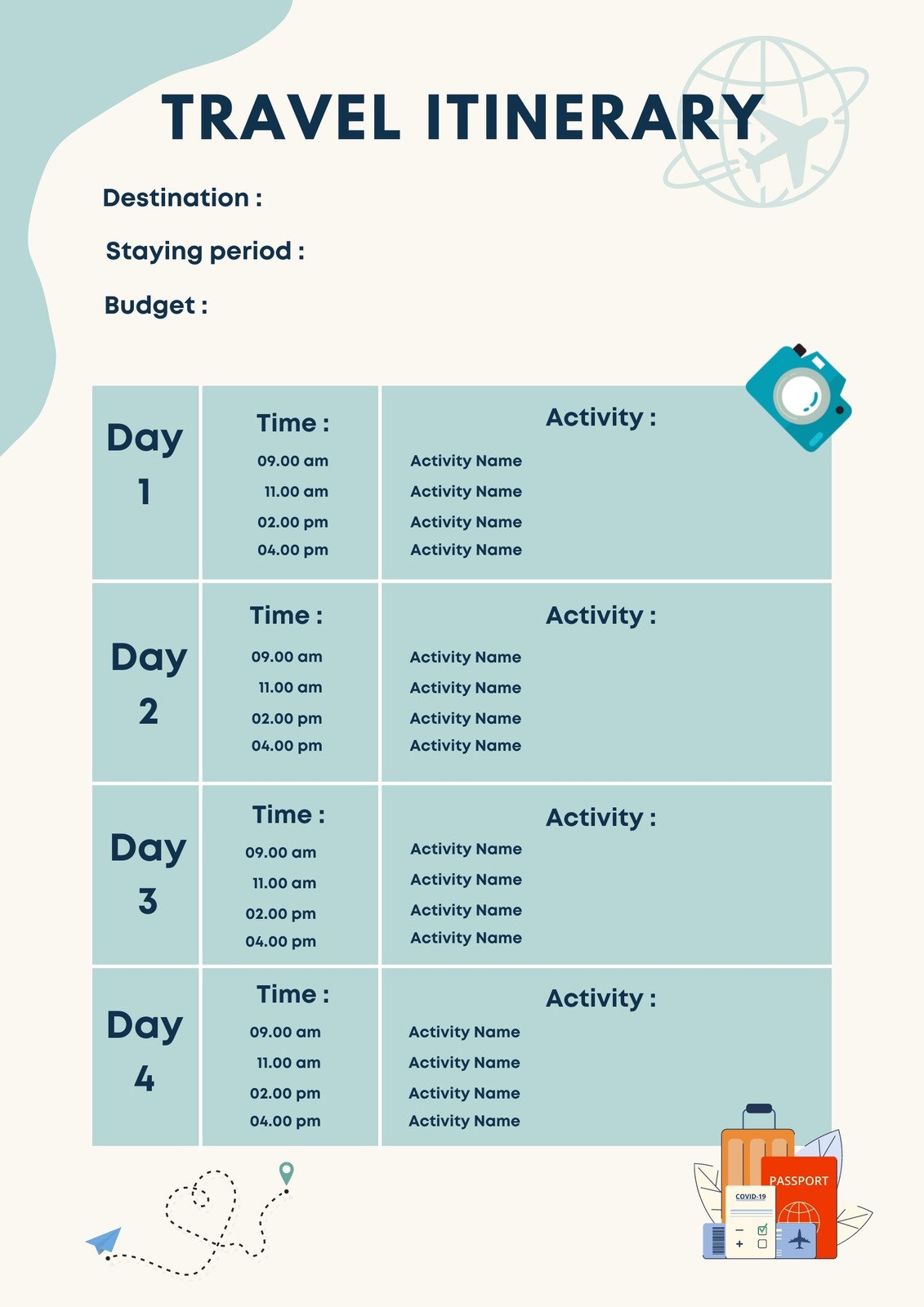
Itinerary Of Travel

Cc Email Format
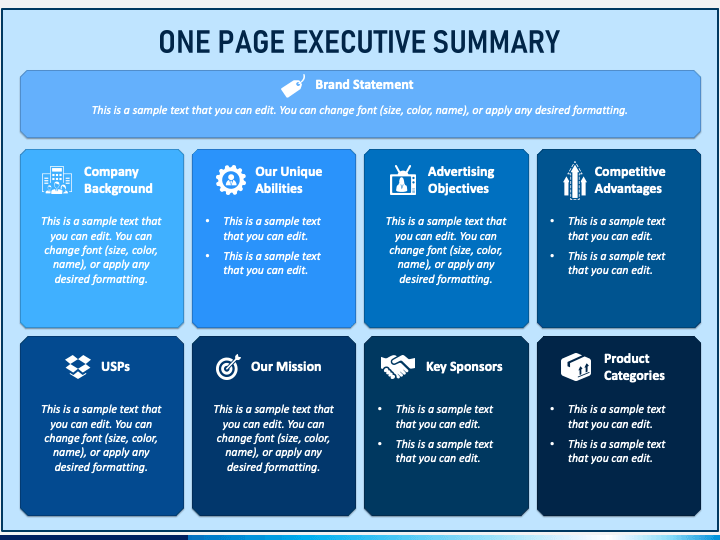
Executive Presentation Template

How To Write Unfair Dismissal Appeal Letter Infoupdate

On Epigraphs By Courtney Maum

Create an account Tip To use Gmail for your business a Google Workspace account might be better for you than a personal Google Account

To find your username follow these steps You need to know A phone number or the recovery email address for the account

To use Chrome on Mac you need macOS Big Sur 11 and up On your computer download the installation file Open the file named quot googlechrome dmg quot

You can browse the web more privately in Incognito mode Open Incognito mode Important When you use an Incognito window you can browse more privately

You can upload open share and edit files with Google Drive When you upload a file to Google Drive it will take up space in your Drive even if you upload to a folder owned by someone else
[desc-11] [desc-12]
[desc-13]