How To Format A Flash Disk How To Format A Flash Drive On Mac SanDisk 16GB USB 2 0 Flash Disk Mubarak Tech Ltd How To Format A Flash Drive When The Disk Is Write protected How To How To Format A Flash Drive For Xbox One Xbox One S Amazon ASVUO USB 3 0 Flash Drive 2TB Ultra High Speed Flash Drive You need to know the correct volume for the drive you want to format For example you may see a prompt to Enter the current volume label for drive E or similar depending on what drive letter you are formatting Before executing the format command you can type vol e replace e with the hard drive letter being formatted and press Enter
1 Format USB Drive From File Explorer 2 Format USB Drive From the Device Manager 3 Format USB Drive From the Command Prompt 4 Format USB Drive With Modern PowerShell Tools 5 Format USB Drive the Traditional Way 6 Format USB Drive With External Software Frequently Asked Questions Also read Stop Your PC Right click the USB Drive and select Format If the File system isn t listed as FAT32 click on the drop down menu and choose it Select Start Wait for the drive to format then select OK to finish the process Format a USB Drive in FAT32 Using Powershell Command Line Tools
Amazon ASVUO USB 3 0 Flash Drive 2TB Ultra High Speed Flash Drive How To Format A Flash Drive On Mac Top 2 Methods Crazy Tech Tricks How To Format A Sandisk Extreme 128GB Micro SD Memory Card In Windows Secret Diaries Windows 7 USB DVD Download Tool How To Format A Flash Drive For Xbox One Xbox One S How To Format Usb Drive Pagwhy Windows 11 Bootable Usb These Deeply Discounted 256GB SanDisk Flash Drives Give You SSD sized How To Format A USB Flash Drive In Ubuntu with Pictures
How To Format A Flash Disk
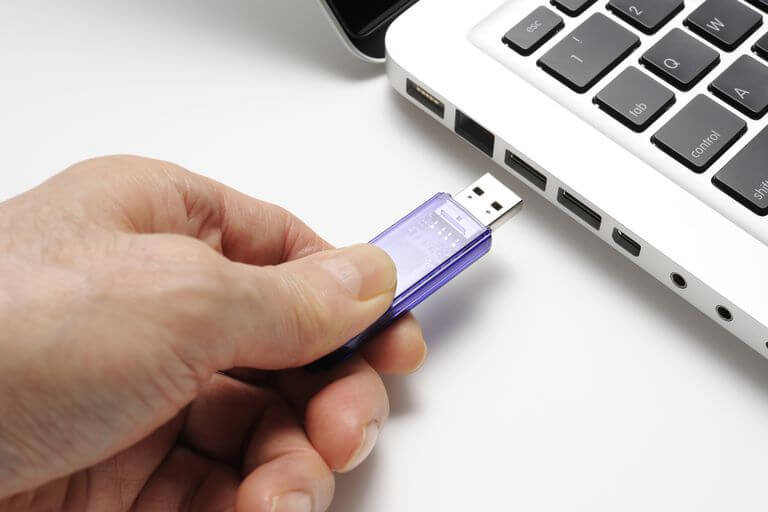 How To Format A Flash Disk
https://www.fonedog.com/images/mac/how-to-format-flash-drive-mac.jpg
Plug in the USB drive Open Windows File Explorer and go to This PC aka Computer or My Computer Right click the drive and select Format The formatting options you can customize are File system Allocation unit size Volume label and Format options You can also Restore device defaults in case your custom settings aren t working
Templates are pre-designed files or files that can be used for various functions. They can conserve effort and time by offering a ready-made format and layout for developing various sort of material. Templates can be utilized for personal or professional tasks, such as resumes, invites, flyers, newsletters, reports, discussions, and more.
How To Format A Flash Disk
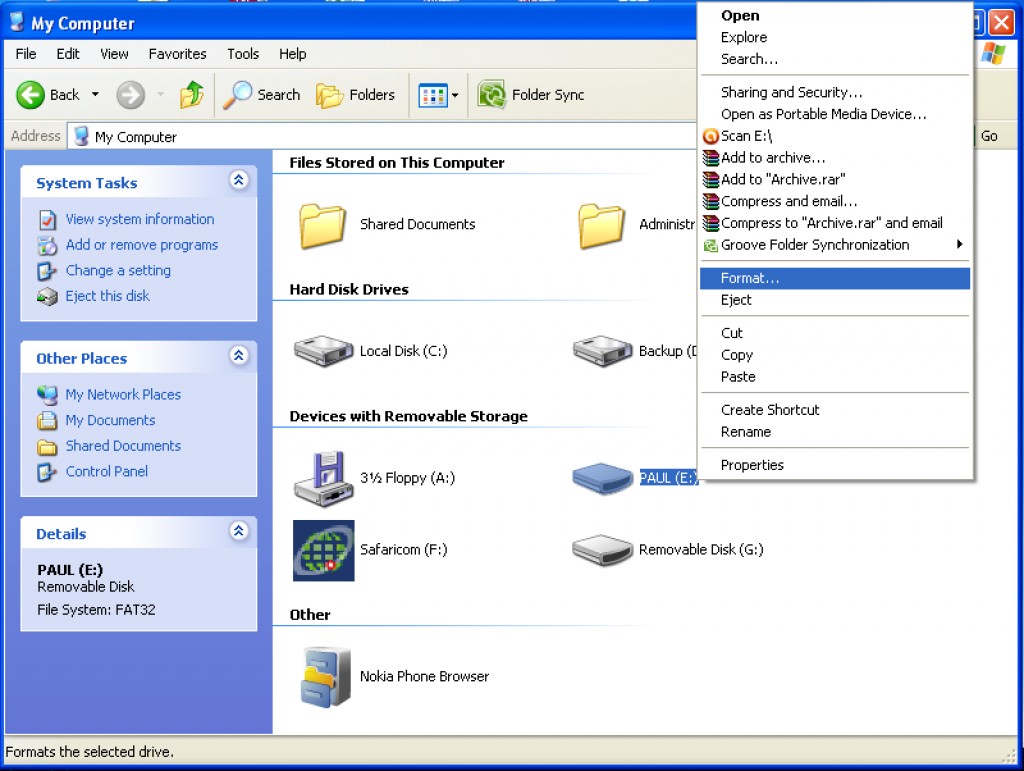
FORMATTING A FLASH DISK
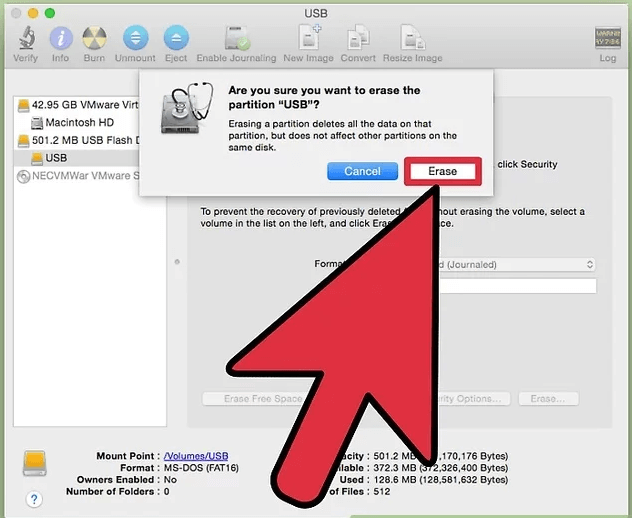
How To Format A Flash Drive On Mac Top 2 Methods Crazy Tech Tricks

How To Format A Sandisk Extreme 128GB Micro SD Memory Card In Windows
Secret Diaries Windows 7 USB DVD Download Tool

How To Format Usb Drive Pagwhy
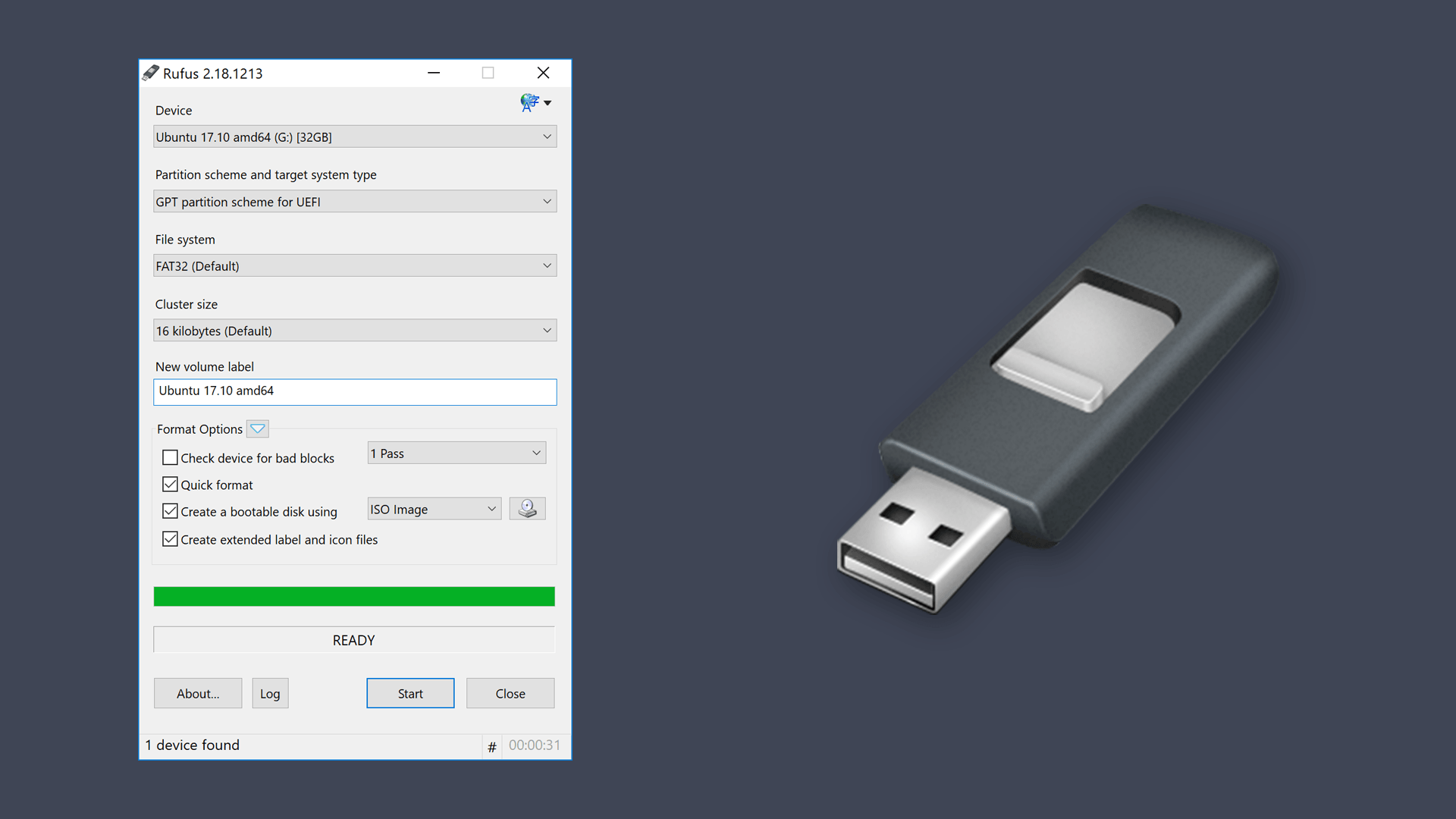
Windows 11 Bootable Usb
On Windows 10 you can quickly format a USB flash drive to erase content or fix data corruption using File Explorer Disk Management PowerShell and Command Prompt and here s how

Steps Download Article 1 Plug your USB drive into your computer Plug it into one of the various USB ports on your computer to continue Normally you d format a USB drive by right clicking it and selecting Format from the menu You ll only use Command Prompt if that other method does not work

It creates a filing system that organizes your data and allows you to maximize the space for your files It s typical to format a drive when a new operating system is going to be used or additional space is required There are two types of formatting on a USB drive Quick format Deletes the file system table and the root folder This option

Right click the USB drive and click Format You now have some choices available The Format screen has several options For the most part you can leave them alone but here is a breakdown of what each option means if you want to change something Capacity This tells you the size of the drive you have selected

How to By Mauro Huculak last updated 21 July 2022 Here are five ways to clean and format a USB flash drive on Windows 11 Image credit Future Jump to Format USB on Explorer Format
[desc-11] [desc-12]
[desc-13]