How To Force Reset How To Force Reset An Apple Watch If It s Not Responding How To Force Reset Your IPhone 8 YouTube Computer Recovery Videos Hard Reset Mobiles Windows 10 Tips Tricks Insightful force Reset Smartphone How To Force Reset Galaxy Watch Web Turn off the computer Press and hold Reset and then press Power while continuing to hold Reset After the Chromebook turns on release Refresh If the computer starts normally you are done If the computer does not start normally see HP Chromebooks Chromebook Operating System Does Not Load Chrome OS
Web Aug 4 2023 nbsp 0183 32 Connect the power cable for desktops or AC adapter and battery for laptops Turn on the computer Additional Information Recommended Articles Here are some recommended articles related to this topic that might be of interest to you How to Reset Real Time Clock RTC to Recover Your Dell Laptop Web Jun 8 2023 nbsp 0183 32 How to factory reset your iPhone iPad or iPod touch Learn how to securely erase information from your iPhone iPad or iPod touch and restore your device to factory settings If you also need to securely erase your Apple Watch you can use these steps to unpair your devices
How To Force Reset Galaxy Watch IPhone 11 11 Pro SE HOW TO Force Restart YouTube How To Force Restart Your IPhone YouTube How Do I Force Restart My IPhone 5 IPhone Forum Toute L actualit How To Force Restart Your Frozen IPhone 8 Or 8 Plus How To Force Restart Or Hard Reset The IPhone 7 MacRumors How To Restore Reset A Macbook Pro A1706 To Factory Settings OS X High How To Hard Or Force Reset A Fixed Battery HP Notebook HP Notebooks IPhone XS XR Force Reset DFU Mode SOS And More 9to5Mac
How To Force Reset
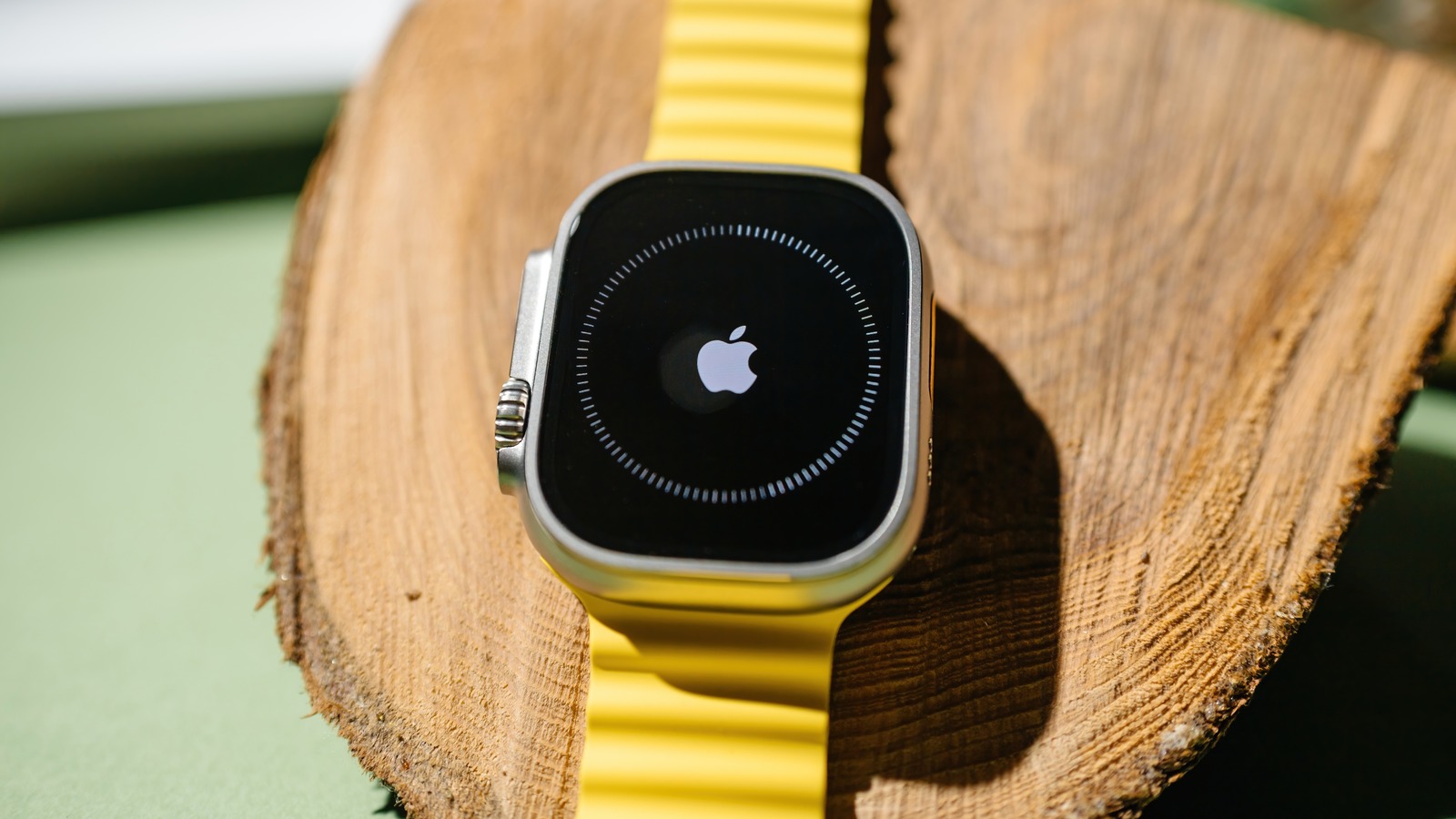 How To Force Reset
https://www.slashgear.com/img/gallery/how-to-force-reset-an-apple-watch-if-its-not-responding/l-intro-1675209414.jpg
Web Force restart iPad models with Face ID or with Touch ID in the top button Press and quickly release the volume button nearest to the top button Press and quickly release the volume button farthest from the top button Press and hold the top button When the Apple logo appears release the top
Pre-crafted templates provide a time-saving solution for developing a varied variety of files and files. These pre-designed formats and designs can be used for various personal and expert jobs, including resumes, invitations, leaflets, newsletters, reports, discussions, and more, streamlining the material development procedure.
How To Force Reset

How To Force Reset Or Reboot IPhone X IPhone 8 IPhone 8Plus YouTube

IPhone 11 11 Pro SE HOW TO Force Restart YouTube
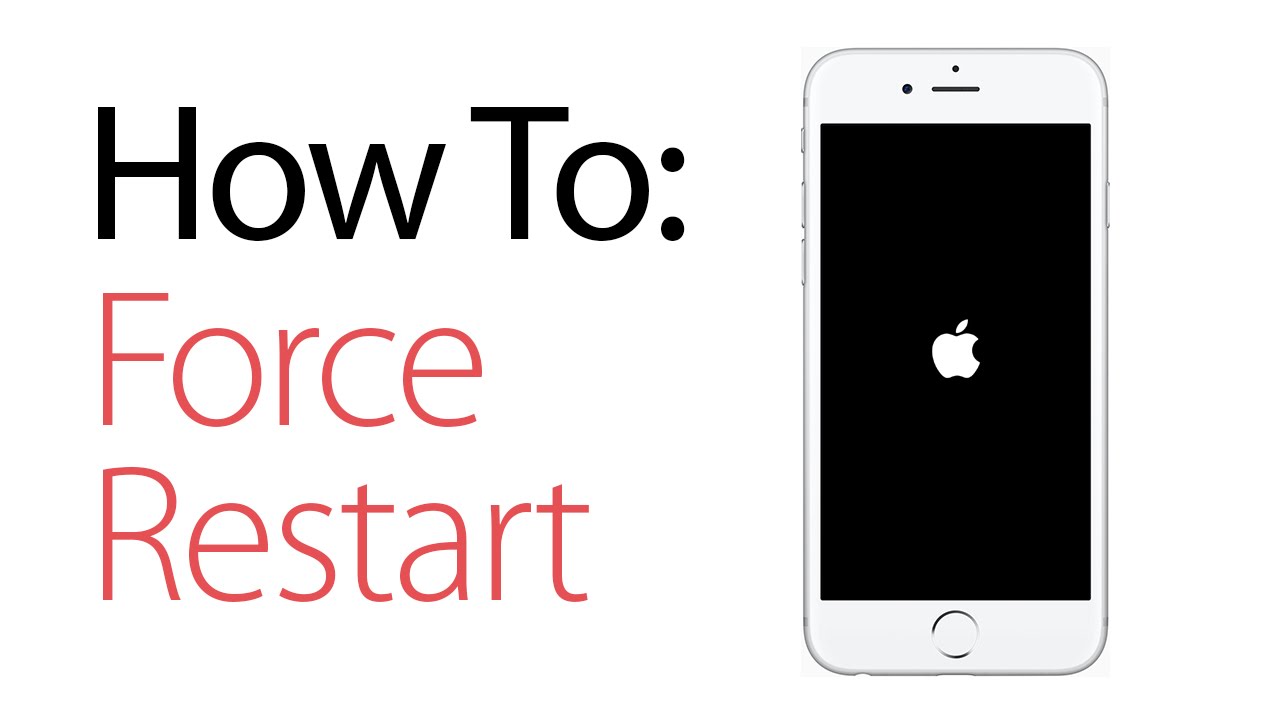
How To Force Restart Your IPhone YouTube

How Do I Force Restart My IPhone 5 IPhone Forum Toute L actualit
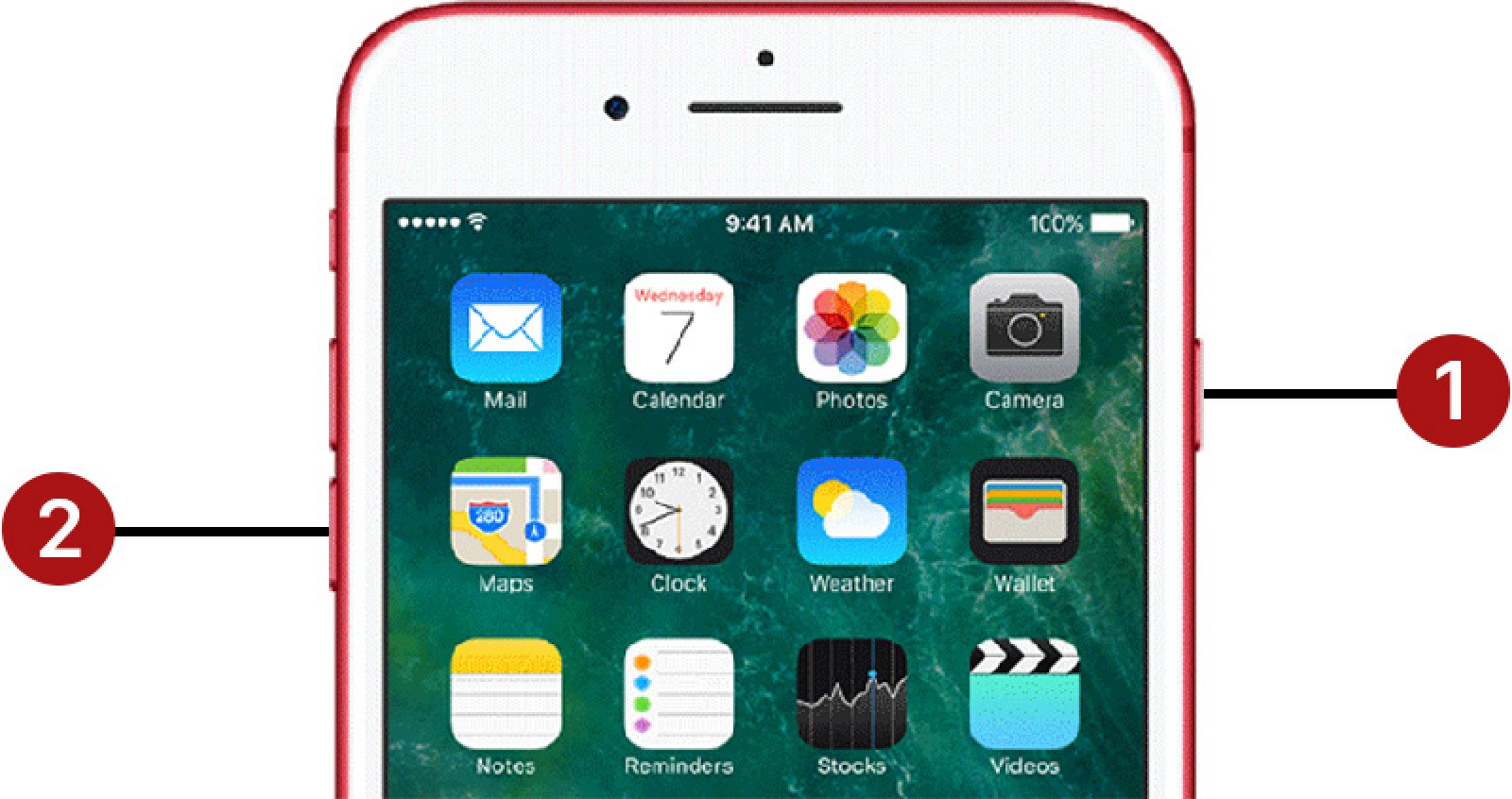
How To Force Restart Or Hard Reset The IPhone 7 MacRumors
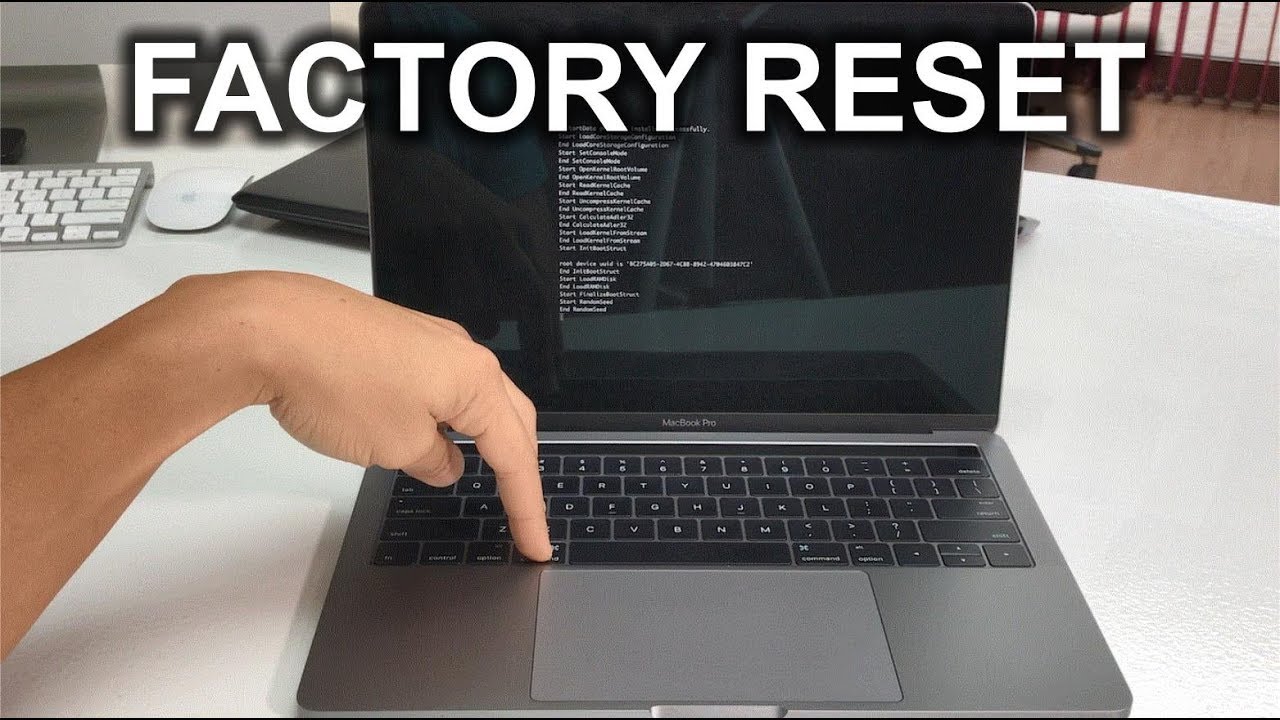
How To Restore Reset A Macbook Pro A1706 To Factory Settings OS X High
Web To reset your PC go to Start gt Settings gt Update amp Security gt Recovery gt Reset this PC gt Get Started Then select Keep my files choose cloud or local change your settings and set Restore preinstalled apps to No Open Recovery settings

Web Force restart iPhone Press and quickly release the volume up button Press and quickly release the volume down button Press and hold the side button When the Apple logo appears release the side button

Web Jul 1 2022 nbsp 0183 32 1 How to Factory Reset Windows 10 or Windows 11 Using the Built In Method Factory resetting Windows was once an inconvenient process but Microsoft introduced a much easier way to do so in Windows 8 This is also included in Windows 10 and Windows 11 and is the best way to factory reset a Windows computer in most cases

Web Reset your Android device to factory settings To remove all data from your phone you can reset your phone to factory settings Factory resets are also called formatting or hard resets

Web Aug 14 2023 nbsp 0183 32 How to Force Restart an Android Phone When It s Not Responding This Is Not a Factory Reset It s important to note that what we re doing here is not a factory reset A factory reset Perform a Hard Restart Reboot Some Android devices have special button combinations to do a hard reboot but
[desc-11] [desc-12]
[desc-13]