How To Fix Bootrec Fixboot Element Not Found HOW TO FIX BOOTREC REBUILDBCD ELEMENT NOT FOUND IN WINDOWS 10 11 How To Fix Bootrec Fixboot Access Is Denied Problem In Windows 11 How To Fix Bootrec Fixboot Access Is Denied Windows 11 YouTube Fixed Bootrec Fixboot Element Not Found Windows 10 Error MiniTool How To Fix Bootrec Fixboot Access Is Denied Windows 10 11 Fix Google Slides is an online presentation app that lets you create and format presentations and work with other people Step 1 Create a presentation To create a new presentation
Want advanced Google WoTo edit a document On your computer open a document in Google Docs To select a word double click it or use your cursor to select the text you want to change Learn how to change more cookie settings in Chrome For example you can delete cookies for a specific site In other browsers If you use Safari Firefox or another browser check its support
How To Fix Bootrec Fixboot Access Is Denied Windows 10 11 Fix Duplicate Entries In Diskpart Bootrec fixboot fixmbr Broken How To Fix FixBoot Access Denied Windows10 Boorec Fixboot Appuals How To Fix Bootrec fixboot Access Is Denied Error SOLVED WORKING AND Duplicate Entries In Diskpart Bootrec fixboot fixmbr Broken Fixed The Boot Configuration Data Store Could Not Be Opened Fix Bootrec Fixboot Access Is Denied Conciergenet How To Fix Bootrec fixboot Access Is Denied Error In Windows YouTube
How To Fix Bootrec Fixboot Element Not Found
 How To Fix Bootrec Fixboot Element Not Found
https://vmtechs.net/wp-content/uploads/2022/10/How-to-Fix-BootRec-RebuildBCD-ELEMENT-NOT-FOUND-768x537.jpg
You can use Google Forms to create online surveys quizzes and forms send them to others to fill in and then analyse their responses in real time To edit forms and analyse responses with
Pre-crafted templates provide a time-saving service for creating a diverse variety of files and files. These pre-designed formats and layouts can be used for different individual and professional jobs, consisting of resumes, invitations, flyers, newsletters, reports, presentations, and more, simplifying the material creation process.
How To Fix Bootrec Fixboot Element Not Found

Bootrec fixboot Element Not Found Windows 10 Forums

Duplicate Entries In Diskpart Bootrec fixboot fixmbr Broken
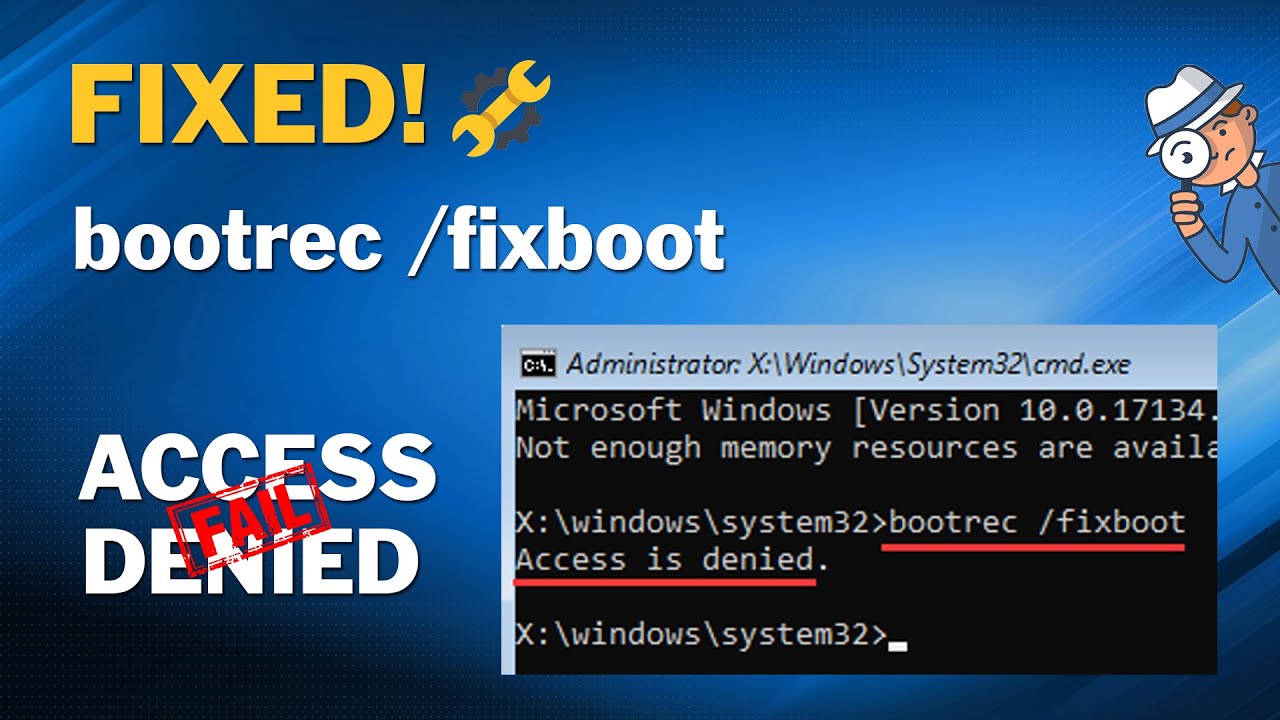
How To Fix FixBoot Access Denied
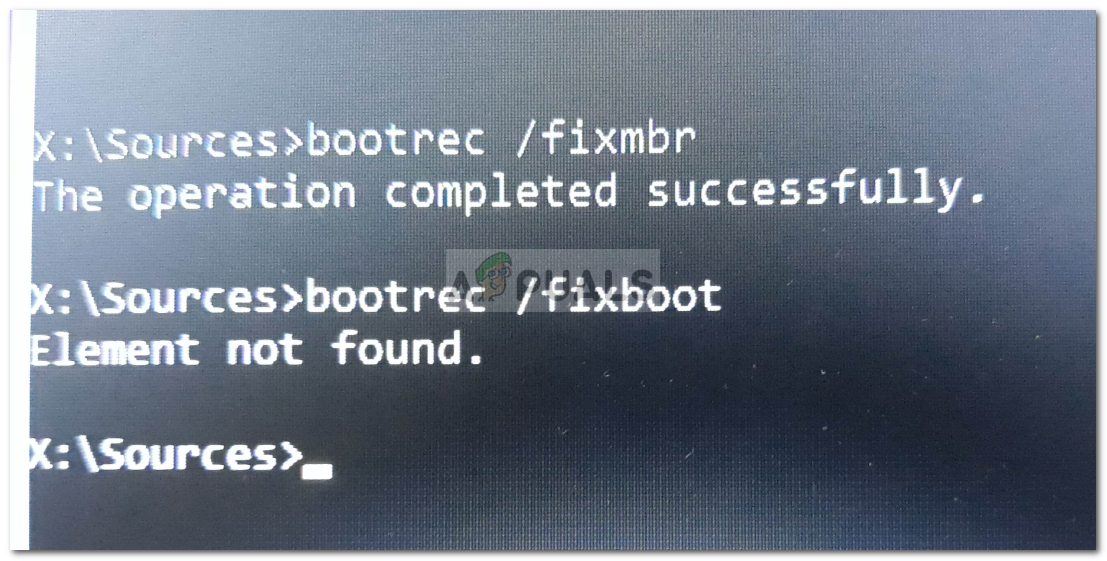
Windows10 Boorec Fixboot Appuals

Duplicate Entries In Diskpart Bootrec fixboot fixmbr Broken
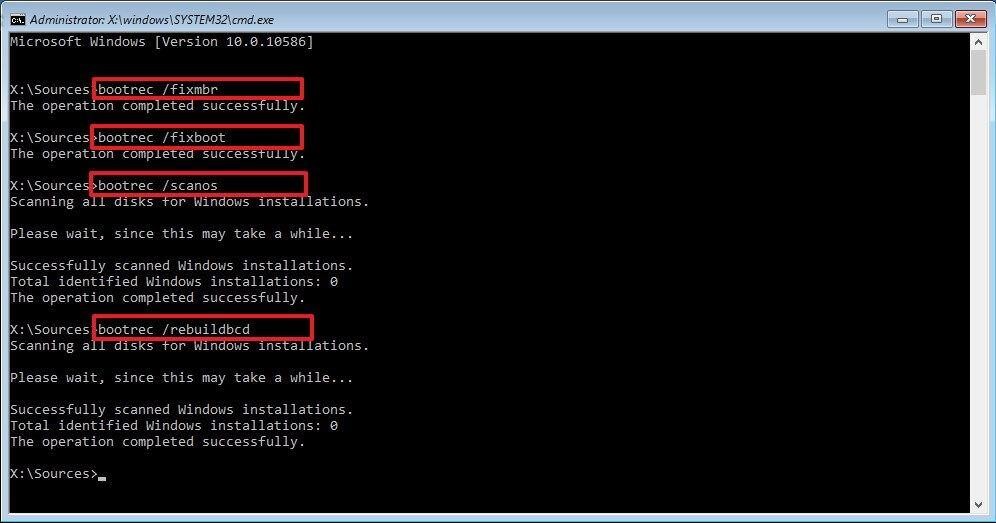
Fixed The Boot Configuration Data Store Could Not Be Opened

Sign in to Gmail Tip If you sign in to a public computer make sure to sign out before you leave the computer Learn how to sign in on a device that s not yours

Important When you create a Google Account for your business you can turn business personalization on A business account also makes it easier to set up Google Business Profile

Create an account Tip To use Gmail for your business a Google Workspace account might be better for you than a personal Google Account With Google Workspace you get increased
To find your username follow these steps You need to know A phone number or the recovery email address for the account The full name on your account Follow the instructions to

To find any of these features tap your profile picture or initial Location Sharing Choose who can find your location and whose location you can find on Google Maps Settings Manage your Wi
[desc-11] [desc-12]
[desc-13]