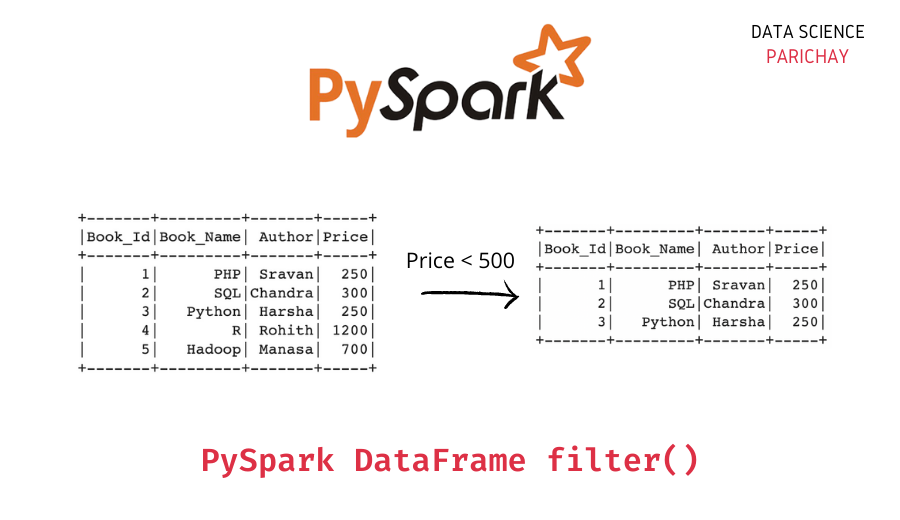
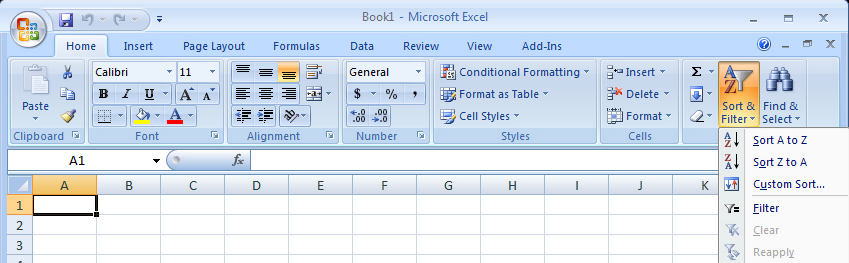
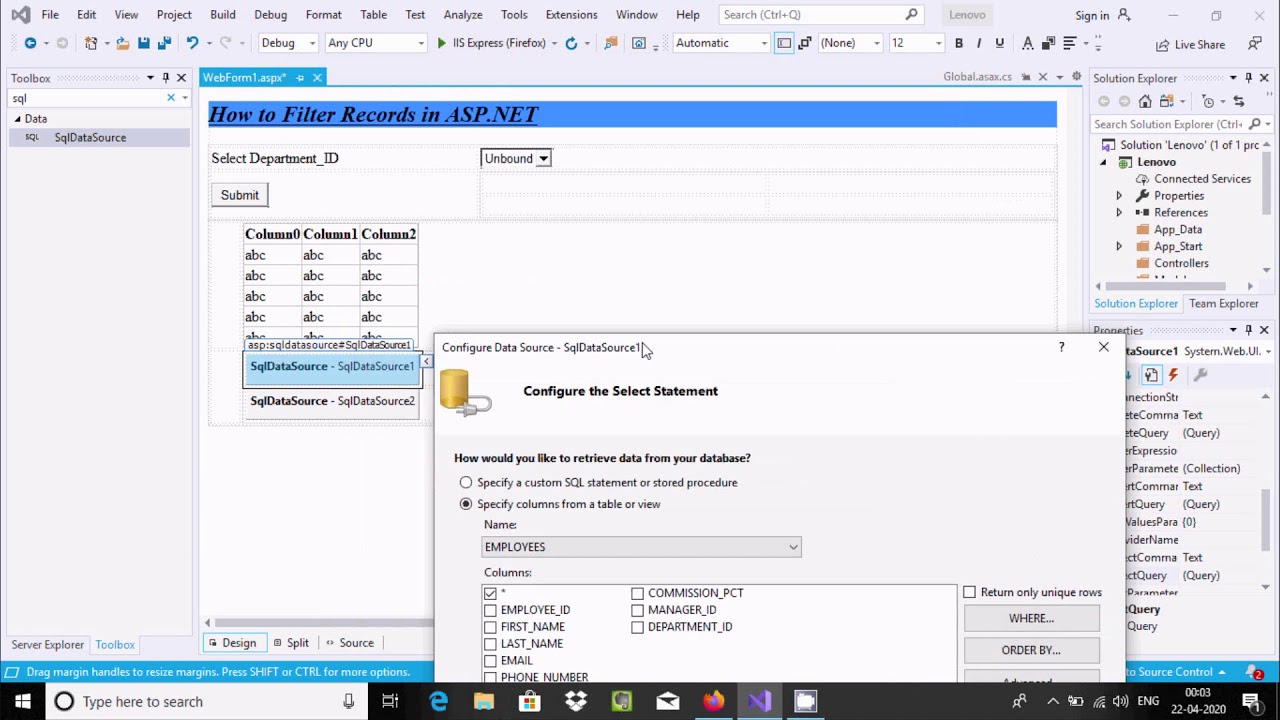
How To Filter Data In Sqlalchemy How To Create Two Pivot Table In One Sheet Printable Forms Free Online How To Filter And Sort Data In Microsoft Excel TurboFuture Filter Pyspark Dataframe With Filter Data Science Parichay How To Filter Data In Excel Latest Tips Picks 2023 Top 1 IQ How To Filter Data In Gridview In Asp YouTube Remove unwanted programs on your computer Before you reset your browser settings check your computer for unwanted programs Learn how to reset your browser settings
You can easily work with your files with Google Drive for desktop You can also Keep local files safe Your computer files are securely stored in the cloud Keep files up to date across Record the email addresses from people who fill out your form When someone takes your survey they will be required to enter their email address before they submit the form Collect verified
How To Filter Data In Gridview In Asp YouTube Excel Pro Tricks Dynamically Filter Data Based On Month With Filter Function In Excel Formula Python Get Class Hint After Query Data By Sqlalchemy Stack Overflow SQLAlchemy ORM Query GeeksforGeeks Filter Views How To Filter Google Sheets Without Affecting Other Users How To Filter And Sort Data In Microsoft Excel TurboFuture Learn Excel How To Use Slicers To Filter Data In Excel EduTaxTuber How To Filter Data In Excel GeeksforGeeks How To Filter Data In Excel 2016 YouTube
How To Filter Data In Sqlalchemy
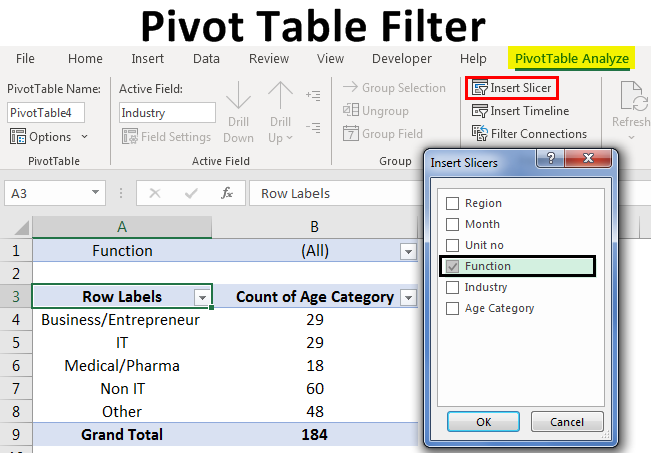 How To Filter Data In Sqlalchemy
https://www.educba.com/academy/wp-content/uploads/2019/07/Pivot-Table-Filter-1.png
How to install Chrome Important Before you download you can check if Chrome supports your operating system and other system requirements
Pre-crafted templates use a time-saving service for creating a diverse range of documents and files. These pre-designed formats and layouts can be made use of for various individual and professional tasks, including resumes, invitations, flyers, newsletters, reports, presentations, and more, enhancing the content creation procedure.
How To Filter Data In Sqlalchemy
How To Filter Data In Excel YouTube

Excel Pro Tricks Dynamically Filter Data Based On Month With Filter Function In Excel Formula

Python Get Class Hint After Query Data By Sqlalchemy Stack Overflow
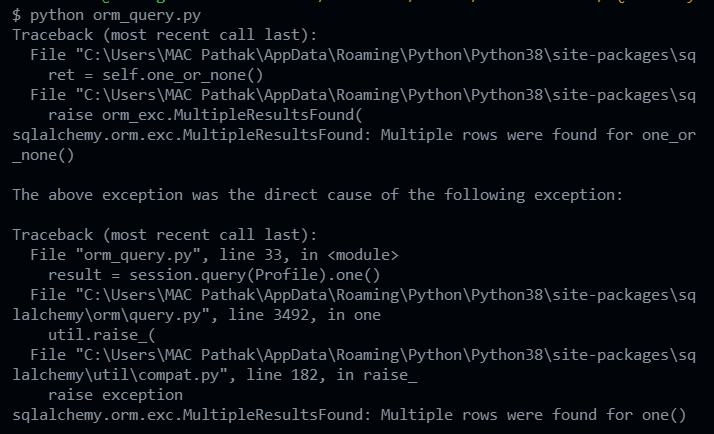
SQLAlchemy ORM Query GeeksforGeeks

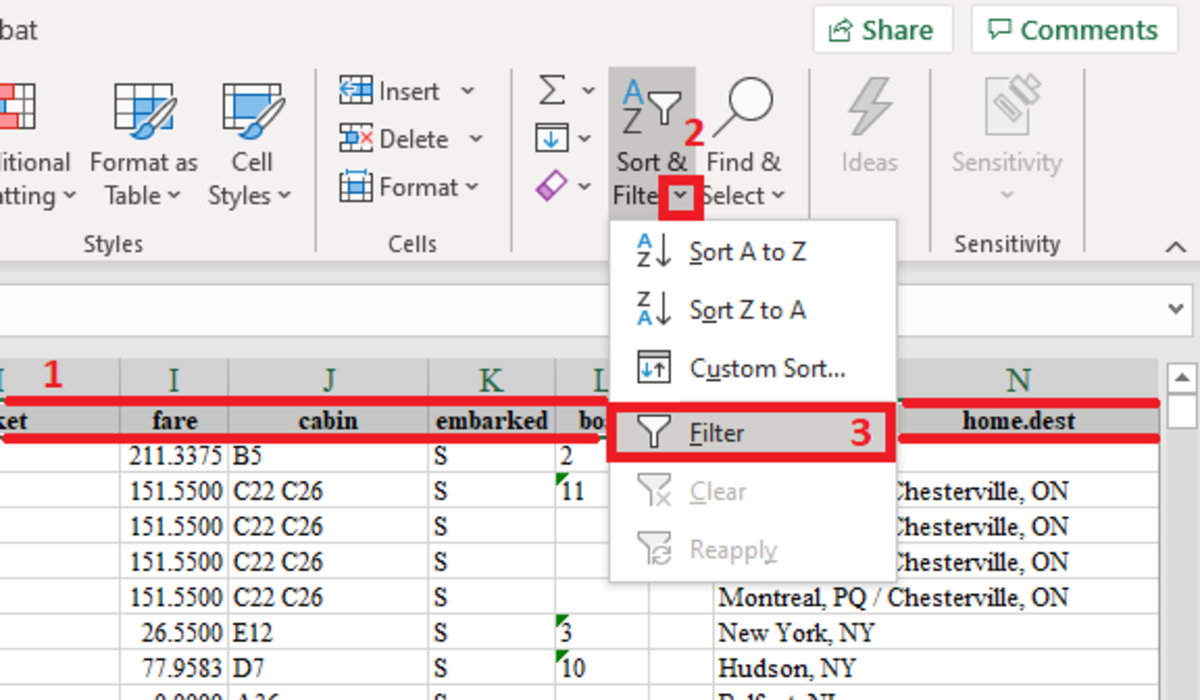
How To Filter And Sort Data In Microsoft Excel TurboFuture

Learn Excel How To Use Slicers To Filter Data In Excel EduTaxTuber
Sign in to Gmail Tip If you sign in to a public computer make sure to sign out before you leave the computer Learn how to sign in on a device that s not yours
To find your username follow these steps You need to know A phone number or the recovery email address for the account The full name on your account Follow the instructions to
Create an account Tip To use Gmail for your business a Google Workspace account might be better for you than a personal Google Account With Google Workspace you get increased
Important When you create a Google Account for your business you can turn business personalization on A business account also makes it easier to set up Google Business Profile
On your computer open Chrome At the top right click More Delete browsing data Choose a time range like Last hour or All time Select the types of information you want to remove Click
[desc-11] [desc-12]
[desc-13]