How To Extract Specific Data From Excel Excel Extract Text From Cell Right Of Character Printable Templates Free How To Extract Specific Data From Excel CellularNews How To Extract Specific Data From Excel CellularNews Split One Cell Into Two Or More Cells Free Excel Tutorial Mobile Legends Extract Data From Cells In Excel 2019 YouTube Web To search the entire worksheet for specific cells click any cell To search for specific cells within a defined area select the range rows or columns that you want For more information see Select cells ranges rows or columns on a worksheet Tip To cancel a selection of cells click any cell on the worksheet
Web Feb 10 2024 nbsp 0183 32 TAKE X Y Z where X is the table name Y is the number of rows to extract and Z is the number of columns to extract Simply place a quot quot in front of Y or Z to change that part of the formula from the first rows or columns to the last rows or columns Web Mar 10 2023 nbsp 0183 32 How to extract filtered data from Excel Method 1 How to use the basic filter and the FILTER function Method 2 How to extract data from Excel based on criteria with advanced filtering How to extract specific data from a column in Excel How to extract data from an Excel cell
Extract Data From Cells In Excel 2019 YouTube Extracting Specific Data From Excel Studio UiPath Community Forum Extract Word Containing Specific Text Excel Formula Exceljet Extract Data From Multiple Excel Files With Multiple Sheets Into One How To Extract Specific Data From A Cell In Excel 3 Examples How To Extract Specific Unstructured Data From Excel File Studio How To Extract Specific Data From A Cell In Excel 3 Examples How To Extract Specific Data From PDF To Excel Using VBA ExcelDemy How To Extract Specific Data From PDF To Excel How To Extract
How To Extract Specific Data From Excel
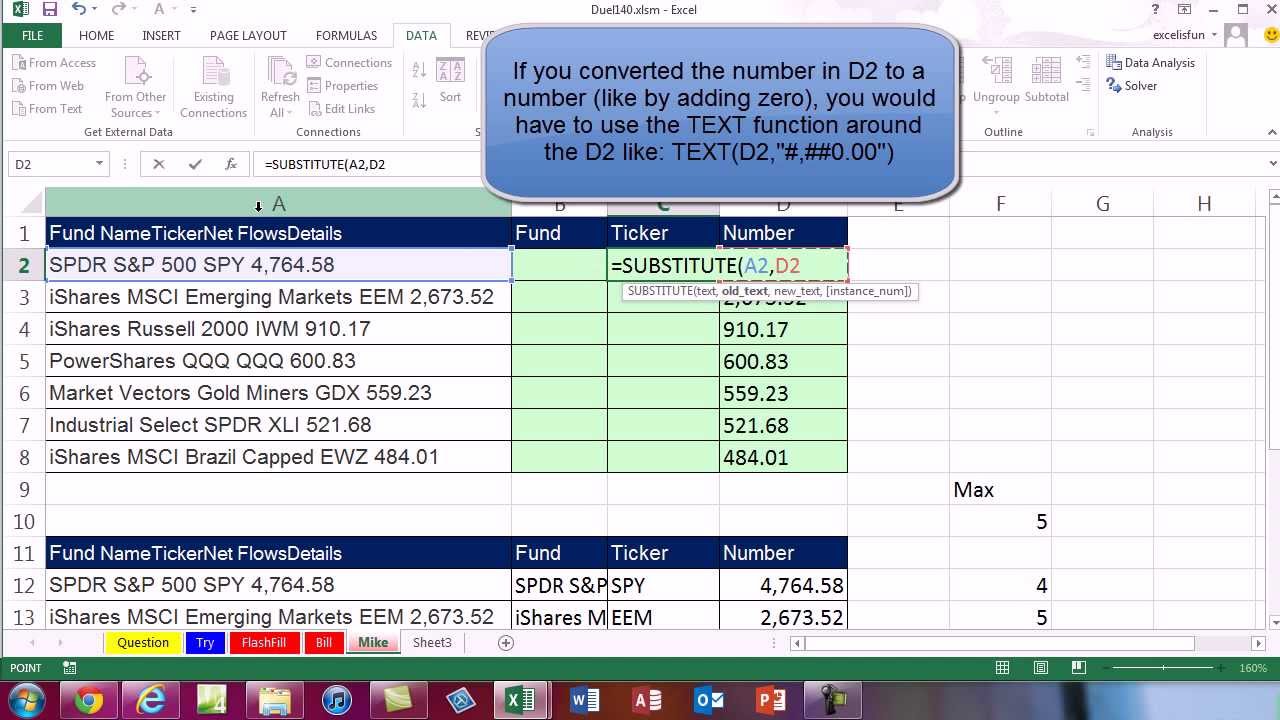 How To Extract Specific Data From Excel
https://i.ytimg.com/vi/3xnunhpmJUY/maxresdefault.jpg
Web Feb 15 2024 nbsp 0183 32 Step 1 Data cleaning Remove duplicates Identify and eliminate duplicate records or entries within your dataset Handle missing data Address missing or incomplete data points through interpolation substitution or removal Standardize formats Ensure consistency in date formats numerical values and text capitalization Correct errors
Templates are pre-designed files or files that can be utilized for different functions. They can save time and effort by supplying a ready-made format and design for creating different sort of material. Templates can be utilized for personal or professional tasks, such as resumes, invitations, flyers, newsletters, reports, discussions, and more.
How To Extract Specific Data From Excel
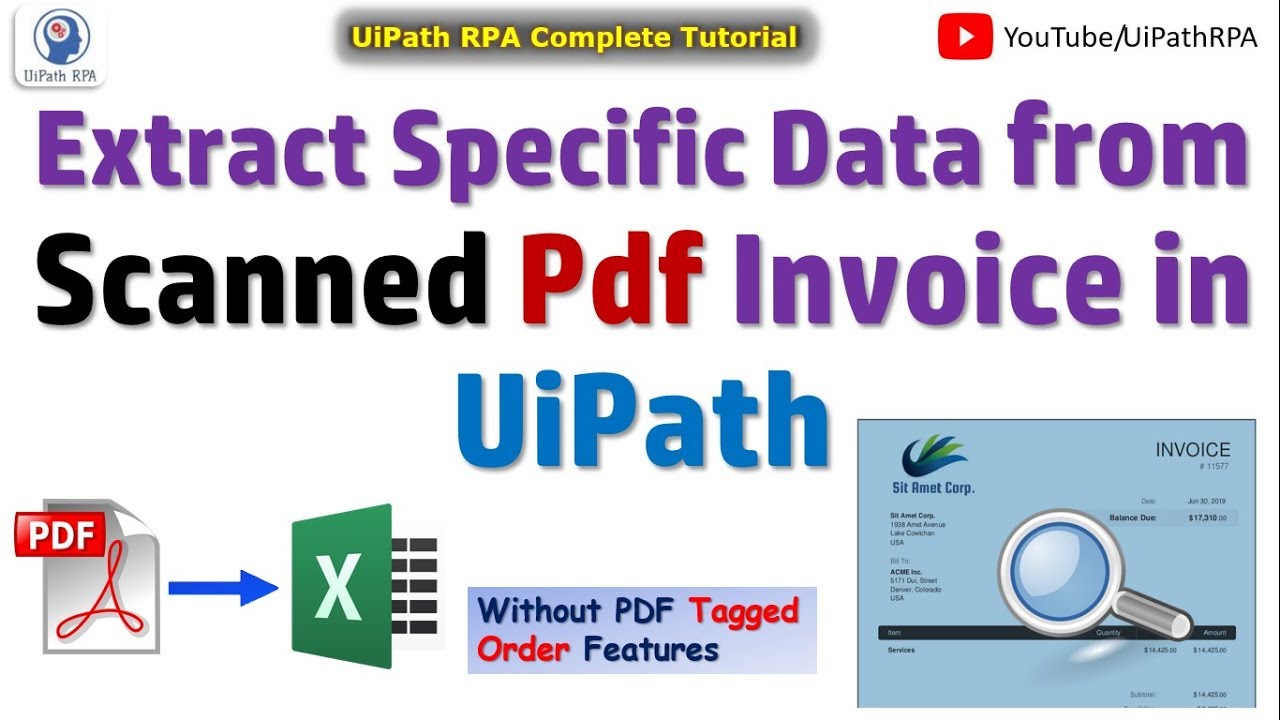
Extract Specific Data From Scanned Invoice Pdf And Write Into Excel In

Extracting Specific Data From Excel Studio UiPath Community Forum
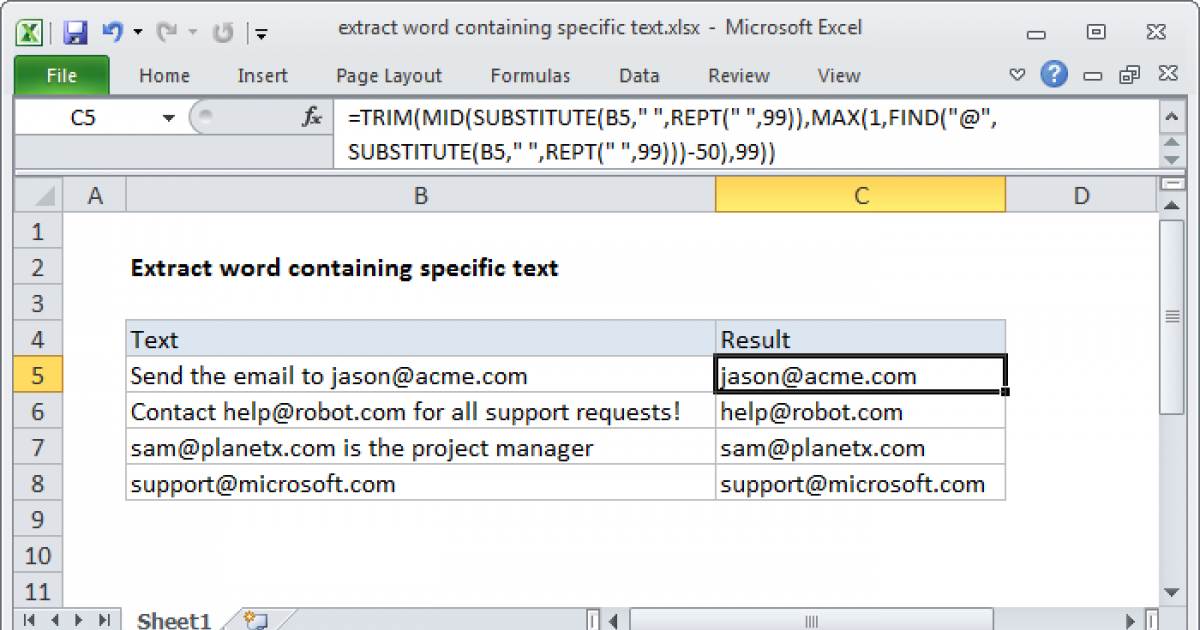
Extract Word Containing Specific Text Excel Formula Exceljet

Extract Data From Multiple Excel Files With Multiple Sheets Into One

How To Extract Specific Unstructured Data From Excel File Studio

How To Extract Specific Data From A Cell In Excel 3 Examples
Web Dec 19 2023 nbsp 0183 32 The Filter command in Excel is one of the most used and effective tools to extract specific data based on different criteria The steps to extract data based on a specific range using Excel s Filter are given below Steps First select only the header of the dataset Secondly go to Data gt Filter
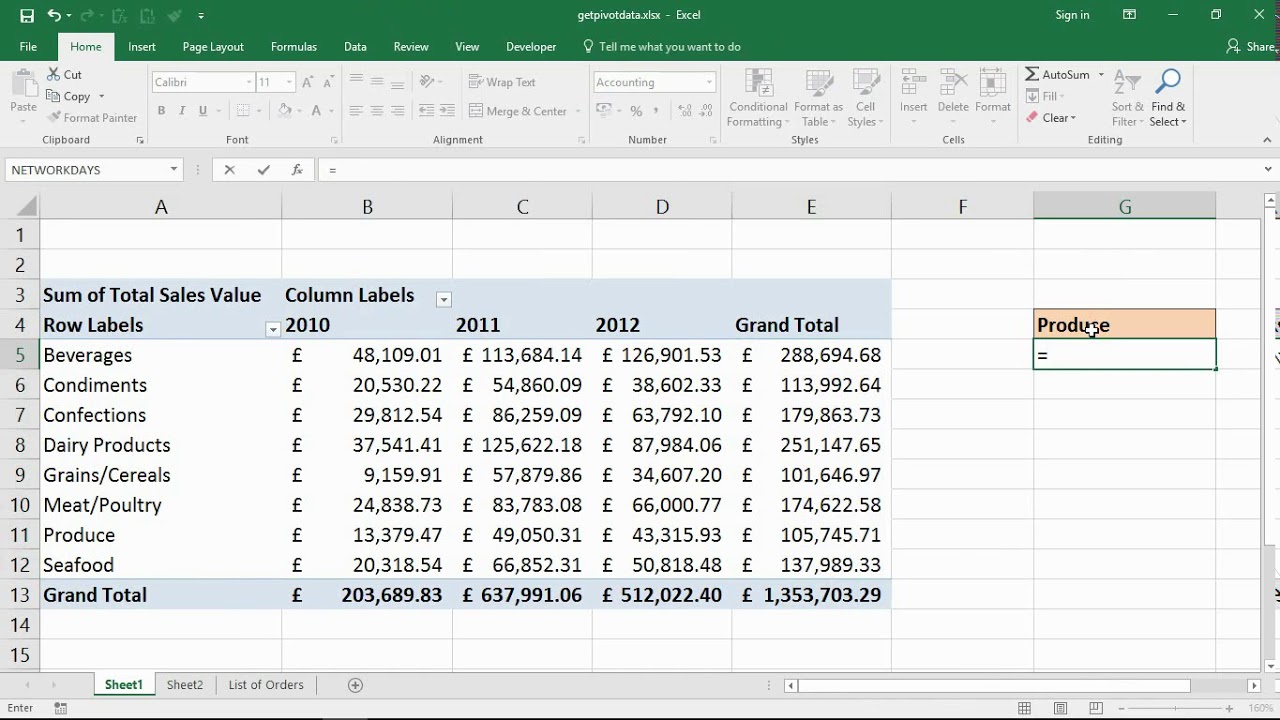
Web Jan 6 2024 nbsp 0183 32 This content covers different methods of data extraction in Excel including Extraction of particular data manually Filtered data pulling off Gathering specific data from a single column Extraction of data from a cell Data extraction based on a partial match Use of formulas for data extraction from worksheet
Web Dec 19 2023 nbsp 0183 32 Now let s discuss the methods one by one 1 Extract Data from Excel Sheet Using VLOOKUP Function The VLOOKUP function seeks for a given data in the leftmost column of a given dataset and then extracts a value in the same row from a specified column
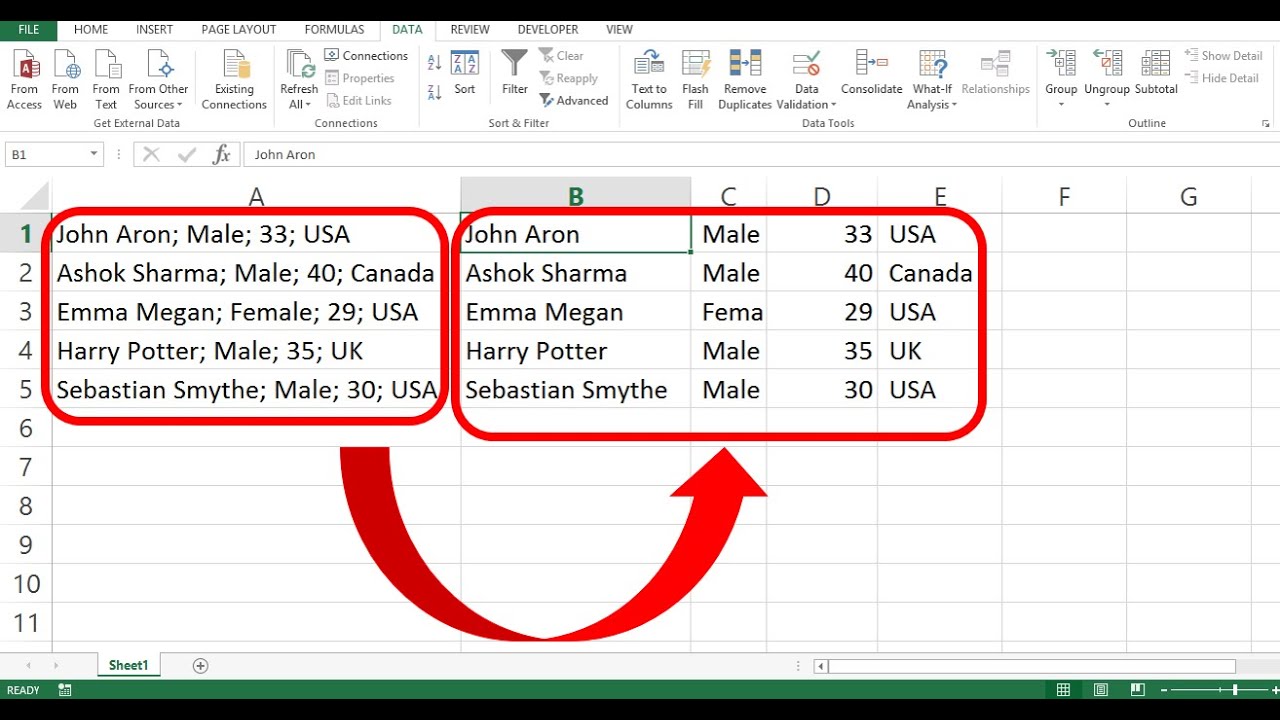
Web Dec 19 2023 nbsp 0183 32 How to Extract Data from Cell in Excel 5 Methods Here the following Student Information List shows Serial No Student ID and E mail ID We will use 5 different methods to extract data from the following table s cell Here we have used Excel 365 You can use any available Excel version

Web Recap In this blog post we discussed how to extract specific data from an Excel cell using various techniques such as the LEFT RIGHT and MID functions as well as the Text to Columns feature We also talked about using nested functions and advanced filters for more complex data extraction tasks
Web Apr 12 2023 nbsp 0183 32 Extract rows from multiple arrays To get specific rows from two or more non contiguous ranges you first combine them using the VSTACK function and then pass the merged range to CHOOSEROWS For example to extract the first two rows from the range A4 D8 and the last two rows from the range A12 D16 use this formula Web Dec 21 2023 nbsp 0183 32 Using the LEFT Function to Extract Text from a Cell The LEFT function extracts a particular number of characters from the left of a string Syntax of the LEFT Function LEFT text num chars Take a look at this dataset Now using the LEFT function we are going to extract the first 4 characters from the cell
Web Dec 19 2023 nbsp 0183 32 In this method we will use the SUMPRODUCT function to extract data from table based on multiple criteria in Excel Here for this method we have modified the dataset The dataset now includes the Name Subject and Score columns