How To Expand And Collapse Text In Html Without Javascript Everything You Should Know About Expand Collapse UI Design How To Collapse Expand Headings In Microsoft Word YouTube How To Expand And Collapse Text In Divi Like A Read More Toggle Collapse Text Drupal Reactjs Multiple Expand Collapse TableRow Component In Material UI The W3Schools online code editor allows you to edit code and view the result in your browser
Javascript expand collapse text collapse on default Ask Question Asked 6 years 7 months ago Modified 6 years 7 months ago Viewed 6k times 0 I m very inexperienced in javascript but have managed with the help of google to put together the following expandable collapsible link div Try it Yourself Example Explained The collapse class indicates a collapsible element a div in our example this is the content that will be shown or hidden with a click of a button To control show hide the collapsible content add the data toggle collapse attribute to an a or a button element
Reactjs Multiple Expand Collapse TableRow Component In Material UI How To Expand All Rows In Excel 2013 Solvetech Button Expand Collapse Digital Design System Collapse Text Box Word How To Collapse Pivot Table Rows In Excel Brokeasshome Collapse Text Box Word Insert The Expand Macro Confluence Cloud Atlassian Support Read More Read Less Button Using JQuery How To Replace Text Expand 34 Html Expand Collapse Without Javascript Javascript Overflow
How To Expand And Collapse Text In Html Without Javascript
 How To Expand And Collapse Text In Html Without Javascript
https://cms.pixso.net/images/articles/expand-collapse-ui-design.png
Site builders who are comfortable editing HTML directly can add expanding collapsing accordion content sections the expand collapse functionality is used on this very page to any content page or text widget Once you have inserted an expanding collapsing section you will be able to edit it using the WYSIWYG expand all
Templates are pre-designed files or files that can be utilized for numerous purposes. They can conserve effort and time by supplying a ready-made format and design for developing different kinds of content. Templates can be utilized for individual or professional jobs, such as resumes, invites, flyers, newsletters, reports, presentations, and more.
How To Expand And Collapse Text In Html Without Javascript
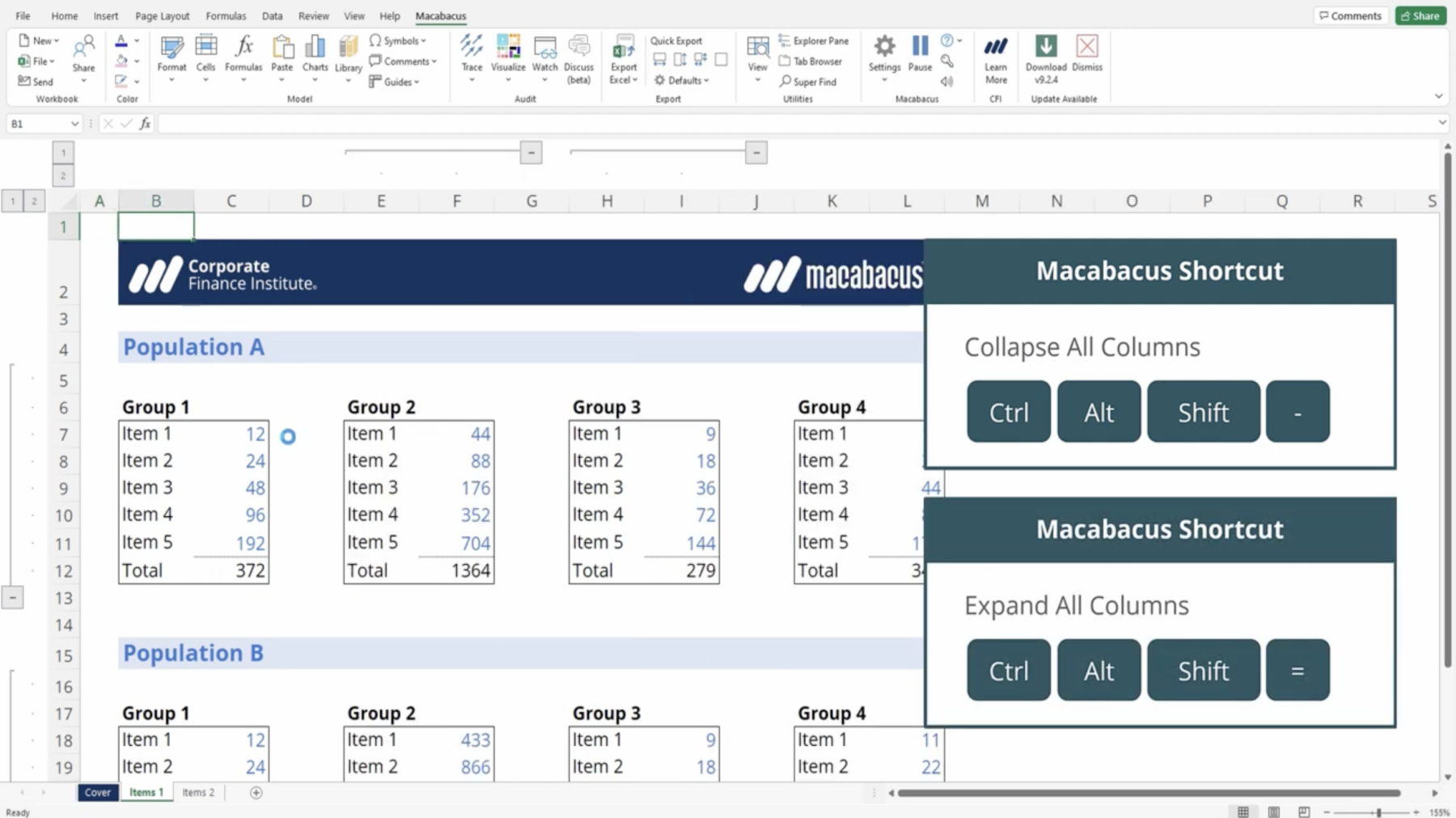
Group Collapse Expand Excel Rows Columns On ALL Worksheets
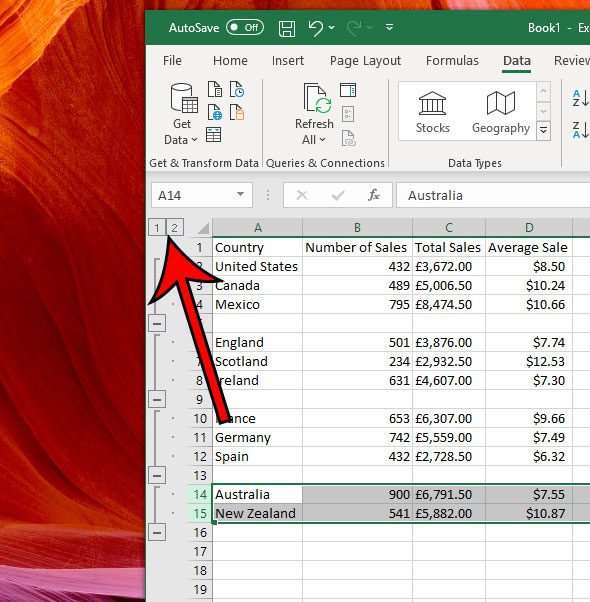
How To Expand All Rows In Excel 2013 Solvetech
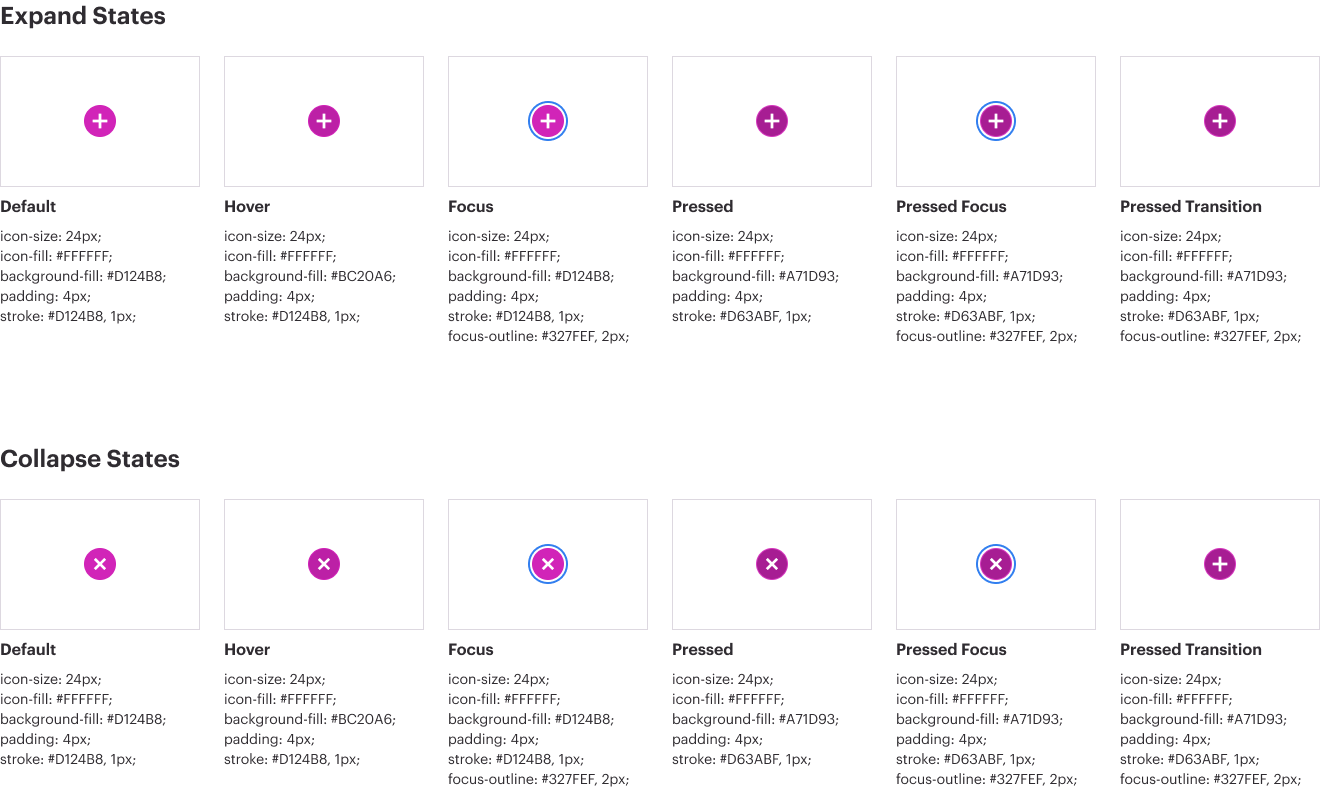
Button Expand Collapse Digital Design System
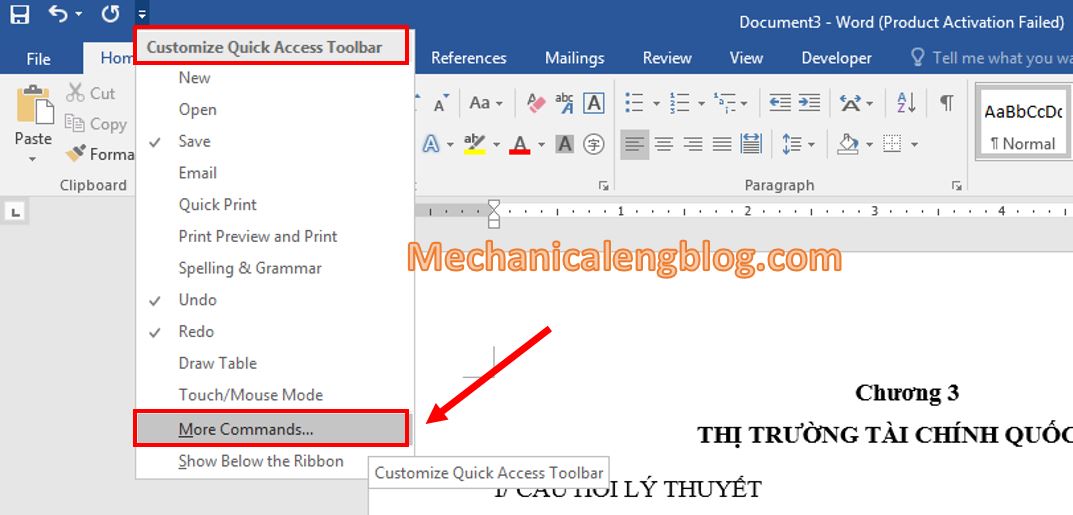
Collapse Text Box Word
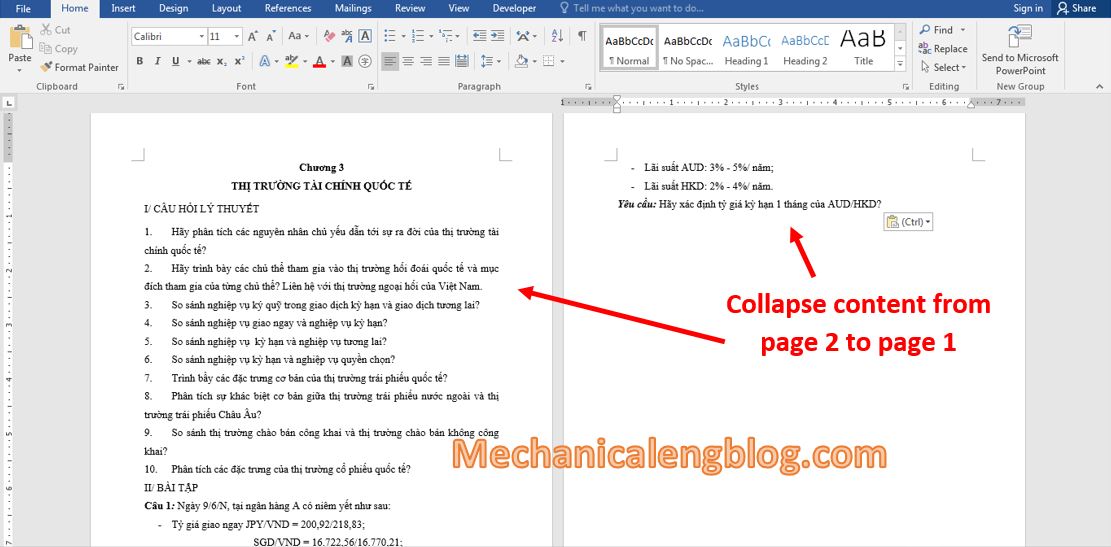
Collapse Text Box Word

Insert The Expand Macro Confluence Cloud Atlassian Support
How To Create a Collapsible Well organized and easy to understand Web building tutorials with lots of examples of how to use HTML CSS JavaScript SQL Python PHP Bootstrap Java XML and more Tutorials Exercises Certificates Services Menu Search field Log in Sign Up 1My W3Schools
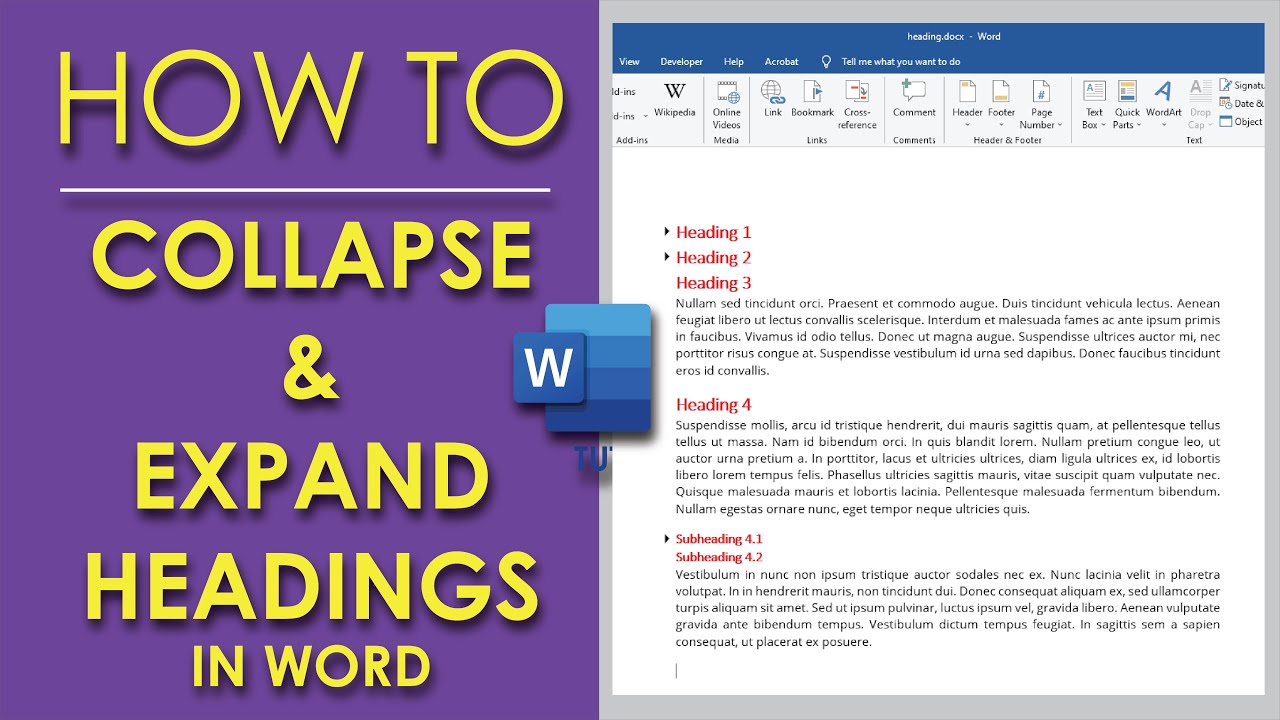
Details summary They have pretty great browser support Details The details element is the element to contain the content we want to show and hide The summary element is caption to describe what is hidden in an FAQ section this might be the question and the answer is hidden in the details element until it is expanded
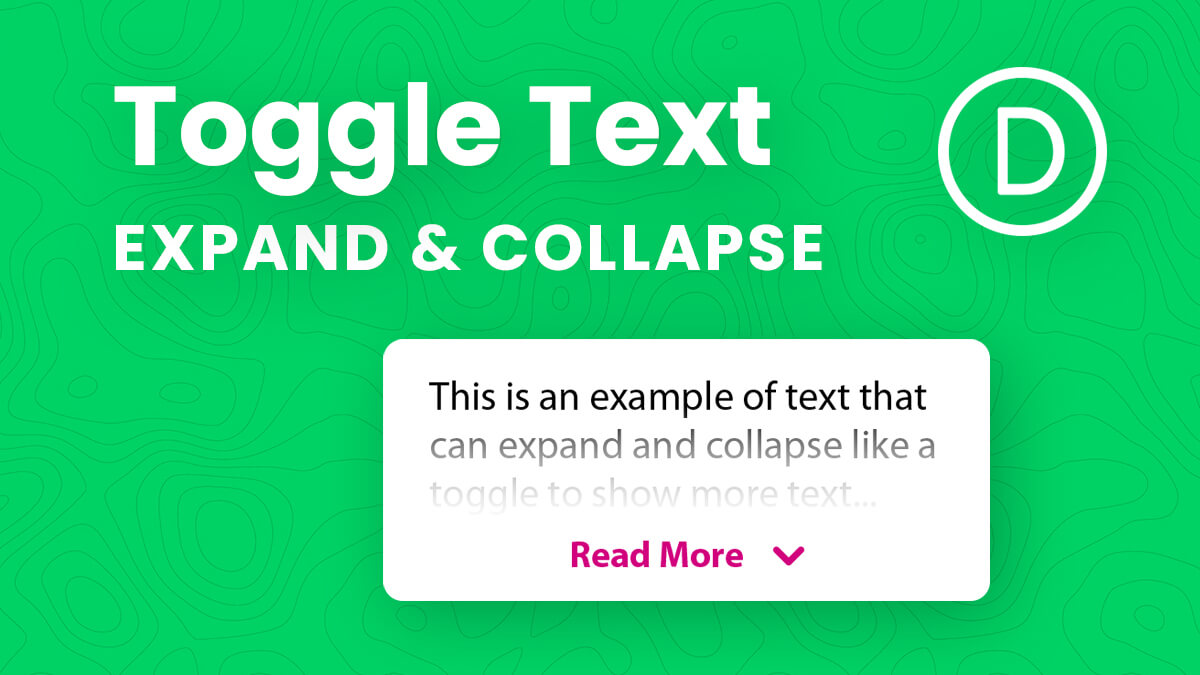
The basic expand and collapse structure is as follows section class accordion input type radio name collapse id handle1 checked checked h2 class handle label for handle1 The Visible Short Heading label h2 div class content p Your detailed contents p div section

As pointed out in the title my question is very simple is there any way that I can achieve clicking on a header title and expand and collapse a text associated with it without using JavaScript nor jQuery Is there any browser compatible way of doing this IE 6 proof

First we set the checkbox element to display none The checkbox will be invisible and its label will be used instead to check or uncheck it Later you ll see that we ll use the CSS checked pseudo selector to style things differently when the hidden checkbox is checked input type checkbox display none Next we style our default label
About External Resources You can apply CSS to your Pen from any stylesheet on the web Just put a URL to it here and we ll apply it in the order you have them before the CSS in the Pen itself 4 Answers Sorted by 0 The two slideDown function calls are not specific to the reveal and or collapse that you are currently doing i e collapse slideDown 100 will find all the elements with the class collapse on the page and slide them down irrespective of what element you just clicked
The simple solution Change p id special1 to p id special1 style display none Another one if you have a CSS file Add this to your CSS special1 display none An alternative would be to define in CSS classes for the visible and hidden states set the class in HTML and switch classes in your JS code Share