How To Escape Full Screen Mode In Vs Code Webley Revolver Dates Of Manufacture Kopbuddy How To Escape Full Screen Mode Pc Altersno How To Escape Full Screen Mode On Google Sheets Connectionslo How To Escape Full Screen Mode Virtualbox Hacksjas How To Escape Full Screen Mode Barepor New window instance Ctrl Shift W Close window instance Ctrl User Settings Ctrl K Ctrl S Keyboard Shortcuts Basic editing Ctrl X
To exit from the full screen mode press Esc two times Share Visual Studio Code has many features to help make the editor accessible to Use File Preferences Theme Color Theme Ctrl K Ctrl T to display the
How To Escape Full Screen Mode Barepor How To Escape Full Screen Mode In Kodi Gaibank Windows 10 Chrome How To Escape Full Screen Mode Lopbox How Do I Get Out Of Fullscreen Mode In Photoshop WebsiteBuilderInsider How To Escape Full Screen Mode Lensaca How To Escape Full Screen Mode On Windows 10 Studentkda Windows 10 Chrome How To Escape Full Screen Mode Lopbox How To Escape Full Screen Mode Virtualbox Hacksjas How To Escape Full Screen Mode In Firefox Vseget
How To Escape Full Screen Mode In Vs Code
 How To Escape Full Screen Mode In Vs Code
https://cdn.rockislandauction.com/dev_cdn/66/1539.jpg
If you like to use keyboard shortcuts you can press Command Control F That same keyboard shortcut is used to go in and out of full screen
Templates are pre-designed files or files that can be utilized for different functions. They can save effort and time by supplying a ready-made format and design for developing different sort of content. Templates can be utilized for individual or professional tasks, such as resumes, invitations, flyers, newsletters, reports, discussions, and more.
How To Escape Full Screen Mode In Vs Code

Design Wedding Cards And All Types Of Invitation Card By Creative escape Fiverr
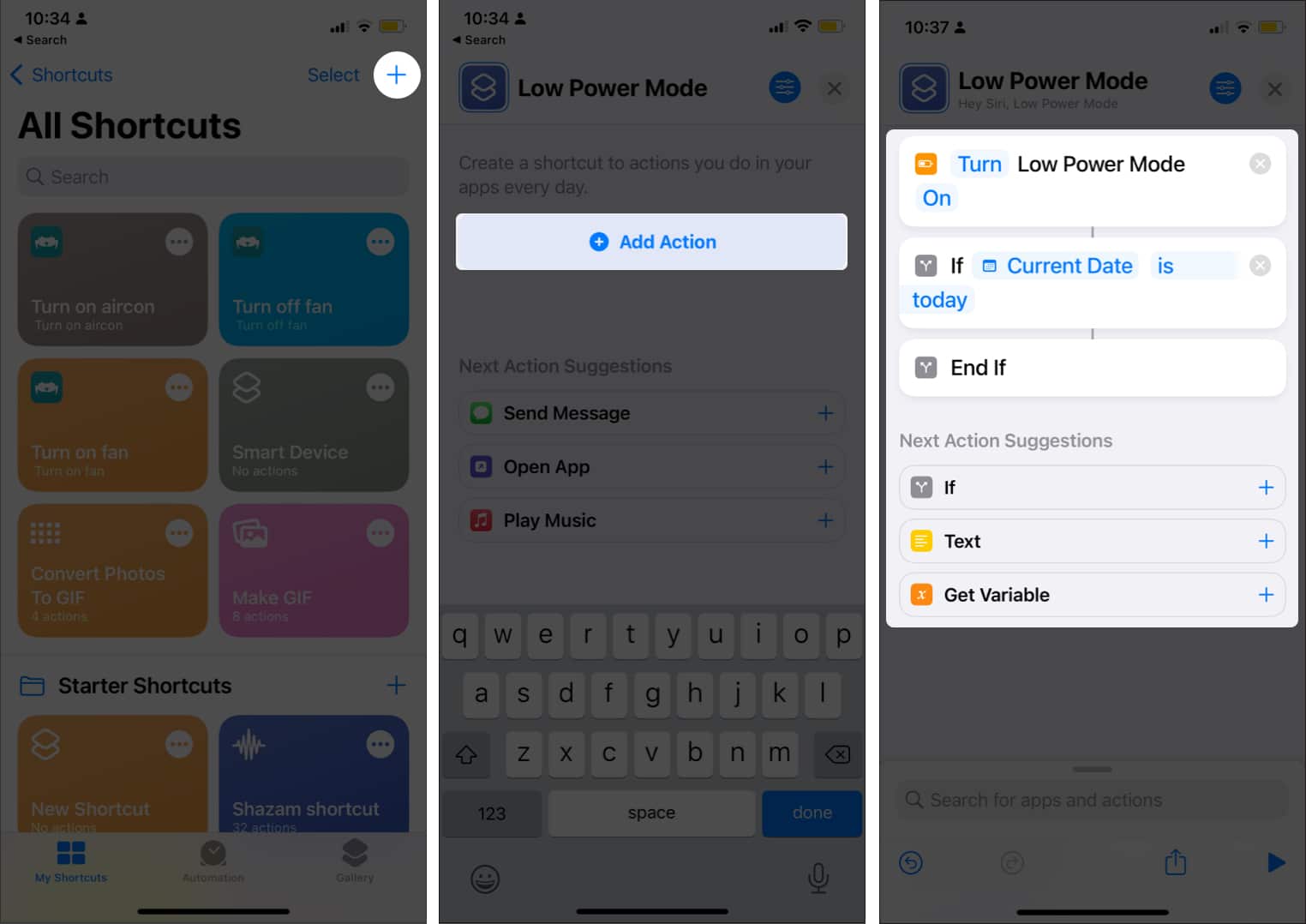
How To Escape Full Screen Mode In Kodi Gaibank
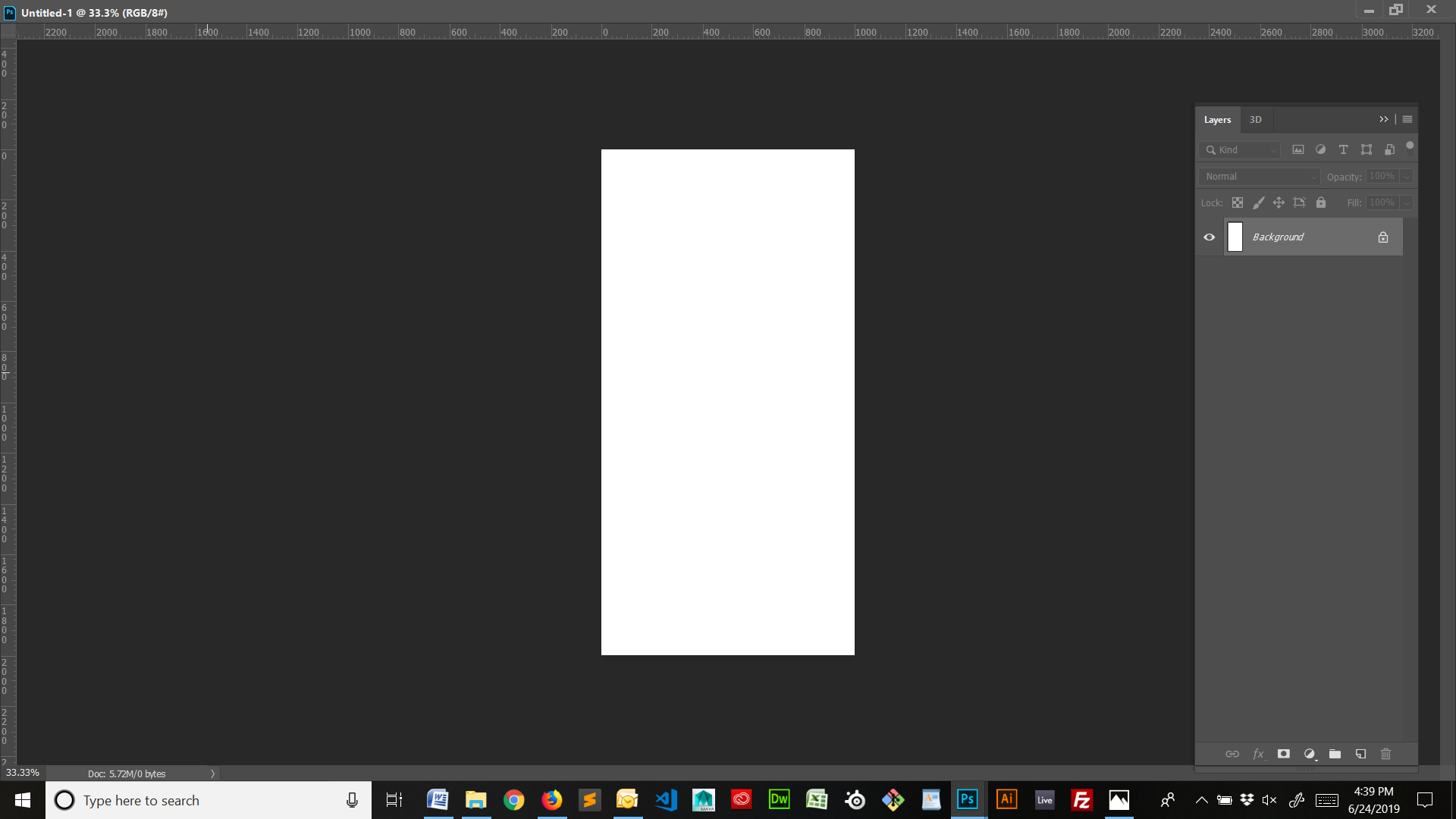
Windows 10 Chrome How To Escape Full Screen Mode Lopbox
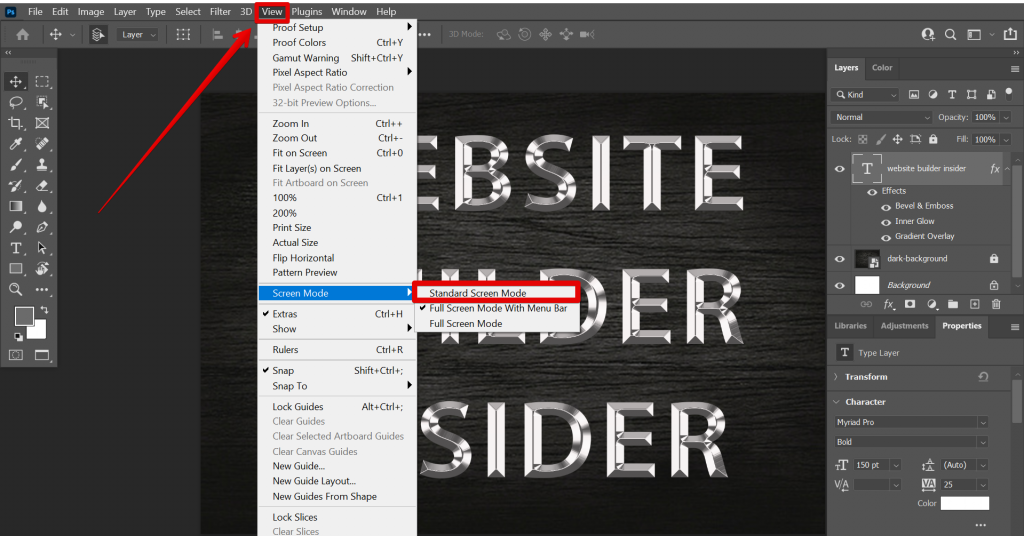
How Do I Get Out Of Fullscreen Mode In Photoshop WebsiteBuilderInsider
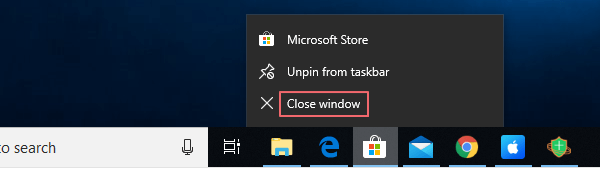
How To Escape Full Screen Mode On Windows 10 Studentkda
Windows 10 Chrome How To Escape Full Screen Mode Lopbox
In This Video We Will See How to Exit Full Screen Mode in Visual Studio Code or Microsoft

VScode How To Exit Full Screen Mode Comments39

Open VSCode 2 change the size 3 press maximize button 4 Is it about actual Full screen F11 or Zen Mode or just problems with
When you need to get out of full screen mode all you have to do is click the Full Screen choice that gets added to the menu bar when you enter

I am having trouble getting the Code editor to exit full screen mode on my Elementary OS system I have tried using the Windows key together
CTRL Q would kill Geany completely close and exit And if you start it back it will start in full screen mode Pressing F11 will do the trik IDE viewing modes Full Screen mode JetBrains Rider expands the main window to occupy the entire screen Distraction free mode The editor
Tips for Visual Studio to help your productivity Full Screen You can enter Full Screen mode by using the keyboard shortcut Shift Alt Enter