How To Enable Control Key Serafina And The Key To The Egg How To Enable R18 Content Uncensor Patch How To Enable Numpad On My Laptop Where To Find A Key On The Laptop Laptops Light Control By Keyboard Without Any Push Button YouTube List Of All Windows 10 Keyboard Shortcuts Askit Solutii Si 34 For S Command Prompt Digital Hp Envy Flip Function Keys Olpormen WEB Jun 27 2022 nbsp 0183 32 This tutorial will show you how to turn on or off show location of the pointer when the Ctrl key is pressed for your account in Windows 10 and Windows 11
WEB Mar 17 2020 nbsp 0183 32 Here s How 1 Open the Control Panel icons view and click tap on the Mouse icon 2 Click tap on the Pointer Options tab check on or uncheck off default the Show location of pointer when I press the CTRL key box under Visibility for what you want and click tap on OK see screenshot below That s it Shawn WEB Copy paste and other general keyboard shortcuts Learn how to navigate Windows using keyboard shortcuts Explore a full list of taskbar command prompt and general Windows shortcuts
Hp Envy Flip Function Keys Olpormen How To Enable Public Key Authentication In SSH Calisto Code How To Enable Enable Ctrl Key Shortcuts In Cmd On Windows 10 Otosection How To Change Light Mode On A Fantech Keyboard Eadoz How To Turn Up Volume On Hp Laptop Sterlingbaldcircle How To Control One Lamp With One Button Easy Method YouTube SHORTCUT KEY Enable Touchpad Of Asus Vivobook YouTube Enable Control Key Shortcuts In Command Prompt Windows 10 How To Enable Windows 11 Voice Control English
How To Enable Control Key
 How To Enable Control Key
https://gameplay.tips/wp-content/uploads/2022/07/serafina-and-the-key-to-the-egg.jpg
WEB Nov 16 2023 nbsp 0183 32 1 Open PowerToys and enable Keyboard Manager Image 169 Future First up open PowerToys and select Keyboard Managers from the menu on the left It should be on by default but if it isn t
Templates are pre-designed documents or files that can be used for various purposes. They can conserve effort and time by offering a ready-made format and layout for developing various type of content. Templates can be utilized for personal or professional tasks, such as resumes, invites, flyers, newsletters, reports, discussions, and more.
How To Enable Control Key

Connected Experience UX Case Study Connected Vehicle App UX Design

How To Enable Public Key Authentication In SSH Calisto Code

How To Enable Enable Ctrl Key Shortcuts In Cmd On Windows 10 Otosection
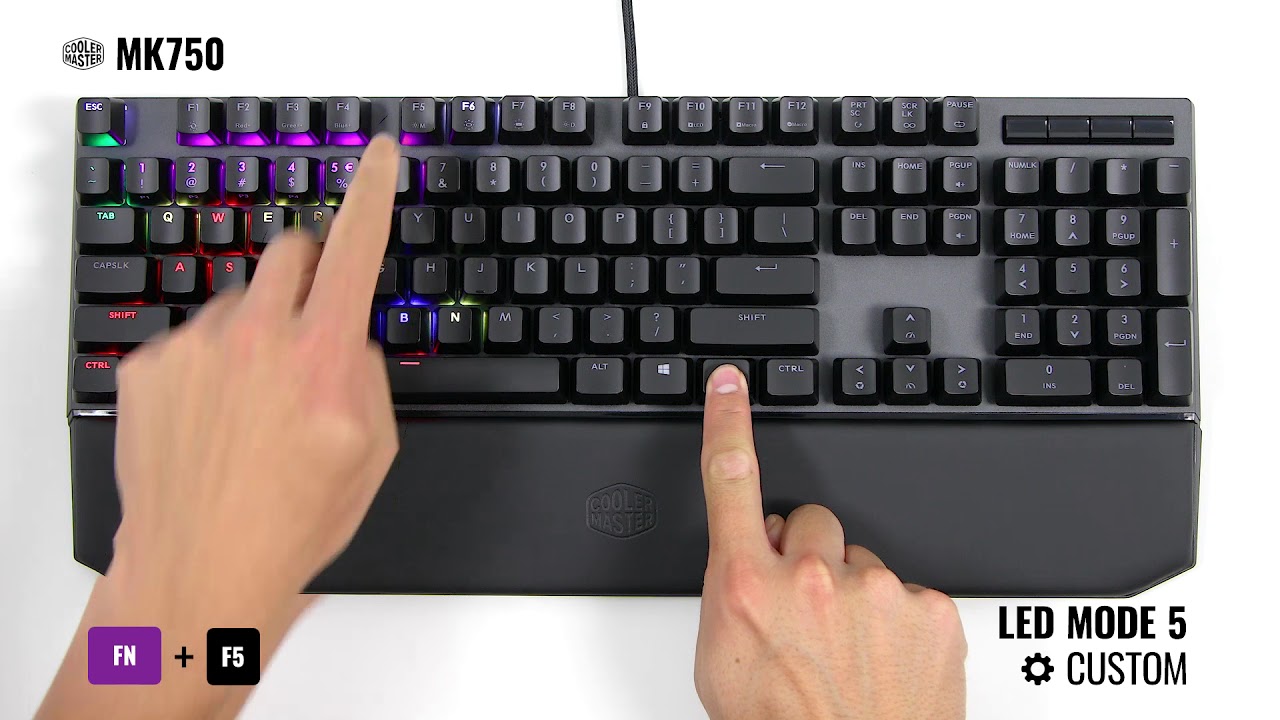
How To Change Light Mode On A Fantech Keyboard Eadoz

How To Control One Lamp With One Button Easy Method YouTube
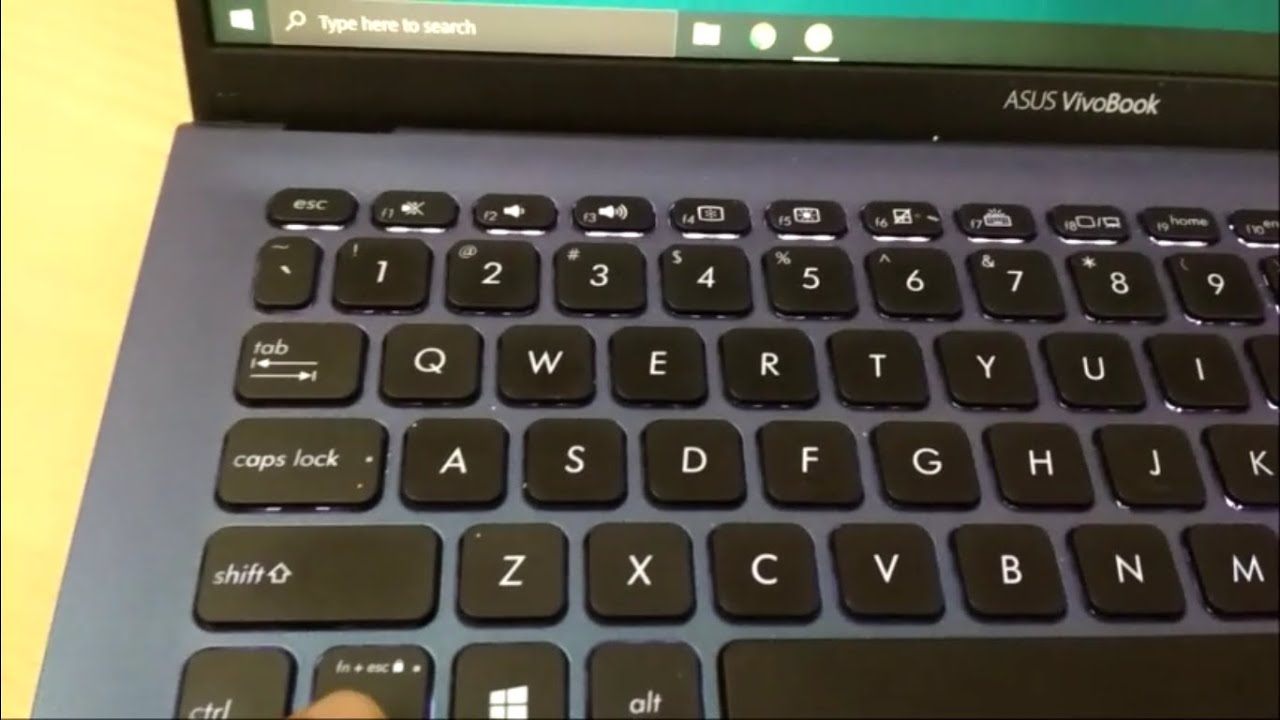
SHORTCUT KEY Enable Touchpad Of Asus Vivobook YouTube

WEB Jun 27 2014 nbsp 0183 32 Sticky Keys can be activated either by pressing Shift five times in quick succession or by going to Control Panel gt Ease of Access Center gt Make the keyboard easier to use gt Set up Sticky Keys Share
WEB Aug 18 2023 nbsp 0183 32 If a key on your keyboard is not functioning correctly you can use the keyboard troubleshooter To run the keyboard troubleshooter on Windows follow the below steps Press the Win I hotkey to open the Settings menu Choose System from the left sidebar and then Troubleshoot from the right pane

WEB Apr 20 2023 nbsp 0183 32 Ctrl key not working in Windows 10 could be easily fixed by following a few simple steps mentioned here These steps not only provide you a secure solution but it also delivers instant results Solution 1 Restart your PC

WEB Feb 27 2023 nbsp 0183 32 To enable or disable CTRL C amp CTRL V to easily paste in Command Prompt on your Windows 11 10 PC you can configure the Ctrl key shortcuts in Command Prompt settings Here s how

WEB While typing use a light touch and keep your wrists straight When you re not typing relax your arms and hands Take short breaks from computer use every 15 to 20 minutes Learn how to use your computer keyboard and take advantage of convenient keyboard shortcuts
WEB Try pressing both the left and right CTRL keys at the same time and see if that releases CTRL Step 2 a Go to Start Settings Control Panel Accessibility Options Keyboard Options b Turn off CTRL lock if it s on c If that solves it and to avoid future problems press quot Settings quot d Turn off quot Press modifier key twice to lock quot e WEB Mar 10 2023 nbsp 0183 32 What is causing the Left CTRL Key Not Working issue on Windows We looked into various user reports and analyzed various repair strategies that are commonly recommended by affected users As it turns out several different situations can lead to the apparition of this issue
WEB Feb 26 2015 nbsp 0183 32 Press P to select the Press modifier key twice to lock check box This will allow you to lock a modifier key such as the Shift Ctrl Alt or Win key if you press it twice in succession Press T to select the Turn Sticky Keys off if