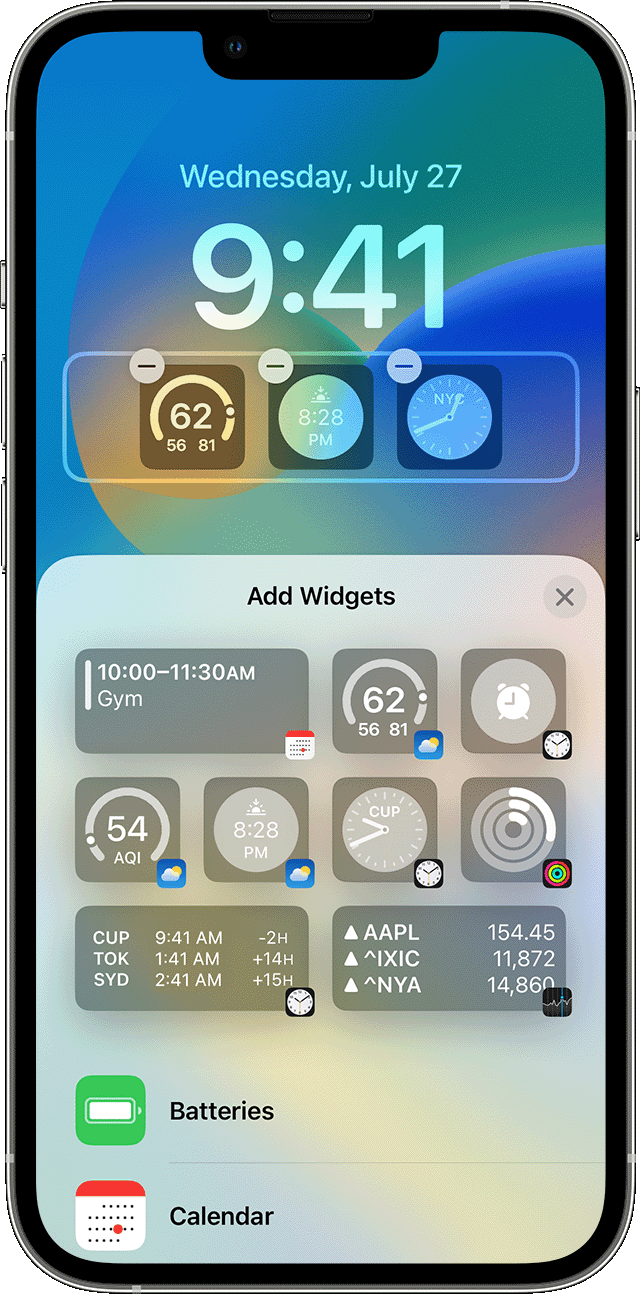
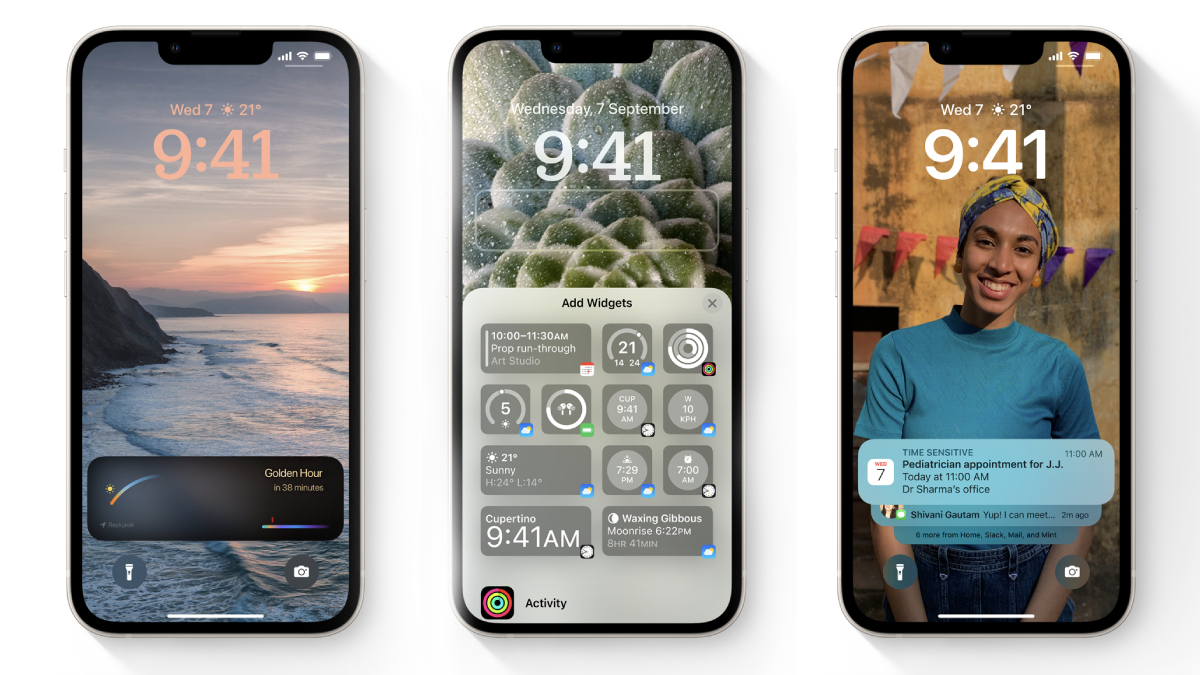
How To Edit Widget Html In Wordpress RainViewer Lock Screen Widgets Are Ready For IOS 16 How To Add Widgets To IPhone Lock Screen In IOS 16 AppleToolBox How To Add Lock Screen Widgets On IPhone In IOS 16 Tips On How To Edit Widgets In WordPress TUPA Best IOS 16 Lock Screen Widget Apps For Your IPhone Lock Screen Web Jul 8 2021 nbsp 0183 32 Click on a specific Widget Area you d like to edit Select the prompt to add a block You can use the search functionality to find the block you want or select Browse All to see the various options How to move items between areas There are two ways to move items between areas
Web Sep 18 2023 nbsp 0183 32 function to display the widget in the site function widget args instance define variables title apply filters widget title instance title text instance text link instance link output code echo args before widget gt lt div class quot cta quot gt lt php if empty title echo args before Web Feb 27 2011 nbsp 0183 32 1 Answer Sorted by 11 It s defined in your functions php file You can easily change it by passing in the correct options if function exists register sidebar opts array name gt IndexWidgets before widget gt lt div id quot 1 s2 quot class quot home box 2 s quot gt after widget gt lt div gt lt div gt before title gt lt h2 gt
Best IOS 16 Lock Screen Widget Apps For Your IPhone Lock Screen How To Customize Your IPhone With Widgets HelloTech How Microsoft To Do List Widgent Desktop Loverslasopa Top 10 Must Have Windows 11 Widgets And How To Use Them Lock Screen Widgets For IOS 16 Things Blog Cultured Code How To Hide The News Widgets In Windows 10 And 11 WIRED Monk Because Rinse Edit Home Screen On Iphone Wizard To Jump Steer How To Edit Labels Passion io Help Center How To Add remove Widgets On Windows 11
How To Edit Widget Html In Wordpress
 How To Edit Widget Html In Wordpress
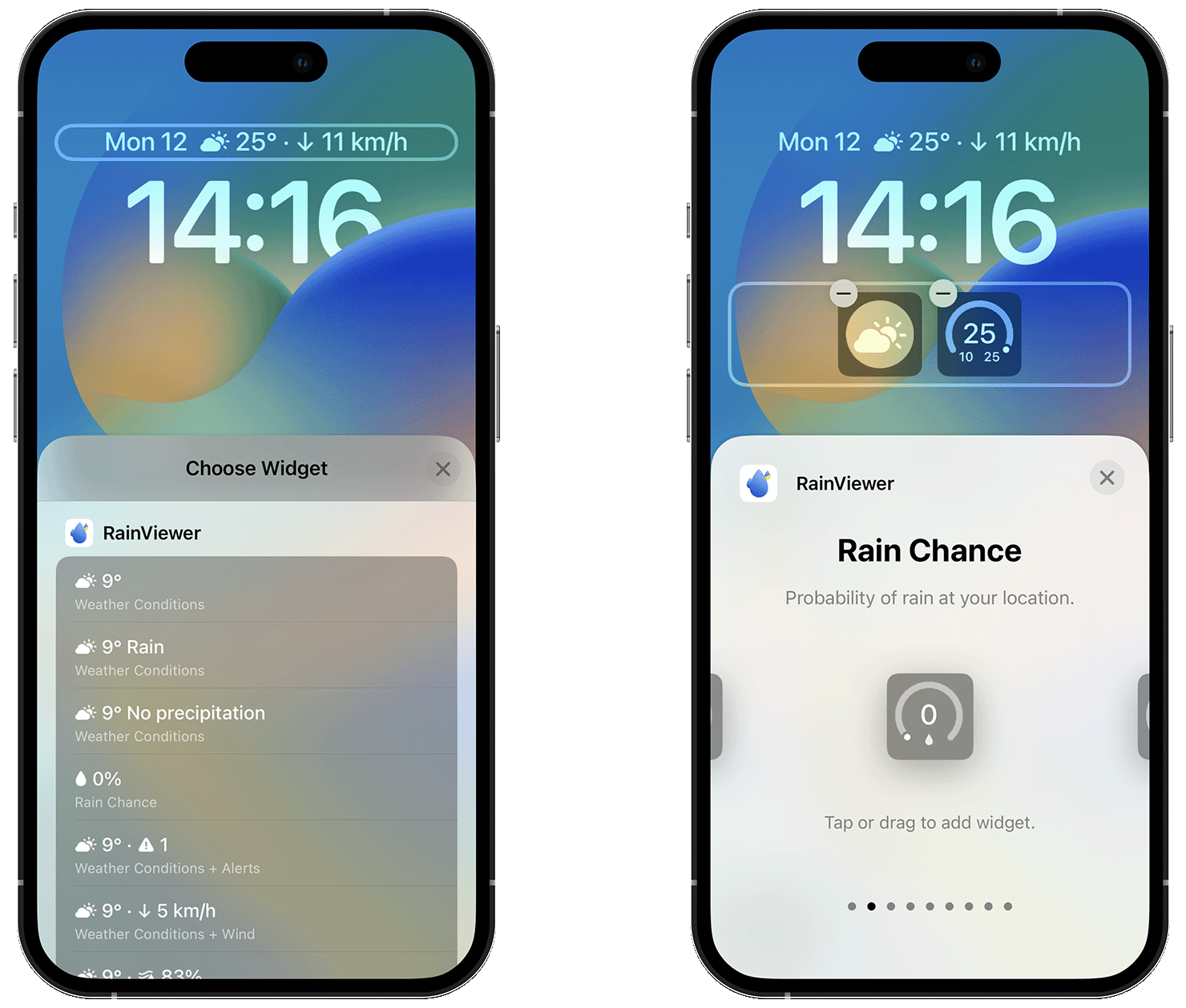
https://www.rainviewer.com/images/posts/2022-09-12-lock-screen-widgets-for-ios-16/1-rainviewer-lock-screen-widgets-for-ios16.png
Web Oct 22 2014 nbsp 0183 32 widget Process the widget options and display the HTML on your page The args parameter provides the HTML you can use to display the widget title class and widget content class form Display the form that will be used to set the options for your widget If your widget doesn t have any options you can skip this function
Templates are pre-designed files or files that can be utilized for different functions. They can save time and effort by providing a ready-made format and design for creating different type of material. Templates can be utilized for personal or expert tasks, such as resumes, invitations, flyers, newsletters, reports, presentations, and more.
How To Edit Widget Html In Wordpress

How To Remove Taskbar Widgets Icon On Windows 11 Pureinfotech
How To Customize Your IPhone With Widgets HelloTech How

Microsoft To Do List Widgent Desktop Loverslasopa
Top 10 Must Have Windows 11 Widgets And How To Use Them
How To Hide The News Widgets In Windows 10 And 11 WIRED
Monk Because Rinse Edit Home Screen On Iphone Wizard To Jump Steer
Web Oct 25 2018 nbsp 0183 32 To open and edit the Text Widget Click the down arrow to the right of the Text Widget title Set the Text Widget Title optional Add the text or HTML code to the box or edit what is currently there Choose the option to Automatically add paragraphs to wrap each block of text in an HTML paragraph

Web Mar 31 2022 nbsp 0183 32 Let s get started Creating a Basic WordPress Widget WordPress comes with a built in WordPress Widget class Each new WordPress widget extends the WordPress widget class There are 18 methods mentioned in the WordPress developer s handbook that can be used with the WP Widget class

Web Dec 20 2023 nbsp 0183 32 So you can edit code in WordPress using the two ways above But how to edit HTML on your homepage Basically you can add custom HTML from the widget areas Go to Appearance gt Widget From the widget areas you can edit the HTML of the available WordPress widgets or add more from the Custom HTML menu

Web In the Appearance gt Widgets menu there is a list of widgets that you can drag and drop to show in the sidebar Where is the HTML PHP code for these custom widgets I ve been on WordPress s Function Reference but couldn t find anything Surely these widgets must be pulled from a HTML PHP template
Web Aug 20 2014 nbsp 0183 32 Simply go to the Appearance 187 Widgets page and click on the widget where you want to add custom styles Next you need to scroll down to the Advanced tab under the Block panel From here you can add a custom CSS class Don t forget to save your changes by clicking on the Update button
Web Click on Appearance and select the Widgets option While getting here is identical the area itself is very different Instead of having all of your widgets take up half of the page they re gone Instead you now have the entire area to work on your widgets Each widget area header footer sidebar etc is now its own little Gutenberg editor Web Aug 17 2023 nbsp 0183 32 How To Use The HTML Widget From the Editor Panel drag and drop an Elementor HTML widget onto your page Place your code in the text area Wrap all CSS with style tags This is to be placed in the beginning of your code Wrap all Javascript code with script tags This is placed at the bottom of your code Save and preview your code in
Web Dec 20 2023 nbsp 0183 32 How Do WordPress Custom Widgets Work In WordPress you have to create a custom widget using the standard WP Widget class from the Widgets API There are around 20 functions that you can play around with Out of these four is the minimum requirement for any widget to work