How To Do A Simple Spreadsheet On Excel Sample Excel Spreadsheet Data Db Excel Com Riset Basic Excel Spreadsheet Template Excelxo Simple Bookkeeping Spreadsheet Template Free Db excel Blank Spreadsheet Template Printable Free Printable Spreadsheet 2 Excelxo Web Basic tasks in Excel Excel is an incredibly powerful tool for getting meaning out of vast amounts of data But it also works really well for simple calculations and tracking almost any kind of information The key for unlocking all that potential is the grid of cells Cells can contain numbers text or formulas
Web Oct 25 2021 nbsp 0183 32 Learn how to make an Excel spreadsheet in this video tutorial from Microsoft A workbook is a file that contains one or more spreadsheets to help you organiz Web It is the simple table we have created with Excel Steps to Format Excel Spreadsheet It looks like raw data but we can make this look beautiful by applying some excel formatting Excel Formatting Formatting is a useful feature in Excel that allows you to change the appearance of the data in a worksheet Formatting can be done in a variety of ways
Free Printable Spreadsheet 2 Excelxo Excel Budget Workbook Monolomi Spreadsheet Templates For Business Simple Spreadsheets In Business Inventory Tracking Excel Spreadsheet Template Free Easy Monthly Budget Worksheet Neloprecision How To Build Excel Spreadsheet Phaserepeat9 How To Plan A DIY Home Renovation Budget Spreadsheet Renovation Simple Monthly Budget Spreadsheet For Sample Monthly Budget Worksheet Example Of Business Budget Spreadsheet Db excel
How To Do A Simple Spreadsheet On Excel
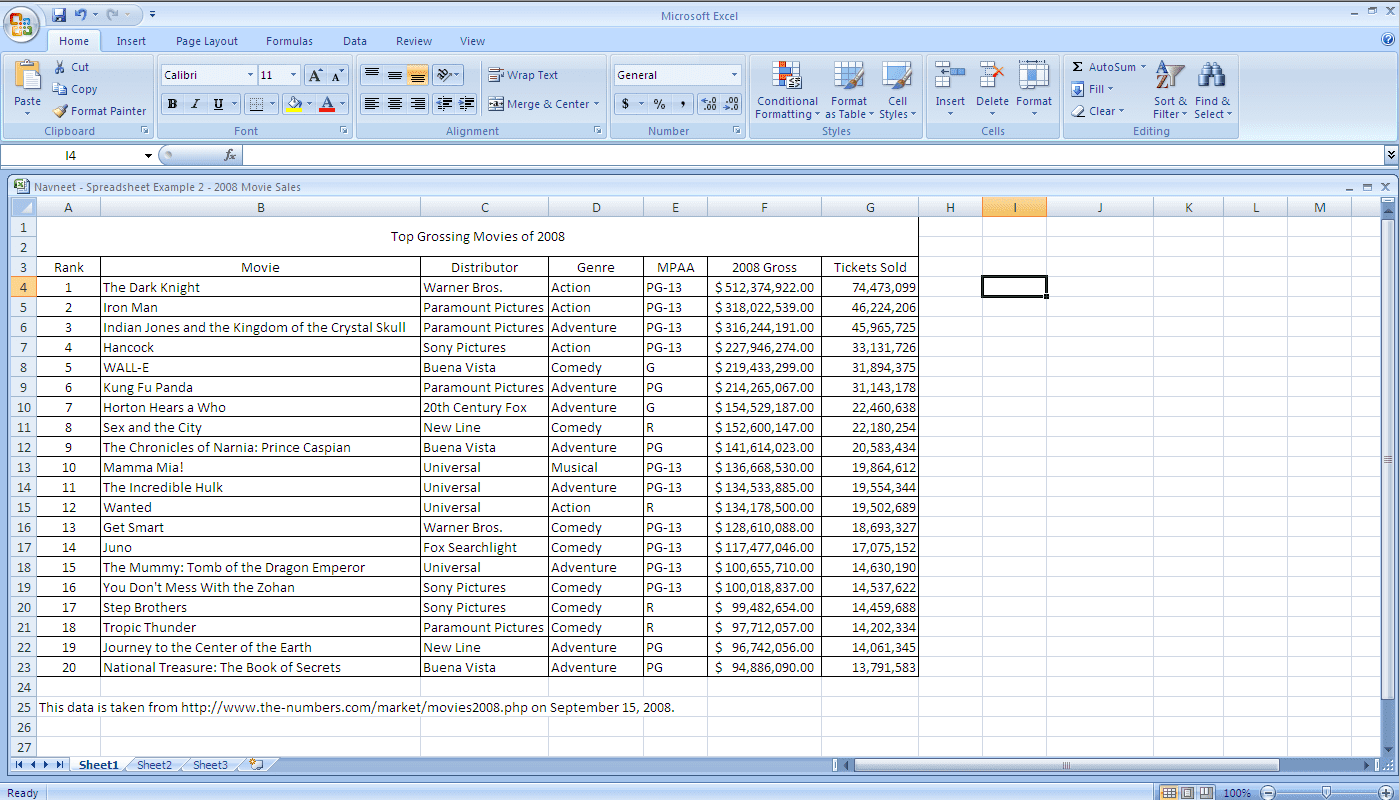 How To Do A Simple Spreadsheet On Excel
http://excelxo.com/wp-content/uploads/2018/08/sample-excel-spreadsheet-for-practice.png
Web Aug 25 2022 nbsp 0183 32 Open Up Microsoft Excel First of all you want to open up Microsoft Excel You can do this by clicking on the Excel icon on your home screen or toolbar this icon looks like a green square next to the letter X Alternatively you can open up the Start menu in the bottom left corner of your screen and type in Excel then click on the
Templates are pre-designed files or files that can be used for different functions. They can save time and effort by providing a ready-made format and layout for developing various sort of content. Templates can be utilized for individual or expert jobs, such as resumes, invites, leaflets, newsletters, reports, presentations, and more.
How To Do A Simple Spreadsheet On Excel

Excel Spreadsheet Examples For Students LAOBING KAISUO
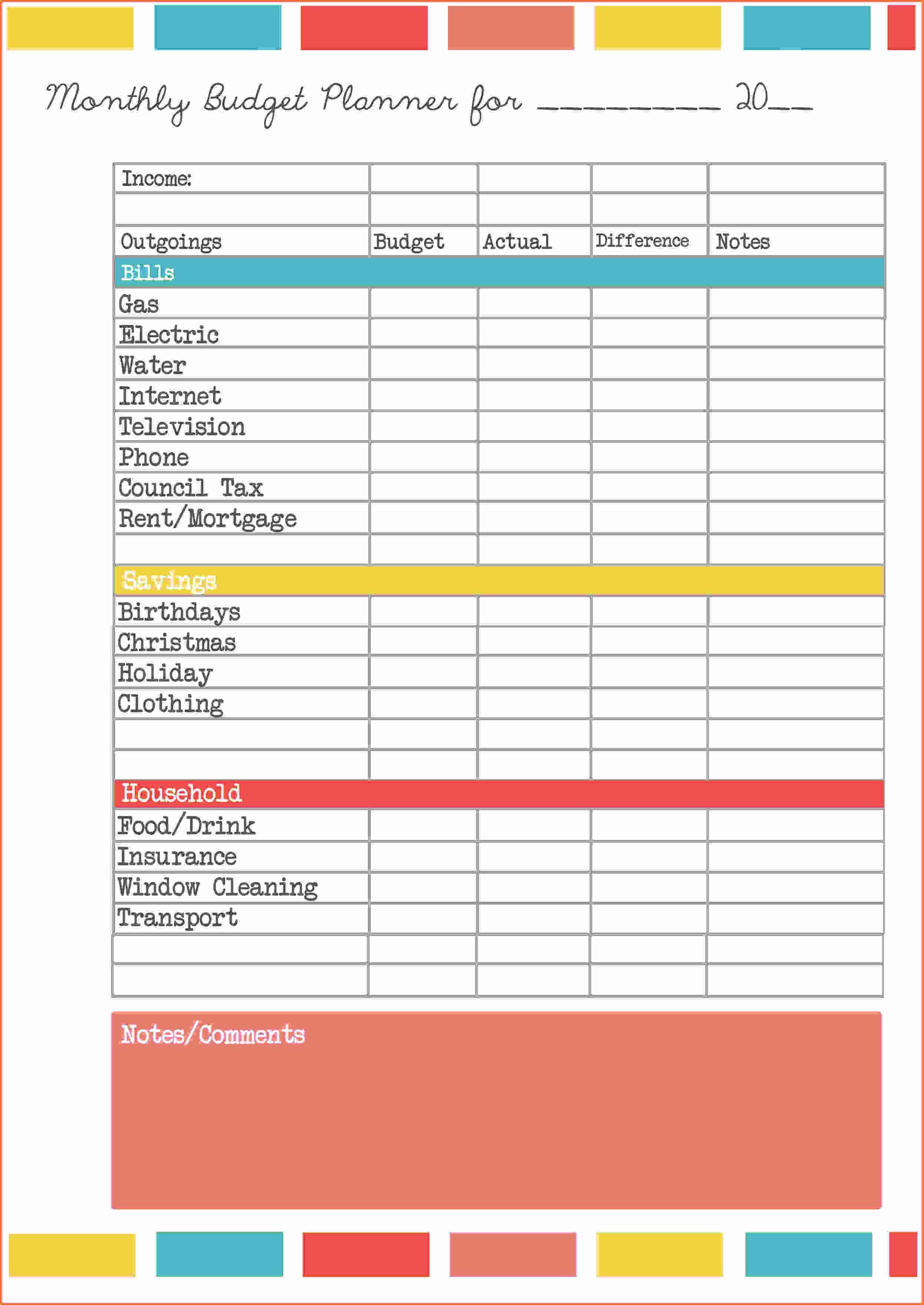
Excel Budget Workbook Monolomi
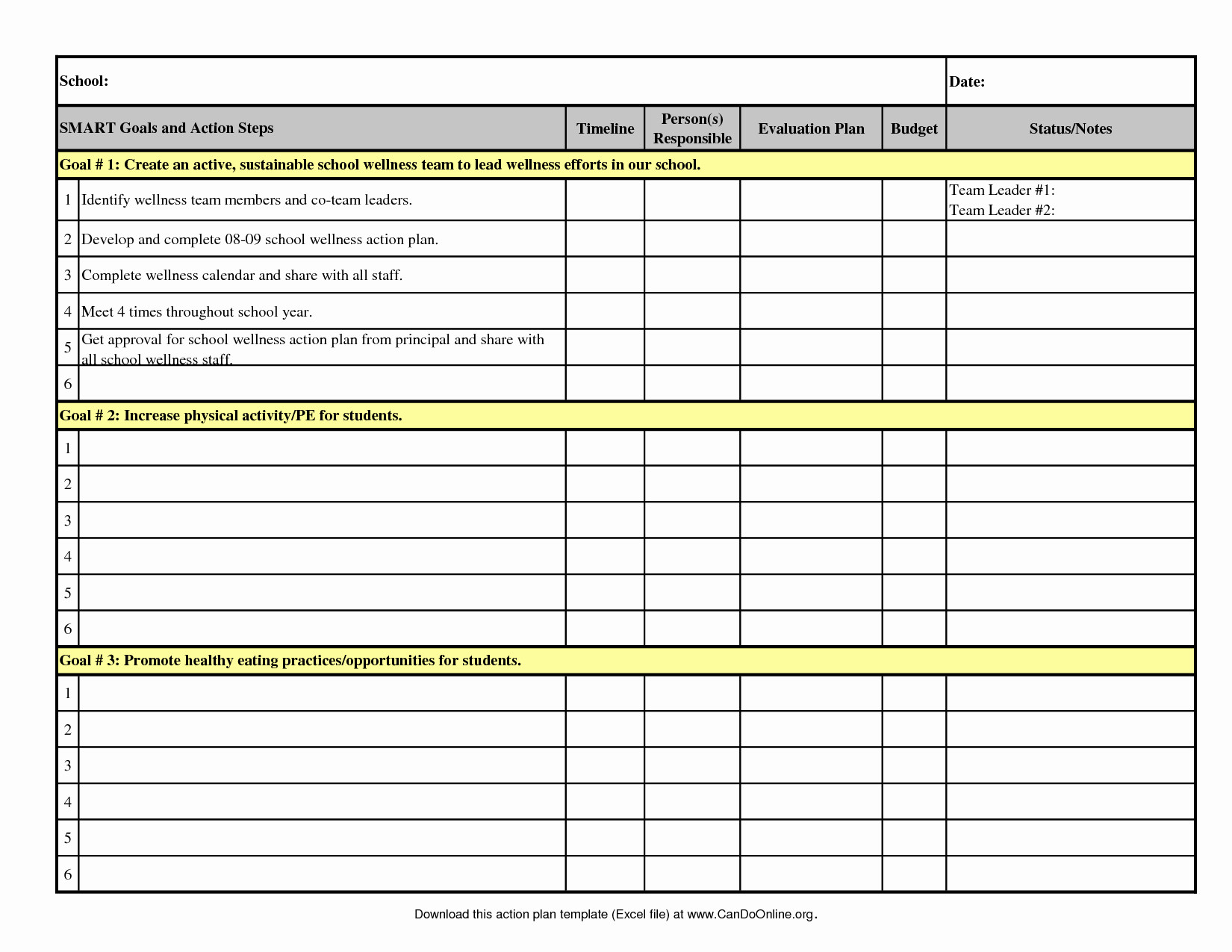
Spreadsheet Templates For Business Simple Spreadsheets In Business
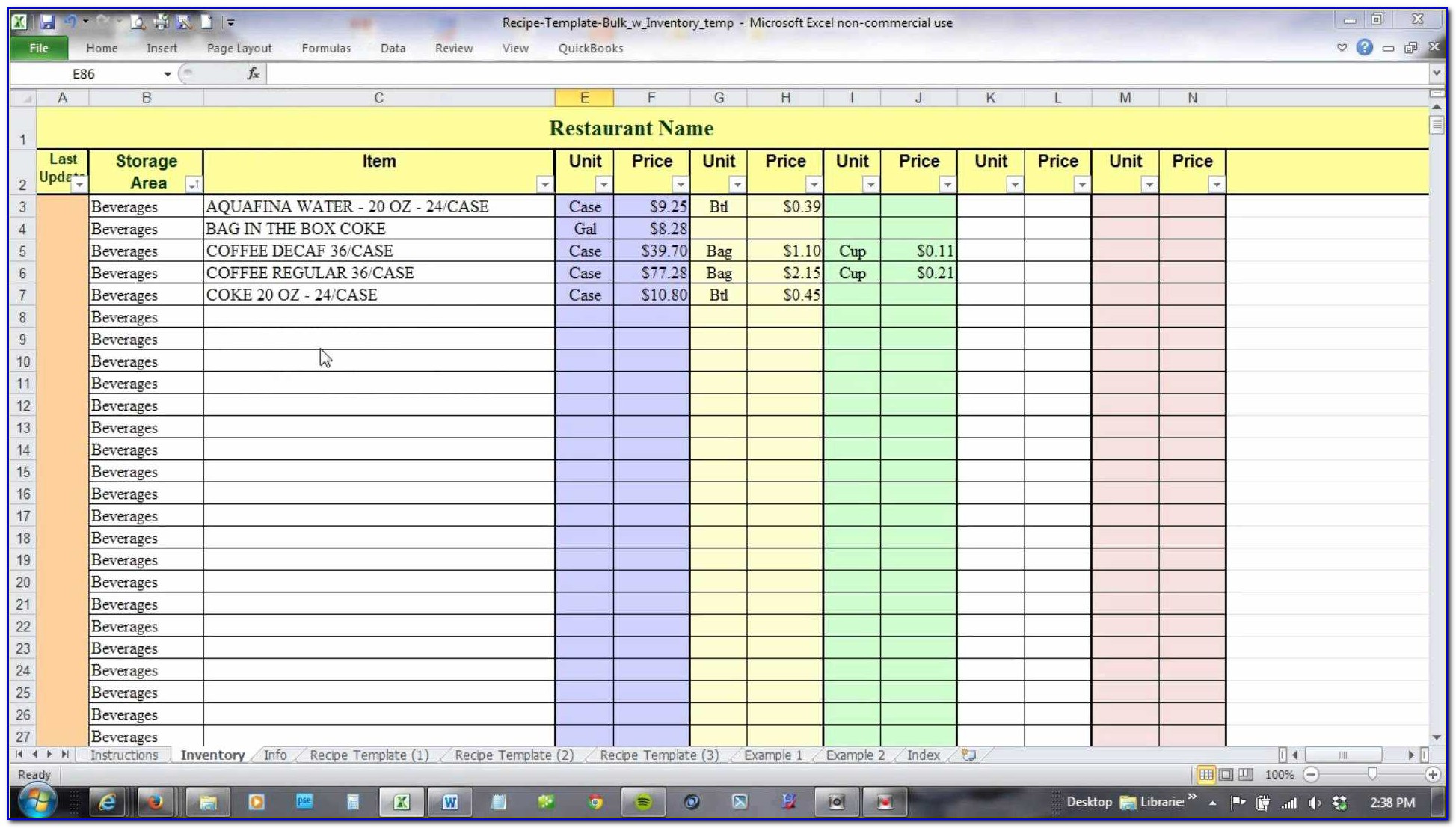
Inventory Tracking Excel Spreadsheet Template
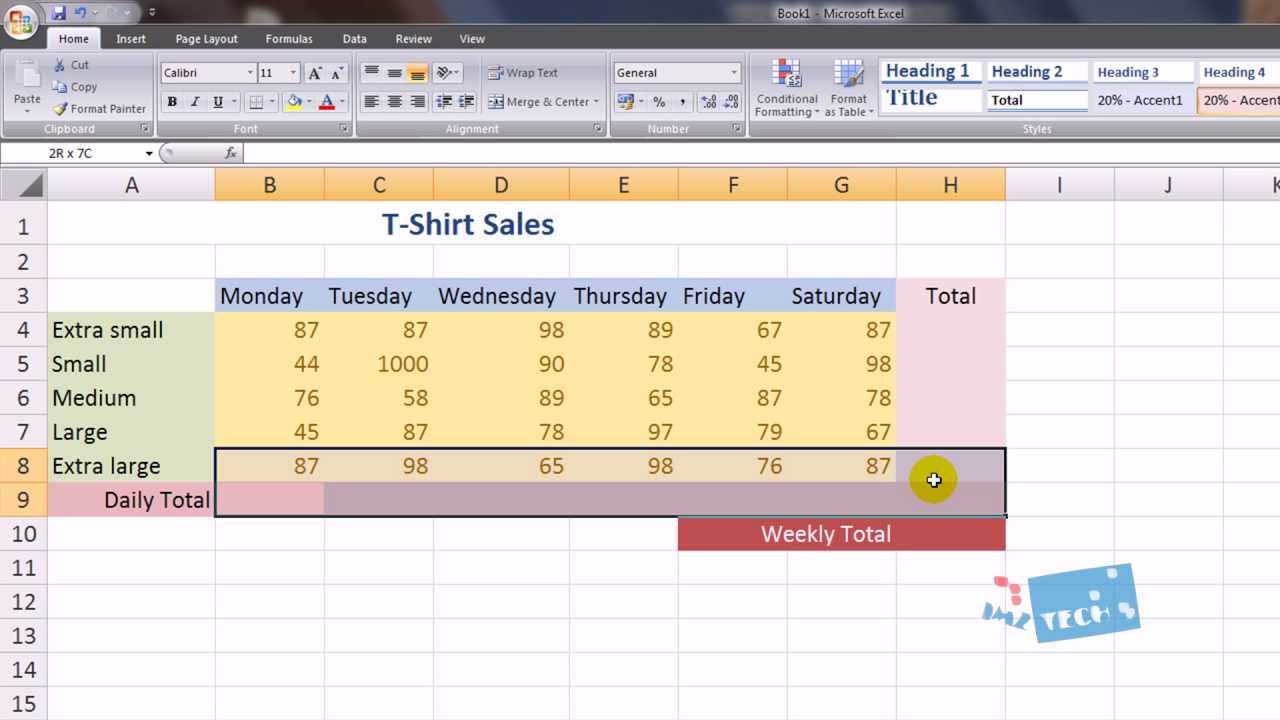
How To Build Excel Spreadsheet Phaserepeat9

How To Plan A DIY Home Renovation Budget Spreadsheet Renovation
Web 1 Opening a spreadsheet 2 Working with the Ribbon 3 Managing your worksheets 4 Entering data 5 Basic calculations 6 Unlocking the power of functions 7 Saving and sharing your work 8 Welcome to Excel Opening an Excel spreadsheet
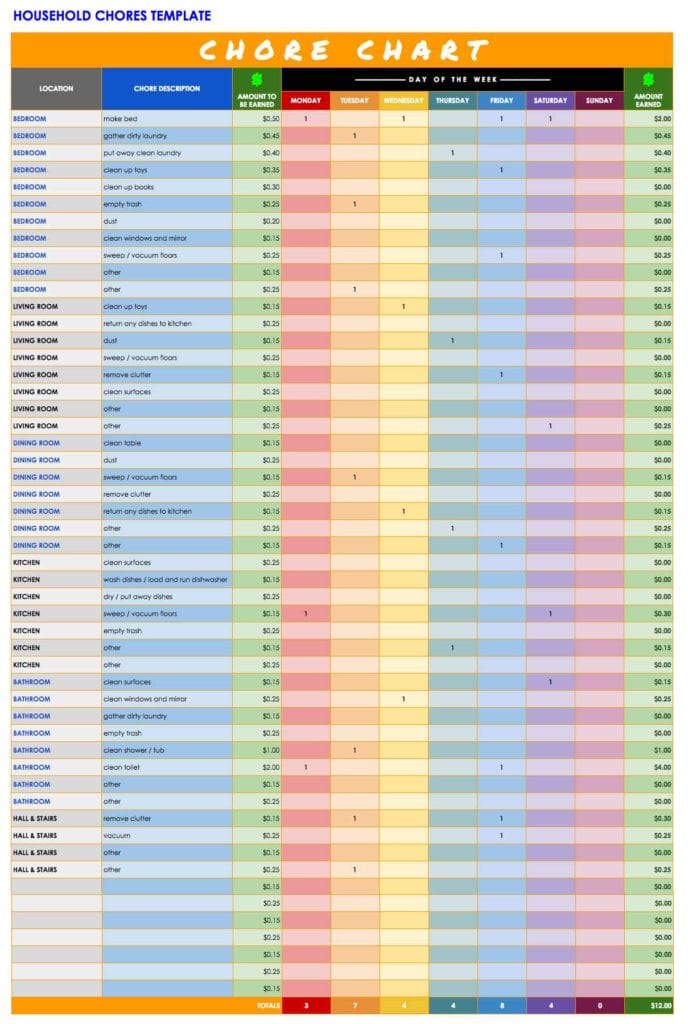
Web Learn the basics of using Microsoft Excel including the anatomy of a spreadsheet how to enter data how to make your data look good so it s easier to read

Web Mar 6 2020 nbsp 0183 32 Entering the Tutorial Data Entering data into worksheet cells is always a three step process these steps are as follows Click on the cell where you want the data to go Type the data into the cell Press the Enter key on the keyboard or click on another cell with the mouse As mentioned each cell in a worksheet is identified by an address or
Web Sep 7 2013 nbsp 0183 32 Share 2 6M views 10 years ago Excel How To s Training Tutorial Videos How to tutorial video demonstrating how to create a basic Excel spreadsheet Spreadsheet features navigations and
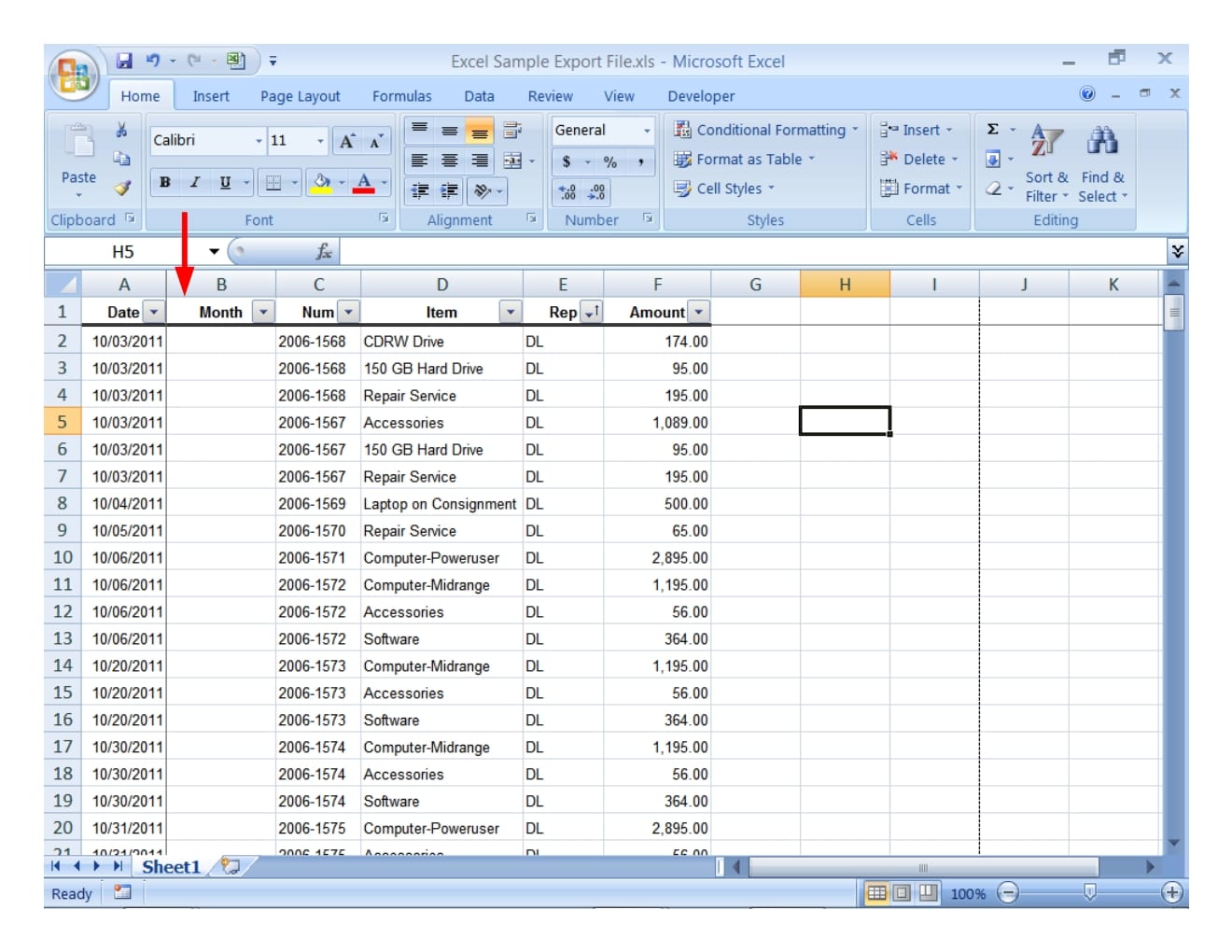
Web Oct 29 2022 nbsp 0183 32 7 Edit a cell value If you need to make a change to a cell you can double click the cell to activate the cursor and then make any changes you need When you re finished just press Enter or Return again To delete the contents of a cell click the cell once and press delete on your keyboard 8
Web Aug 3 2023 nbsp 0183 32 Step 1 Open MS Excel Step 2 Go to Menu and select New gt gt Click on the Blank workbook to create a simple worksheet OR Press Ctrl N To create a new spreadsheet Step 3 By default Sheet 1 will be created as a worksheet in the spreadsheet The spreadsheet s name will be Book 1 if you open it for the first time Web Jun 13 2017 nbsp 0183 32 In this article you will learn how to create a spreadsheet in Excel with step by step instructions details on what you can do with all its main functions information on how to navigate the tools and some free easy to use templates
Web Apr 24 2023 nbsp 0183 32 To insert a new worksheet you can right click on the sheet name in the bottom sheet tracker tray as shown below By selecting the new worksheet option from the available options you can create a new worksheet as displayed below A new dialogue box will appear on the screen where you can select the option to include a new sheet