How To Disable Proxy In Macbook Common Function Of A Proxy Server AbramrosFitzgerald Permanently Disable Proxy Settings In Windows 10 Technoresult How To Find Windows 10 Proxy Settings Proxy Error On Website Charles Proxy Connect Iphone If you really want to change the proxy settings for macOS from the command line then use these commands for Web HTTP HTTPS proxy networksetup setwebproxy Wi fi 127 0 0 1 8080 networksetup setwebproxystate Wi fi on networksetup getwebproxy Wi Fi For SOCKS proxy networksetup setsocksfirewallproxy wi fi localhost 1080 networksetup
4 Answers Sorted by 31 EDIT I am assuming you actually means Mac OS X and not Mac OS You can use the commandline tool networksetup There is a manpage for it networksetup 8 man networksetup You will find many options for proxy settings in there Step 1 Click the Apple icon then select the System Preferences option Step 2 Under Internet Wireless select Network Step 3 Click the Configure button when the Network screen appears Step 4 Click Proxies Make sure that all the boxes under Select a proxy server to configure are unchecked Step 5 Click Apply Now
Charles Proxy Connect Iphone Common Function Of A Proxy Server AbramrosFitzgerald How To Connect Macbook To Hdmi Deltamatrix Custom Macbook Pro Hard Case Weightlosskop How To Disable Proxy On Windows Browsers Heap Bribe Unsafe Edge Proxy Settings Ornament Juice Predict How To Change Proxy Setting In Google Chrome And Chromium Settings Vrogue Proxy Chrome Windows 10 4 Ways To Disable Proxy Settings WikiHow
How To Disable Proxy In Macbook
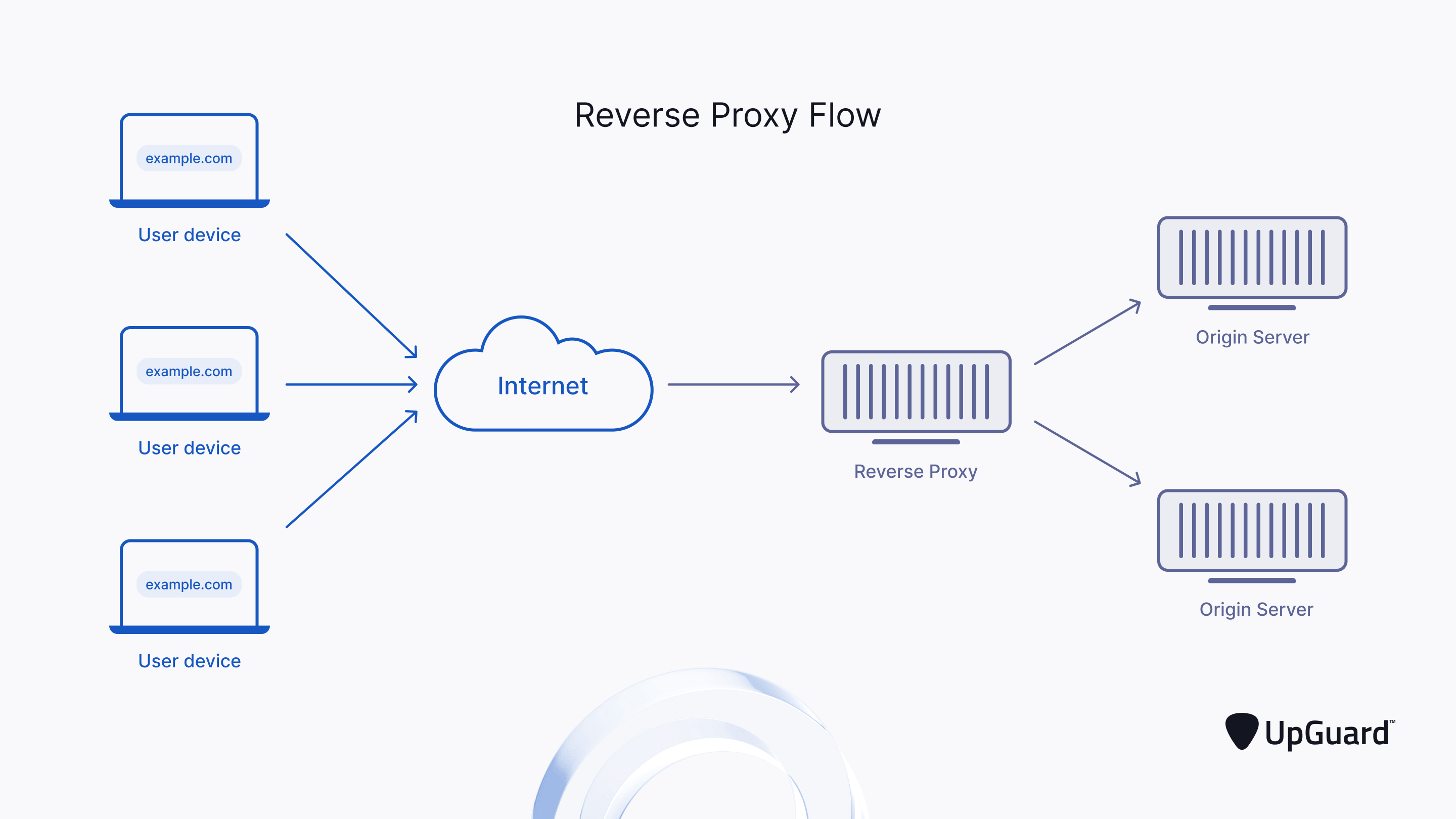 How To Disable Proxy In Macbook
https://assets-global.website-files.com/5efc3ccdb72aaa7480ec8179/6156359225158d4005b3091c_reverse-proxy-flow.png
Turn iCloud Private Relay on or off on your Wi Fi or Ethernet network On your Mac choose Apple menu System Settings then click Network in the sidebar You may need to scroll down Open Network settings for me Do one of the following Click Wi Fi on the right then click Details next to the name of the network
Pre-crafted templates offer a time-saving service for developing a diverse range of documents and files. These pre-designed formats and designs can be made use of for different individual and professional jobs, including resumes, invitations, leaflets, newsletters, reports, discussions, and more, simplifying the material production procedure.
How To Disable Proxy In Macbook

What Happens If I Turn Off Proxy The Daily VPN
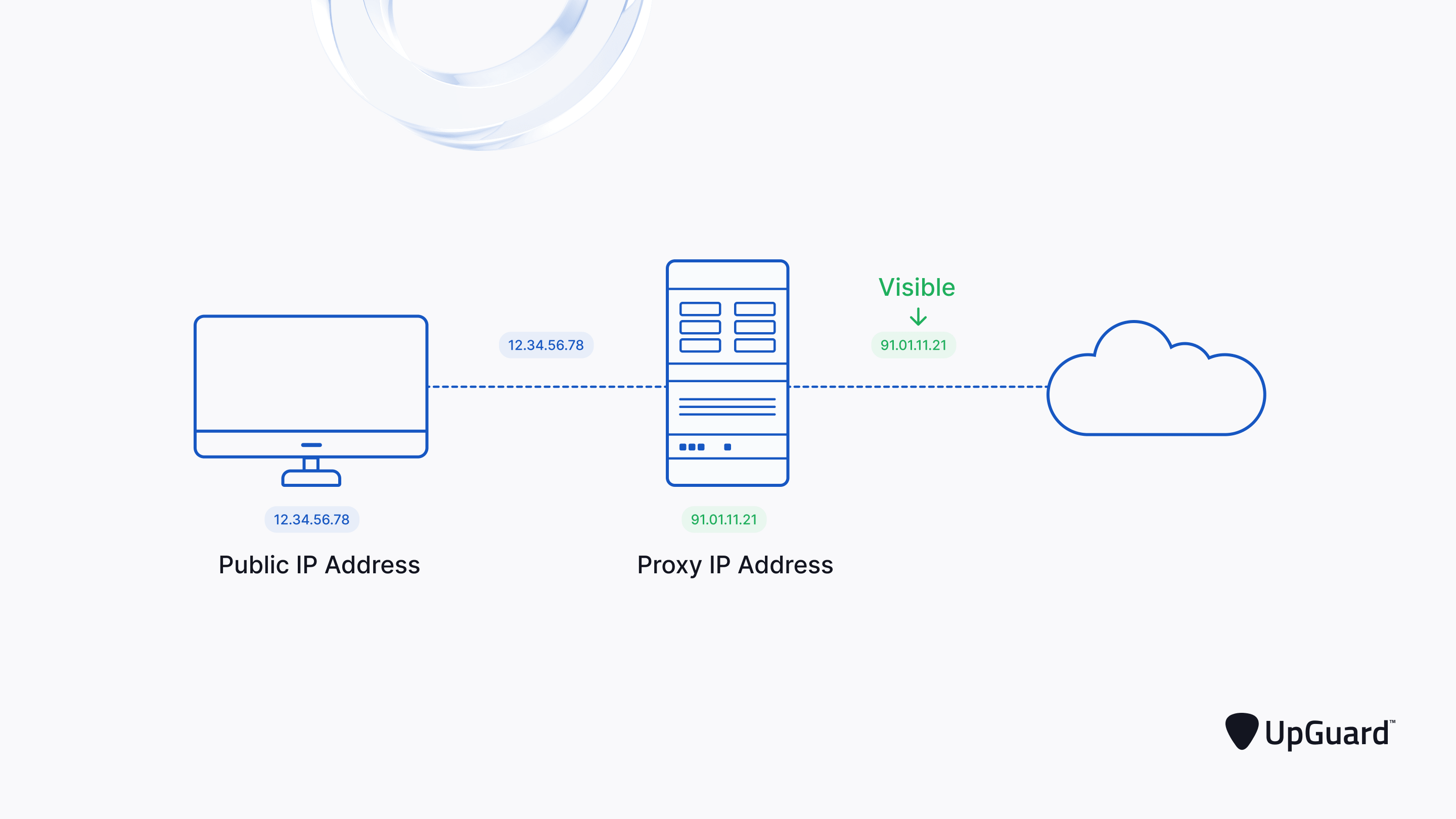
Common Function Of A Proxy Server AbramrosFitzgerald
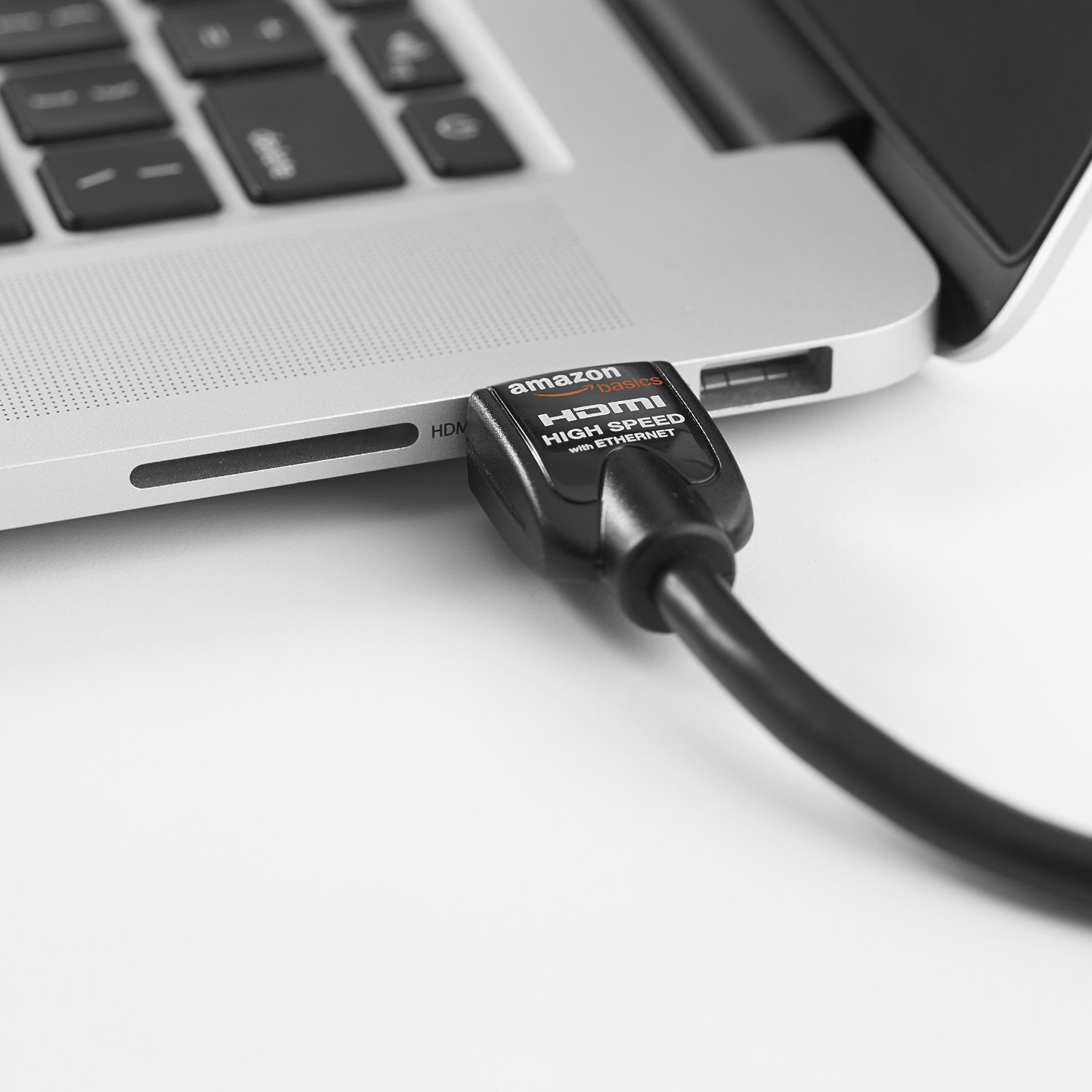
How To Connect Macbook To Hdmi Deltamatrix

Custom Macbook Pro Hard Case Weightlosskop

Heap Bribe Unsafe Edge Proxy Settings Ornament Juice Predict
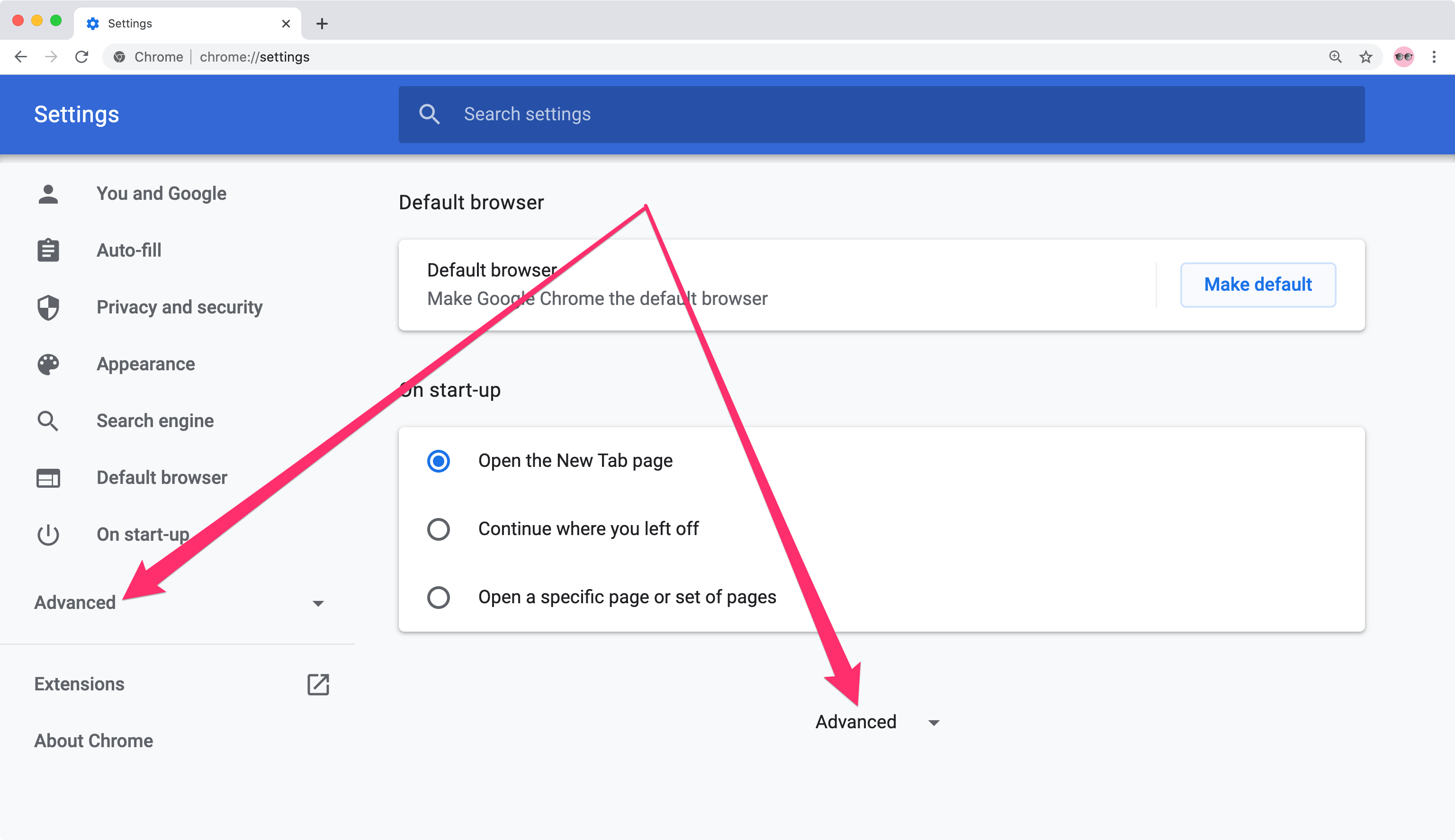
How To Change Proxy Setting In Google Chrome And Chromium Settings Vrogue
Follow the simple instructions below Click the Apple menu and select System Settings from the dropdown Select Network in the left pane and click Wi Fi Turn on Wi Fi and stay connected to a network Click Details on the connected Wi Fi network and select Proxies on the left Toggle off all the proxy settings you see here and click OK
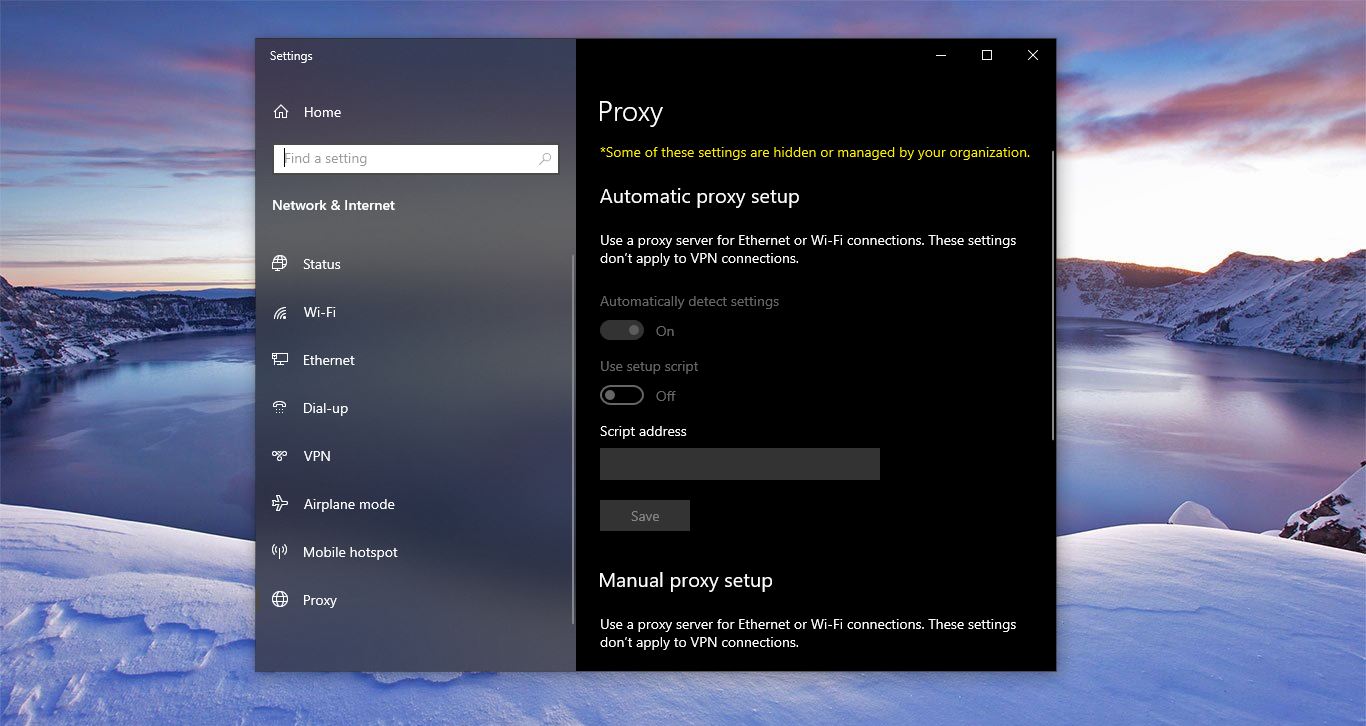
On your Mac choose Apple menu System Settings then click Network in the sidebar You may need to scroll down Click a network service on the right then click Details Click Proxies If you want to configure your proxy settings automatically do one of the following To automatically discover proxy servers turn on Auto proxy discovery
Step 1 Click the Apple icon then select the System Preference option Step 2 Select Network Step 3 From the left pane select the network service you wish to disable the proxy settings on then click the Advanced button Step 4 Select the Proxies tab then uncheck all protocols under Select a protocol to configure then click OK once done Done

1 Click the Apple icon then select the System Preference option 2 Select Network 3 From the left pane select the network services you wish to disable the proxy settings on then click the Advanced button 4 Select the Proxies tab then uncheck all protocols under Select a protocol to configure then click OK once done
Go to System Preferences Network Click on the Location dropdown menu Choose Edit Locations Click on the add button and give the location a name I would suggest you give it a name that s related to the proxy Now that you ve setup a new location go through the networking configuration ensuring you set the relevant proxy setting under
Follow these steps to disable the proxy settings on your device On your iOS device open Settings Tap Wi Fi Select your current active Wi Fi network Scroll down to HTTP PROXY Tap Configure Proxy Tap Off Save 1 Answer Sorted by 3 No need to create a script Create a proxyless network environment in the Network pane of System Preferences click on the Profile drop down and select Manage Profiles Duplicate your standard settings by clicking on the cog wheel button at the bottom of the list
How to disable proxies in Safari on Mac OS To disable the proxy server in Safari on your MAC OS based computer follow the instructions below Launch the Safari browser Click on the browser menu Go to Preferences Go to the Advanced category Click the Change Settings button which is located next to the Proxy option