How To Disable Os Optimized Defaults How To Fix Load Optimized Defaults Then Boot YouTube How To Turn Off Optimized Battery Charging On IPhone YouTube How To Load Optimized Defaults In Bios shorts YouTube BIOS Has Been Reset Please Decide How To Continue How To Fix Load How To FIX Load Optimized Defaults Then Boot 2024 Load Optimized When your account reaches its storage limit you won t be able to upload or create files in Drive send or receive emails in Gmail or back up photos or videos to Google Photos If you re over
Record the email addresses from people who fill out your form When someone takes your survey they will be required to enter their email address before they submit the form Collect verified Remove unwanted programs on your computer Before you reset your browser settings check your computer for unwanted programs Learn how to reset your browser settings
How To FIX Load Optimized Defaults Then Boot 2024 Load Optimized Como Ingresar A La BIOS O MENU BOOT En Laptop Lenovo IdeaPad 110 Lenovo Thinkpad T460 Boot Menu Lenovo T460 Boot Menu Key Lenovo Hpe Firmware Resetting Lenovo BIOS Settings Surftec Ltd U Resetting BIOS On GIGABYTE Virtualization Lenovo CDRT Docs Site UEFI
How To Disable Os Optimized Defaults
 How To Disable Os Optimized Defaults
https://i.ytimg.com/vi/NdrTnkxPEzA/maxresdefault.jpg
Official Gmail Help Center where you can find tips and tutorials on using Gmail and other answers to frequently asked questions
Templates are pre-designed documents or files that can be utilized for different functions. They can conserve time and effort by providing a ready-made format and layout for developing different type of content. Templates can be used for personal or professional projects, such as resumes, invitations, leaflets, newsletters, reports, discussions, and more.
How To Disable Os Optimized Defaults

LENOVO THINKPAD 13 How To Enter Bios And Boot Menu Option Boot From

Como Ingresar A La BIOS O MENU BOOT En Laptop Lenovo IdeaPad 110

Lenovo Thinkpad T460 Boot Menu Lenovo T460 Boot Menu Key Lenovo
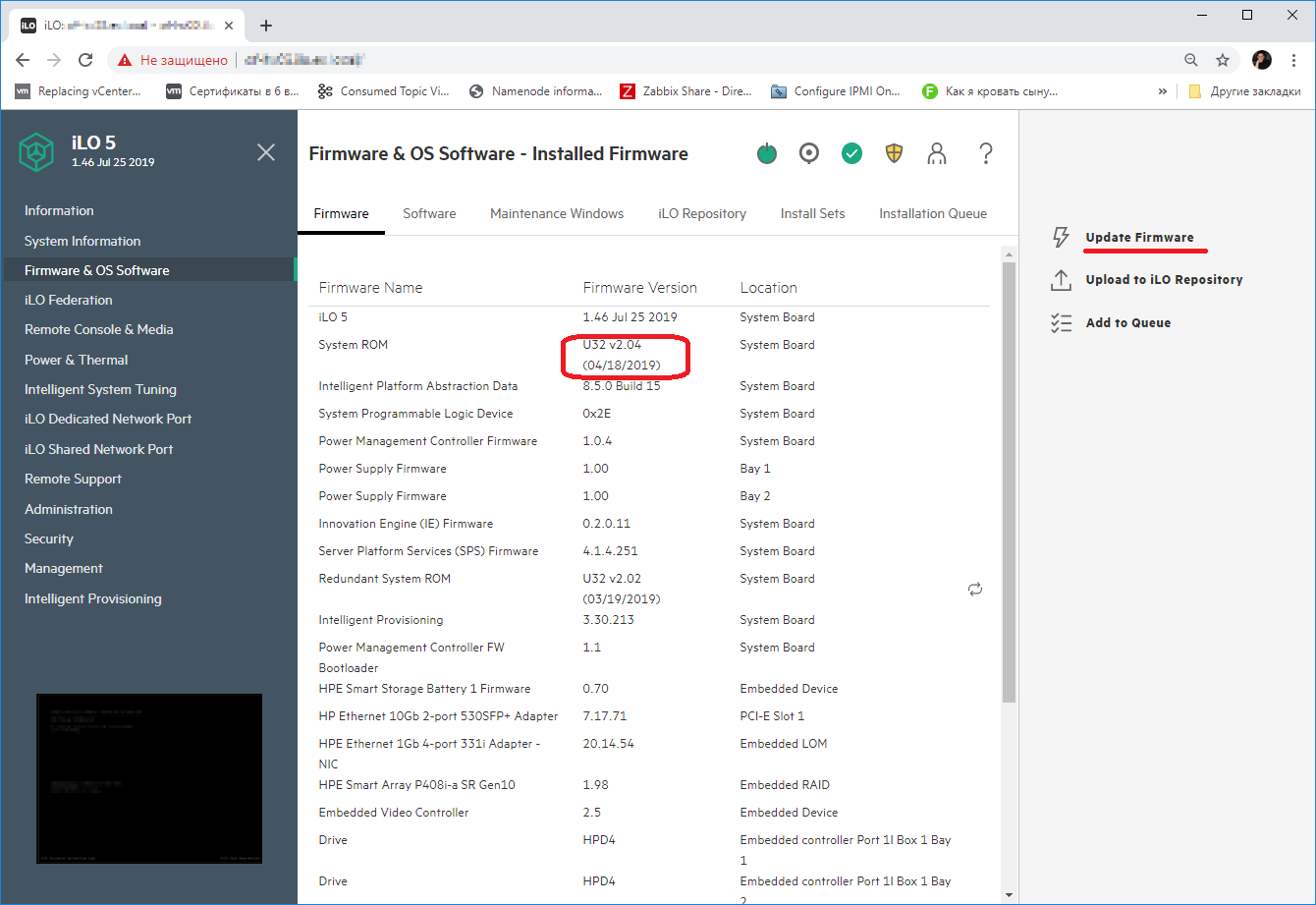
Hpe Firmware
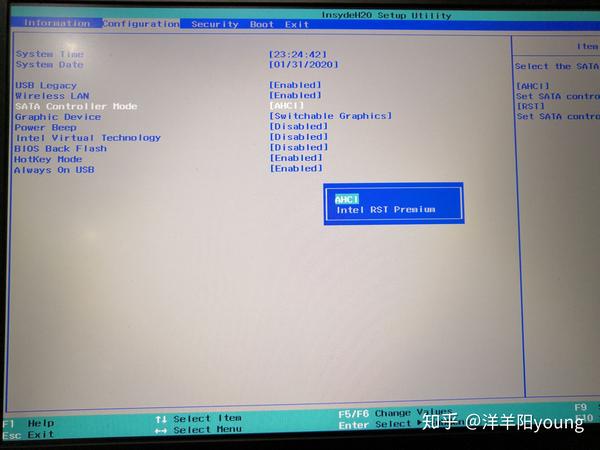
U
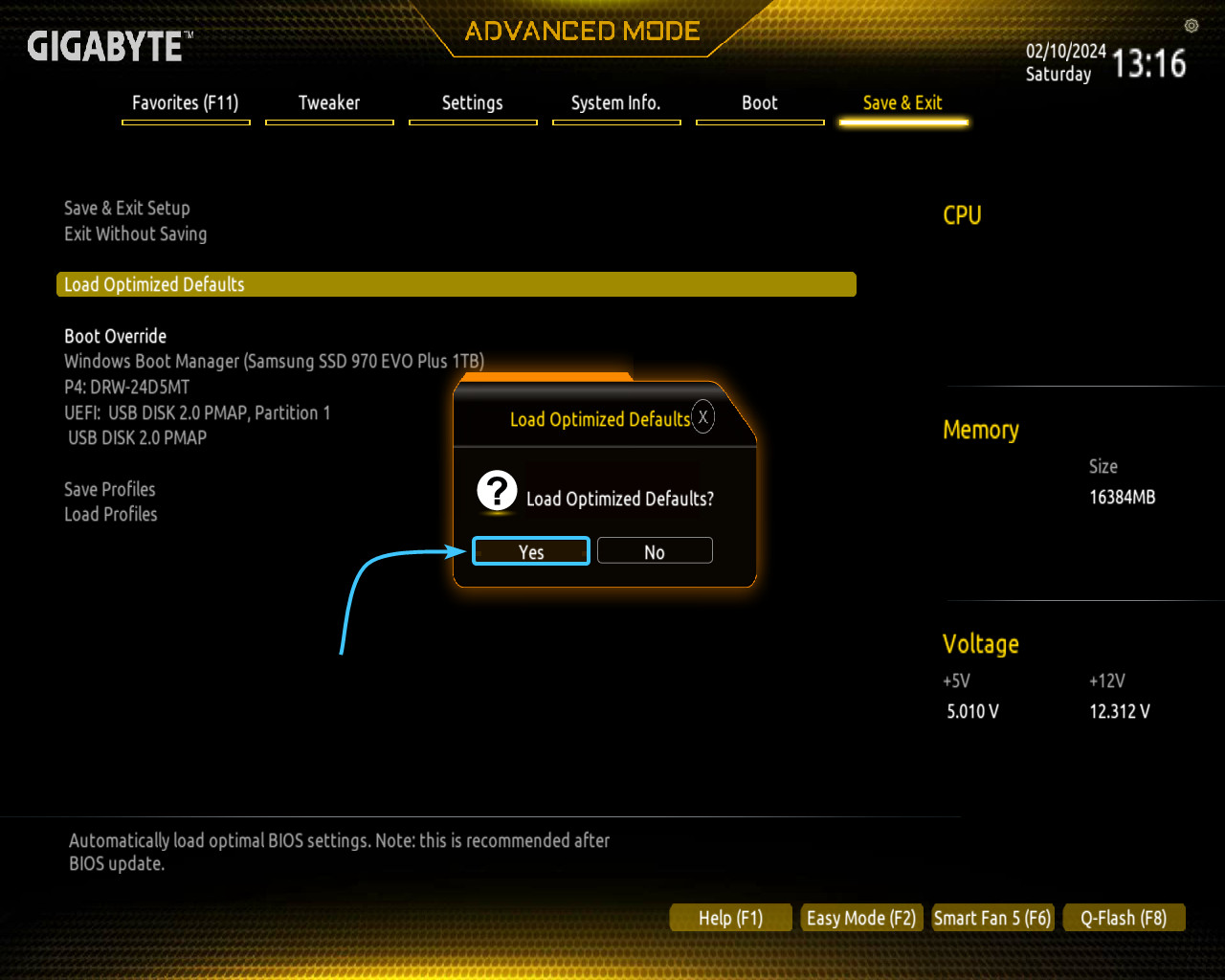
Resetting BIOS On GIGABYTE

How to install Chrome Important Before you download you can check if Chrome supports your operating system and other system requirements

Sign in to Gmail Tip If you sign in to a public computer make sure to sign out before you leave the computer Learn how to sign in on a device that s not yours

If you forgot your password or username or you can t get verification codes follow these steps to recover your Google Account That way you can use services like Gmail Pho

Important Before you set up a new Gmail account make sure to sign out of your current Gmail account Learn how to sign out of Gmail From your device go to the Google Account sign in

Learn how to update apps on Android Related resources Fix problems with the Google Play app How to update apps on Android
[desc-11] [desc-12]
[desc-13]