How To Design A Composite Deck Trex Decking Installation Video Patio Deck Designs Decks Backyard Composite Flooring Components Photo Gallery Composite Decking By DuraLife In 2020 Patio Deck 10 Tips For Choosing The Best Composite Decking Decks Docks Composite Deck Stairs Trex And Azek 2019 Deck Ideas How to change your name For example if you get married you could change from quot Lisa Brown quot at sportsfan gmail to quot Lisa Jones quot at sportsfan gmail Important You can t change
You can use Google Forms to create online surveys quizzes and forms send them to others to fill out and then analyze their responses in real time To edit forms and analyze responses with How to install Chrome Important Before you download you can check if Chrome supports your operating system and other system requirements
Composite Deck Stairs Trex And Azek 2019 Deck Ideas Trex Decking Recovering Renovating Your Deck Deck Designs Backyard Composite Decking Substructure Gatesdivest Image Result For Build Deck With Border Framing Deck Designs Backyard Simple Two Tone Composite Deck Backyard Patio Patio Deck Designs Installing Composite Decking On Stairs Home Design Ideas What Are The Financial Benefits Of Composite Decking Freedom Fence How To Choose Composite Decking Yonohomedesign Deck Building A Composite Deck Denver Deck Builder YouTube
How To Design A Composite Deck
 How To Design A Composite Deck
https://i.pinimg.com/originals/d4/4f/51/d44f513be842b09dac2c708e08731496.jpg
Important Before you start check that your operating system is compatible with Google Drive for desktop Tip If you use a work or school account you might not be able to use Google Drive
Templates are pre-designed files or files that can be utilized for different purposes. They can conserve effort and time by offering a ready-made format and design for producing different sort of content. Templates can be used for individual or professional tasks, such as resumes, invites, flyers, newsletters, reports, discussions, and more.
How To Design A Composite Deck

Composite Decks Available From Siwek Lumber Jordan

Trex Decking Recovering Renovating Your Deck Deck Designs Backyard

Composite Decking Substructure Gatesdivest

Image Result For Build Deck With Border Framing Deck Designs Backyard
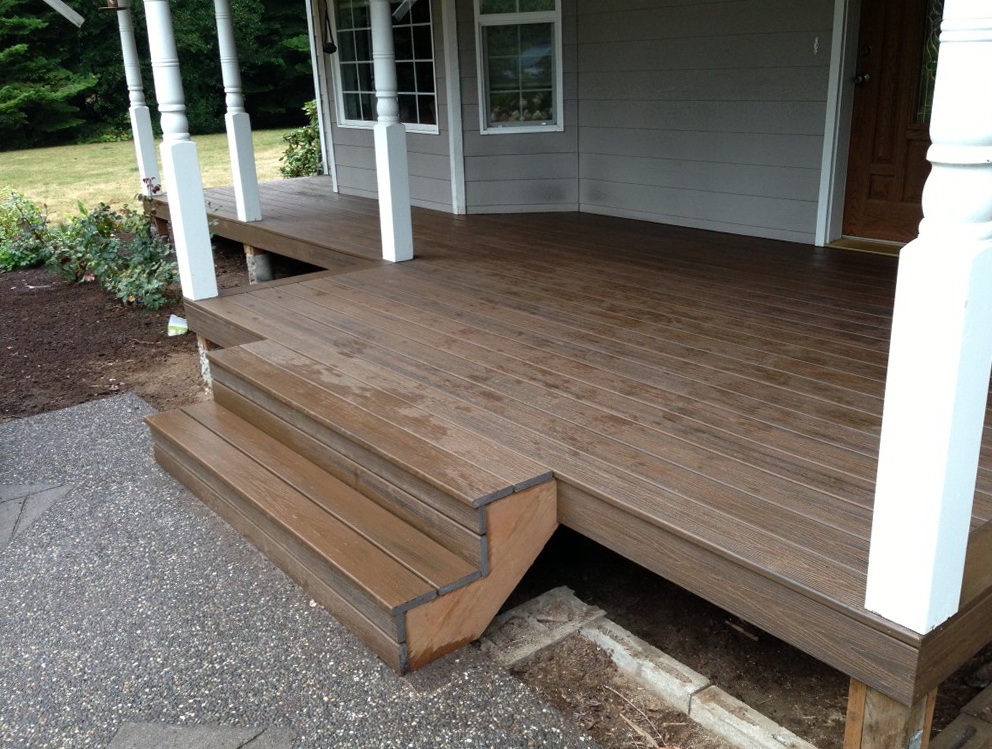
Installing Composite Decking On Stairs Home Design Ideas

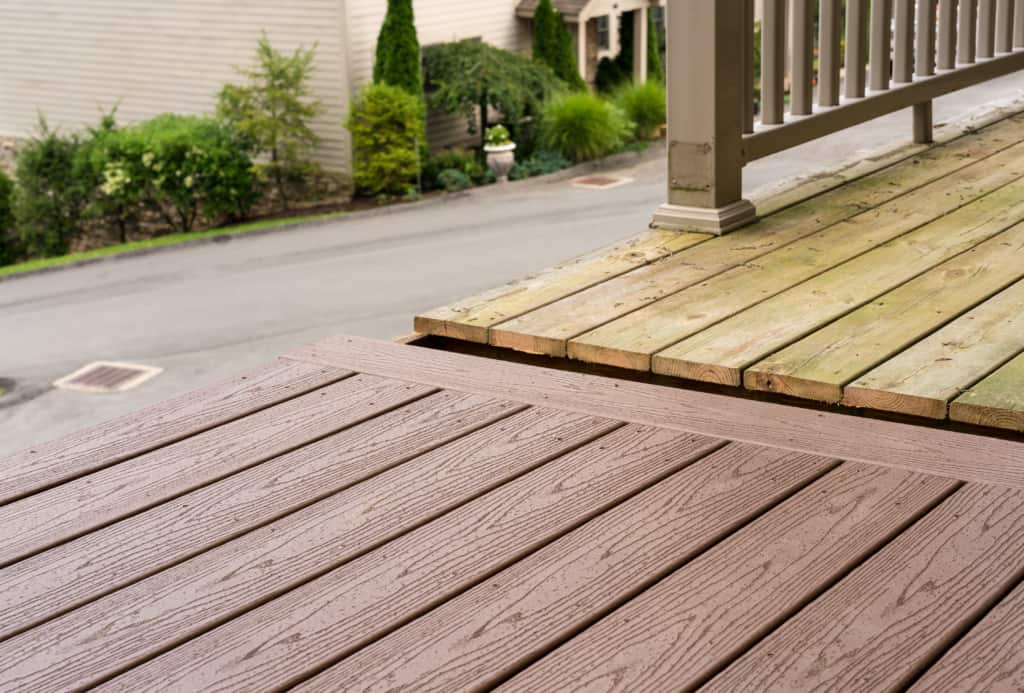
What Are The Financial Benefits Of Composite Decking Freedom Fence

If you forgot your password or username or you can t get verification codes follow these steps to recover your Google Acc

Sign in to Gmail Tip If you sign in to a public computer make sure to sign out before you leave the computer Learn how to sign in on a device that s not yours

Important Before you set up a new Gmail account make sure to sign out of your current Gmail account Learn how to sign out of Gmail From your device go to the Google Account sign in
Learn how to change more cookie settings in Chrome For example you can delete cookies for a specific site In other browsers If you use Safari Firefox or another browser check its support

If you change or reset your password you ll be signed out everywhere except Devices you use to verify that it s you when you sign in Some devices with third party apps that you ve given
[desc-11] [desc-12]
[desc-13]