How To Deploy On Netlify How To Deploy On Heroku Deploying Websites Is A Process That By Anupama Nair The Patr onus 10 How To Deploy Websites Using Netlify Learn Programming Cloud Computing Companies Deployment Sumit Badri SvelteKit Template Blog Start A Svelte Blog In Minutes Step 4 Configure your deployment settings The default build command for projects build using npx create react app is npm run build For other frameworks your build command might be yarn build or gulp build etc Your publish directory should be the folder a k a directory where your production files are the folder containing all your files after Netlify has finished building the site in
Download an individual file Download all deployed files Configure your deploy environment Failed deploy troubleshooting tips Site deploys Manage deploys Netlify versions all deploys From the Deploys tab for your site in the Netlify UI you can browse any deploy you ve ever made and preview it from a unique URL Find a deploy Prompt 1 This folder isn t linked to a site yet Prompt 2 Choose a site name Prompt 3 Deploy path Deploy application to production Conclusion See how LogRocket s AI powered error tracking works no signup required Check it out Editor s note This article was last updated 14 October 2022 to include additional setup commands
SvelteKit Template Blog Start A Svelte Blog In Minutes Alternatives To Netlify For Deploying Front end Apps How To Create A Landing Page With Next JS In 5 Minutes And Deploy In Production Quick How To Load Css Files For Ejs Files express App Support Netlify Support Forums Use Uma Conta Gratuita Do Azure Para Experimentar O Banco De Dados Do Azure Para MySQL How To Create A Landing Page With Next JS In 5 Minutes And Deploy In Production Quick How To Run Minikube On An Apple M1 Chip Without Docker Desktop Deploying React Applications To Netlify How To Upload Or Deploy Static Website On Netlify Codelapan
How To Deploy On Netlify
 How To Deploy On Netlify
https://miro.medium.com/v2/resize:fit:1358/1*_xm2aqN4s0XxyG-rwHC_Cw.png
Control all aspects of building and deploying Netlify sites from the command line TOML based configuration In addition to the web dashboard Netlify projects can be configured with a text based file you can version control in your Git project Full API Available REST style API to programatically manage all aspects of site builds and deployment
Pre-crafted templates offer a time-saving option for producing a diverse series of documents and files. These pre-designed formats and layouts can be utilized for different personal and professional projects, including resumes, invites, flyers, newsletters, reports, discussions, and more, improving the content creation procedure.
How To Deploy On Netlify

CommandBar Netlify CommandBar Blog

Alternatives To Netlify For Deploying Front end Apps
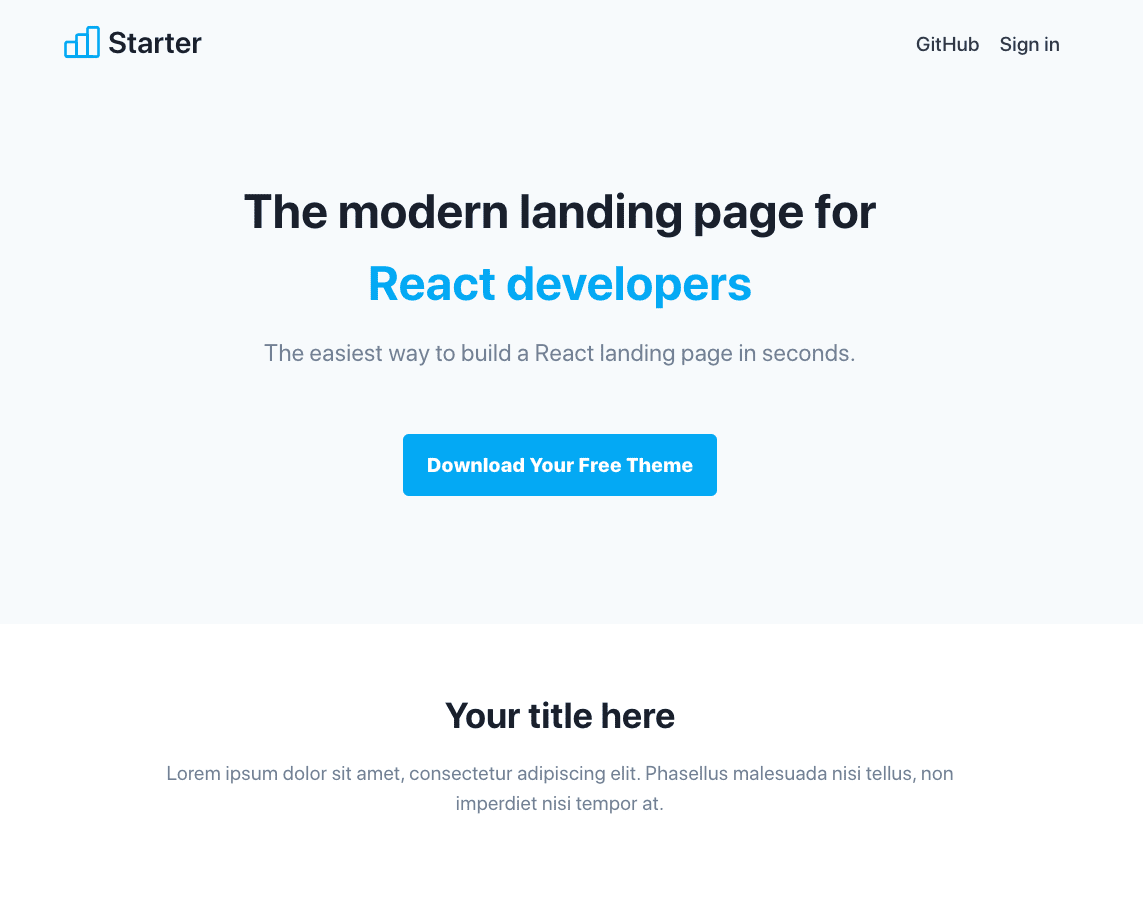
How To Create A Landing Page With Next JS In 5 Minutes And Deploy In Production Quick

How To Load Css Files For Ejs Files express App Support Netlify Support Forums
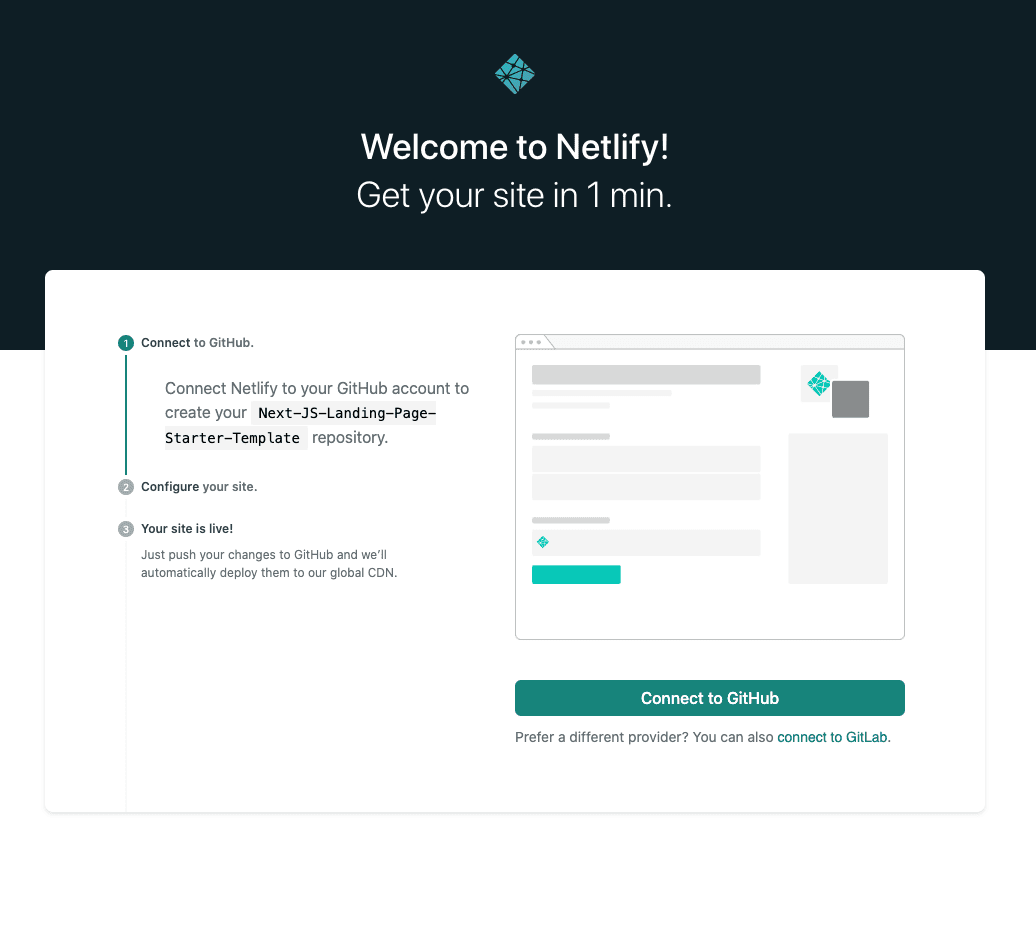
How To Create A Landing Page With Next JS In 5 Minutes And Deploy In Production Quick

How To Run Minikube On An Apple M1 Chip Without Docker Desktop

Next steps Site deploys Create deploys This page covers features and tools you can use to create deploys with or without continuous deployment Note When you create a deploy manually without continuous deployment Netlify does not run a build command Deploy with Git

One way to get started deploying on Netlify is to use a Deploy to Netlify button to add a site

You can use Netlify CLI to run a local development server that you can share with others run a local build and plugins and deploy your site The sections below describe how to perform common tasks with Netlify CLI You can also access a full command reference online or get help within Netlify CLI Installation

Definitions Branch deploys versus Deploy Previews Collaboration tools for your site Production branch controls Branch deploy controls Deploy Preview controls Search engine indexing Deploy contexts Deploy protection Deploy permissions Working with deploy requests from non team members Enable auto approval for deploy requests

Build configuration overview Netlify lets you link a GitHub GitLab Bitbucket or Azure DevOps repository to a site for continuous deployment Each time you push to your Git provider Netlify runs a build with your tool of choice and deploys the result to our powerful CDN Build settings
Choose the deploying a static site with netlify sample repository to link it with Netlify In the next step check that the Owner dropdown is set to the correct team your Netlify account name in this case and Branch to deploy is set to main like Scrolling down you ll see options for Basic build settings Learn more at https wwwlify https docslify https jamstack https explorerslify
Congratulation Your site is Live Click on the generated URL with the lify extension below the header that states Deploys for Lastly You can also set up a new domain or change the generated one to something nice by clicking on the that embeds Edit site name but it will end with lify Click here to read more