How To Delete The Local Commit In Git Get Verified Setup Git Commit Signing On Windows Garry Trinder Git Commit Amend PROPERLY Easy Examples GoLinuxCloud How To Undo Pushed Commits With Git Sciencx Glasnik Prili no Fenomen How Do I Commit A File In Git Bipostit Commit Changes To A Git Repository TestingDocs [desc-7]
[desc-6] [desc-8]
Commit Changes To A Git Repository TestingDocs Does Amending A Commit Change Its Hash Get Started With Git Commands For Version Control Earth Data Science Git Commit Message Style Guide Second Memory How To Remove A File From Git YouTube Git Fetch And Checkout BlissWas How Do You Correct A Commit Message In Git O Reilly To Write Git Vrogue Collaborating With You And Others With Github Beginners Guide For R How To Add And Commit Files In Single Command In Git YouTube
How To Delete The Local Commit In Git
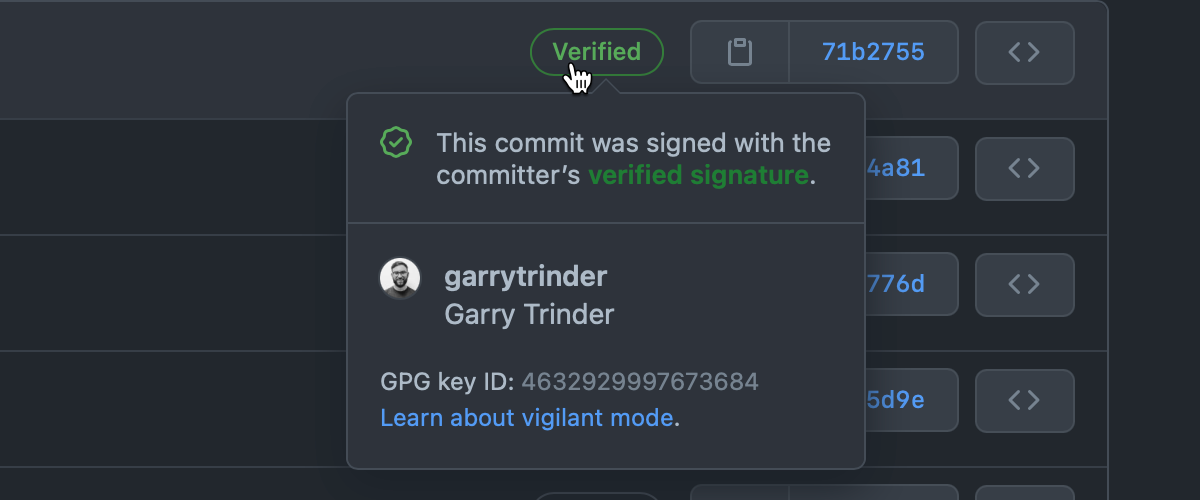 How To Delete The Local Commit In Git
https://garrytrinder.github.io/public/img/git/verified-commit.png
[desc-9]
Templates are pre-designed documents or files that can be used for different functions. They can save effort and time by offering a ready-made format and design for creating different kinds of material. Templates can be used for individual or expert projects, such as resumes, invitations, flyers, newsletters, reports, presentations, and more.
How To Delete The Local Commit In Git
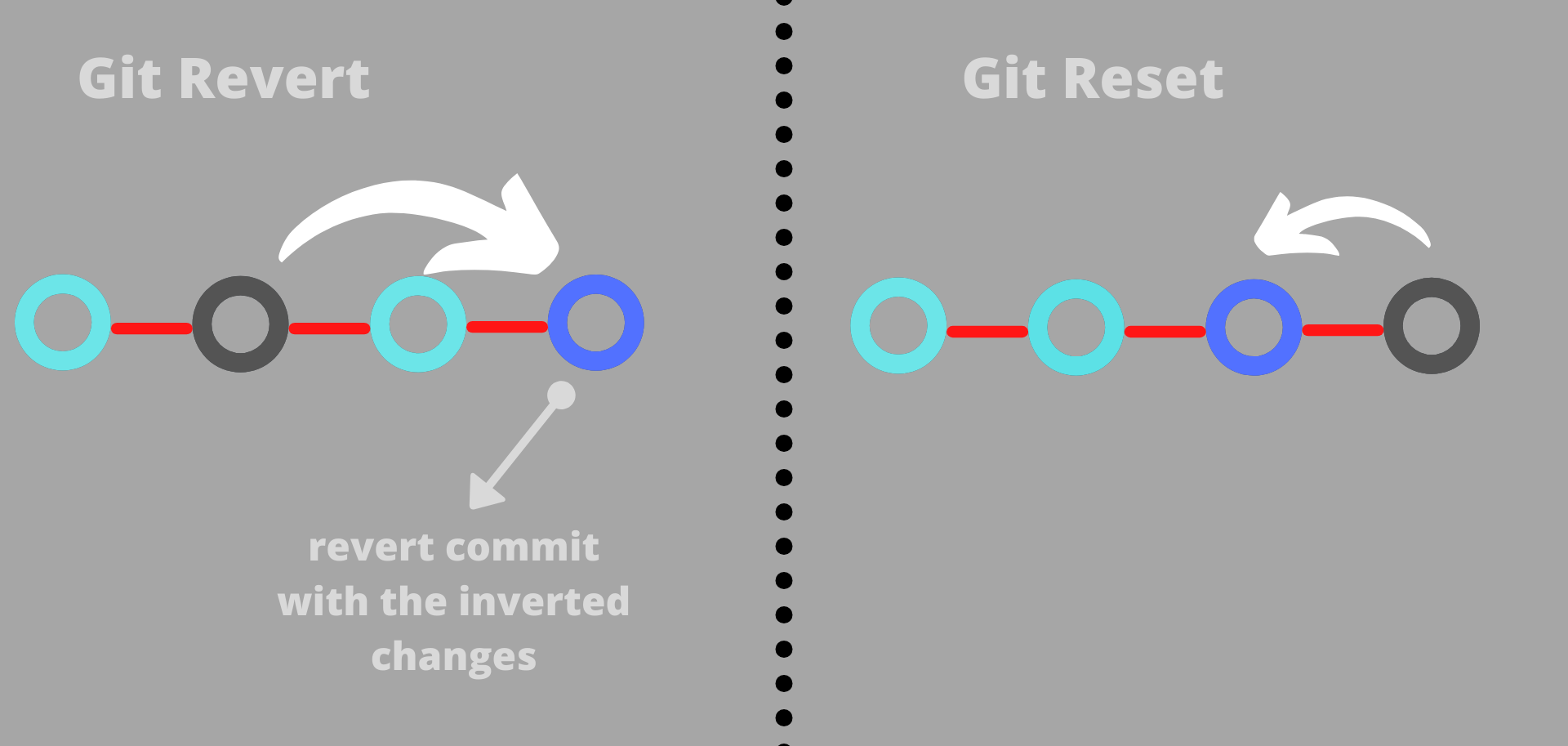
Git What Are Differences Between Revert Revert Commit And Reset Hot
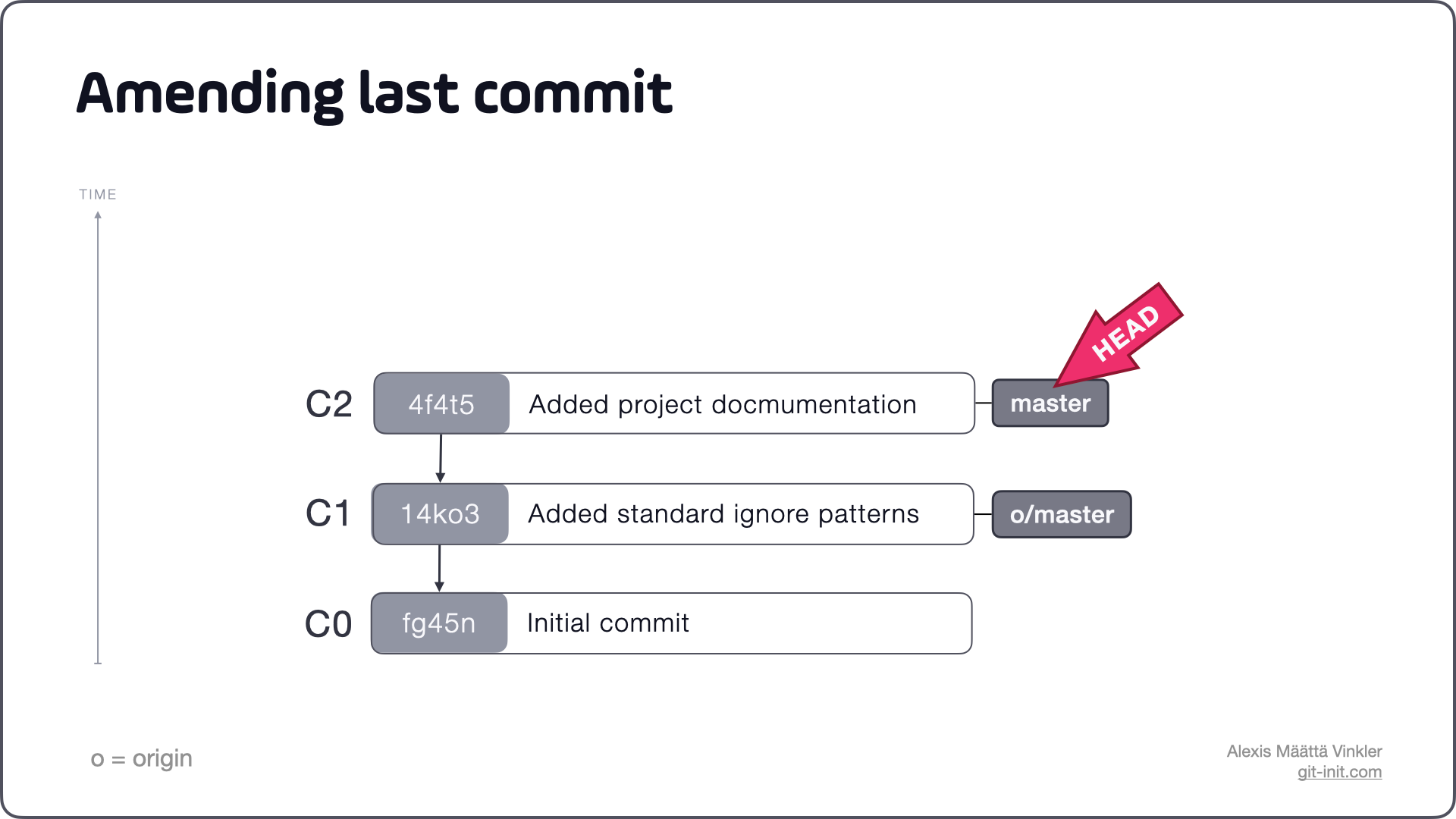
Does Amending A Commit Change Its Hash
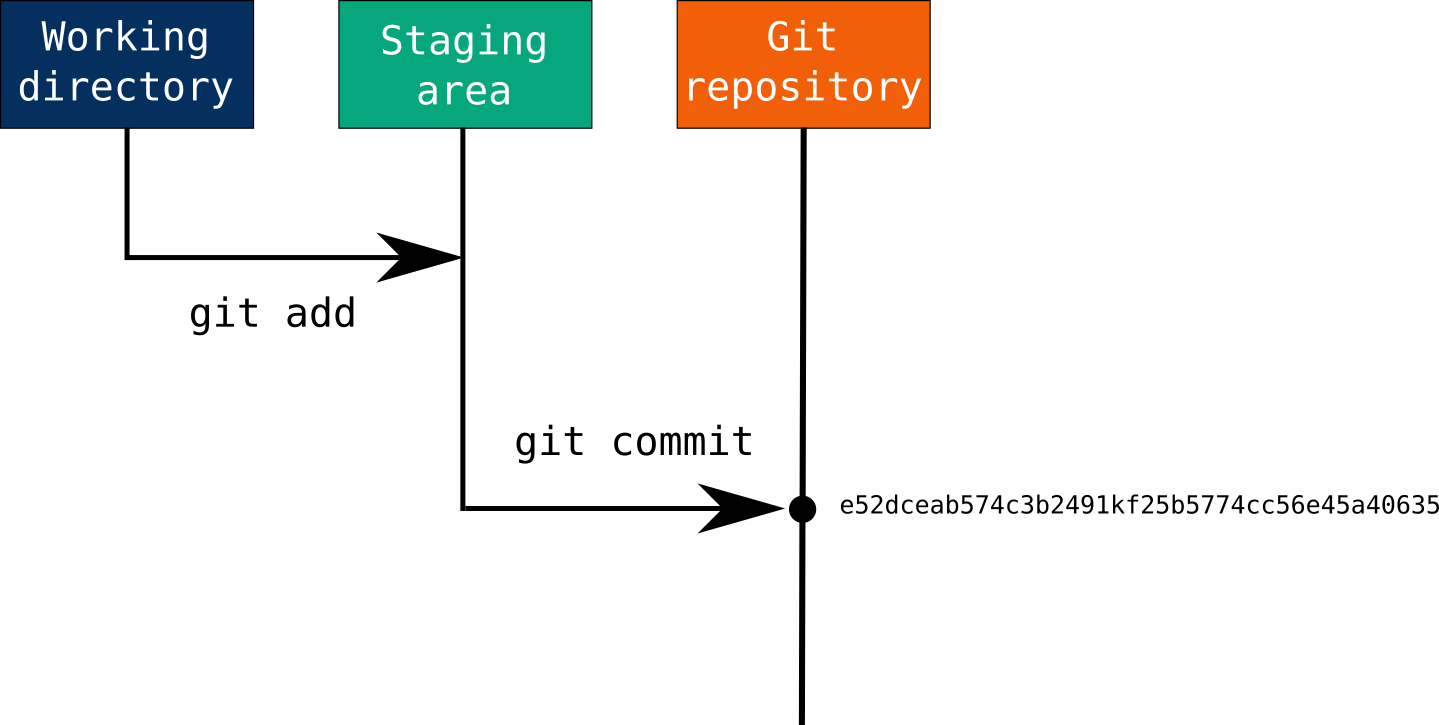
Get Started With Git Commands For Version Control Earth Data Science
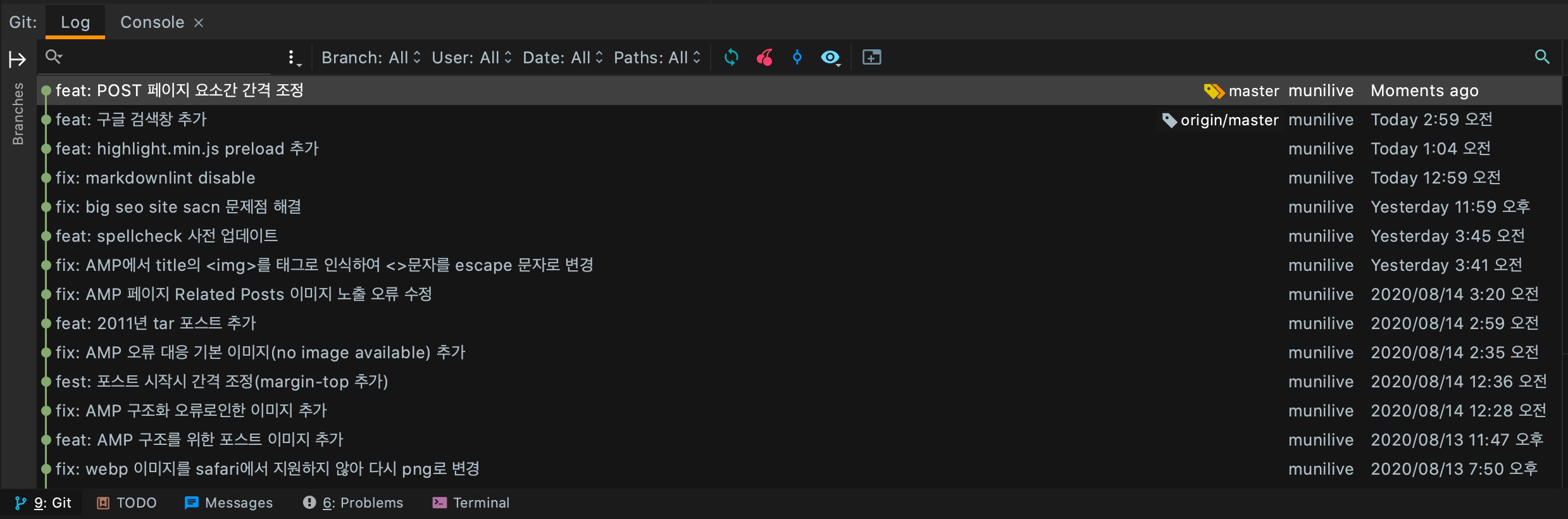
Git Commit Message Style Guide Second Memory
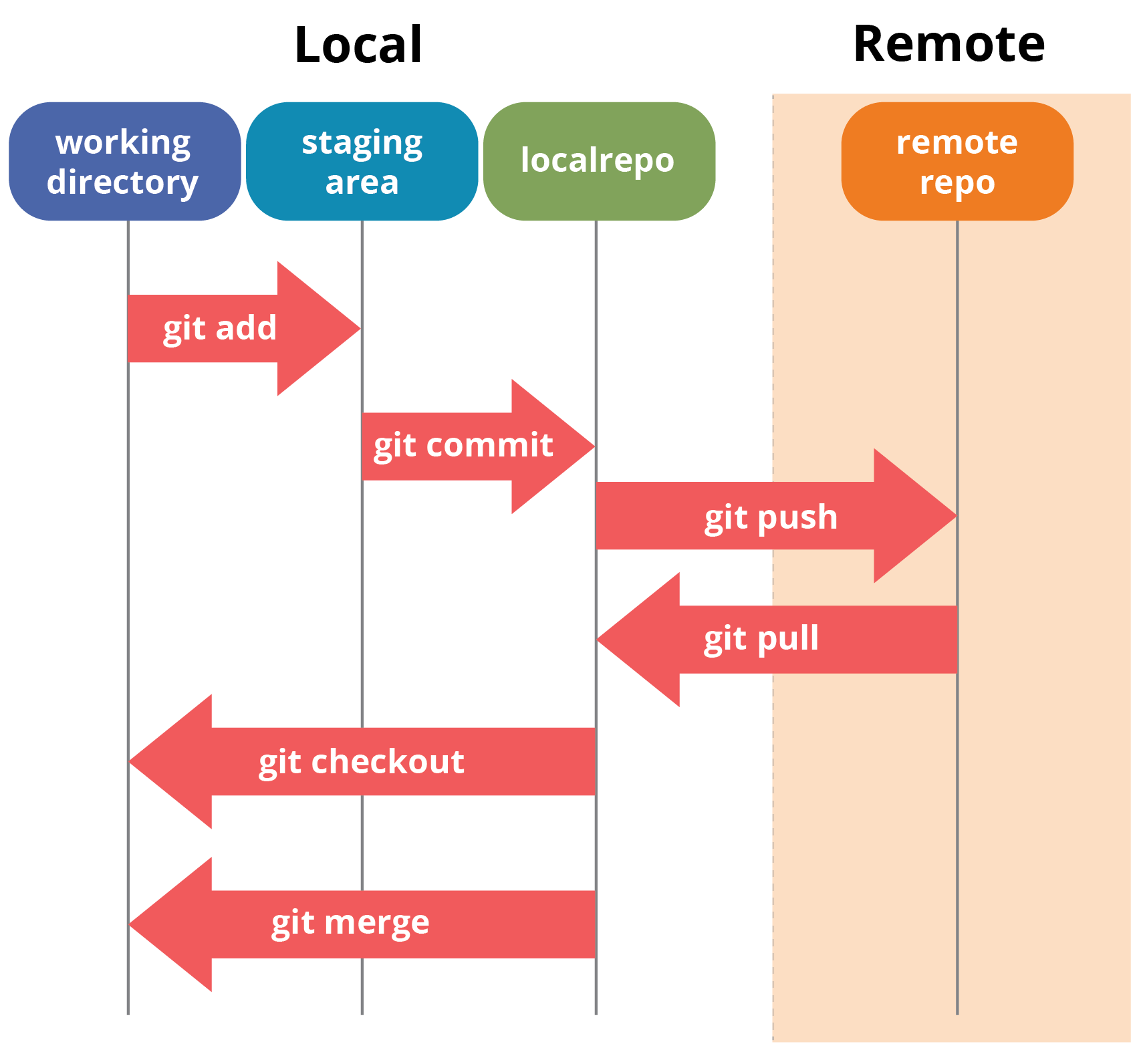
Git Fetch And Checkout BlissWas
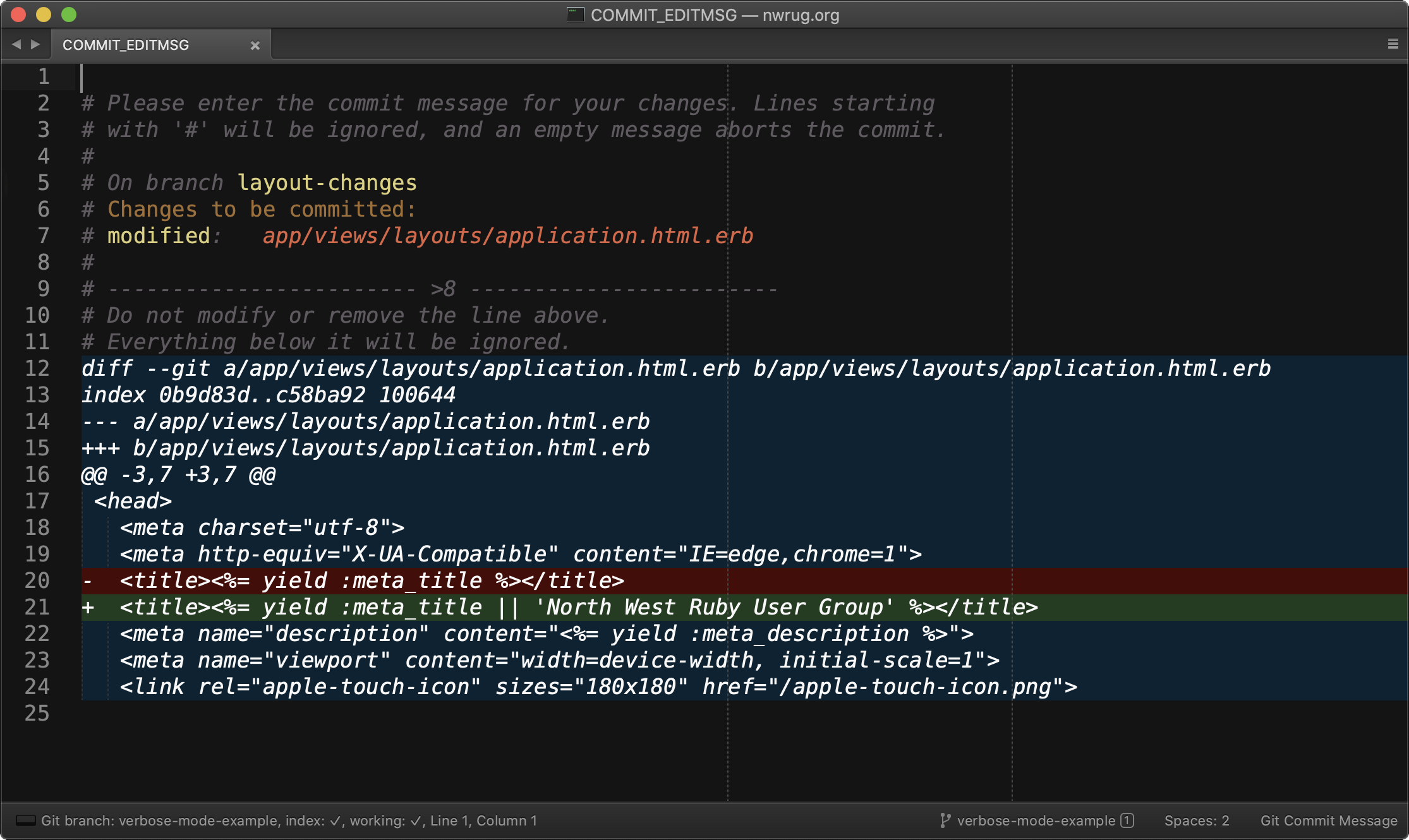
How Do You Correct A Commit Message In Git O Reilly To Write Git Vrogue
Fixing Commits Locally Reverting Github Safe Force Reset Unsafe Moving a Commit to a Different Branch If you accidentally committed something you shouldn t have and pushed it to Github there are still ways to delete or modify it Usually you don t want to mess with Git s history but in some cases it can be safe when done properly

To entirely remove unwanted files from a repository s history you can use either the git filter repo tool or the BFG Repo Cleaner open source tool The git filter repo tool and the BFG Repo Cleaner rewrite your repository s history which changes the SHAs for existing commits that you alter and any dependent commits

This command will confirm that the file is unstaged meaning you haven t used git add yet and will let you view the files you may want to undo On branch main Your branch is up to date with origin main Changes not staged for commit use git add file to update what will be committed use git restore file
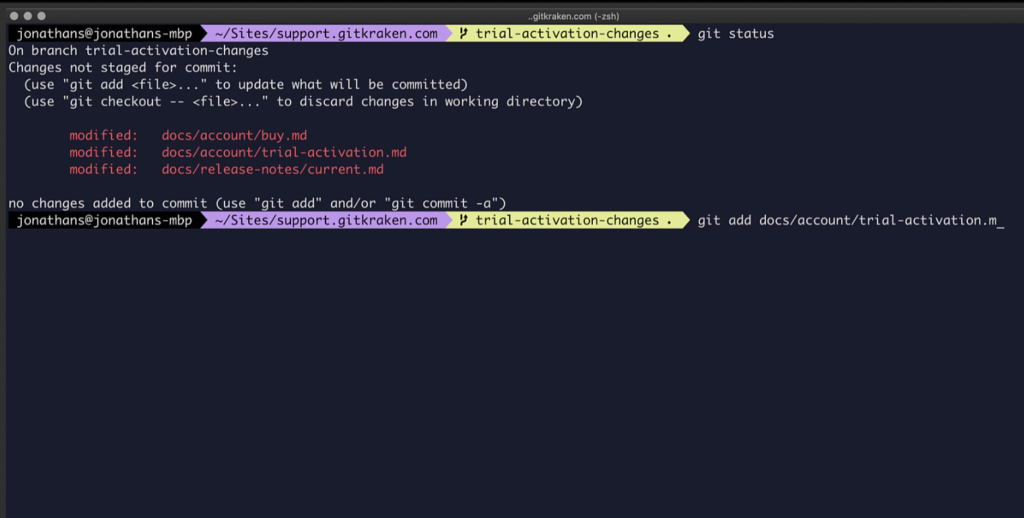
To remove files from commits use the git restore command specify the source using the source option and the file to be removed from the repository For example in order to remove the file named myfile from the HEAD you would write the following command git restore source HEAD staged file
[desc-5]
[desc-11] [desc-12]
[desc-13]