How To Delete Text In Adobe Reader Krotbits blogg se How To Add Fonts To Adobe Pdf Text Edit How To Delete Text In Photos With Paint Frequent Answer How To Delete Text In Autocad How To Delete Any Text From Your PDFs Inkit How To Delete Text In Photos With Paint WEB Dec 16 2019 nbsp 0183 32 As you have mentioned above you wish to like delete text in the PDF on the mobile application If you have the Acrobat Premium service you can edit text in the PDF Please take help of the steps provided in the following link to edit PDF
WEB Need to black out text in a PDF file i e permanently remove it Check out our guide to learn how to remove sensitive information from your PDFs easily WEB Oct 8 2023 nbsp 0183 32 Follow these steps to use text edit comments in a PDF to indicate where text should be edited in the source file Replace text add a note insert or delete text and highlight strikethrough or underline text in Adobe Acrobat
How To Delete Text In Photos With Paint How To Delete Text In Photos With Paint Quick Way To Delete Text From PDF Update How To Delete Text From PDF Easily 2023 Updated How To Delete Text In Photos With Paint How To Delete Text In Photos With Paint How To Remove All Highlights From PDF In A Quick Way Help Center Foxit Software How To Delete Text In Photos With Paint How To Delete Text On Photos In Photoshop Online
How To Delete Text In Adobe Reader
 How To Delete Text In Adobe Reader
https://d3pbdh1dmixop.cloudfront.net/assets/pdfexpert.ios/pdfexpert7.201907/how-to/edit/img-05-text-selection.png
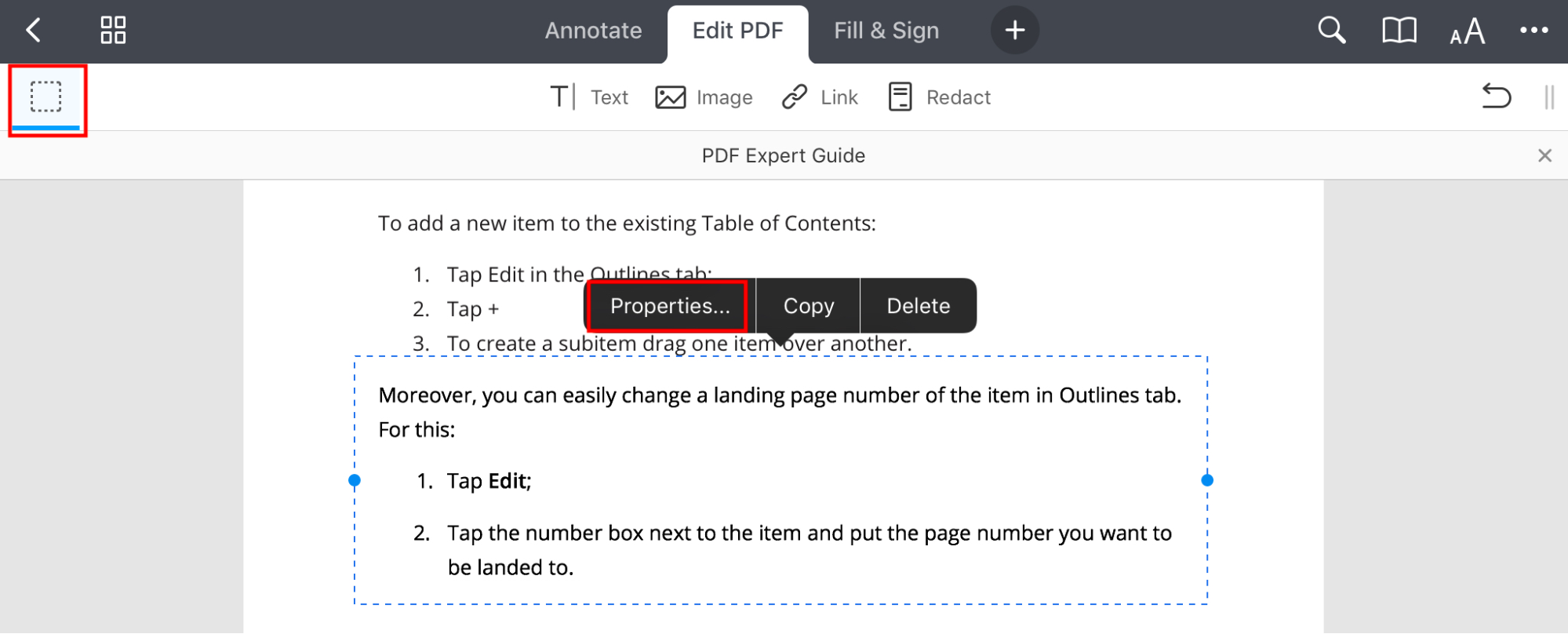
WEB Feb 26 2024 nbsp 0183 32 Double click the text box to edit the text or change the text attributes Drag across the text to select it then select options from the quick tools menu To delete the text box select it and then press Delete
Templates are pre-designed files or files that can be used for numerous functions. They can conserve time and effort by providing a ready-made format and layout for creating various type of content. Templates can be utilized for individual or expert jobs, such as resumes, invitations, leaflets, newsletters, reports, presentations, and more.
How To Delete Text In Adobe Reader
How To Delete Text In PDF Files
How To Delete Text In Photos With Paint
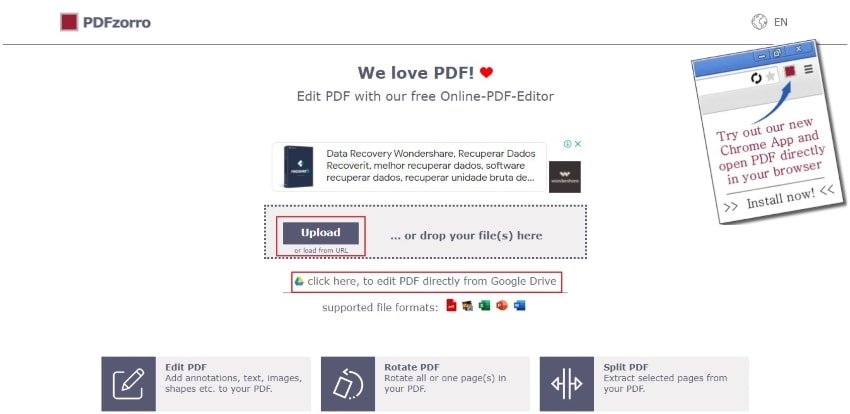
Quick Way To Delete Text From PDF Update
How To Delete Text From PDF Easily 2023 Updated
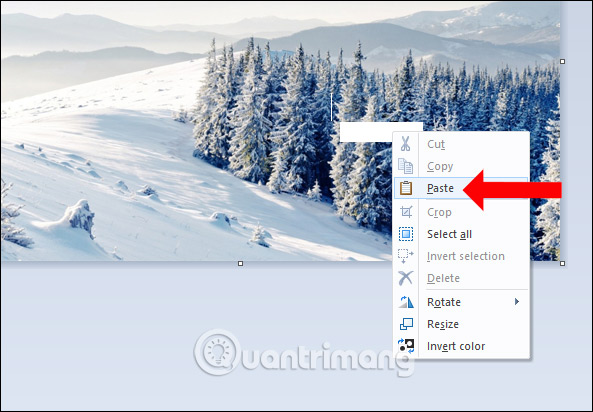
How To Delete Text In Photos With Paint
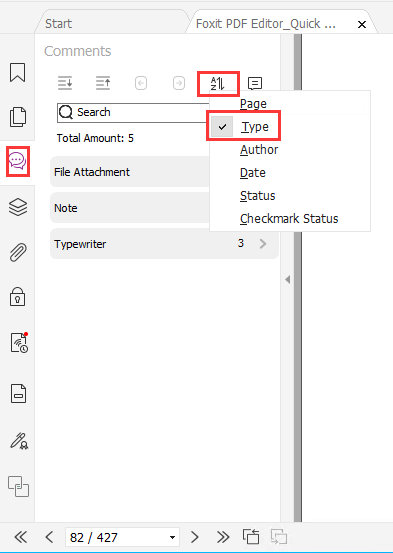
How To Remove All Highlights From PDF In A Quick Way Help Center Foxit Software
WEB Apr 8 2024 nbsp 0183 32 Learn how to add or replace text correct typos change fonts and typeface adjust alignment and resize text in a PDF using Acrobat

WEB Mar 4 2024 nbsp 0183 32 Do you need to get rid of an element from your PDF This wikiHow article teaches you how to delete items in PDF documents with Adobe Acrobat Note that you need to pay for an Adobe Standard or Pro subscription to

WEB Feb 26 2024 nbsp 0183 32 Follow these steps to use the Redact tools of Adobe Acrobat to remove sensitive images and text before you share your PDF The Remove Hidden Information feature allows you to search and redact hidden content from the PDF
WEB Sep 11 2022 nbsp 0183 32 Delete Text From a PDF With Acrobat Reader Adobe Acrobat Reader is a free tool that s available on both Windows and Mac It is a great tool to use if you need to sign documents as it lets you save draw your signature and save it for future documents

WEB Just like the white out liquid you use in the office you can white out on PDF to remove unwanted text and ensure nobody can ever see it again The two easiest ways to white out text on a PDF are to extract entire pages or use a PDF editor
WEB Mar 22 2024 nbsp 0183 32 Troubleshoot file opening and editing issues in PDF combine multiple PDF files and delete the unwanted PDFs files WEB Add remove and change redactions with a PDF editor If you need to hide sensitive information on a PDF simply adding a colored bar over text or images isn t enough The best way to keep your data private is by using a PDF editor like Adobe Acrobat
WEB Learn two easy methods for removing highlights on your PDF files resulting in clean easy to read documents Whether you re studying for an exam or sharing information with team members the highlighter feature is an excellent tool to make text stand out on your PDFs