How To Delete Remote Repository In Github Command Line How To Delete A GitHub Repository Rewind Git And GitHub Operating Systems 2018 How To Delete File On Git Removing Files From Git Repository Using Cultural Analytics Open Science Guide 6 Create A GitHub Account How To Push Local Git Repository To Github YouTube WEB Aug 26 2021 nbsp 0183 32 How to Delete a Remote Branch in Git Remote branches are separate from local branches They are repositories hosted on a remote server that can be accessed
WEB Use the git remote rm command to remove a remote URL from your repository The git remote rm command takes one argument A remote name for example destination WEB git remote The quot remote quot command helps you to manage connections to remote repositories It allows you to show which remotes are currently connected but also to
How To Push Local Git Repository To Github YouTube Getting Changes From A Remote Repository GitHub Docs Learn How To Use Local And Remote Repositories In Git YouTube Work In Your Local Git Repository Manage Your Code Project With Git Git Repository Commands BRS MEDIA TECHNOLOGIES Clone Git Linux Git Clone Option QFB66 Create A New GitHub Repository From The Command Line 20 Git PLEASE HELP Can t Push Code To GitHub Repository Anymore Community
How To Delete Remote Repository In Github Command Line
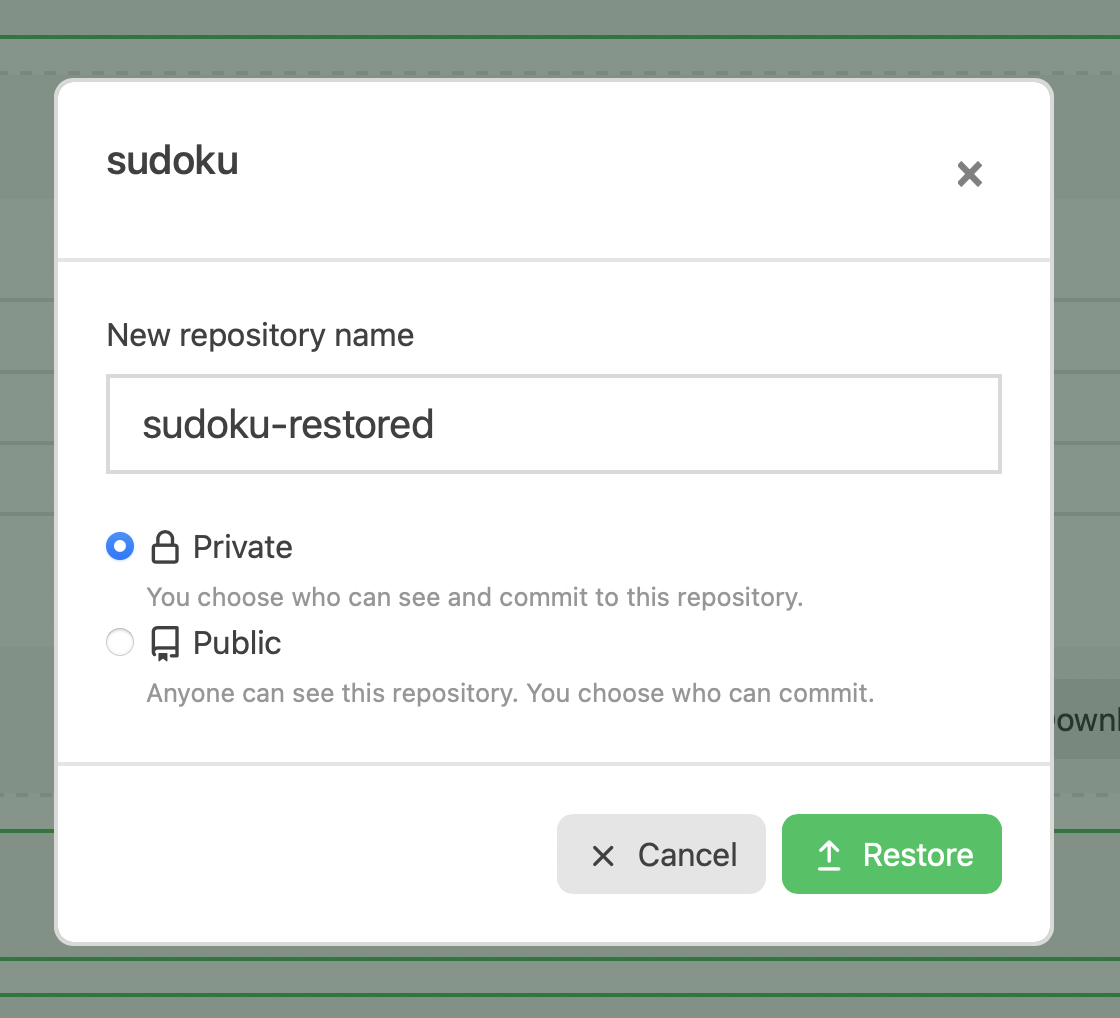 How To Delete Remote Repository In Github Command Line
https://rewind.com/wp-content/uploads/2022/03/Repository20info20within20the20Rewind20Vault.png
WEB Aug 16 2022 nbsp 0183 32 To completely remove a remote branch you need to use the git push origin command with a d flag then specify the name of the remote branch So the syntax representing the command for removing a
Pre-crafted templates provide a time-saving service for creating a varied range of documents and files. These pre-designed formats and layouts can be used for various personal and professional tasks, consisting of resumes, invitations, leaflets, newsletters, reports, discussions, and more, simplifying the content development procedure.
How To Delete Remote Repository In Github Command Line
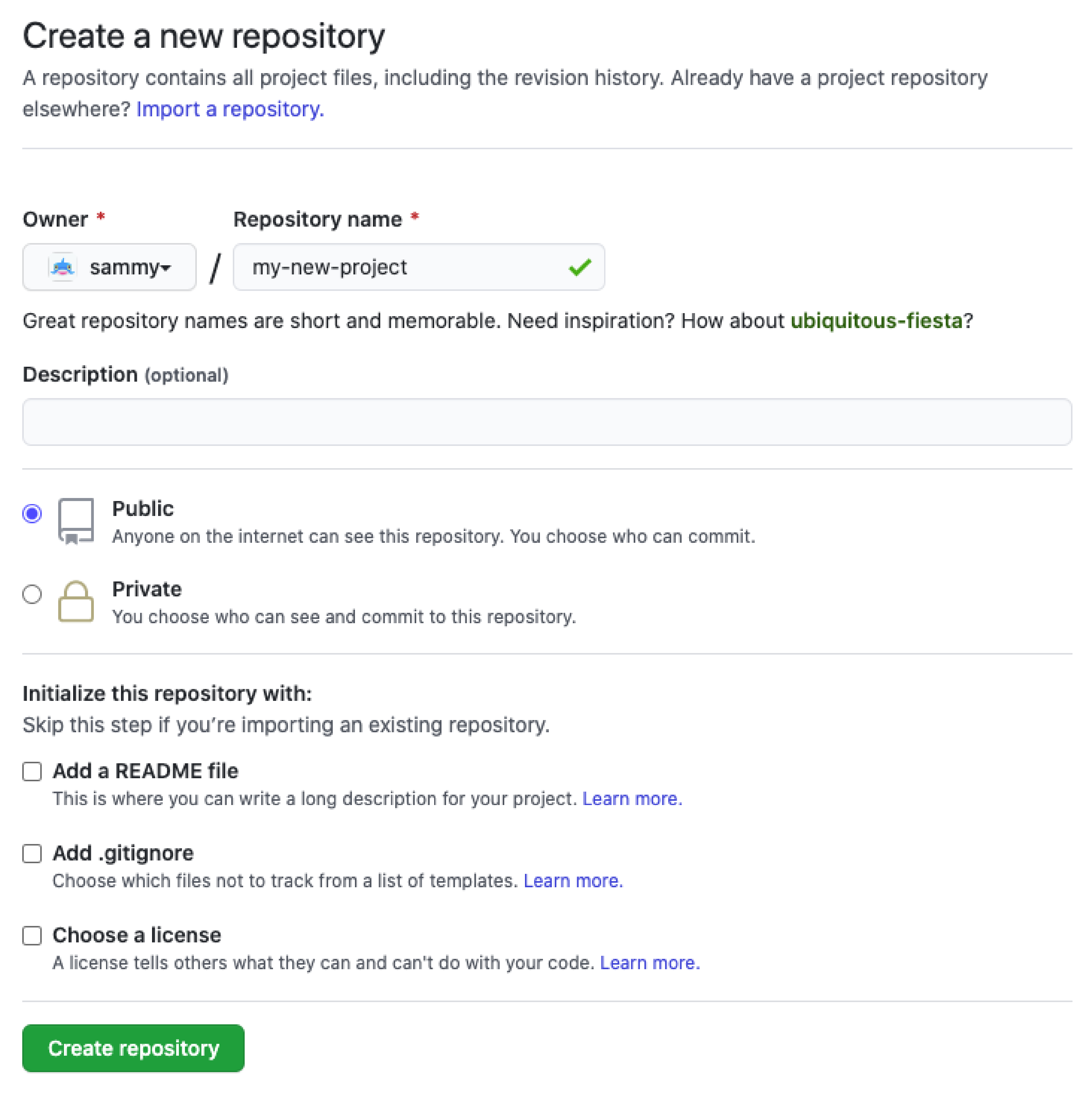
How To Push An Existing Project To GitHub Tutorial
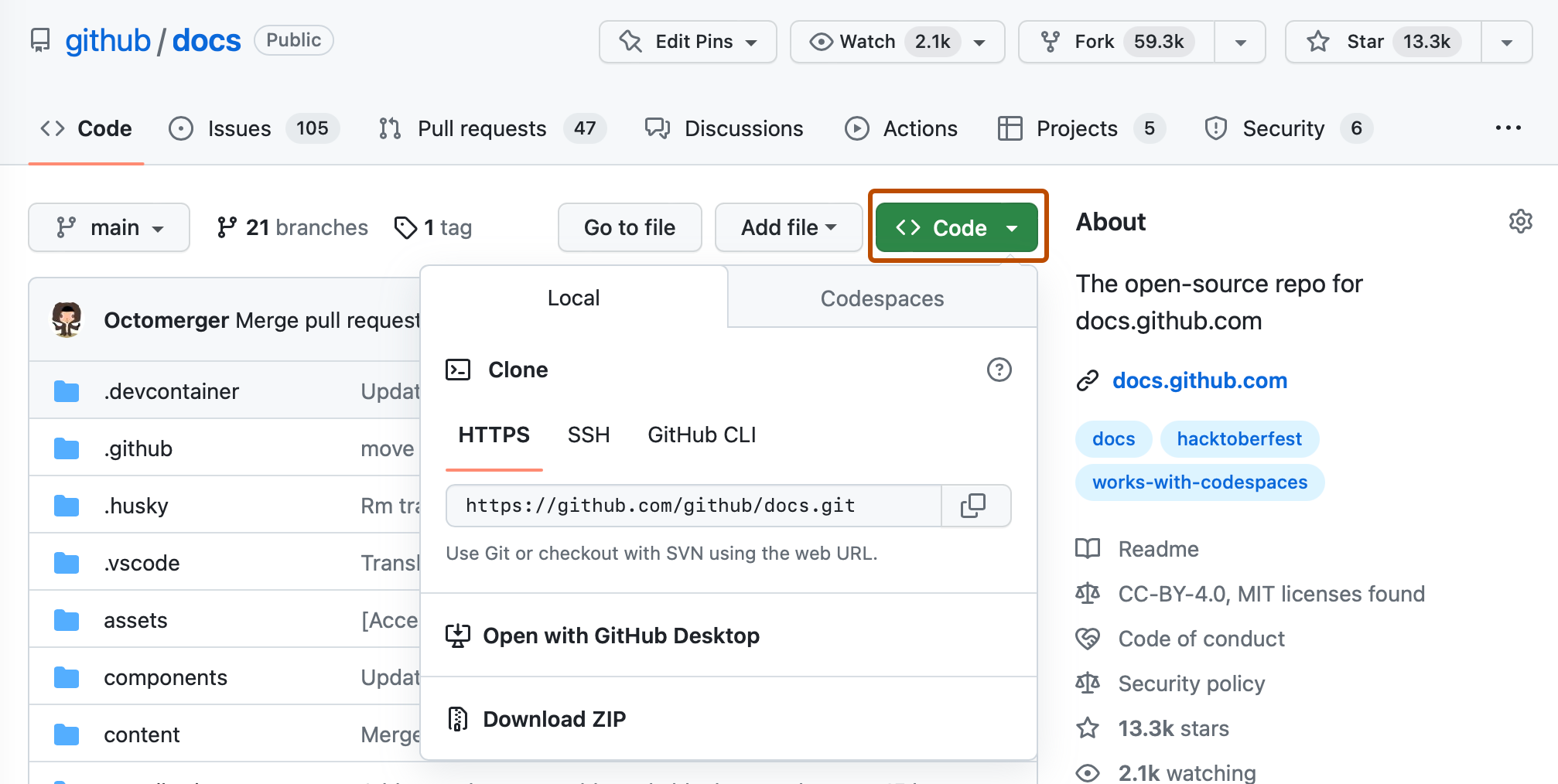
Getting Changes From A Remote Repository GitHub Docs
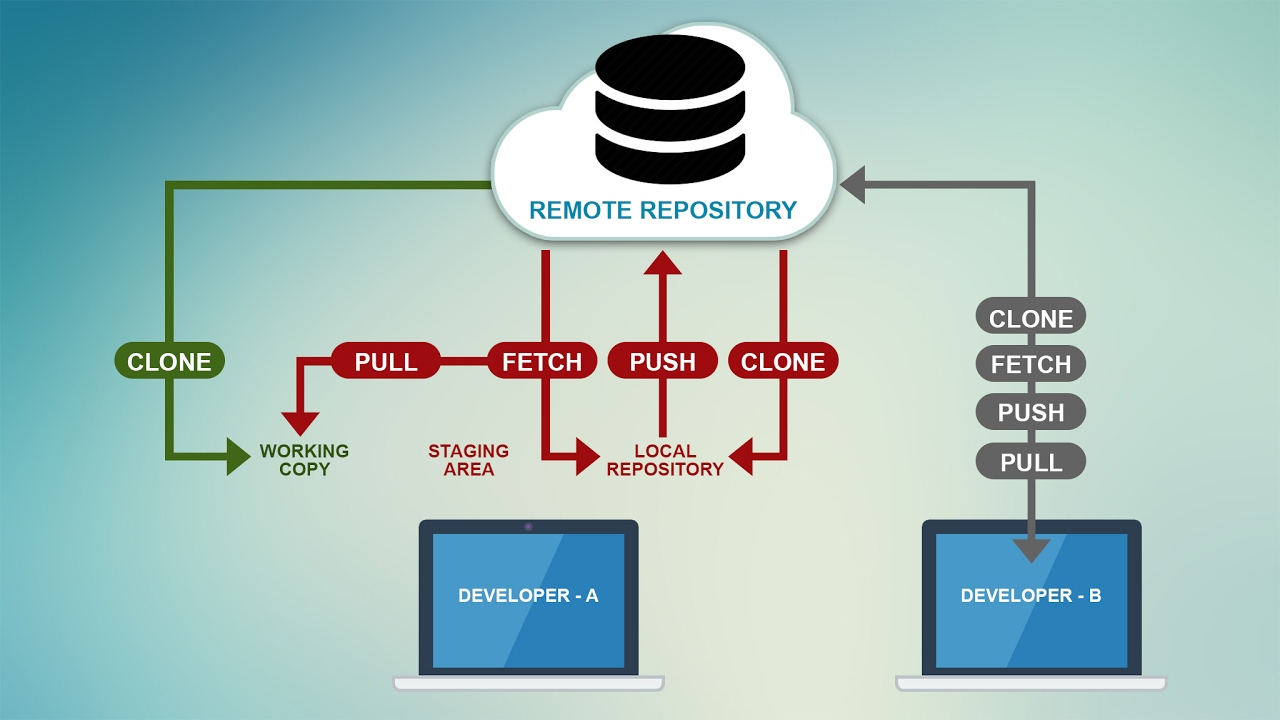
Learn How To Use Local And Remote Repositories In Git YouTube
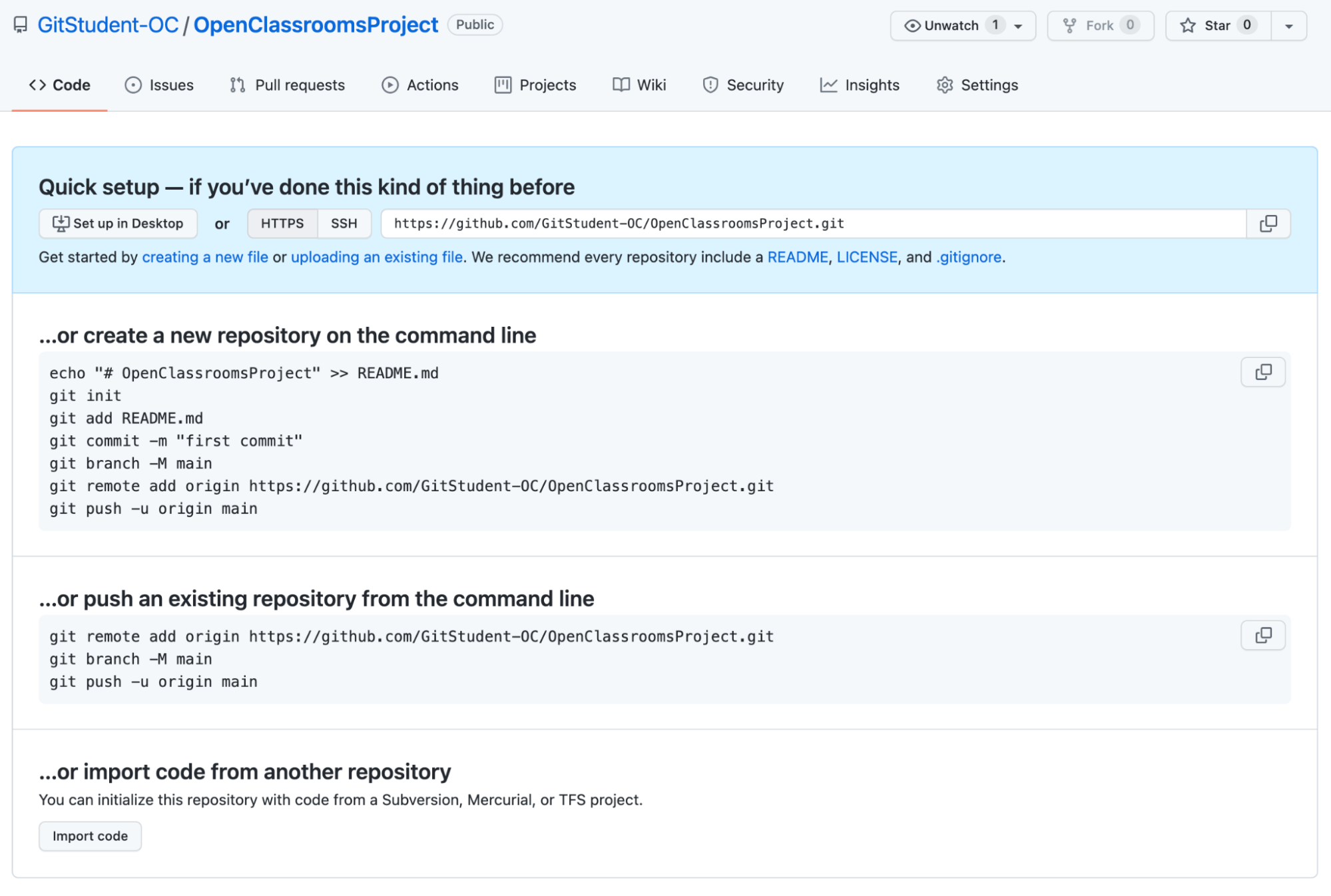
Work In Your Local Git Repository Manage Your Code Project With Git
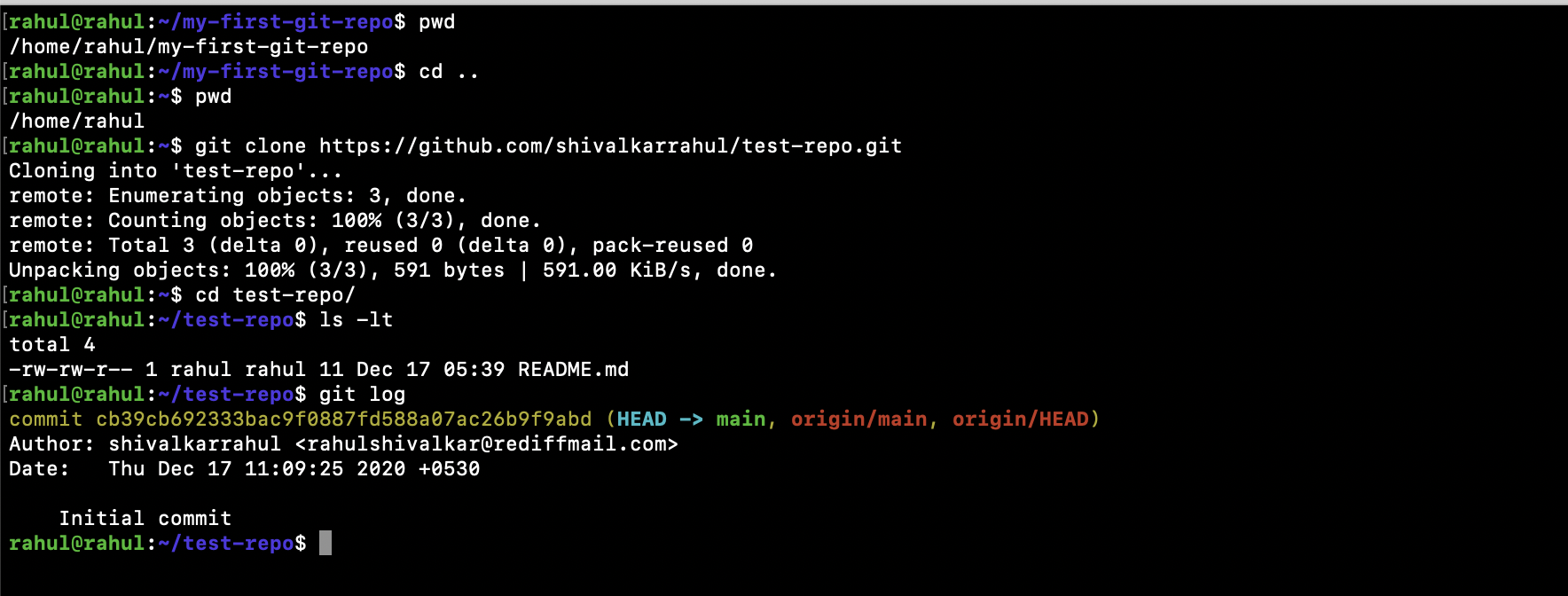
Clone Git Linux Git Clone Option QFB66
Create A New GitHub Repository From The Command Line
WEB You cannot delete a remote repo hosted on GitHub or elsewhere with Git commands be it in Git Bash or elsewhere period You can delete remote branches assuming you

WEB May 2 2013 nbsp 0183 32 To remove just use this command git remote remove origin Add new git remote add origin path
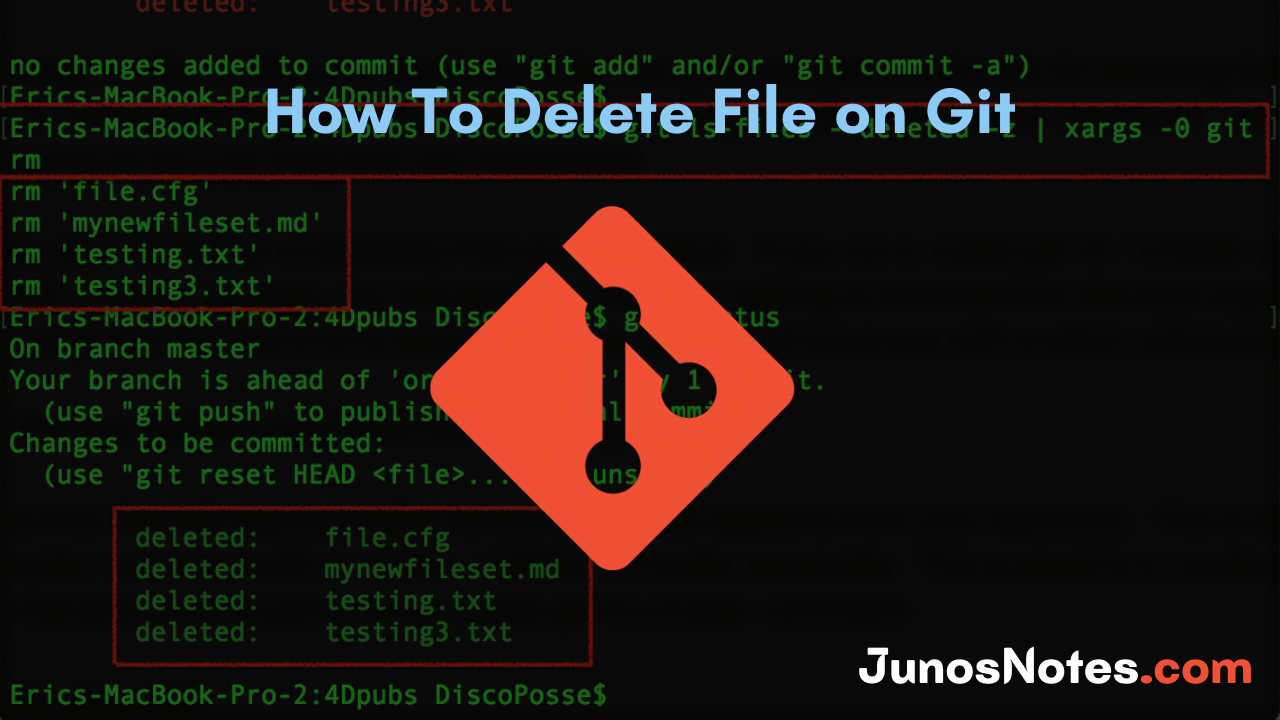
WEB Feb 7 2020 nbsp 0183 32 To remove a remote navigate to the directory your repository is stored at and use the git remote rm or git remote remove command followed by the remote name git remote rm lt remote name gt For

WEB Deleting a repository will permanently delete release attachments and team permissions This action cannot be undone Deleting a private repository will delete all forks of the
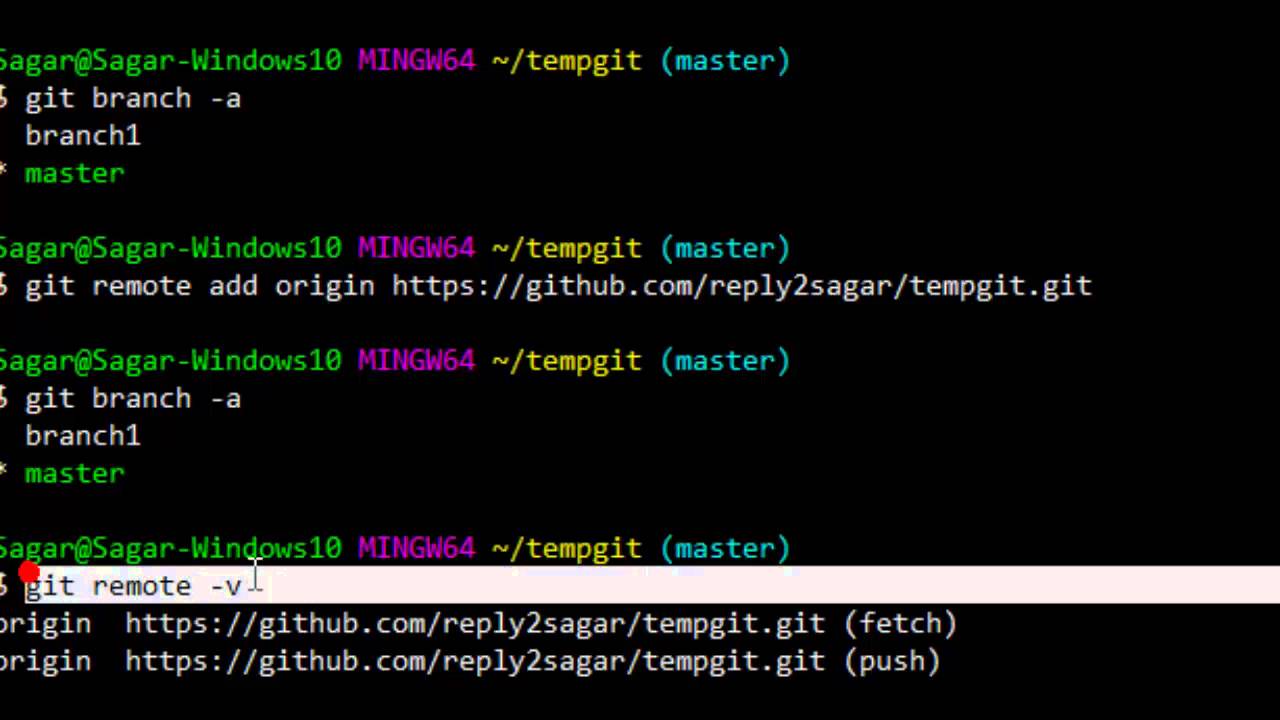
WEB May 29 2024 nbsp 0183 32 This could be due to various reasons such as changing the remote repository URL moving to a different hosting service or simply wanting to detach your
WEB Nov 17 2020 nbsp 0183 32 This article explained how to remove a git remote repository from your machine using the command line or by editing the git config file You might also be WEB Jan 4 2022 nbsp 0183 32 Delete a Local or Remote Branch From the Command Line If you re working in a repository with lots of activity the number of branches that are created can quickly
WEB Jan 31 2024 nbsp 0183 32 In this article we will learn the steps to delete both local and Git repositories We will ensure that the project is completely removed from the local