How To Delete Multiple Responses In Google Forms How To Delete Individual Responses In Google Forms How To Delete Can Google Forms Tell If You Switch Tabs Printable Form Templates 4 Ways To View Responses In Google Forms How Do I See Inspect Answers In Google Forms Ouestny Authentication How To Remove Sign in Restriction From Google Form Create edit and format How to use Google Forms Create grade quizzes with Google Forms Choose a question for your form Change the theme or font of your form Show questions based on
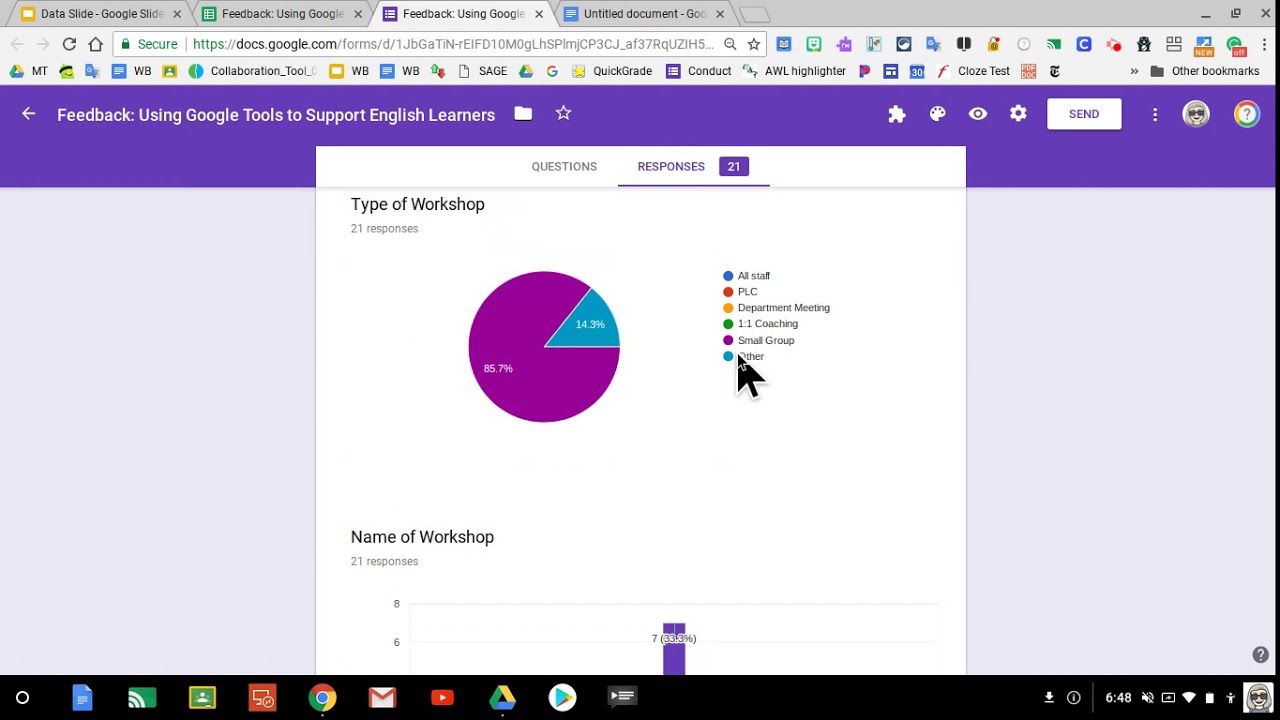
Click the Responses tab located at the top of the Google Forms edit area The Responses tab lists the responses received for the form You should notice that the number of responses received by the Google Form is also displayed beside Responses in the tab 2 Click Individual Tab to Find the Response to Remove How to Delete Responses in Google Forms YouTube 0 00 3 36 How to Delete Responses in Google Forms ProgrammingKnowledge2 366K subscribers Join Subscribe 17 Share Save 7 5K
Authentication How To Remove Sign in Restriction From Google Form Summary Of Responses In Google Forms YouTube How Can My Students Edit Responses From Google Form Classroom Community Delete Responses In Google Forms YouTube Responses In Google Form EdTech NP Google Form Responses How To Share Summary Analytics YouTube Sharing Google Form Responses With Viewanalytics YouTube How To Delete Responses On Google Forms How To Retrieve Your Google Form Responses Documentation Form
How To Delete Multiple Responses In Google Forms
 How To Delete Multiple Responses In Google Forms
https://i.ytimg.com/vi/RcFGySBw_28/maxresdefault.jpg
How to Delete Responses in Google Forms This video gives you stepwise solution for deleting the responses in google form https www youtube c Amazingscie Please go to the link
Templates are pre-designed files or files that can be used for different functions. They can save time and effort by supplying a ready-made format and layout for producing different sort of material. Templates can be utilized for personal or expert jobs, such as resumes, invitations, flyers, newsletters, reports, discussions, and more.
How To Delete Multiple Responses In Google Forms

How To Save Google Form Responses To Different Sheets Easily In 2021
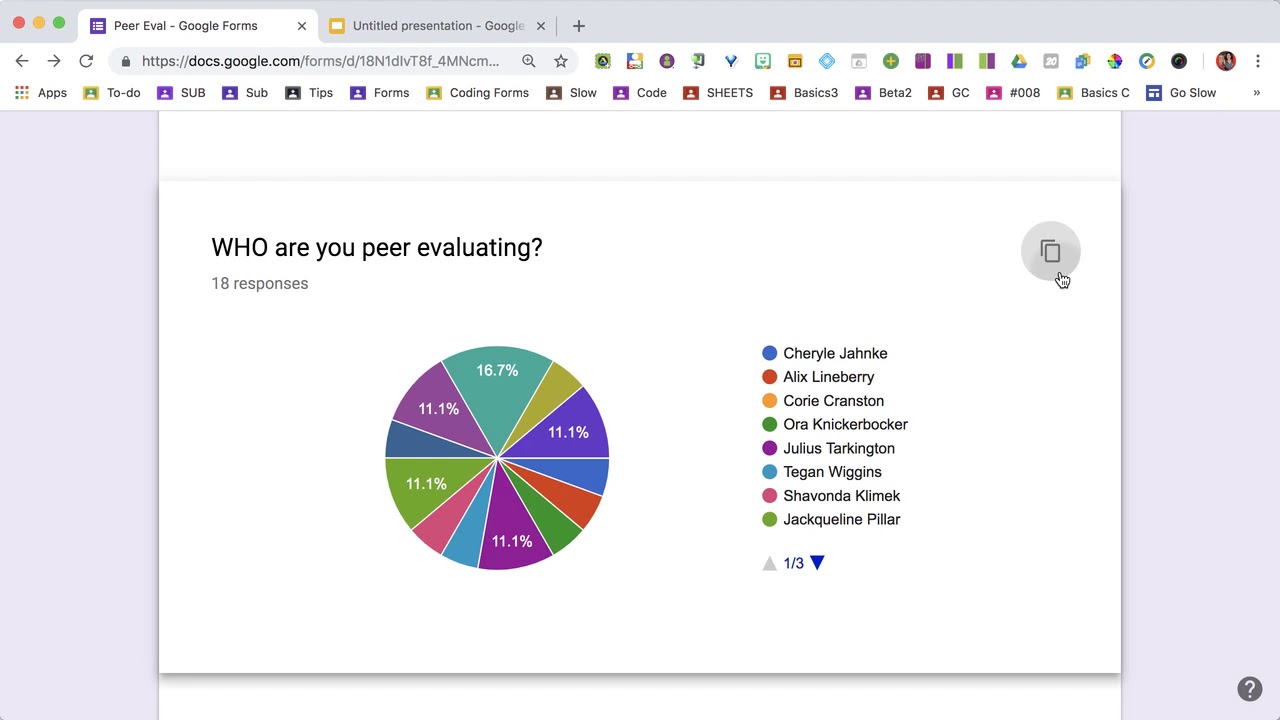
Summary Of Responses In Google Forms YouTube
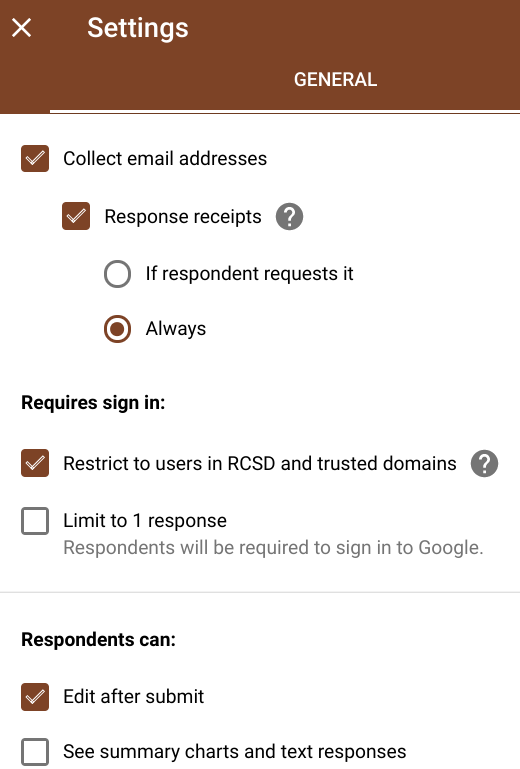
How Can My Students Edit Responses From Google Form Classroom Community
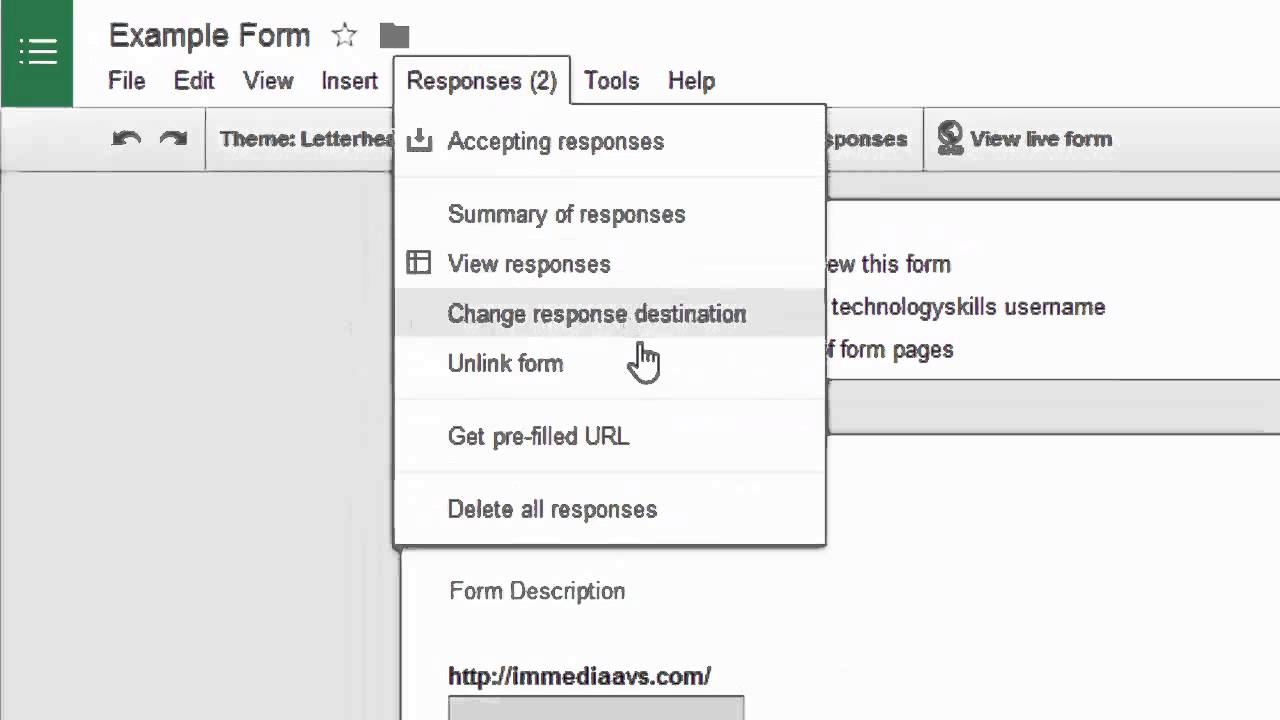
Delete Responses In Google Forms YouTube
Google Form Responses How To Share Summary Analytics YouTube
Sharing Google Form Responses With Viewanalytics YouTube

This help content information General Help Center experience Search Clear search
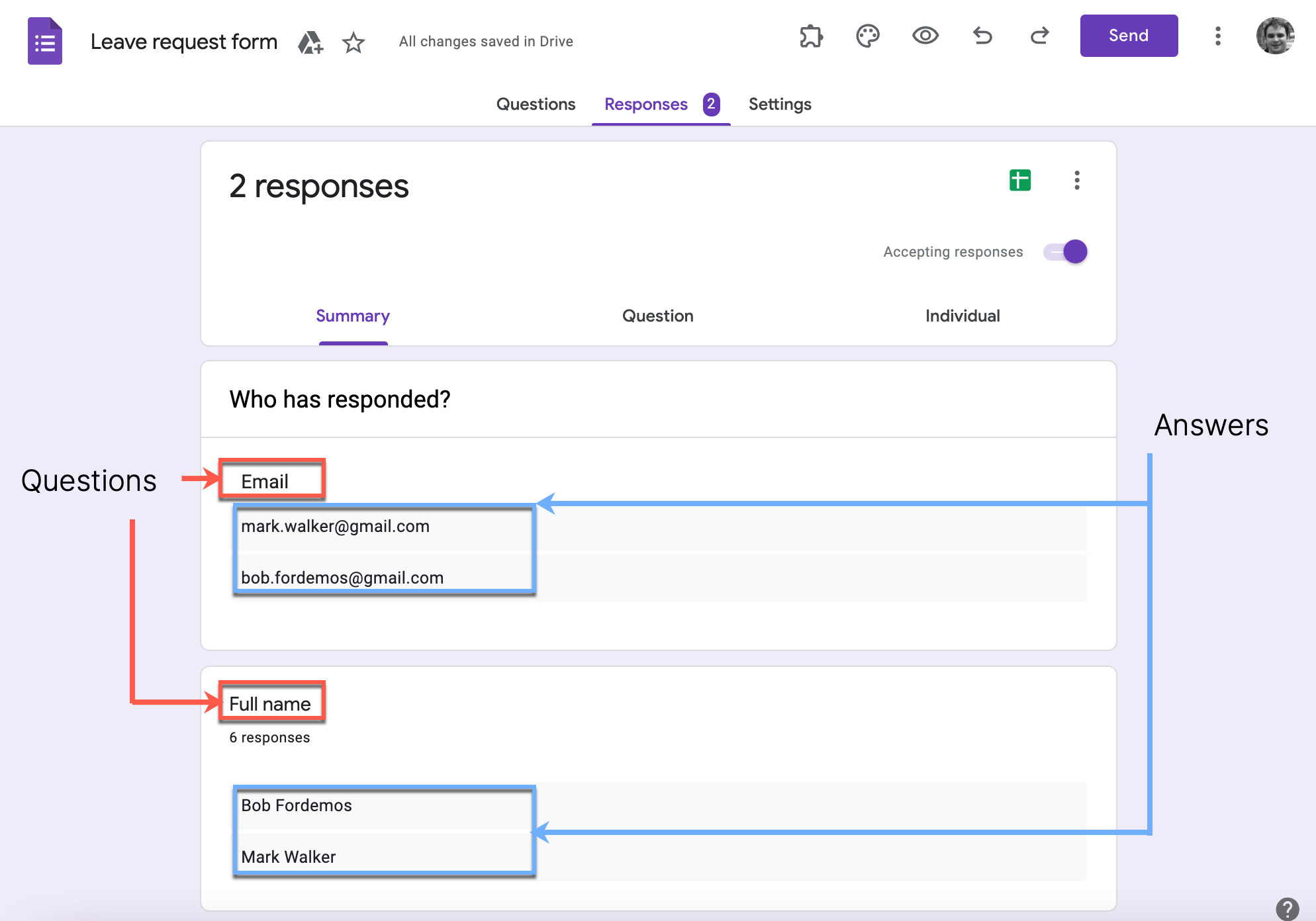
Step 1 Open up your Google Form to delete responses The first thing you ll need to do is open up your form Go to Google Forms and sign in with your Google account If you need to create your form and click on the Send button in the top right hand corner to share it with your audience

See answers by person or if you allowed people to submit the form more than once by submission Open a form in Google Forms At the top of the form click Responses Click Individual To move between responses click Previous or Next Note To select from a list of responses click the Down arrow
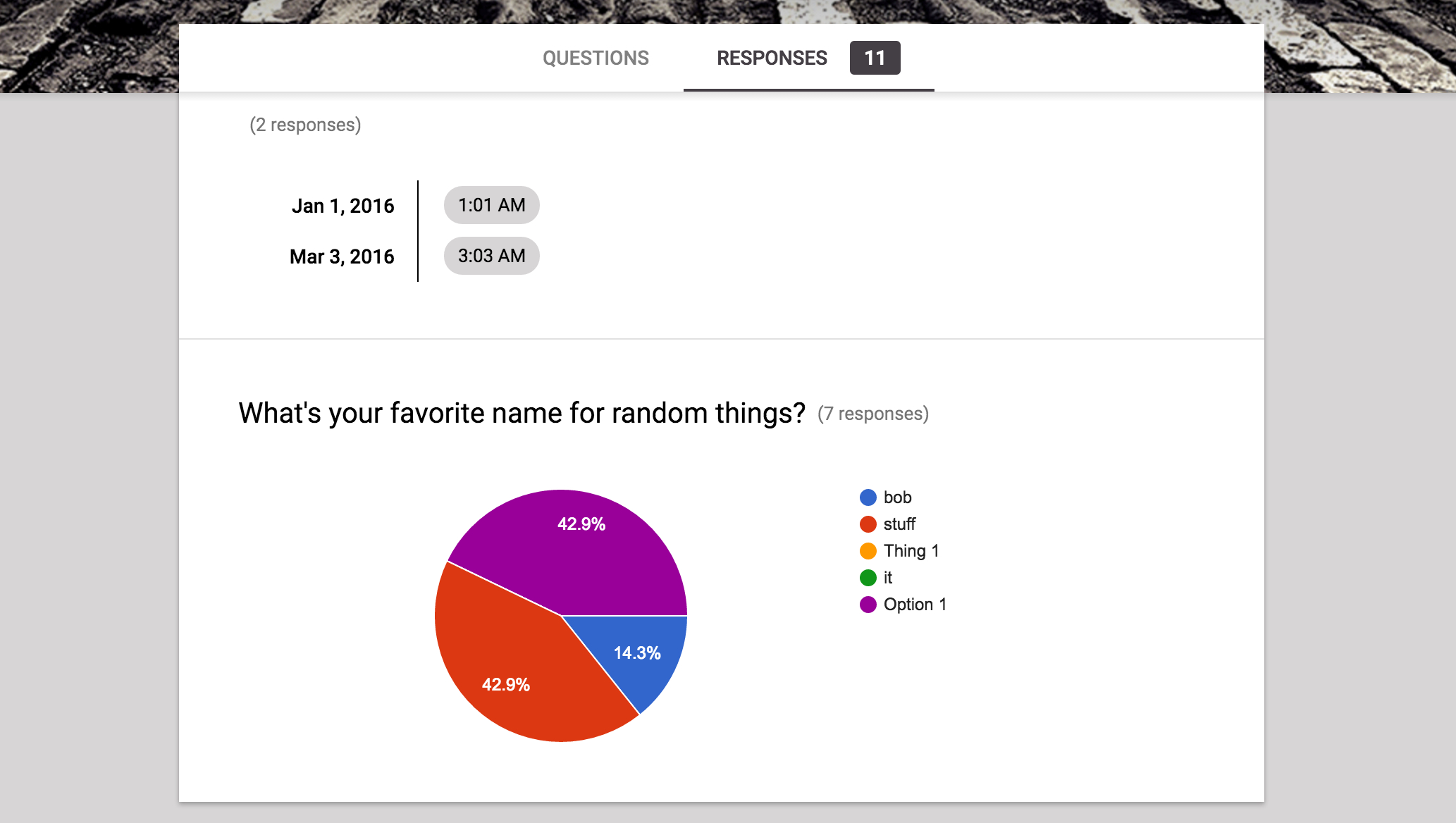
1 Open your form by typing forms google into a web browser or accessing it from your Google Drive account 2 Head to the responses tab where you ll be able to see all the responses submitted for that form 3 Click individual to view each response separately Want To Become A Google Forms Pro Click Here For The Ultimate Course 4

Here s a quick guide on how to delete responses on Google Forms Go in the tab Clickable on to view each response separately Select the response that you want on remove Confirm the deletion We will discuss this process in more detail below along with other ways and reminders for deleting your form responses
Control responses in google forms Delete individual or all responses in google forms Like share and subscribe to my channel Step 1 Access the form you want to delete the response Step 2 Find the response you want to delete and click on it Step 3 Click on Delete at the top of the Form Step 4 When prompted confirm that you want to delete this response Step 5 The response has been deleted
Mar 25 2021 Like Dislike Share Save Educator Jeevan 3 64K subscribers This video gives idea about the deleting the responses in google form individually Educator Jeevan How to Delete