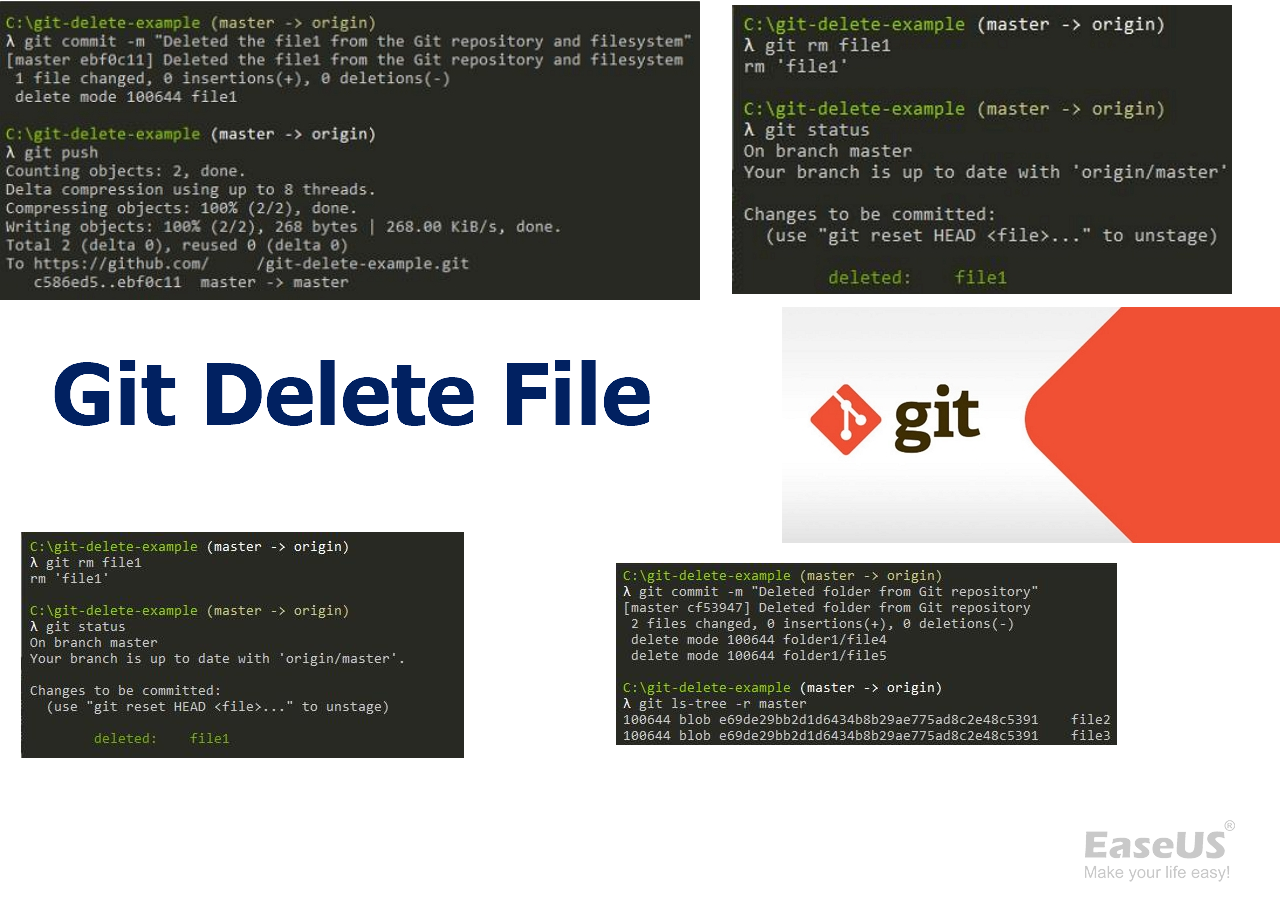
How To Delete A File In Remote Git How To Use Git Delete File For Git Users EaseUS How To Delete A Page In Word A Step by step Guide How To Delete A Task In Clickup YouTube How To Delete File On Git Removing Files From Git Repository Using How To Delete A File That Cannot Be Deleted Nim bit S Web Aug 17 2020 nbsp 0183 32 The easiest way to delete a file in your Git repository is to execute the git rm command and to specify the file to be deleted git rm lt file gt git commit m quot Deleted the file from the git repository quot git push Note that by using the git rm command the file will also be deleted from the filesystem
Web DESCRIPTION Remove files matching pathspec from the index or from the working tree and the index git rm will not remove a file from just your working directory There is no option to remove a file only from the working tree and yet keep it in the index use bin rm if you want to do that Web Feb 4 2022 nbsp 0183 32 Example 1 Delete file or directory using git rm command only Example 2 Recursively delete file or directory using git rm command Example 3 Delete file or directory using git rm with cached option Example 4 Delete file or directory with the git clean and f option Example 5 Interactively delete a file
How To Delete A File That Cannot Be Deleted Nim bit S How To Delete A File In Use By Another Program In Windows 10 Computer Git Workflow 183 Gitbook Riset Git Index GeeksforGeeks How To Delete A File In Microsoft SharePoint How To Delete Yourself From The Internet Deleting Files On GitHub The GitHub Blog GIT How To Delete A File In PHP If It Exists With Code Examples In 2023
How To Delete A File In Remote Git
 How To Delete A File In Remote Git
https://www.easeus.com/images/en/data-recovery/drw-pro/git-delete-file.png
Web Aug 17 2020 nbsp 0183 32 Remove a single folder git rm cached rf idea Remove file or folder from both remote repo and local Remove a single file git rm password txt Remove a single folder git rm rf idea After removing file or folder we shouldn t forget to add them to gitignore before we commit and push to the repo again
Templates are pre-designed documents or files that can be utilized for various purposes. They can conserve time and effort by supplying a ready-made format and design for developing different kinds of material. Templates can be utilized for individual or expert tasks, such as resumes, invites, flyers, newsletters, reports, presentations, and more.
How To Delete A File In Remote Git
How To Remove A File From Git YouTube

How To Delete A File In Use By Another Program In Windows 10 Computer
Git Workflow 183 Gitbook Riset
Git Index GeeksforGeeks

How To Delete Yourself From The Internet
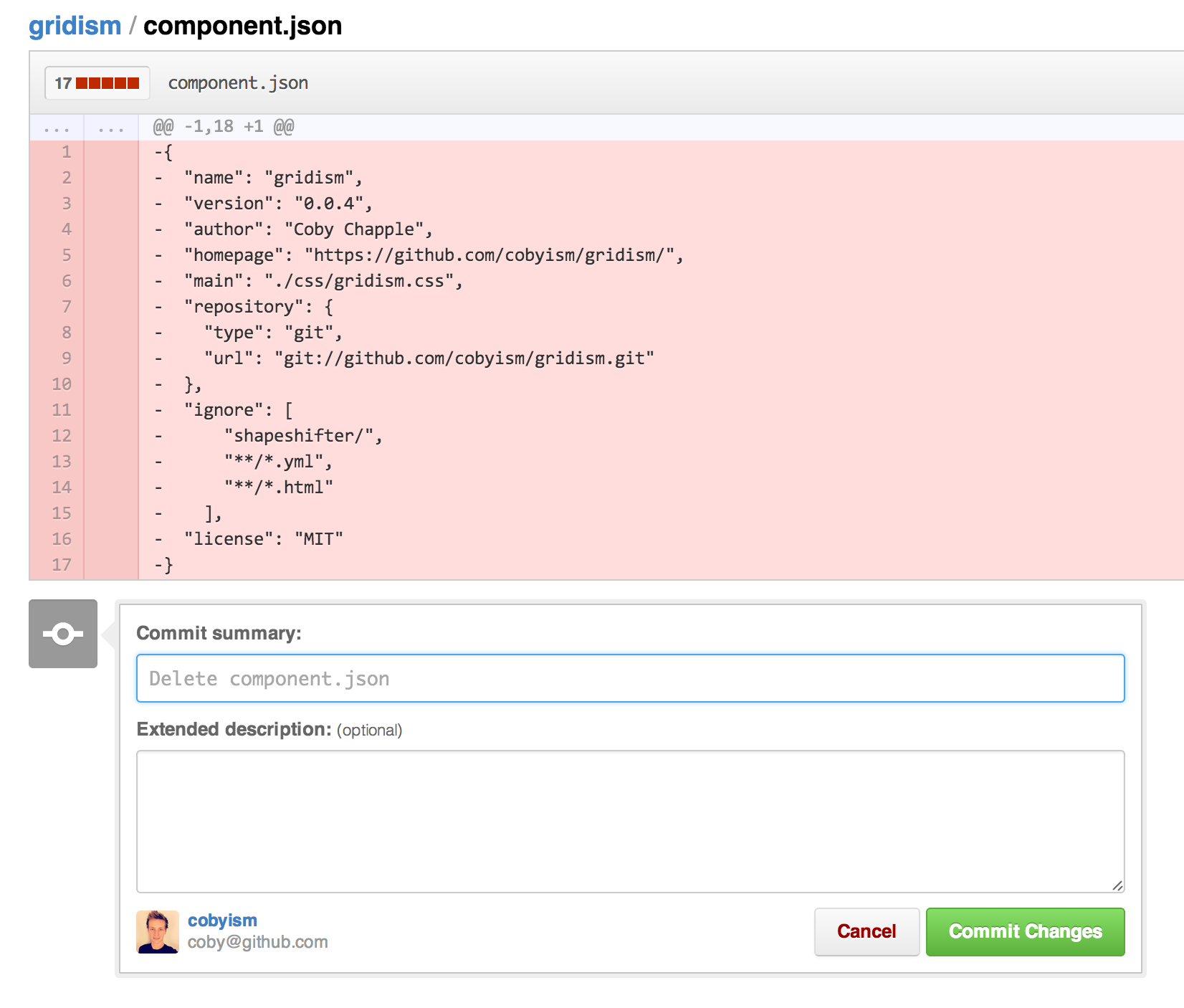
Deleting Files On GitHub The GitHub Blog

Web Jan 12 2010 nbsp 0183 32 Note if you want to delete file only from git use below git rm cached file1 txt If you want to delete also from hard disk git rm file1 txt If you want to remove a folder the folder may contain few files so you should remove using recursive command as below git rm r foldername
Web Oct 17 2022 nbsp 0183 32 git rm cached some filename ext git rm cached r some directory and then commit and push your changes back using git commit m quot removing redundant files quot From the manpage for git rm cached Use this option to unstage and remove paths only from the index Working tree files whether modified or not will be left alone

Web To completely remove the file from GitHub you must remove the file from your repository s history For more information see quot Removing sensitive data from a repository quot Deleting a file Browse to the file in your repository that you want to delete In the top right corner select the dropdown menu then click Delete file
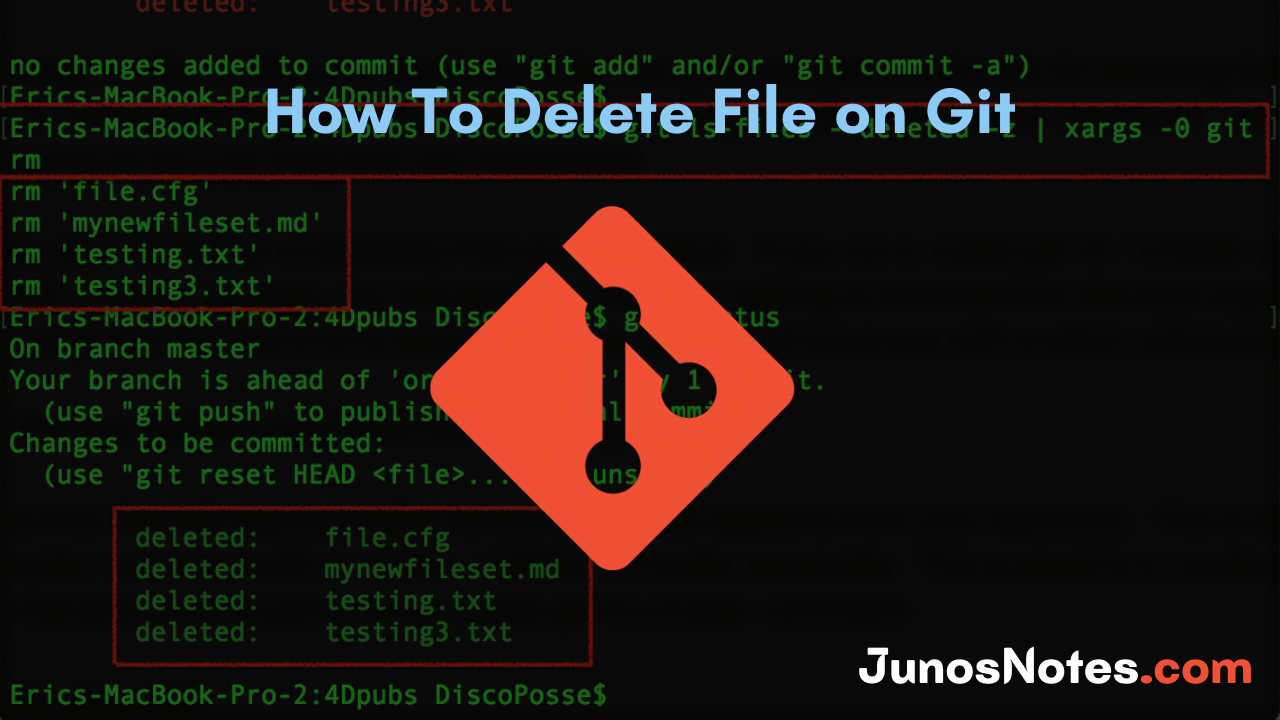
Web To remove a file both from the Git repository and the filesystem you can use git rm without any parameters except for the file s name of course git rm file1 txt If you only want to remove the file from the repository but keep it on the filesystem you can add the cached flag git rm file2 txt cached

Web Git rm overview The git rm command can be used to remove individual files or a collection of files The primary function of git rm is to remove tracked files from the Git index Additionally git rm can be used to remove files from both the staging index and the working directory
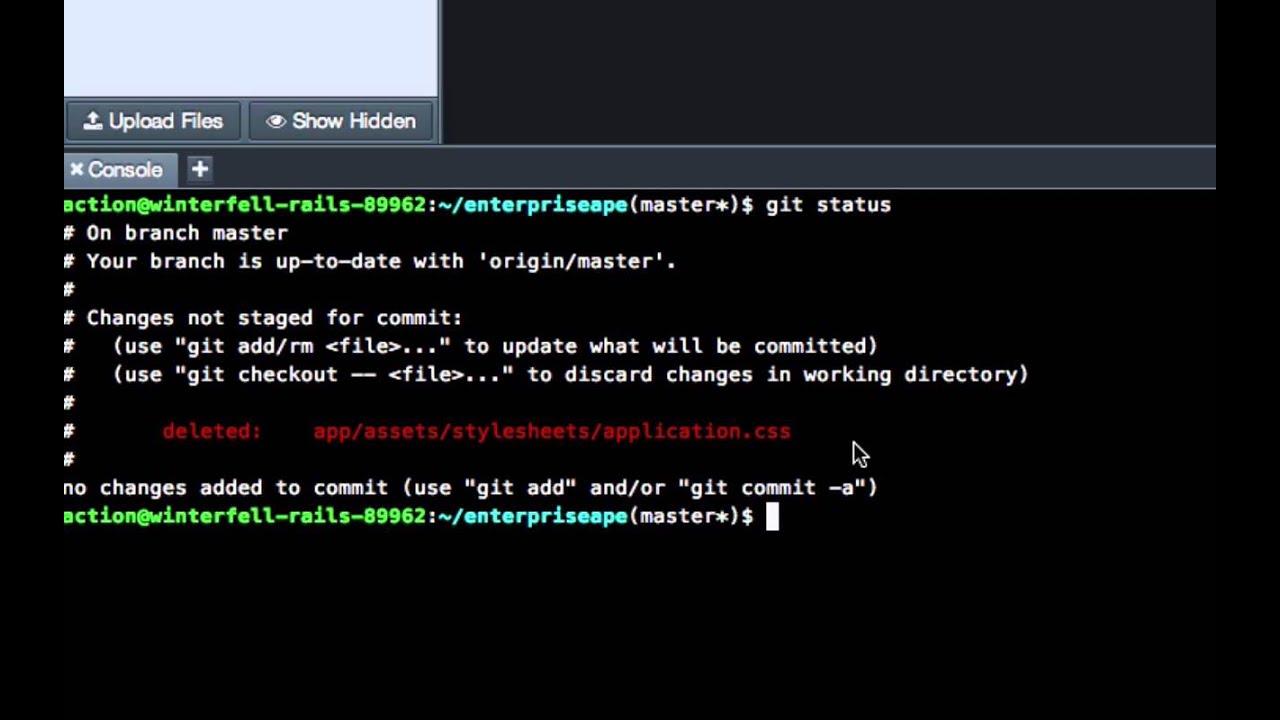
Web Adding Remote Repositories We ve mentioned and given some demonstrations of how the git clone command implicitly adds the origin remote for you Here s how to add a new remote explicitly To add a new remote Git repository as a shortname you can reference easily run git remote add lt shortname gt lt url gt git remote Web Jul 24 2019 nbsp 0183 32 1 vote Answer accepted Joao Sgreccia Atlassian Team July 24 2019 edited Hi sijieh Typing git status on the command line will provide you with the next steps rm myfile git status On branch master Your branch is up to date with origin master Changes not staged for commit use quot git add rm lt file gt quot
Web Mar 23 2023 nbsp 0183 32 To remove a file from the repository you can use the following command git rm lt file gt But you only want to unstage your files that is undo the git add command and not remove them from your working repository