How To Create Process Flow In Powerpoint How To Add A Cross Functional Flowchart To A PowerPoint Presentation How To Create A Flowchart In Powerpoint Images And Photos Finder How To Create Process Flow Diagram In Powerpoint Printable Templates 13 Flow Map Diagram Robhosking Diagram 13 Process Flow In Powerpoint Robhosking Diagram Web How to Create a Flowchart in PowerPoint A flowchart is a graphic representation of a process in which each step appears as a symbol and these are connected with arrows In this tutorial you re going to learn how to create flowcharts for your PowerPoint presentation Content Creating a Flowchart from Scratch Inserting a Preset Diagram
Web Oct 31 2022 nbsp 0183 32 Scratch method Navigate to the toolbar at the top of your screen and single click the Insert tab Single click the Shapes application and select from the drop down keeping in mind the following Rectangle Used for process steps Diamond Used to show decision points Oval Indicates the start Web Manual Process flow With think cell you can easily and quickly create a linear process flow which consists of pentagons chevrons and textboxes 16 1 Creating a process flow 16 2 Changing the process flow structure 16 3 Placing the process flow on the slide 16 4 Styling the process flow 16 1 Creating a process flow
13 Process Flow In Powerpoint Robhosking Diagram Design Process Flow Chart Process Flow Infographic Template Slidebazaar Process Flow Powerpoint Template Flowchart Ppt Template Best Powerpoint Templates For Process Flow 2023 Template Printable Process Flow In Powerpoint Template UML Use Case Diagram Design Elements Chefe F bula Relativamente Create Process Flow Chart Vencedora
How To Create Process Flow In Powerpoint
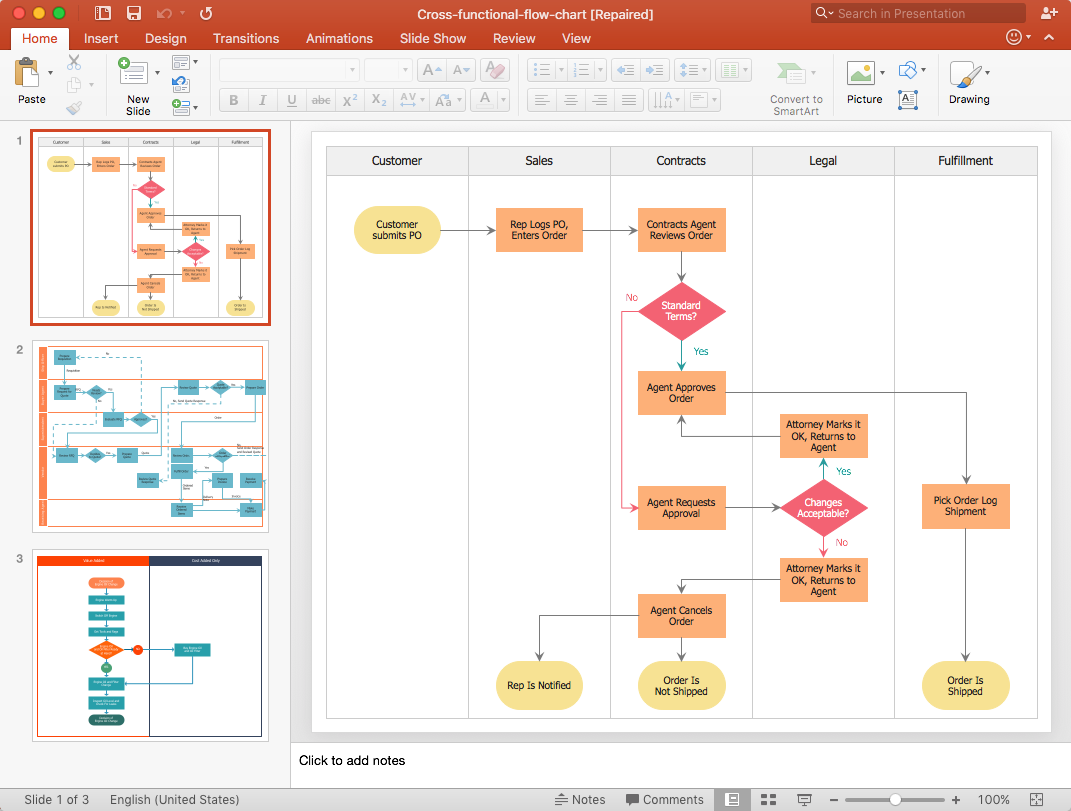 How To Create Process Flow In Powerpoint
https://www.conceptdraw.com/How-To-Guide/picture/cross-functional-flowchart-powerpoint2.png
Web Dec 13 2019 nbsp 0183 32 254K subscribers Subscribe 1 9K 239K views 3 years ago Corporate PowerPoint Download link provided below In this tutorial I have explained how to create a Flowchart in PowerPoint in less
Templates are pre-designed files or files that can be utilized for different functions. They can save time and effort by offering a ready-made format and design for producing various type of material. Templates can be used for personal or expert jobs, such as resumes, invitations, leaflets, newsletters, reports, presentations, and more.
How To Create Process Flow In Powerpoint
Ppt Process Flow Template

Design Process Flow Chart
Process Flow Infographic Template Slidebazaar
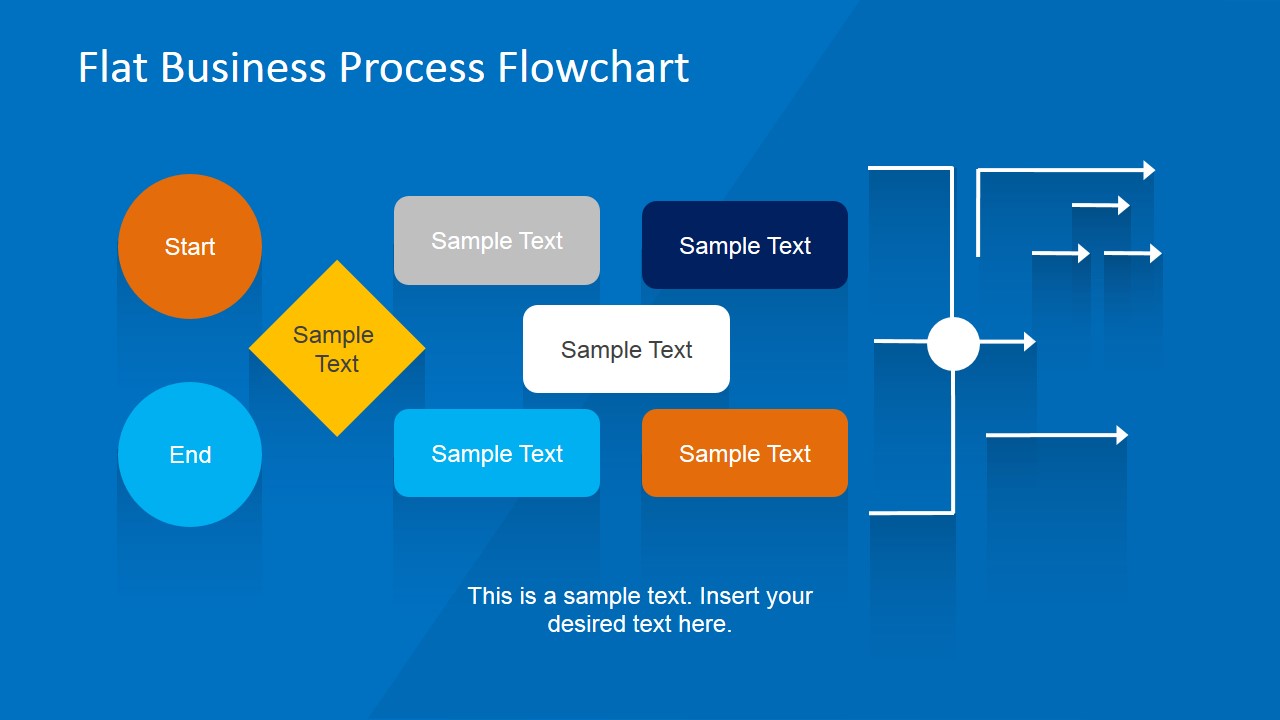
Process Flow Powerpoint Template
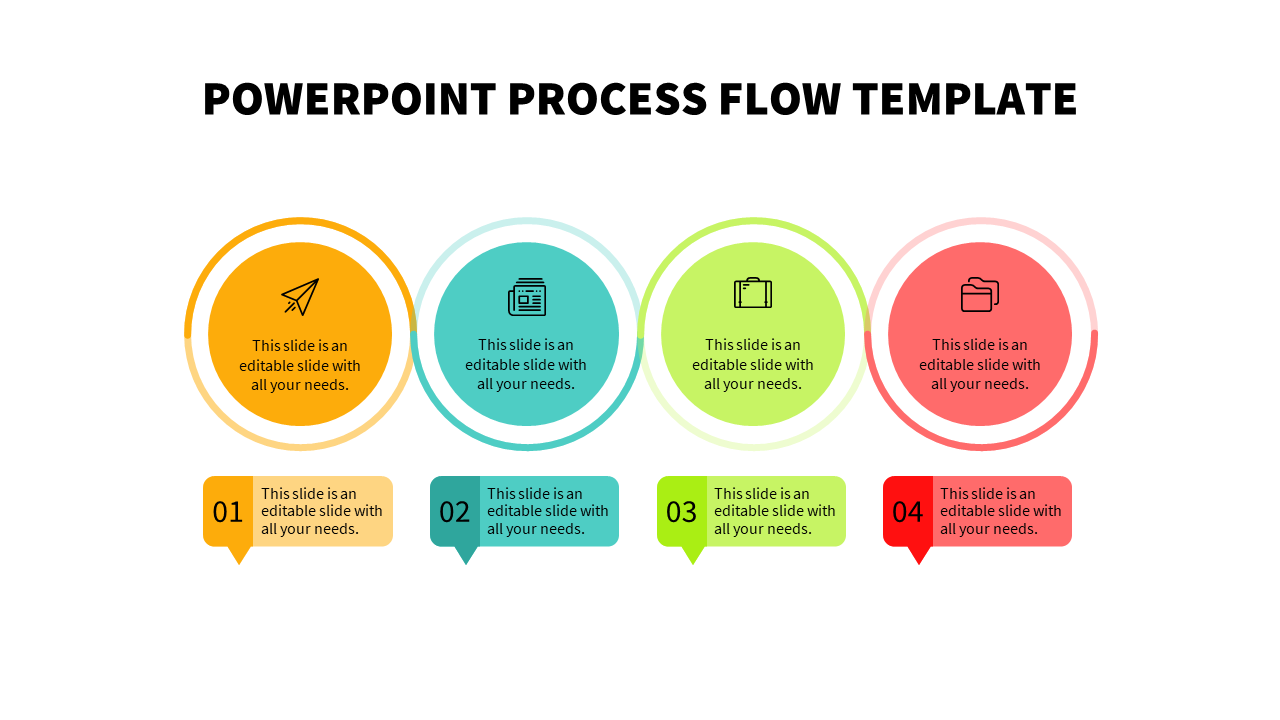
Best Powerpoint Templates For Process Flow 2023 Template Printable

Process Flow In Powerpoint Template
Web May 14 2019 nbsp 0183 32 Microsoft PowerPoint provides built in tools for creating and arranging different types of flowcharts Here s how they work Making a Flowchart in PowerPoint Since you re going to be working with shapes you might find it helpful to have PowerPoint show a grid you can use to size and line up objects
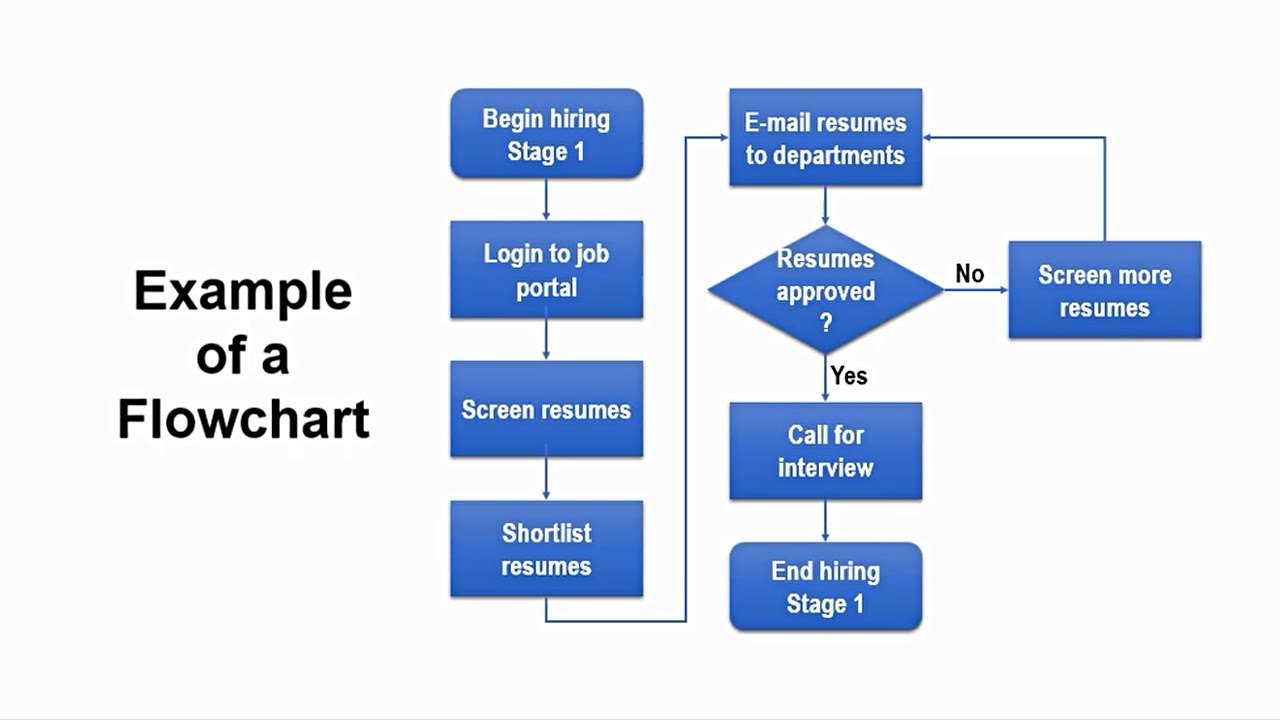
Web Create a flow chart with pictures On the Insert tab in the Illustrations group click SmartArt In the Choose a SmartArt Graphic gallery click Process and then double click Picture Accent Process To add a picture in the box you want to add it to click the picture icon select the picture you

Web Create a flow chart in PowerPoint 2013 to illustrate sequential steps in a process and choose from a variety of layouts and options Watch this video to learn more Use the right shape for the right purpose For your flow chart you want to be sure to use the right shape for the right purpose
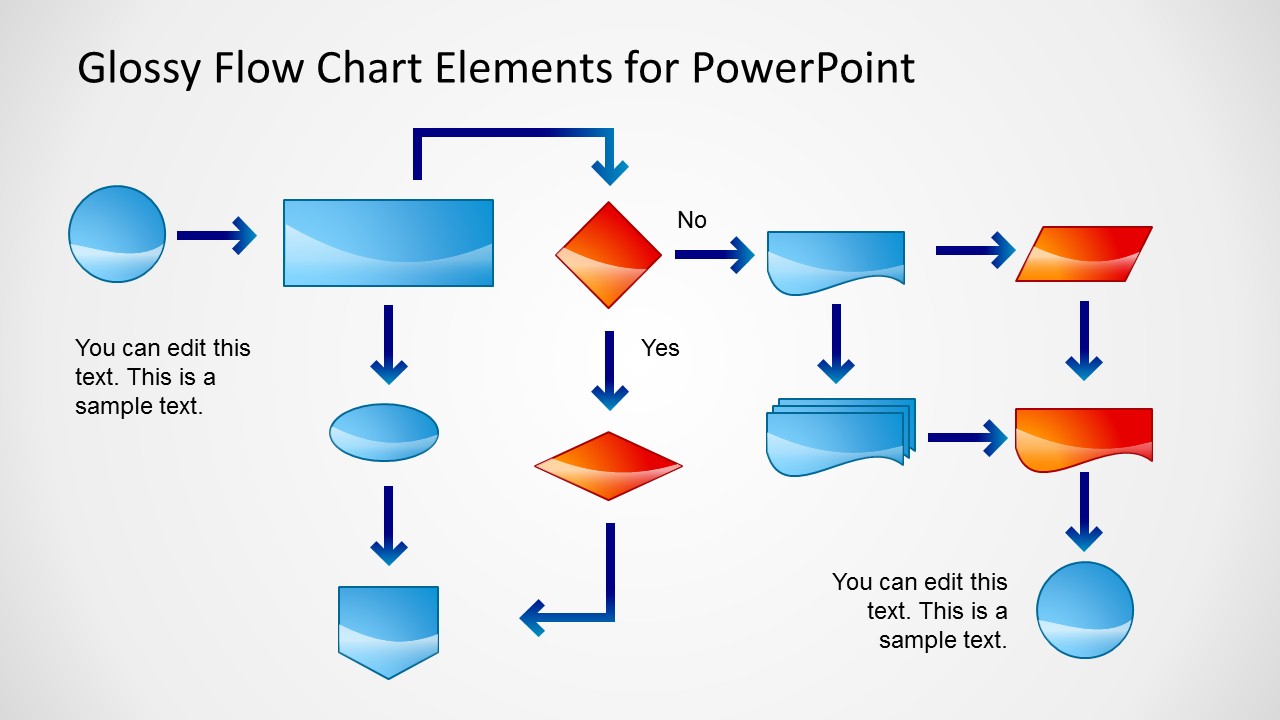
Web Dec 15 2017 nbsp 0183 32 Share Save 788K views 5 years ago You might want to know how to create flowchart in PowerPoint for your business because you want to communicate a process through a diagram A flowchart

Web The flowchart templates include shapes you can use to show many kinds of processes Open the basic flowchart template Select File gt New
[desc-11] [desc-12]
[desc-13]