How To Create Notes In Whatsapp How To Create Notes In Microsoft Outlook Webnots Vrogue Create Notes For Documents In Word Pin On School Note Taking How To Create Notes In Microsoft Outlook How To Create Notes In Microsoft Outlook Webnots Vrogue If you change or reset your password you ll be signed out everywhere except Devices you use to verify that it s you when you sign in Some devices with third party apps that you ve given
Official Gmail Help Center where you can find tips and tutorials on using Gmail and other answers to frequently asked questions You can use your Google Account or a USB cable to move photos music and other files between your computer and Android device Important Some of these steps work only on Android 9 0
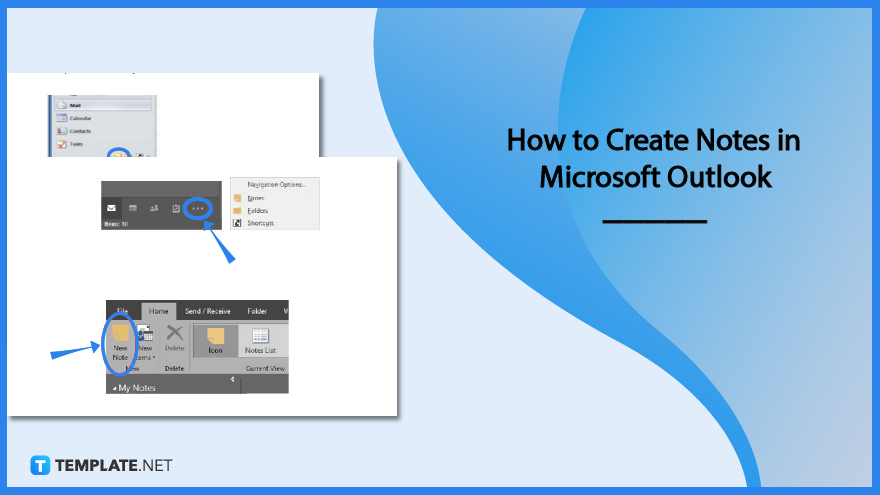
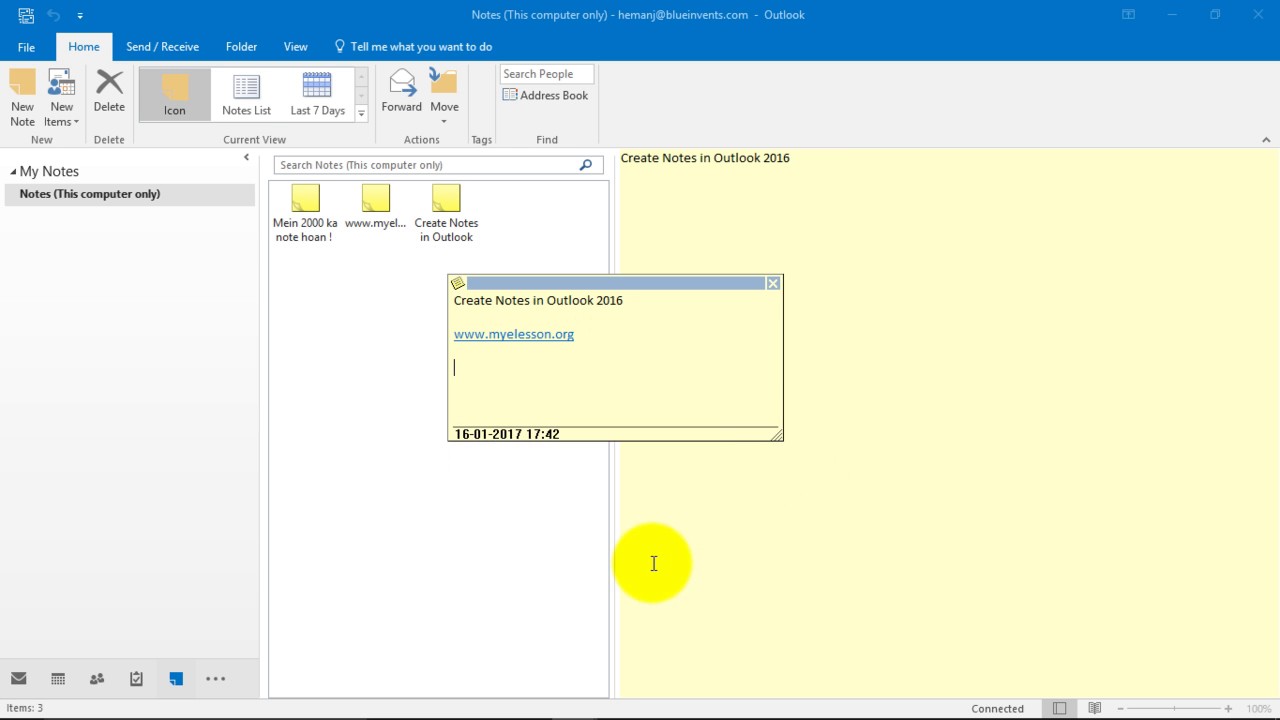
How To Create Notes In Microsoft Outlook Webnots Vrogue How To Create Notes From The Action Center In Windows 10 Using Action EXE Create A Note Of Outlook And Microsoft Sticky Notes Directly From Using OneNote And Excel For Academic Note Taking YouTube How To Create Notes In Microsoft Outlook Getting Started With OneNote 2016 Windows Central Microsoft One Note Tutorials TechInformation One Note Microsoft One How To Create Notes In Outlook HowTech How To Take Notes On Microsoft Word YouTube
How To Create Notes In Whatsapp
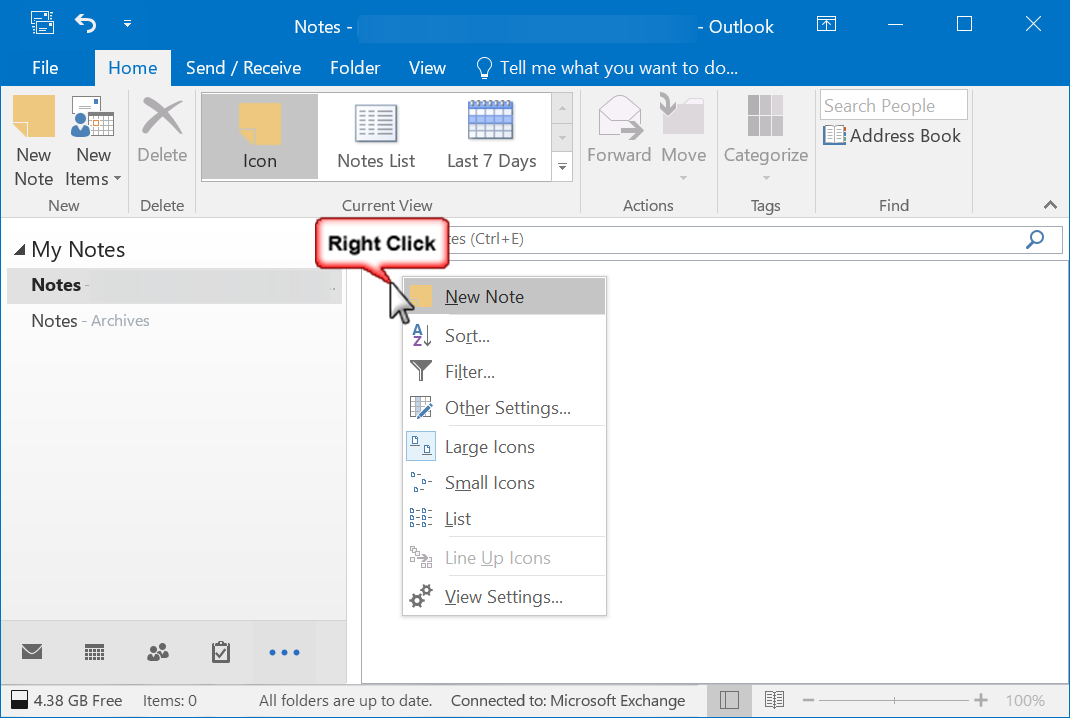 How To Create Notes In Whatsapp
https://img.webnots.com/2020/10/Create-New-Note.png
You can take a picture screenshot or record a video of your phone s screen After you capture your screen you can view edit and share the image or video Important Some of these steps
Pre-crafted templates provide a time-saving option for producing a diverse series of files and files. These pre-designed formats and layouts can be utilized for different individual and expert tasks, including resumes, invites, flyers, newsletters, reports, discussions, and more, enhancing the content production procedure.
How To Create Notes In Whatsapp
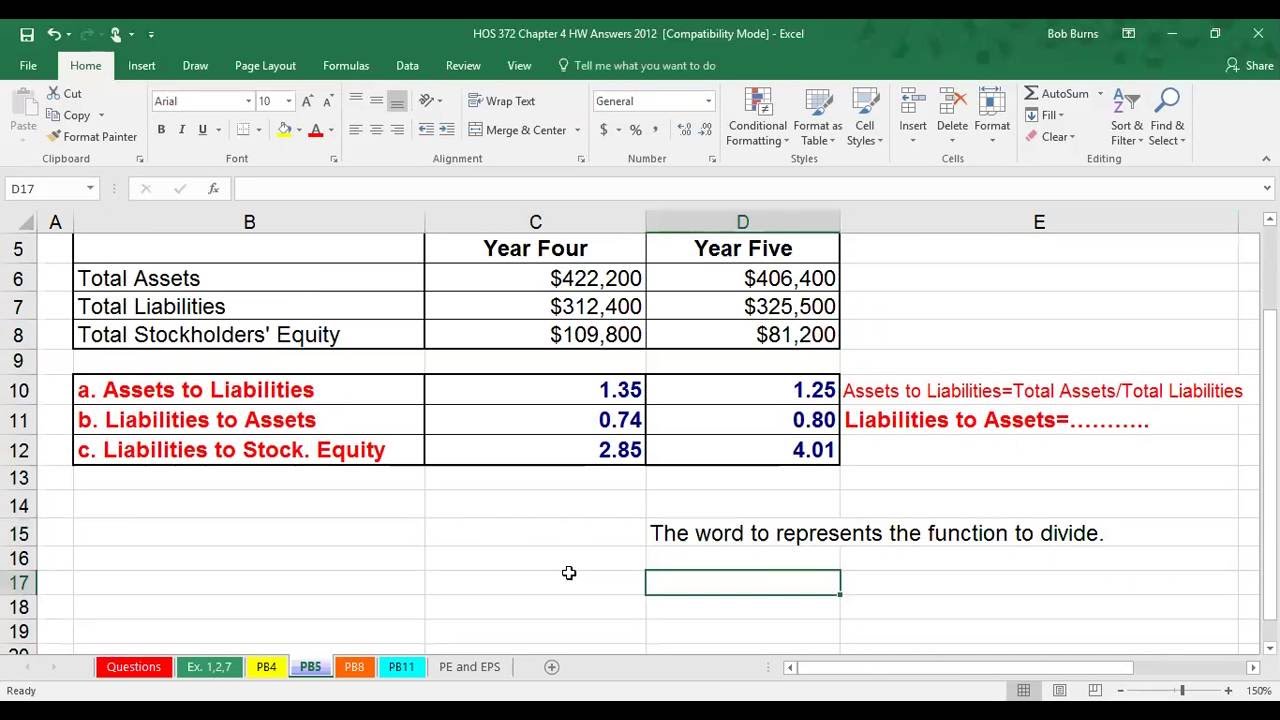
Note Taking Strategy For Excel YouTube

How To Create Notes From The Action Center In Windows 10 Using Action
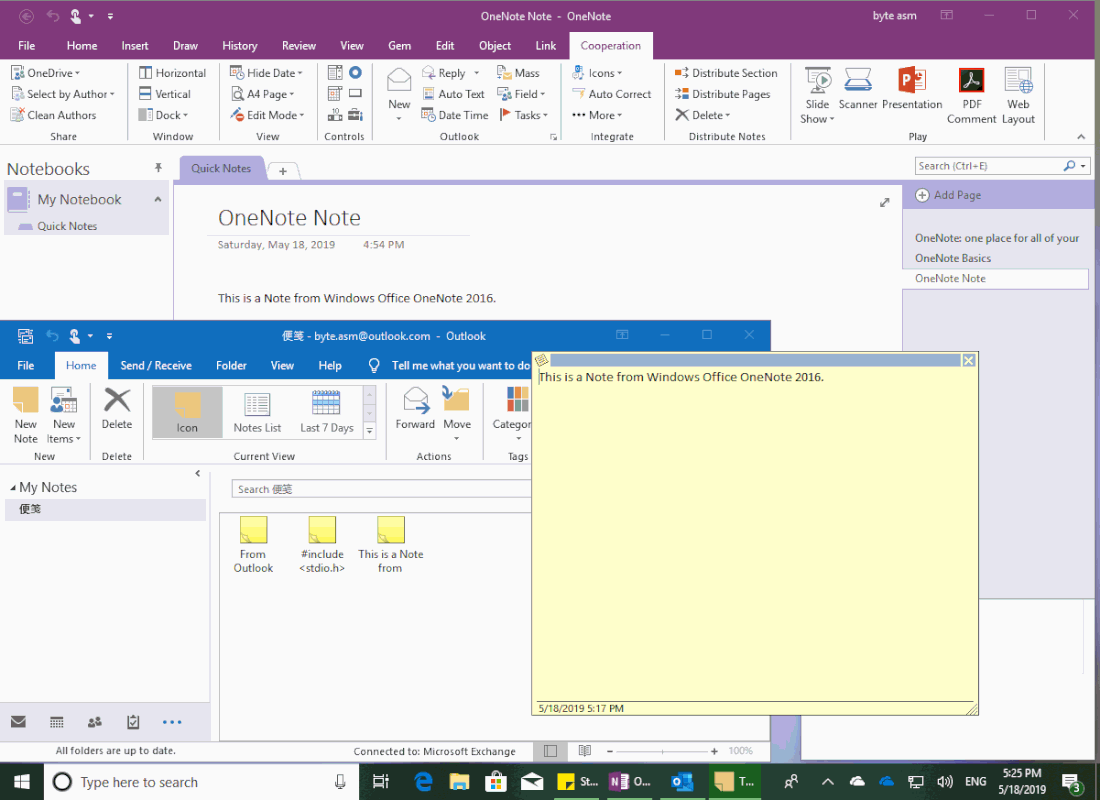
EXE Create A Note Of Outlook And Microsoft Sticky Notes Directly From
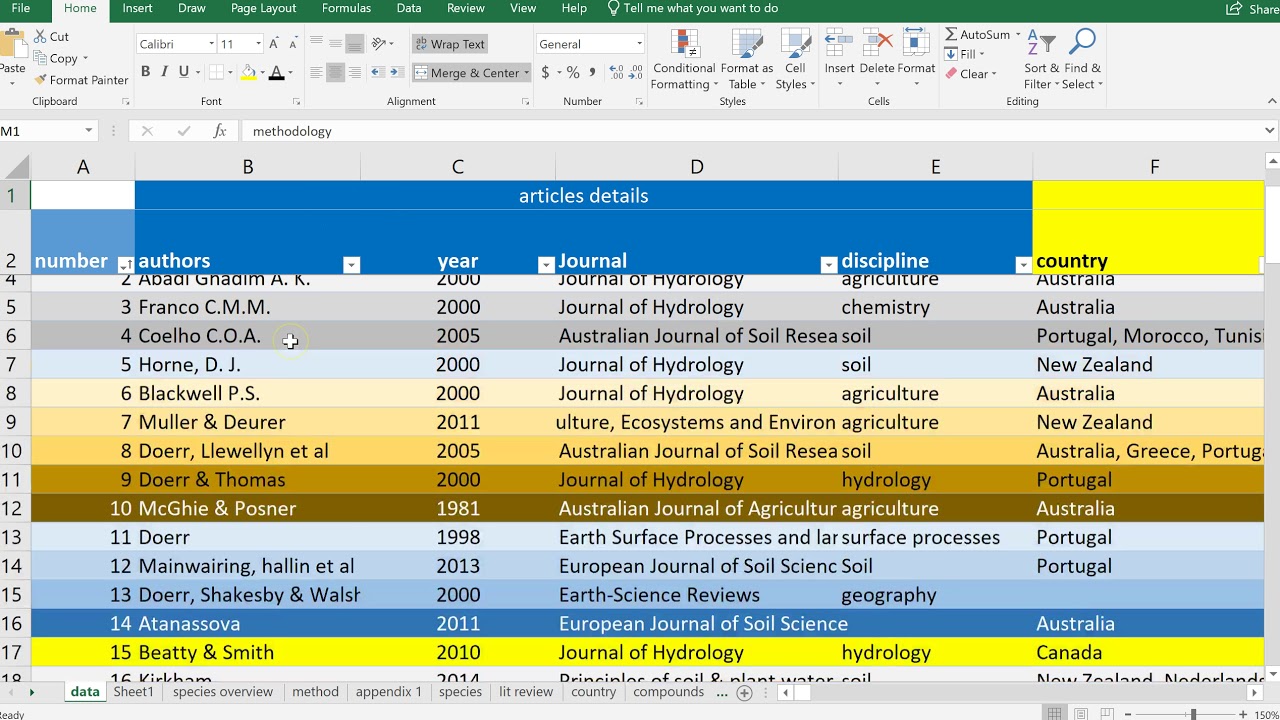
Using OneNote And Excel For Academic Note Taking YouTube
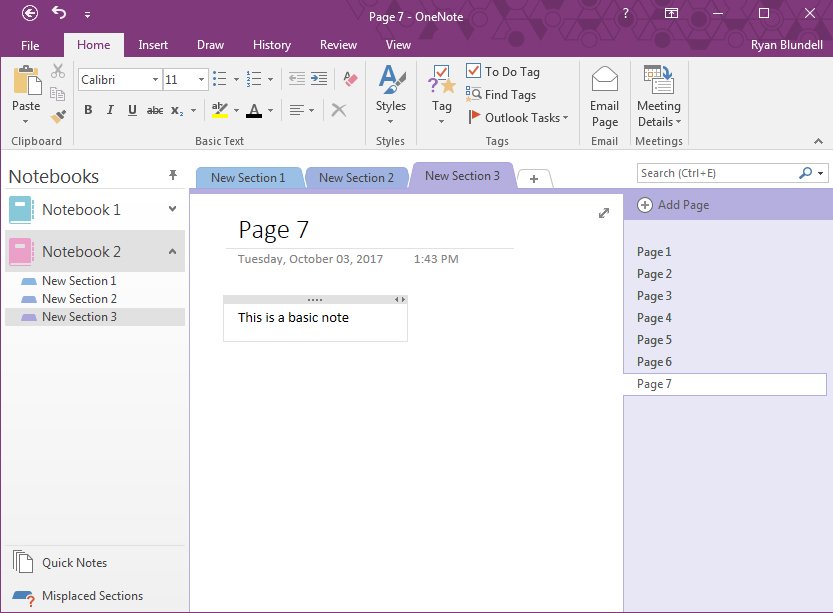
Getting Started With OneNote 2016 Windows Central

Microsoft One Note Tutorials TechInformation One Note Microsoft One

Sign in to Gmail Tip If you sign in to a public computer make sure to sign out before you leave the computer Learn how to sign in on a device that s not yours
Important Before you set up a new Gmail account make sure to sign out of your current Gmail account Learn how to sign out of Gmail From your device go to the Google Account sign in

If you forgot your password or username or you can t get verification codes follow these steps to recover your Google Account That way you can use services like Gmai
Learn how to change more cookie settings in Chrome For example you can delete cookies for a specific site In other browsers If you use Safari Firefox or another browser check its support
This article is for users If you re an administrator go to Set up Voice for your organization
[desc-11] [desc-12]
[desc-13]