How To Create New Class In Visual Studio Code C import Class For Visual Studio Code Stack Overflow How To Setup Visual Studio Code For HTML CSS And JavaScript YouTube How To Install Visual Studio Code On Mac Visual Studio Code Integration Intelligent Code Completion With Our My Current Setup Uses Microsoft Visual Studio Code Finally Gets C Official Google Play Help Center where you can find tips and tutorials on using Google Play and other answers to frequently asked questions
By adding utm campaign parameters to the destination URLs you use in referral links and ad campaigns you can see which campaigns refer traffic When a user clicks a referral link the Google Analytics offers a few user metrics that provide different ways of understanding how many people visit your website or app Differences at a glance The following core user metrics are
My Current Setup Uses Microsoft Visual Studio Code Finally Gets C Bootstrap 5 And Visual Studio Code In 10 Minutes How To Run JavaScript In Visual Studio Code Coding Campus Visual Studio Code Para Scripts Do Office vers o Pr via Office Create A NET Class Library Using Visual Studio For Mac NET Can t Add C Class In Visual Studio 2019 Anymore Won t Link To Main File How To Code C In Visual Studio Code BEST GAMES WALKTHROUGH How To Create A C Project With Visual Studio Code C Vrogue C i Visual Studio Code L p Tr nh C C Final Blade
How To Create New Class In Visual Studio Code C
 How To Create New Class In Visual Studio Code C
https://i.stack.imgur.com/MdHU9.png
If you re having trouble accessing a Google product there s a chance we re currently experiencing a temporary problem You can check for outages and downtime on the Google Workspace
Pre-crafted templates offer a time-saving option for producing a varied series of files and files. These pre-designed formats and layouts can be utilized for numerous personal and expert jobs, including resumes, invitations, leaflets, newsletters, reports, presentations, and more, improving the content development process.
How To Create New Class In Visual Studio Code C

Visual Studio Or VS Code Choose The Best Infraveo Technologies
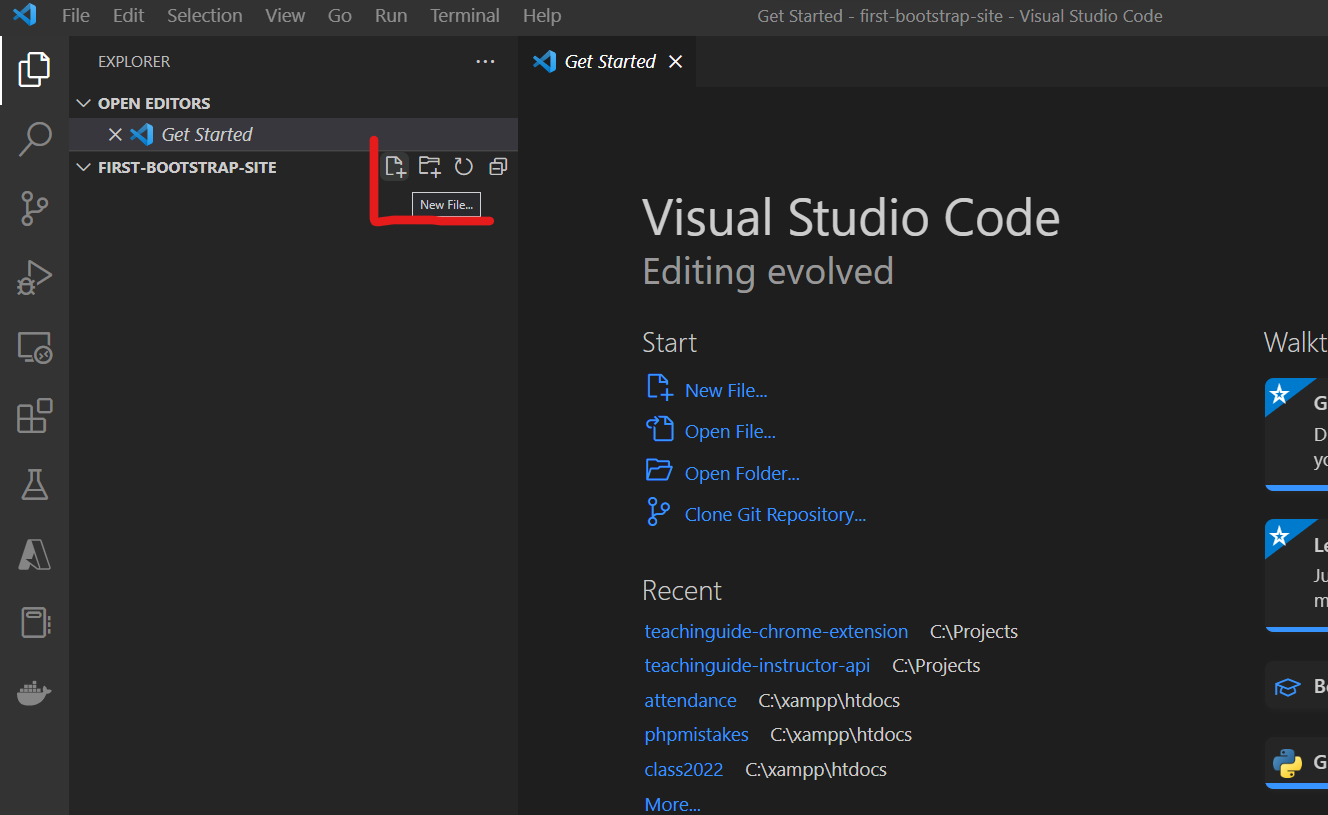
Bootstrap 5 And Visual Studio Code In 10 Minutes

How To Run JavaScript In Visual Studio Code Coding Campus
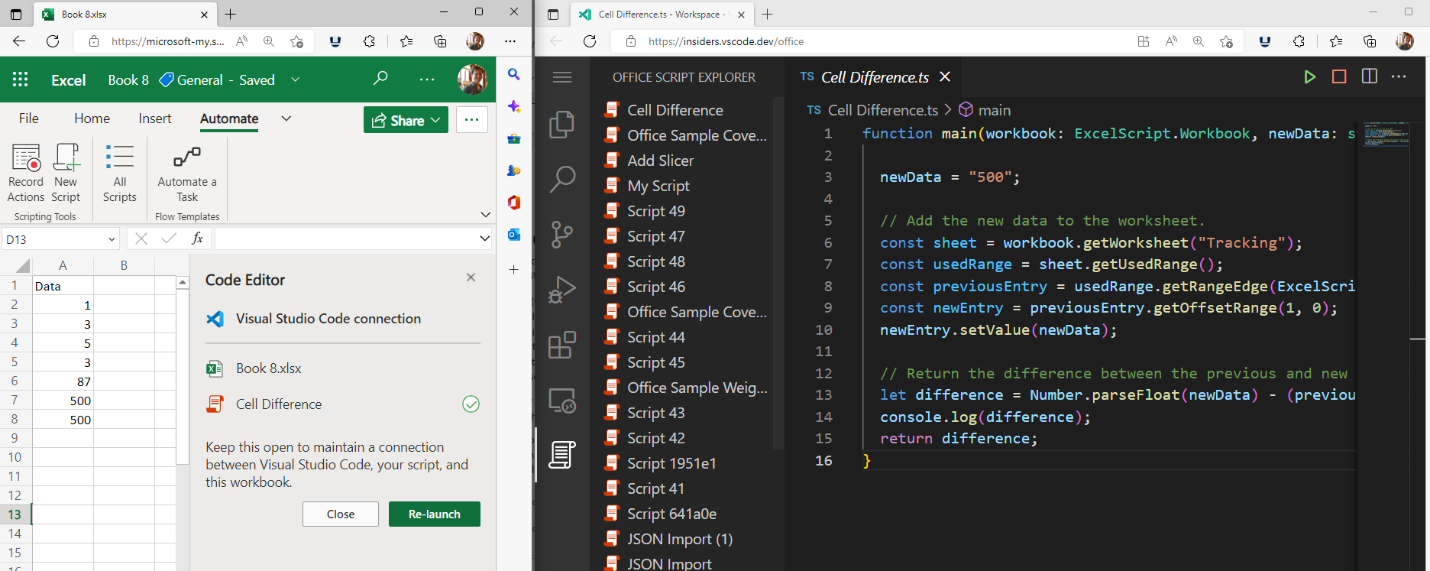
Visual Studio Code Para Scripts Do Office vers o Pr via Office

Can t Add C Class In Visual Studio 2019 Anymore Won t Link To Main File

How To Code C In Visual Studio Code BEST GAMES WALKTHROUGH

How to install Chrome Important Before you download you can check if Chrome supports your operating system and other system requirements

You can get directions for driving public transit walking ride sharing cycling flight or motorcycle on Google Maps If there are multiple routes the best route to your destination is blue All other
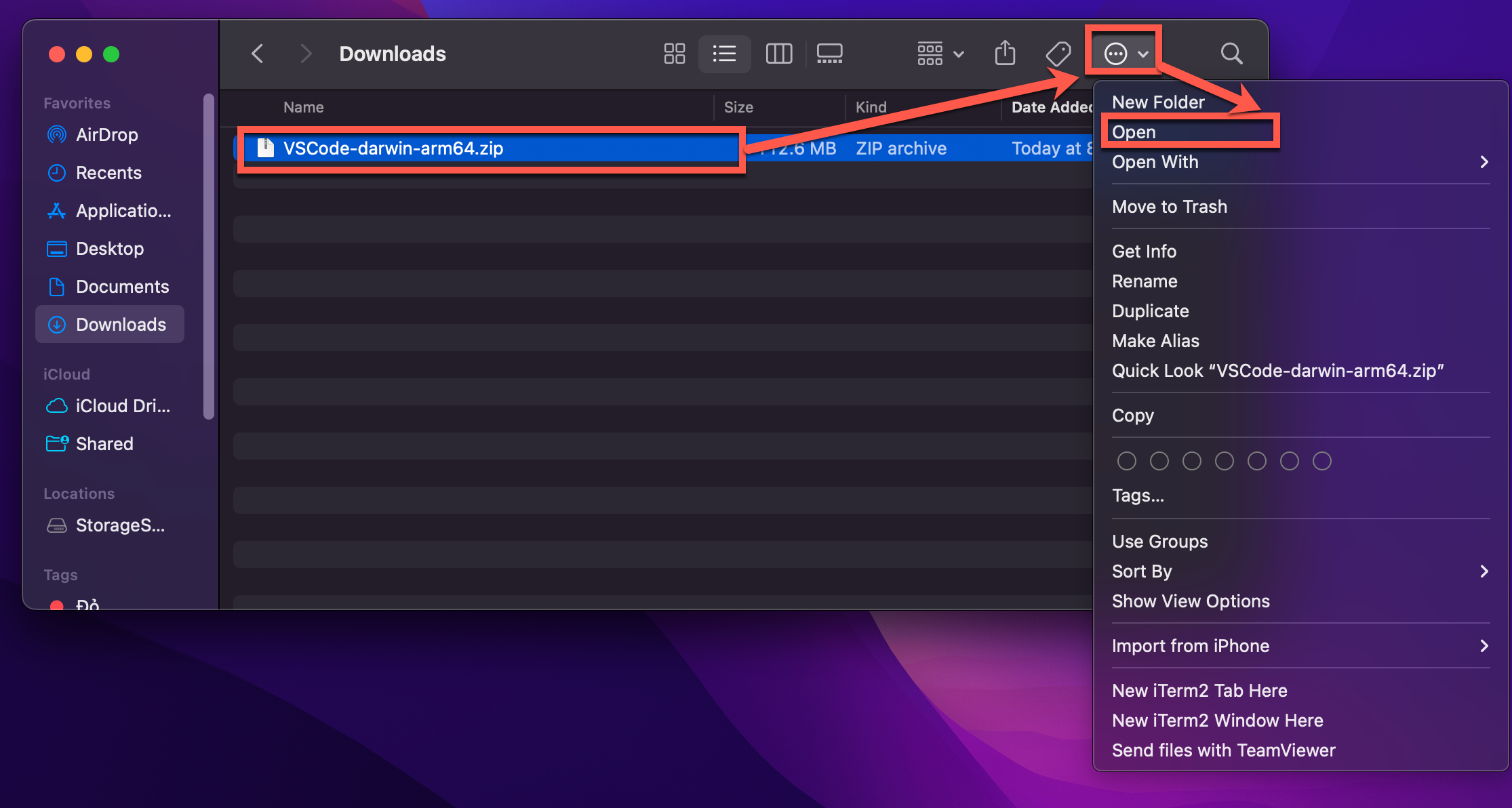
Google Chrome tips Google Chrome tips From productivity to customization learn how to get things done more quickly with your browser

If you forgot your password or username or you can t get verification codes follow these steps to recover your Google Account That way you can use services like Gmail Pho
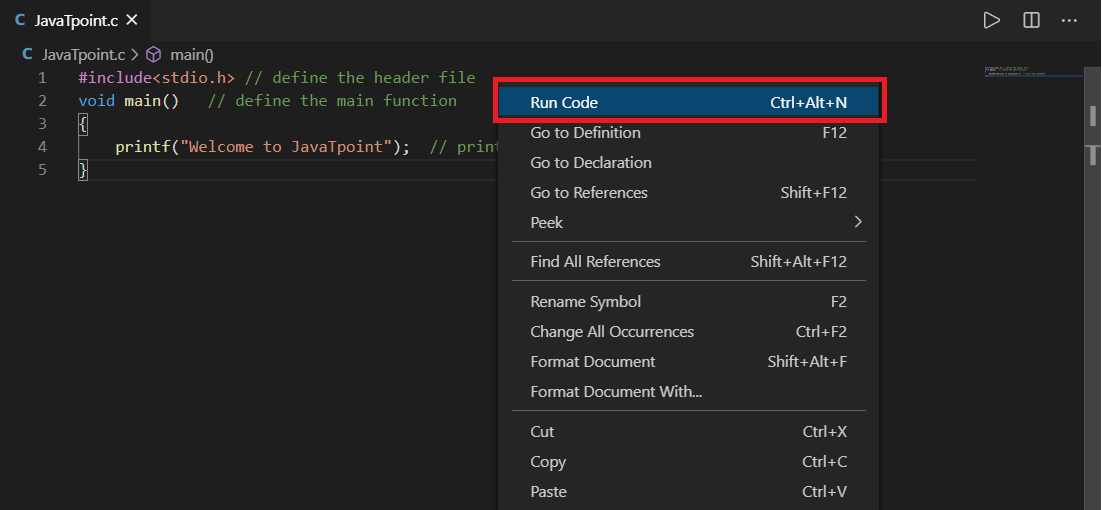
To easily manage and share content across all of your devices and the cloud use Google s desktop sync client Drive for desktop If you edit delete or move a file on the Cloud the same
[desc-11] [desc-12]
[desc-13]