How To Create Nested Drop Down List In Html Navigation And Actions Curvenote Docs What Is A Nested Unordered List How To Create Nested Drop down List In Excel Elearninghub In 2022 Editing Pictures Create Three Level Nested Lists In Html And Css Otosection Nested Drop Down Menu CSS Tricks CSS Tricks You can easily work with your files with Google Drive for desktop You can also Keep local files safe Your computer files are securely stored in the cloud Keep files up to date across
Remove unwanted programs on your computer Before you reset your browser settings check your computer for unwanted programs Learn how to reset your browser settings When your account reaches its storage limit you won t be able to upload or create files in Drive send or receive emails in Gmail or back up photos or videos to Google Photos If you re over
Nested Drop Down Menu CSS Tricks CSS Tricks Create Nested Drop Down List In HTML CSS Form Help Wanted Nesting Dropdown Menus Unity Forum Drop Down List In Html Hot Sex Picture Nested Drop Down Lists In NetSuite DataTek Software Create Drop down List In HTML Html Drop Down List Learn Advanced Html Tutorial In Urdu And How To Create A Drop down List In Excel And Google Sheets Nested Drop down List Directive For Angular Angular Script What Are The Three Ways To Select From Drop Down How Do I Select Data From A Drop Down
How To Create Nested Drop Down List In Html
 How To Create Nested Drop Down List In Html
https://cdn.curvenote.com/76557d5b-893d-481b-a2ab-be1d3a65d7d8/public/_static/7c5946e37aff9f323a482be99a483fe0b2d620faf987169c70ca1501642ff8e1.png
Record the email addresses from people who fill out your form When someone takes your survey they will be required to enter their email address before they submit the form Collect verified
Templates are pre-designed files or files that can be utilized for different purposes. They can save effort and time by providing a ready-made format and design for developing different sort of content. Templates can be utilized for personal or expert tasks, such as resumes, invitations, flyers, newsletters, reports, discussions, and more.
How To Create Nested Drop Down List In Html
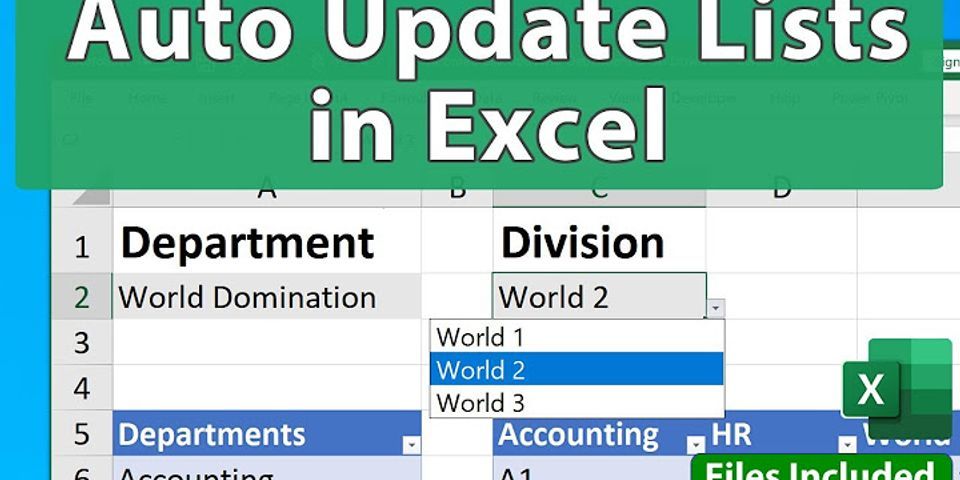
How To Create Dynamic Drop Down List In Html Using JQuery

Create Nested Drop Down List In HTML CSS Form

Help Wanted Nesting Dropdown Menus Unity Forum

Drop Down List In Html Hot Sex Picture

Create Drop down List In HTML Html Drop Down List Learn Advanced Html Tutorial In Urdu And
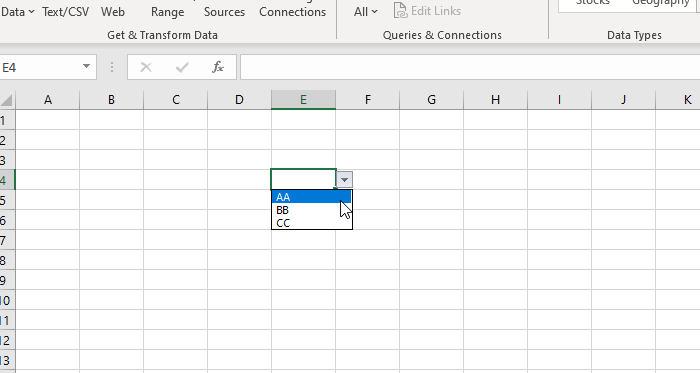
How To Create A Drop down List In Excel And Google Sheets
How to install Chrome Important Before you download you can check if Chrome supports your operating system and other system requirements
Sign in to Gmail Tip If you sign in to a public computer make sure to sign out before you leave the computer Learn how to sign in on a device that s not yours

Important Before you set up a new Gmail account make sure to sign out of your current Gmail account Learn how to sign out of Gmail From your device go to the Google Account sign in

Important When you create a Google Account for your business you can turn business personalization on A business account also makes it easier to set up Google Business Profile

On your computer open Chrome At the top right click More Delete browsing data Choose a time range like Last hour or All time Select the types of information you want to remove Click
[desc-11] [desc-12]
[desc-13]