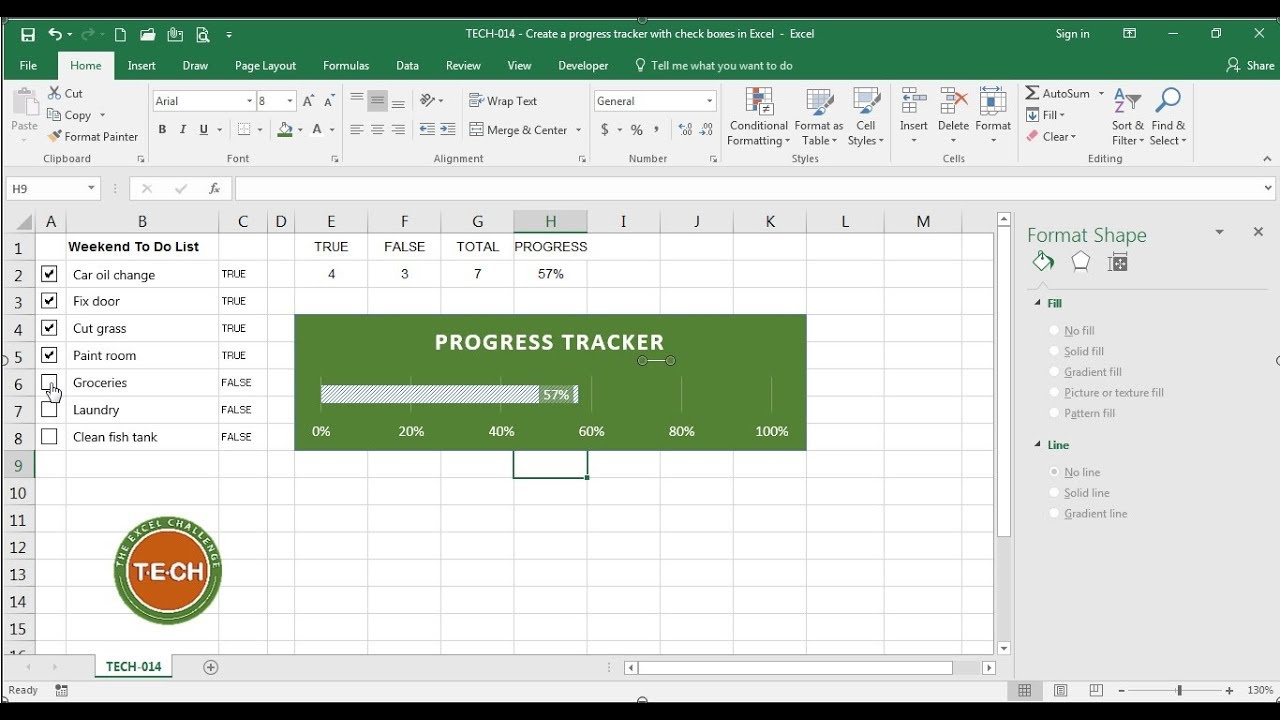
How To Create A Tracker On Excel How to Create An Elegant Fun Useful Excel Tracker Step By Step Activity Tracker Printable Excel Template For Personal Plans Daily Activity Tracker In Excel PK An Excel Expert TECH 014 Create A Progress Tracker With Check Boxes In Excel YouTube Excel Spreadsheets Help July 2010 Web Mar 16 2020 nbsp 0183 32 You can use Excel Tables simple data validation rules and conditional formatting to set up a tracker to monitor a list of items progress of a project or a list of to dos In this video I will
Web May 1 2023 nbsp 0183 32 Get started for free Excel spreadsheet templates are a great tool to track the costs time and performance of your team We ve collected ProjectManager s 15 best Excel spreadsheet templates for tracking that you can download and Web Oct 15 2023 nbsp 0183 32 Table of Contents hide How to Create Real Time Tracker in Excel Step by Step Procedure Step 1 Create Primary Outline Step 2 Input Work Description Step 3 Calculate Total Work Hours on Each Day Step 4 Evaluate Unpaid Time Step 5 Calculate Billable Time Step 6 Estimate Gross Pay Based on Billable Time
Excel Spreadsheets Help July 2010 Multiple Project Tracking Template Excel Download Excel Rainbow Habit Tracker Excel Spreadsheet Google Sheet How To Create Task List In Microsoft Teams Project Tracker Excel Template Project Task Tracker Excel Template 2023 Excel Bill Tracker Template Business Team Task Management Excel Template TUTORE ORG Master Of Documents Free Project Tracking Template For Excel Gambaran
How To Create A Tracker On Excel
 How To Create A Tracker On Excel
https://i0.wp.com/chandoo.org/wp/wp-content/uploads/2020/03/Excel-tracker-demo.gif?fit=700%2C460&ssl=1
Web Feb 7 2023 nbsp 0183 32 Step 1 Create a stacked bar chart Right off the bat plot a basic stacked bar chart Highlight all the cells in columns Region Revenue and Remainder by holding down the Ctrl key A1 A5 and C1 D5 Go to the Insert tab Click Insert Column or Line Chart
Pre-crafted templates use a time-saving service for developing a diverse range of files and files. These pre-designed formats and layouts can be made use of for various individual and professional projects, including resumes, invitations, leaflets, newsletters, reports, discussions, and more, simplifying the material development procedure.
How To Create A Tracker On Excel

Employee Daily Task Tracker Excel Template

Multiple Project Tracking Template Excel Download Excel
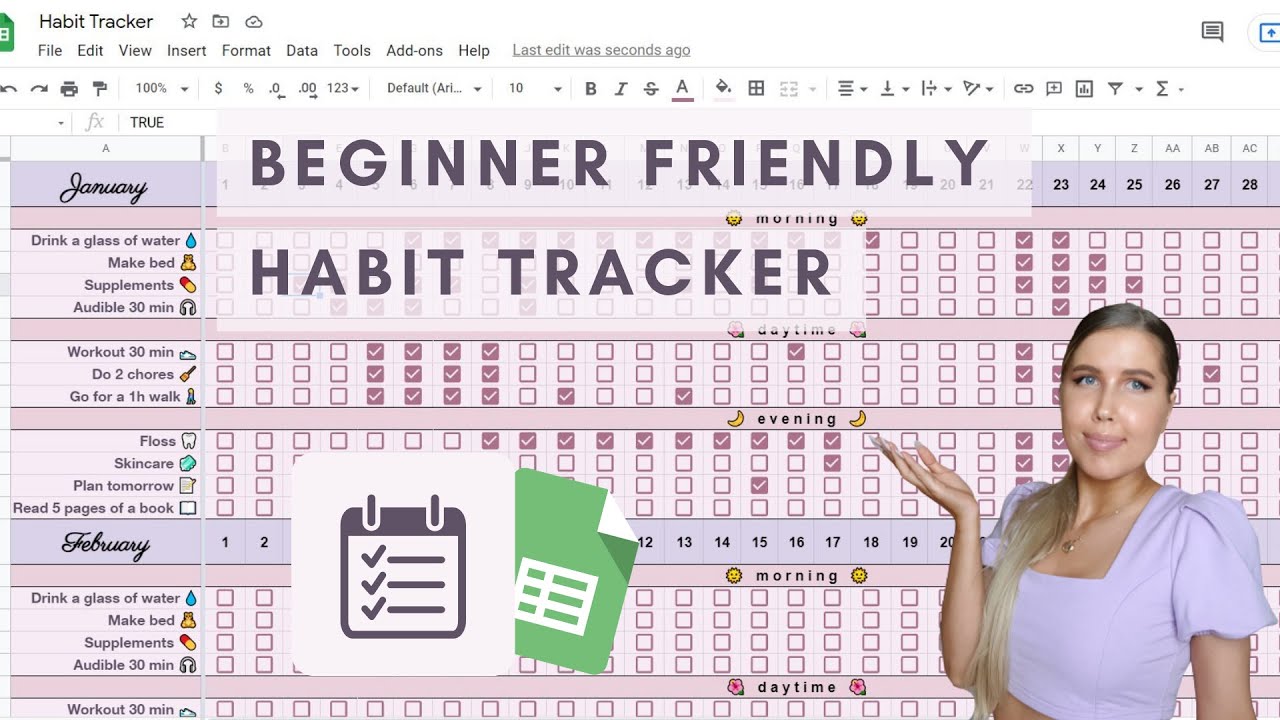
Rainbow Habit Tracker Excel Spreadsheet Google Sheet
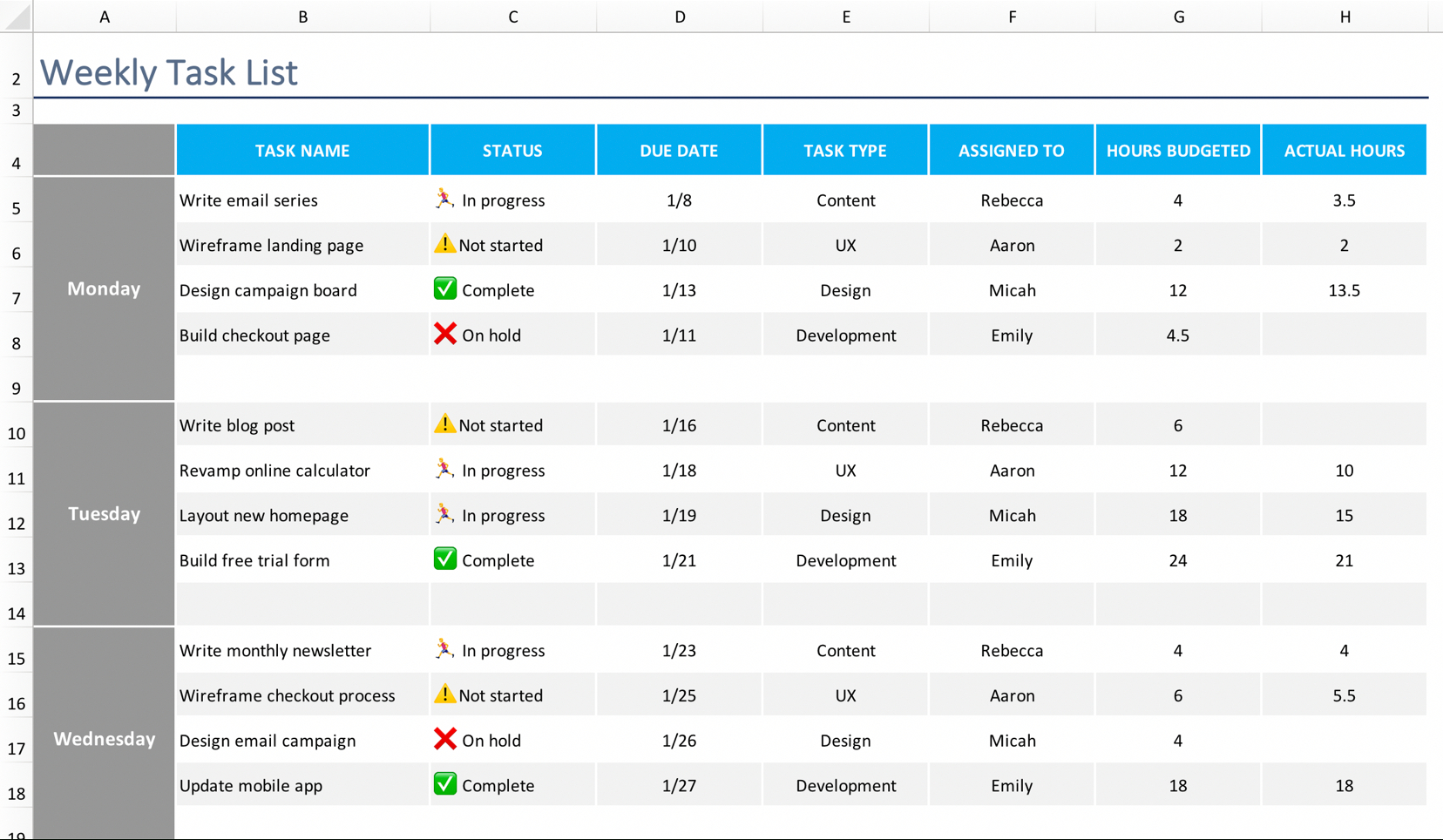
How To Create Task List In Microsoft Teams
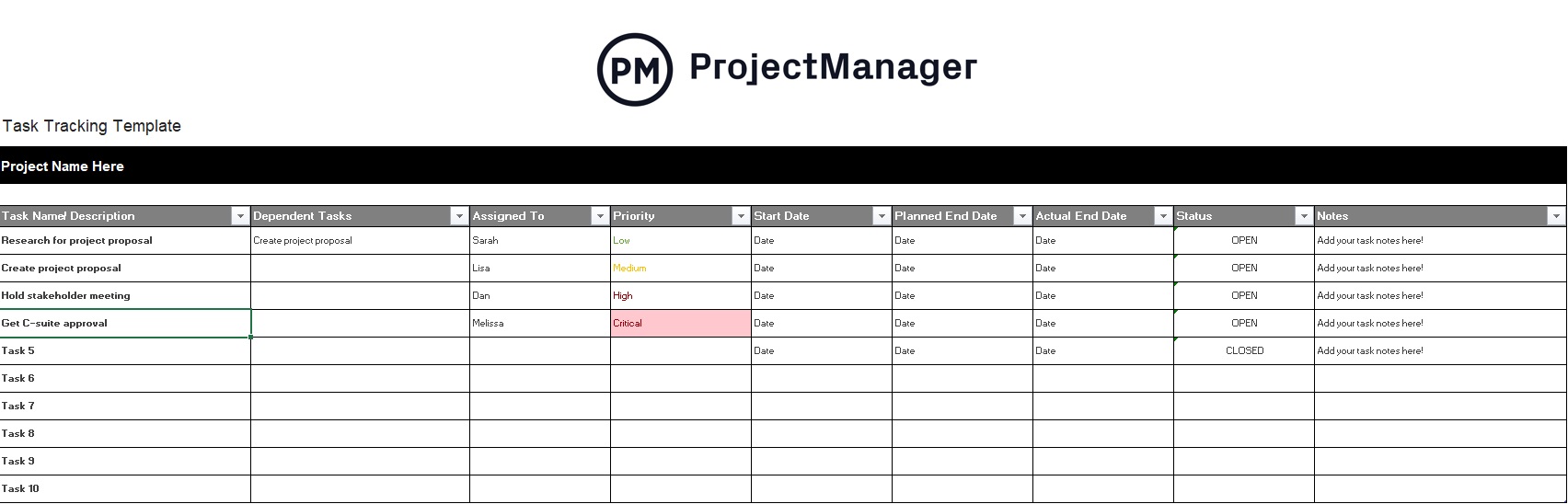
Project Task Tracker Excel Template 2023
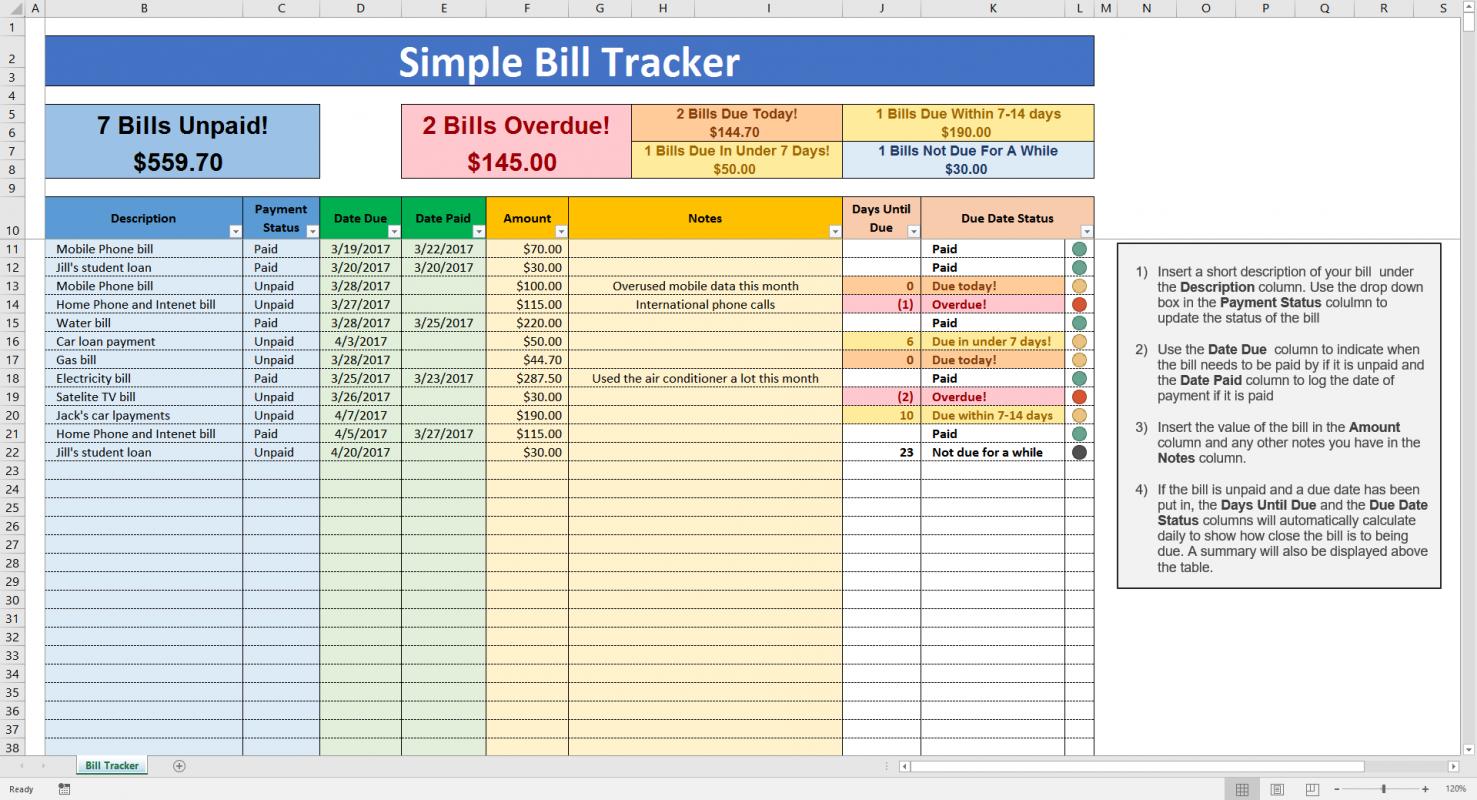
Excel Bill Tracker Template Business

Web Oct 14 2022 nbsp 0183 32 Create your list of ice breakers or the things you can say to start a conversation Then include the type of situation whether professional or personal After you use the ice breaker come back to your sheet to track how well it worked Add details for when you used it and if you d use it again

Web Jun 30 2023 nbsp 0183 32 Making a tracker in Excel refers to creating a spreadsheet that helps you organize analyze and track data It typically involves creating columns and rows to input and manipulate data It can enhance efficiency accuracy and decision making in various personal academic and professional contexts

Web May 23 2023 nbsp 0183 32 This step by step tutorial explains how to create the following progress tracker in Excel Step 1 Enter the Data First let s enter some data that shows the progress made on 10 different tasks Step 2 Create Horizontal Bar Chart
Web Oct 15 2023 nbsp 0183 32 Step 1 Making Dataset for Task Tracker in Excel Step 2 Creating New Sheet to Track Pending Tasks from Dataset Step 3 Creating Pending Tasks Using Different Parameters
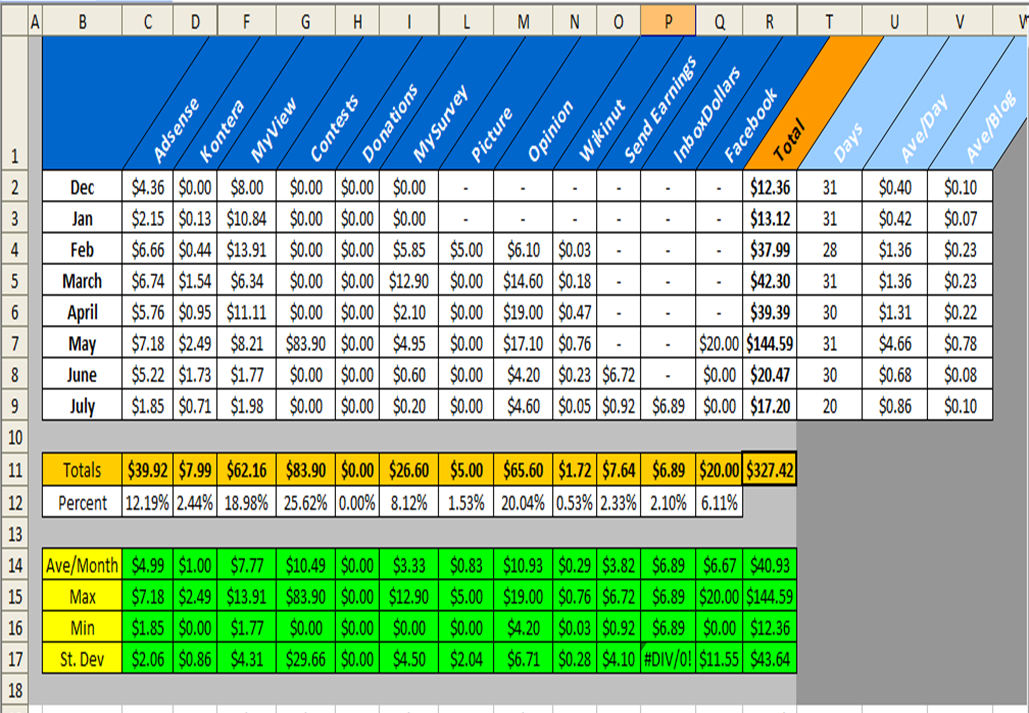
Web Mar 17 2020 nbsp 0183 32 Steps for creating Excel tracker Step 1 Create a table with below columns Just type the headings select them and press CTRL T Learn more about Excel Tables Excel tables can help you build trackers plans lists or data They make data analysis charting or pivoting a breeze too
Web Jul 19 2023 nbsp 0183 32 1 Work Plan Timeline The Work Plan Timeline template is suitable for a basic project with multiple phases When you enter your data into the worksheet the roadmap will update automatically This template comes pre installed in Microsoft Excel 2016 and up 2 Date Tracking Gantt Chart Web Jun 4 2020 nbsp 0183 32 After you ve entered all the information in the worksheet turn on the Track Changes feature before making the Excel workbook available for review Go to the Review tab and select Track Changes gt Highlight Changes In the Highlight Changes dialog box select the Track changes while editing check box Select the When check box and set it
Web Use a tracker template to measure your progress and see how far you ve come Choose a planner or tracker template and customize it to fit your unique needs If you re using a planner for work add custom branding like your business s logo or color palette