How To Create A Sql Statement In Access Sql Server What Does a Do At The End Of A Sql Statement Stack SQL With Microsoft Access 2016 Lesson 4 Select Query YouTube CREATE SQL Data Definition Language CREATE Statements CREATE VIEW SQL Modifying Views In SQL Server What Is The SQL Create Table Clause Statement How To Create One To perform this operation the Microsoft Jet database engine searches the specified table or tables extracts the chosen columns selects rows that meet the criterion and sorts or groups the resulting rows into the order specified SELECT statements do not change data in the database SELECT is usually the first word in an SQL statement
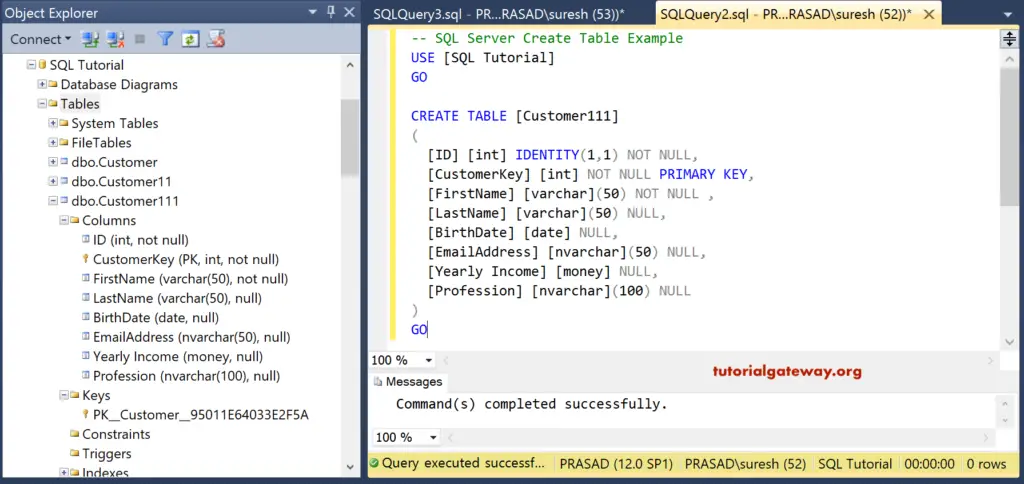
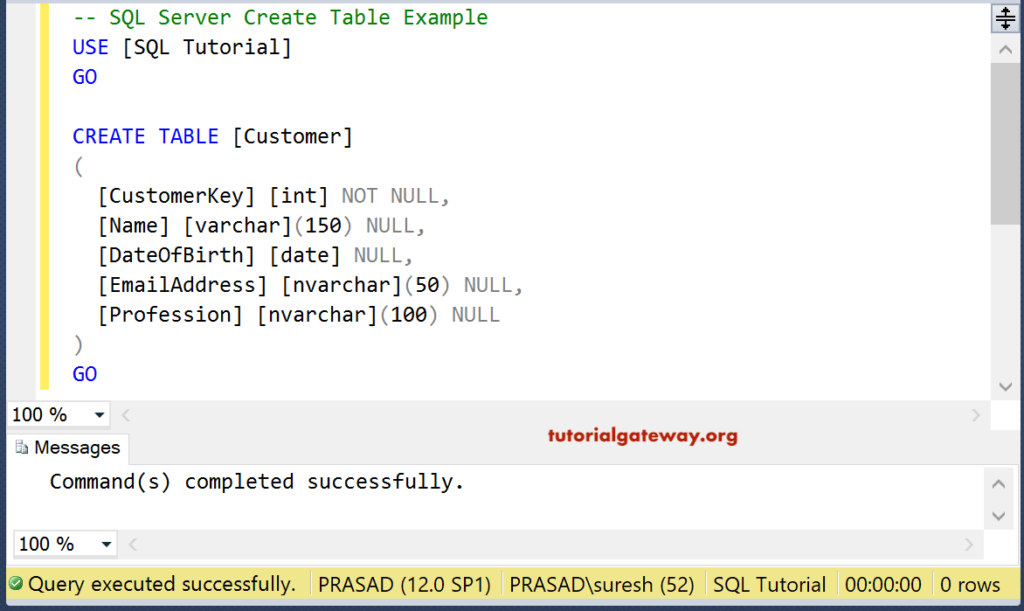
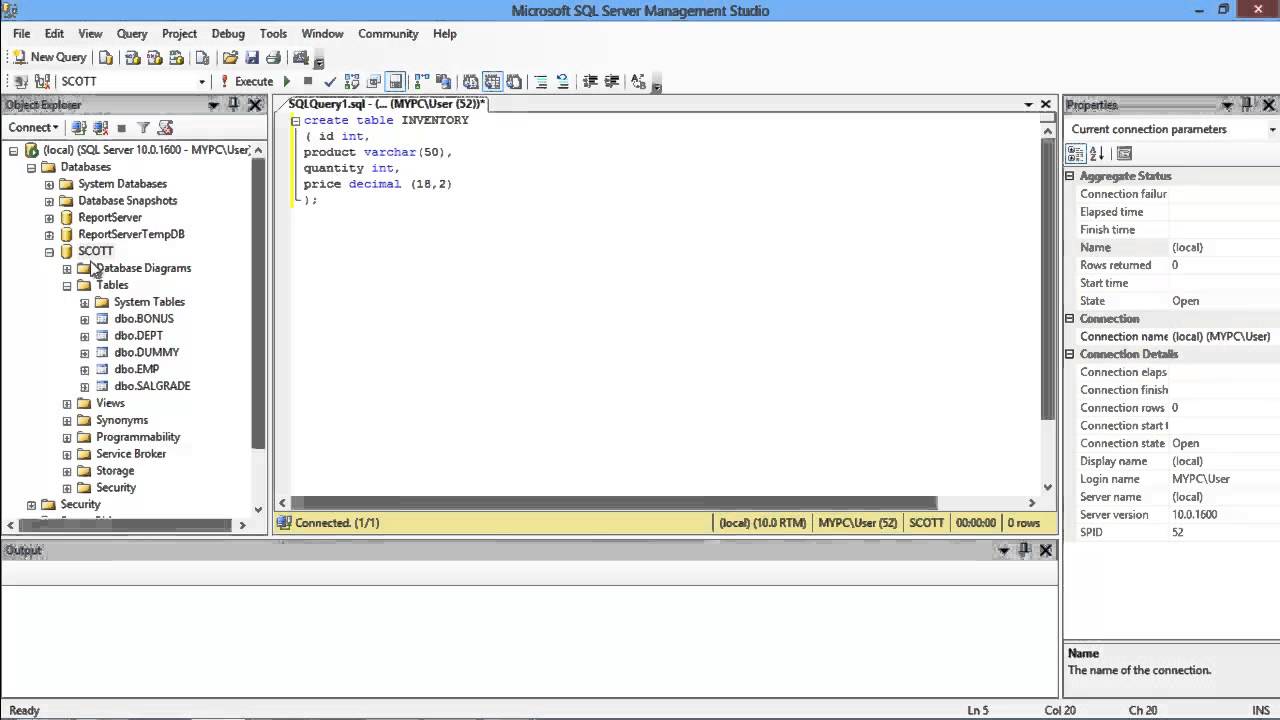
To create a table you use a CREATE TABLE command A CREATE TABLE command has the following syntax CREATE TABLE table name field1 type size NOT NULL index1 field2 type size NOT NULL index2 CONSTRAINT constraint1 In this lesson we run you through how to create a table in SQL You learn about the syntax for the create table statement and some data types such as Integer
What Is The SQL Create Table Clause Statement How To Create One What Is The SQL Create Table Clause Statement How To Create One SQL Create Table Statement How To Add Table In Azure Sql Database Infoupdate Processing A SQL Statement In Arabic YouTube Access Case Statement Trust The Answer Brandiscrafts How To Create And Drop Table In SQL YouTube SQL DELETE Statement How To Safely Remove Records From A Database Overview Of The T SQL If Exists Statement In A SQL Server Database
How To Create A Sql Statement In Access
 How To Create A Sql Statement In Access
https://i.stack.imgur.com/A8Chg.png
12 I just found and tried out this tool jet tool It seems to work well for Access 2010 Share Follow edited Nov 6 2019 at 14 35 answered Aug 1 2013 at 18 02 jpmc26 28 8k 14 96 148 1 needed a 2003 access database mdb instead of 2016 accdb
Templates are pre-designed files or files that can be utilized for different purposes. They can conserve time and effort by supplying a ready-made format and layout for developing various type of material. Templates can be utilized for individual or expert jobs, such as resumes, invitations, leaflets, newsletters, reports, discussions, and more.
How To Create A Sql Statement In Access
SQL Create Table Statement

What Is The SQL Create Table Clause Statement How To Create One
SQL Create Table Statement
How To Add Table In Azure Sql Database Infoupdate

Access Case Statement Trust The Answer Brandiscrafts
How To Create And Drop Table In SQL YouTube

Click Query Design in the Queries section This displays the Show Table dialog box which at this point contains several system tables along with POWER Select POWER and click the Add button As you ve seen in the previous example a picture of the POWER table and its attributes appears in the upper half of the work area

The CREATE TABLE statement has these parts Expand table Remarks Use the CREATE TABLE statement to define a new table and its fields and field constraints If NOT NULL is specified for a field new records are required to have valid data in that field

To construct an SQL statement create a query in the query design grid switch to SQL view and copy and paste the corresponding SQL statement into your code Often a query must be based on values that the user supplies or values that change in different situations
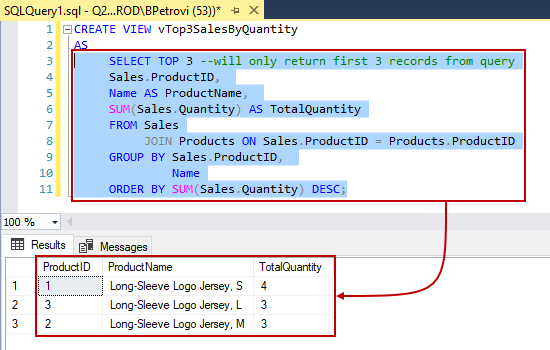
To describe a set of data by using SQL you write a SELECT statement A SELECT statement contains a complete description of a set of data that you want to obtain from a database This includes the following

In this post we will be looking at how to use Structured Query Language SQL to interact with our databases through classic CRUD operations Create Update and Delete What is Structured Query Language The fundamental job of an MS Access database or indeed any database is to provide a home base for data data Hence database
USE COUPON CODE SUMMERLEARNINGMicrosoft Office Word Excel and Access Productivity Bundle1 Billion Use Office Apps as Their Primary Productivity Tool Get Shows how to create simple table in MS Access using an SQL Statement
Once Access opens Click Create from the menu running across the top of the screen 3 Next Click the Query Design button 4 You ll see a Show Table dialog box Click close on this dialog box without selecting any tables 5 Select the SQL View or SQL button near the top left of the screen 6