How To Create A Split Screen In Word How To Do Split Screen On Android How To Create A 4 Way Split Screen Video YouTube Split Screen In Word 2007 VideoHelp Forum How To Create FREE FAST And EASY SPLIT SCREENS In Adobe After Effects 4 Ways To Make SPLIT SCREENS In Premiere Pro YouTube Important When you create a Google Account for your business you can turn business personalization on A business account also makes it easier to set up Google Business Profile
how How what what what I can t make out what he is driving at
4 Ways To Make SPLIT SCREENS In Premiere Pro YouTube How To Create A Split Screen HTML And CSS YouTube How To Create Split Screen Effects In Adobe Premiere Pro CC Tutorial How To Create Split Screen Videos Side By Side Split Screen Video Create A Split screen Effect In IMovie On Mac Apple Support Insnoob blogg se How To Split My Screen Oin Windows Using Split Screen For Editing Tech Tools For Writers Create A Split Screen Border Effect YouTube Windows 10 Splitting 1 Monitor Into Many Super User
How To Create A Split Screen In Word
 How To Create A Split Screen In Word
https://www.lifewire.com/thmb/sE93SMnDJ41kBJMqLJ3-PTDkENc=/2243x1496/filters:fill(auto,1)/431230CloseupAndroidsmartphone-2ab91a4ab4f144babddaf465716163b9.jpg
Jan 14 2010 nbsp 0183 32 how about what about how about what about 1 how about 2 what
Templates are pre-designed files or files that can be utilized for various functions. They can save time and effort by providing a ready-made format and layout for producing various type of material. Templates can be utilized for personal or professional tasks, such as resumes, invites, flyers, newsletters, reports, presentations, and more.
How To Create A Split Screen In Word
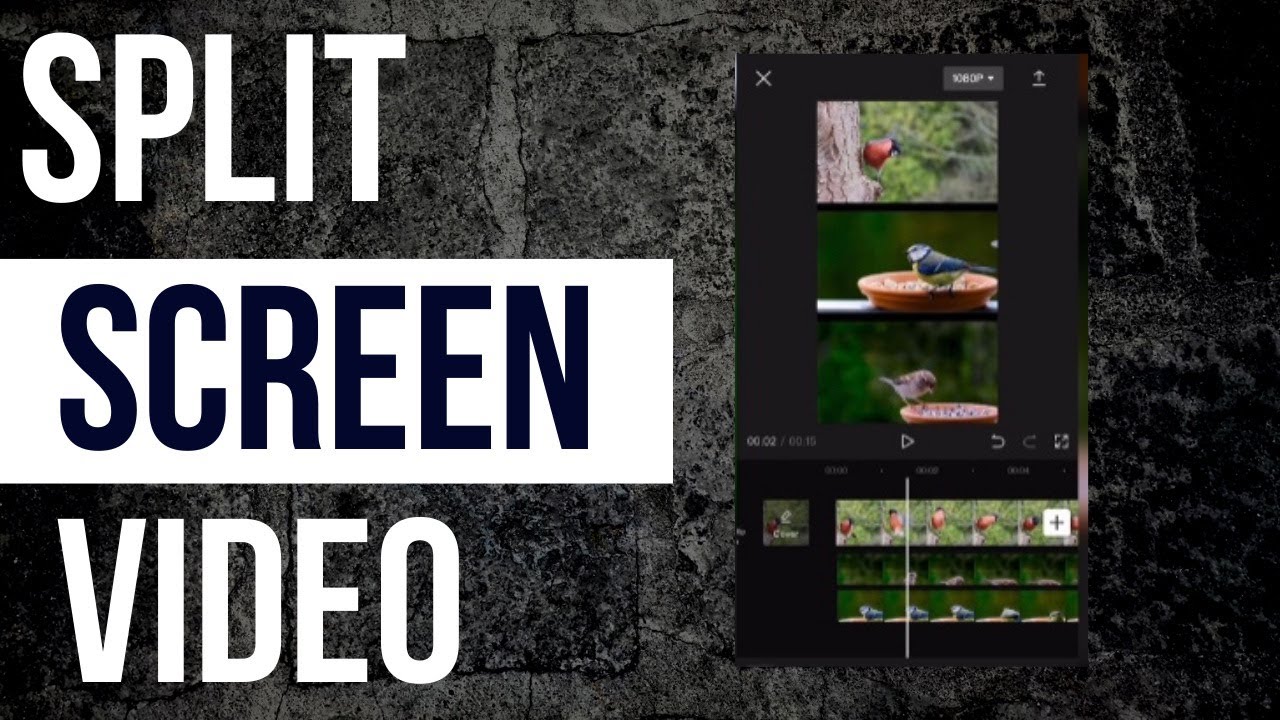
How To Use Split Screen On Vertical Video CapCut Tutorial YouTube

How To Create A Split Screen HTML And CSS YouTube

How To Create Split Screen Effects In Adobe Premiere Pro CC Tutorial

How To Create Split Screen Videos Side By Side Split Screen Video
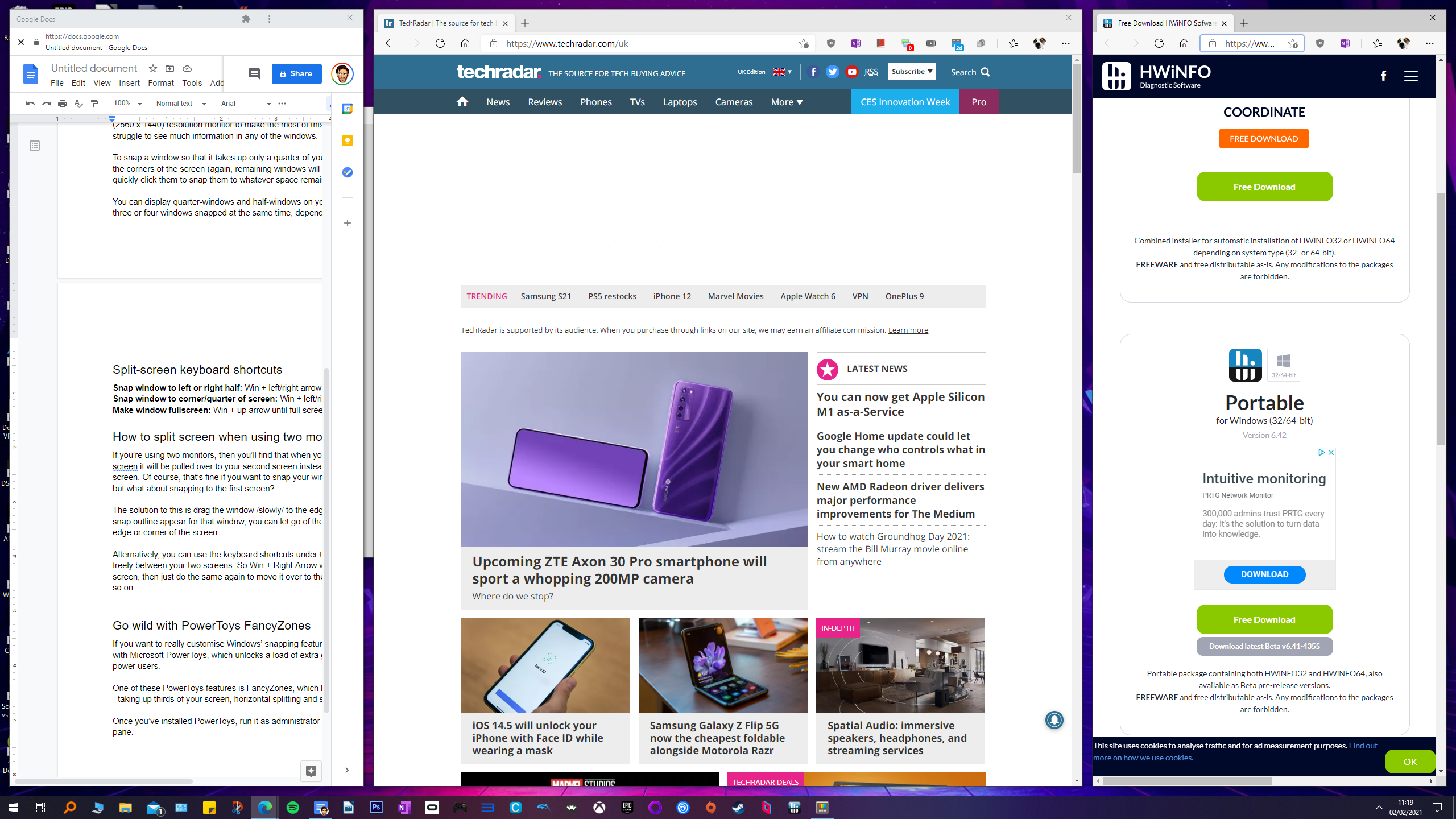
Insnoob blogg se How To Split My Screen Oin Windows

Using Split Screen For Editing Tech Tools For Writers

Jan 31 2008 nbsp 0183 32 How How a What What a what how

Sign in to Gmail Tip If you sign in to a public computer make sure to sign out before you leave the computer Learn how to sign in on a device that s not yours

To easily manage and share content across all of your devices and the cloud use Google s desktop sync client Drive for desktop If you edit delete or move a file on the Cloud the same

how

If you forgot your password or username or you can t get verification codes follow these steps to recover your Google Account That way you can use services like Gmai
[desc-11] [desc-12]
[desc-13]