How To Create A New Folder How To Create A File Folder In Word Articlelasopa How To Create A New Folder In Windows 10 Laptop Mag How To Create A Folder In Documents Windows Lasopamorning Create A Folder In Windows 10 Instructions And Video Lesson Create New Folder In Windows 10 Tutorials 1 Navigate to where you want to create a new folder on your Desktop or in File Explorer Win E 2 Right click or press and hold on an empty area of your desktop or folder window click tap on New and click tap on Folder see screenshot below
To make a new folder simply open File Explorer and select Home in the upper left corner of the window to find the New folder icon A new folder will automatically appear on the screen and you can rename the folder by right clicking on the name You can also use the keyboard shortcut Ctrl Shift N to create a new folder Windows desktop Create a new folder using a keyboard shortcut Windows command line My Computer or Windows Explorer Press the Windows key E to open Windows Explorer On the left side of the window select the drive or folder where you want to create the new folder for example the C drive Or you can create a folder in the
Create New Folder In Windows 10 Tutorials Create A New Folder On Desktop Windows Help How To Create A New Folder From Selected Files On Mac JailBreak How To Create New Folders Using Keyboard Shortcuts In Windows 10 How To Create A Folder On A PC 10 Steps with Pictures WikiHow How To Create A Download Folder 12 Steps with Pictures How To Create A New Folder On Macbook Fervision Create A List Of Files In A Folder Windows 10 Uihon Booapplication Blog
How To Create A New Folder
 How To Create A New Folder
https://it.tufts.edu/sites/default/files/inline-images/DriveNewFolder.png
On the desktop right click anywhere blank and choose New Folder from the menu Windows 11 will create a new folder on your desktop Using your keyboard type a name for your folder and press Enter And your folder is now ready on your desktop Repeat this process to create more folders
Pre-crafted templates provide a time-saving option for producing a varied series of documents and files. These pre-designed formats and designs can be made use of for various personal and expert projects, consisting of resumes, invites, flyers, newsletters, reports, presentations, and more, streamlining the material development procedure.
How To Create A New Folder
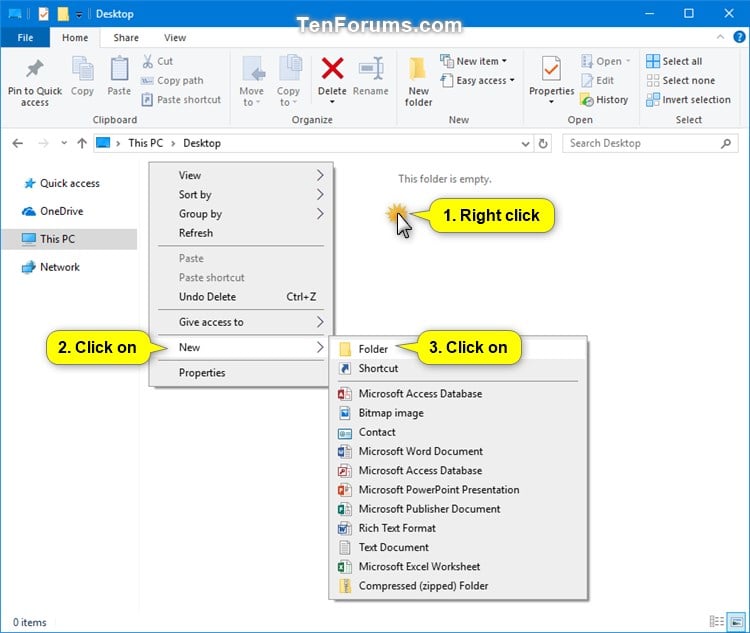
Create New Folder In Windows 10 Tutorials
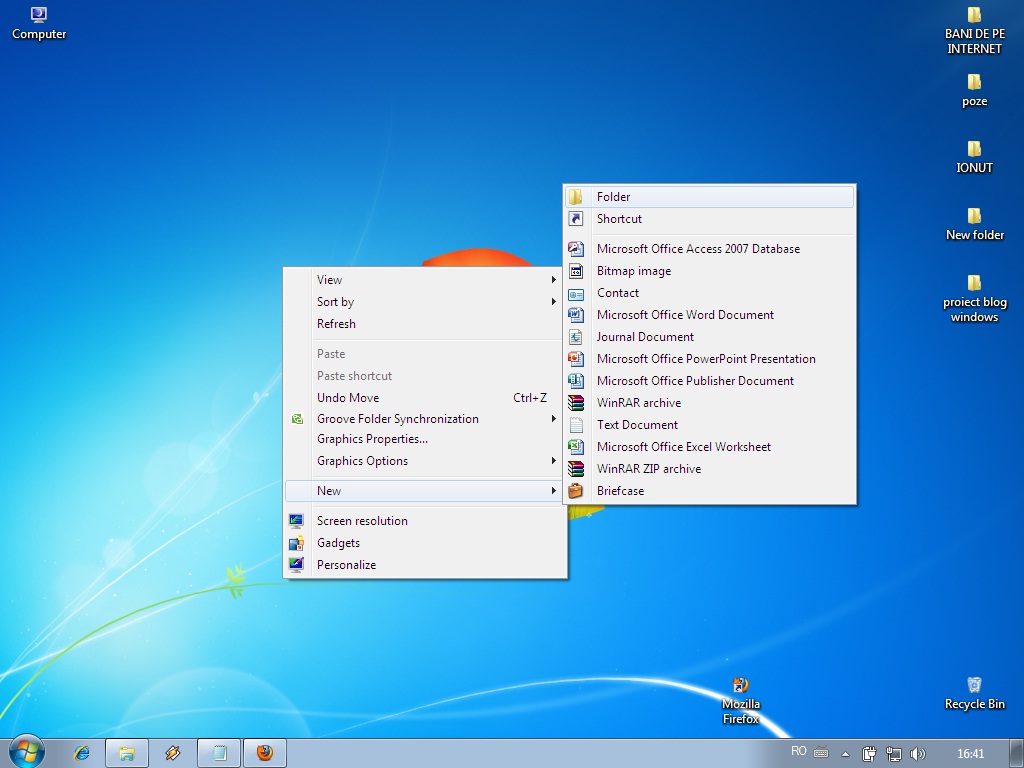
Create A New Folder On Desktop Windows Help
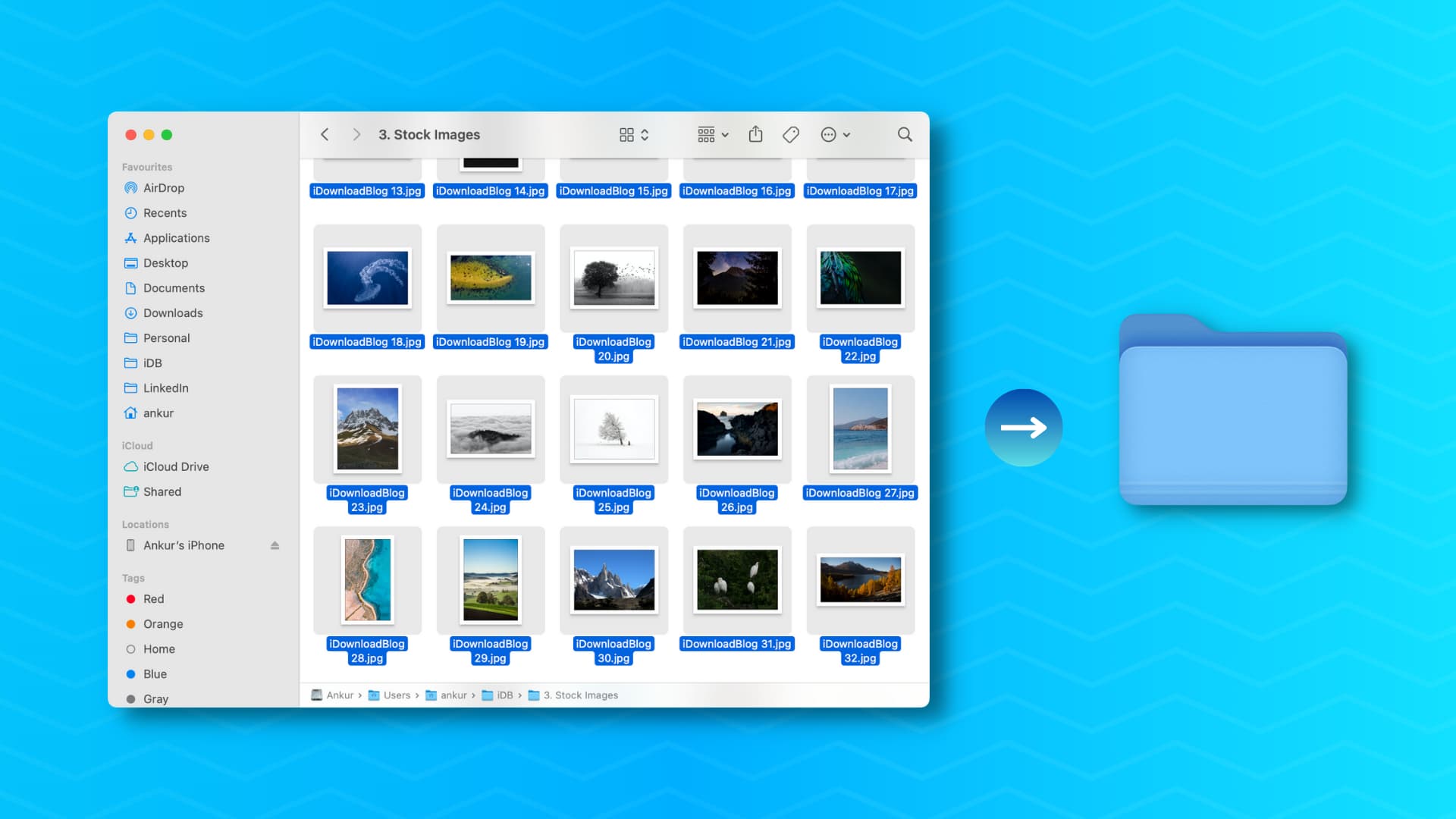
How To Create A New Folder From Selected Files On Mac JailBreak
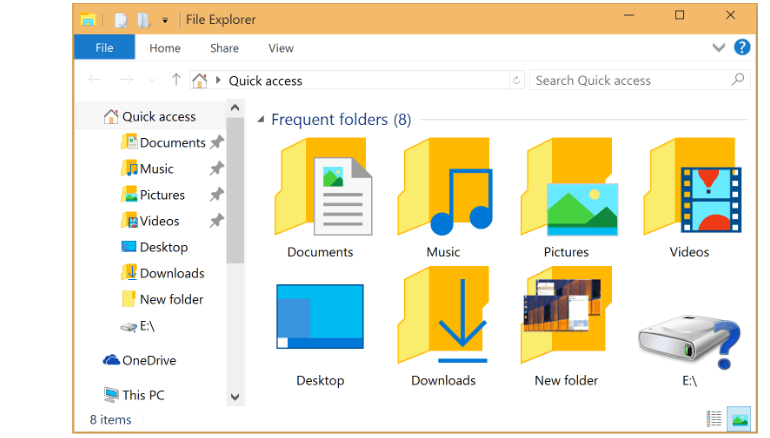
How To Create New Folders Using Keyboard Shortcuts In Windows 10

How To Create A Download Folder 12 Steps with Pictures
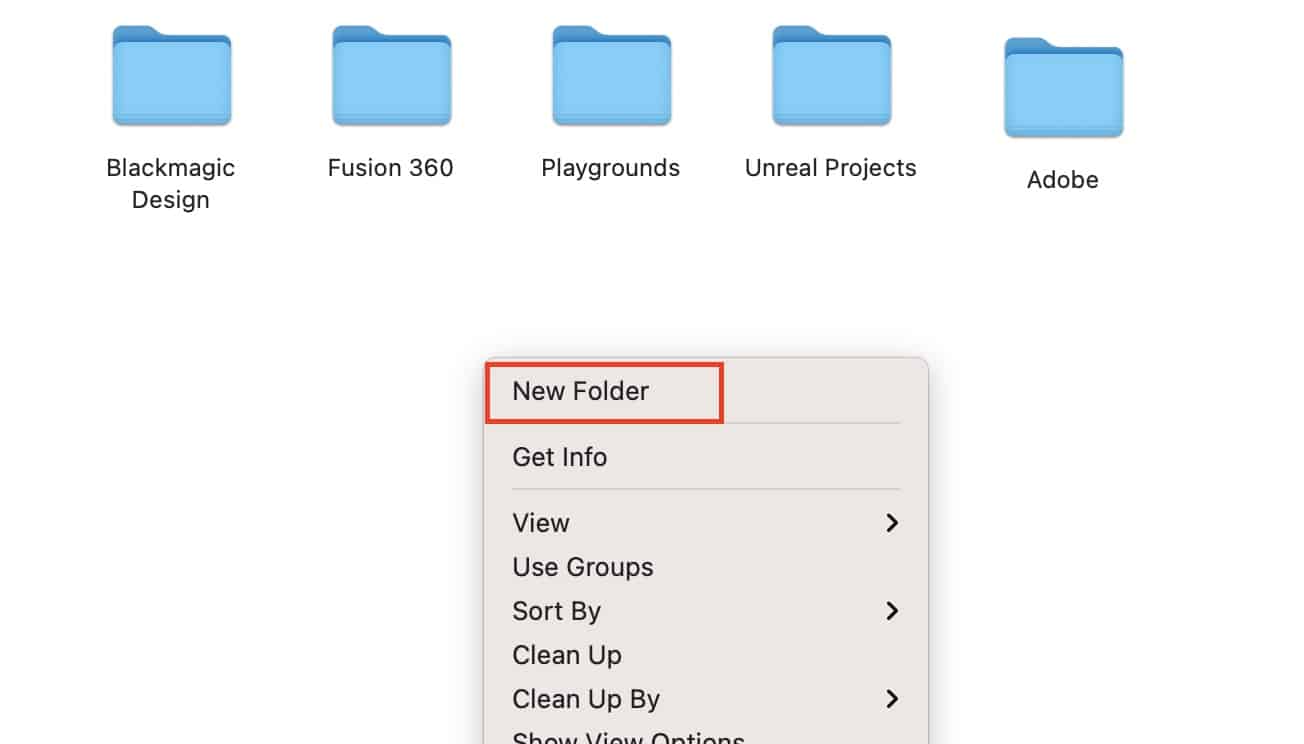
How To Create A New Folder On Macbook Fervision

Right click the area where you want a new folder Hover over New and click Folder Alternatively click the new folder icon in the top left to create a new folder Open the Command Prompt and navigate to the folder location Type mkdir folder name to create a new folder
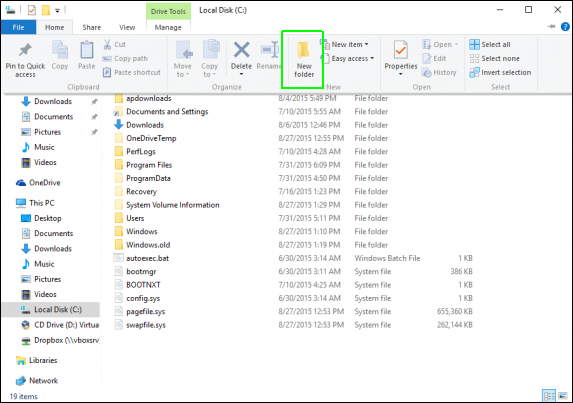
Navigate to where you want to create the new folder and click New Folder Type the name of your folder and press Enter To save a document to the new folder open the document and click File Save As and then browse to the new folder and click Save
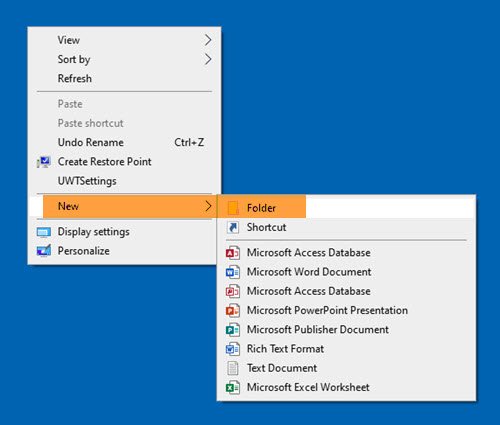
1 Navigate to the location where you want to create the folder You can create a new folder at any location on your hard drive or within another folder creating a subfolder in

Right click anywhere on the desktop or in File Explorer and select New New Folder to create a new unnamed folder Using Windows 10 File Explorer menus Home New on Windows 11 File Explorer menus New Folder Using the keyboard Go to where you want to create the folder and type CTRL Shift N

If you want to make a new folder on your desktop go to the desktop and right click or press and hold on an empty space Then select New in the contextual menu and click or tap Folder in the submenu that shows up As soon as you do that Windows makes a new folder on your desktop
[desc-11] [desc-12]
[desc-13]