How To Create A New Branch In Git Using Command Line How To Delete A Branch In Git YouTube How To Create A New Branch In Git YouTube How To Create New Branch In GitHub Repository Step By Step YouTube GIT With VSCode Pull And Create New Branch GIT Pull Git Create How To Create A New Branch In Git Commit And Push New Changes YouTube Web Oct 12 2017 nbsp 0183 32 git checkout b FEATURE Detailed explanation To create a branch called FEATURE git branch FEATURE However this does not change your current branch You can then checkout the newly created branch which means make to it the branch you re currently working on git checkout FEATURE
Web Jan 9 2024 nbsp 0183 32 There are many ways to create a new Git branch In most cases it comes down to whether you are creating a branch from the main master branch or for example a new commit or tag One common method of creating a new branch is to use the syntax below git branch new branch name Web Git checkout works hand in hand with git branch The git branch command can be used to create a new branch When you want to start a new feature you create a new branch off main using git branch new branch Once created you can then use git checkout new branch to switch to that branch
How To Create A New Branch In Git Commit And Push New Changes YouTube GitHub Branch GitHub Branch MightyLMS Tankmens Blog TechTalks X Techniclusivity Building An Inclusive And Sustainable Git Branch Branches Branches PlayCanvas Developer Site How To Create Git Aliases Creating A New Branch In Git Git Create Branch Remote Lasopadna
How To Create A New Branch In Git Using Command Line
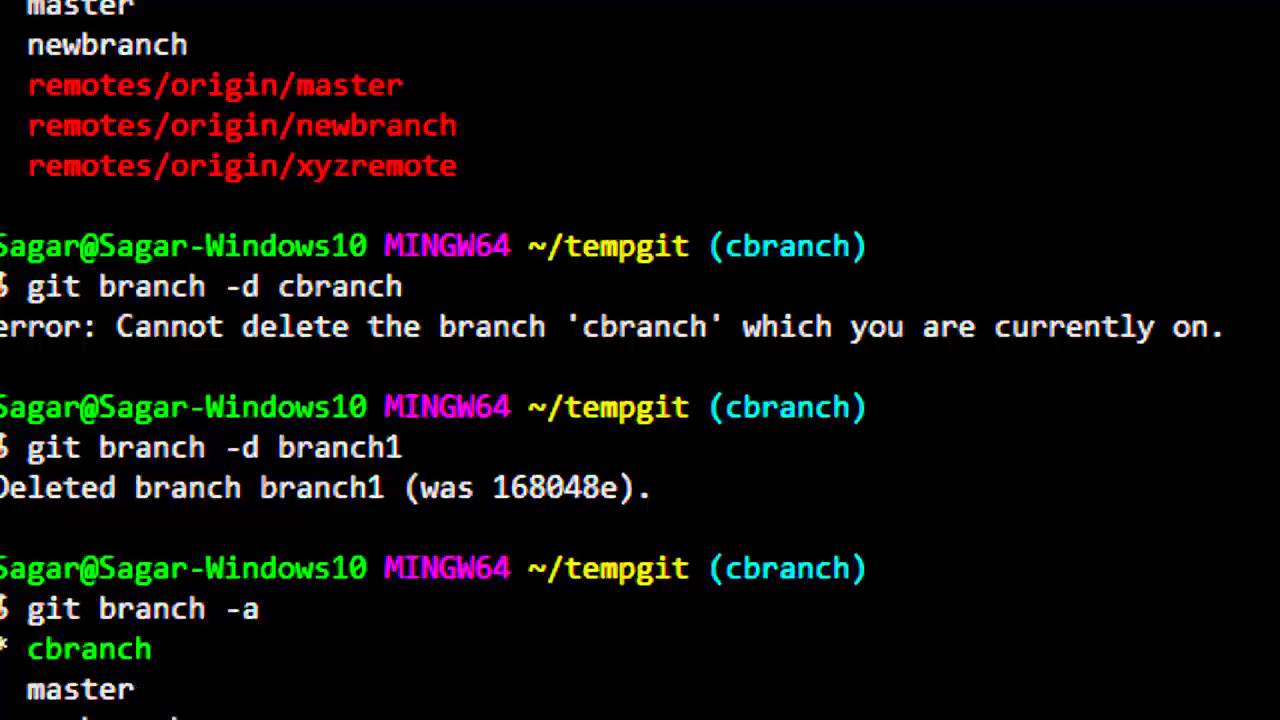 How To Create A New Branch In Git Using Command Line
https://i.ytimg.com/vi/Qe6iLbN0F0c/maxresdefault.jpg
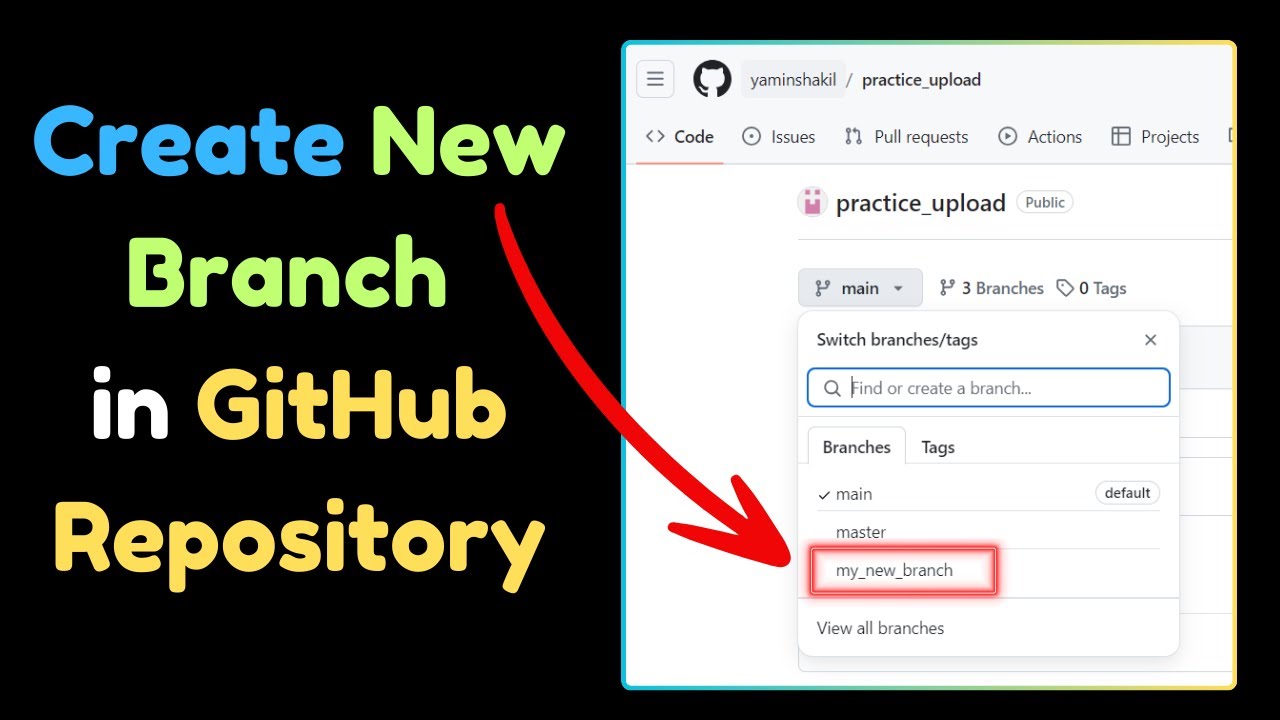
Web You can create or delete branches directly on GitHub In this article Creating a branch Deleting a branch Further reading Creating a branch You can create a branch in different ways on GitHub Note You can only create a branch in a repository to which you have push access Creating a branch via the branches overview
Pre-crafted templates provide a time-saving solution for creating a diverse range of documents and files. These pre-designed formats and designs can be used for numerous individual and expert projects, including resumes, invites, flyers, newsletters, reports, presentations, and more, simplifying the material production process.
How To Create A New Branch In Git Using Command Line
How To Manage Git Branches And Merge Conflicts With VS Code YouTube
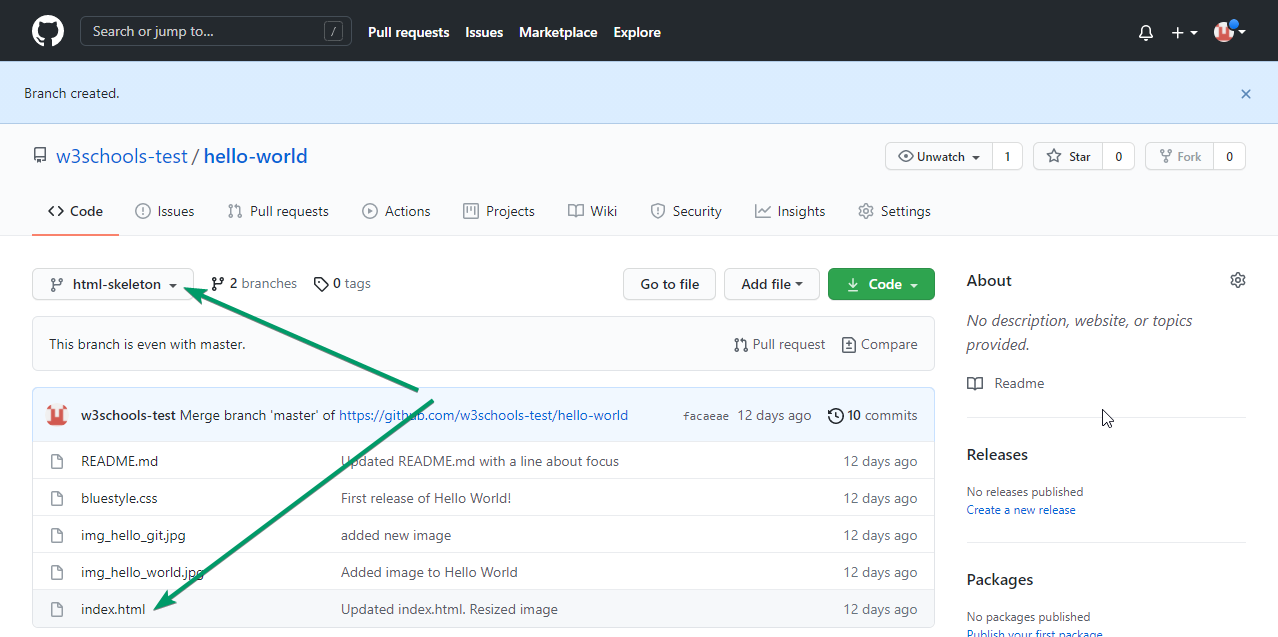
GitHub Branch GitHub Branch MightyLMS
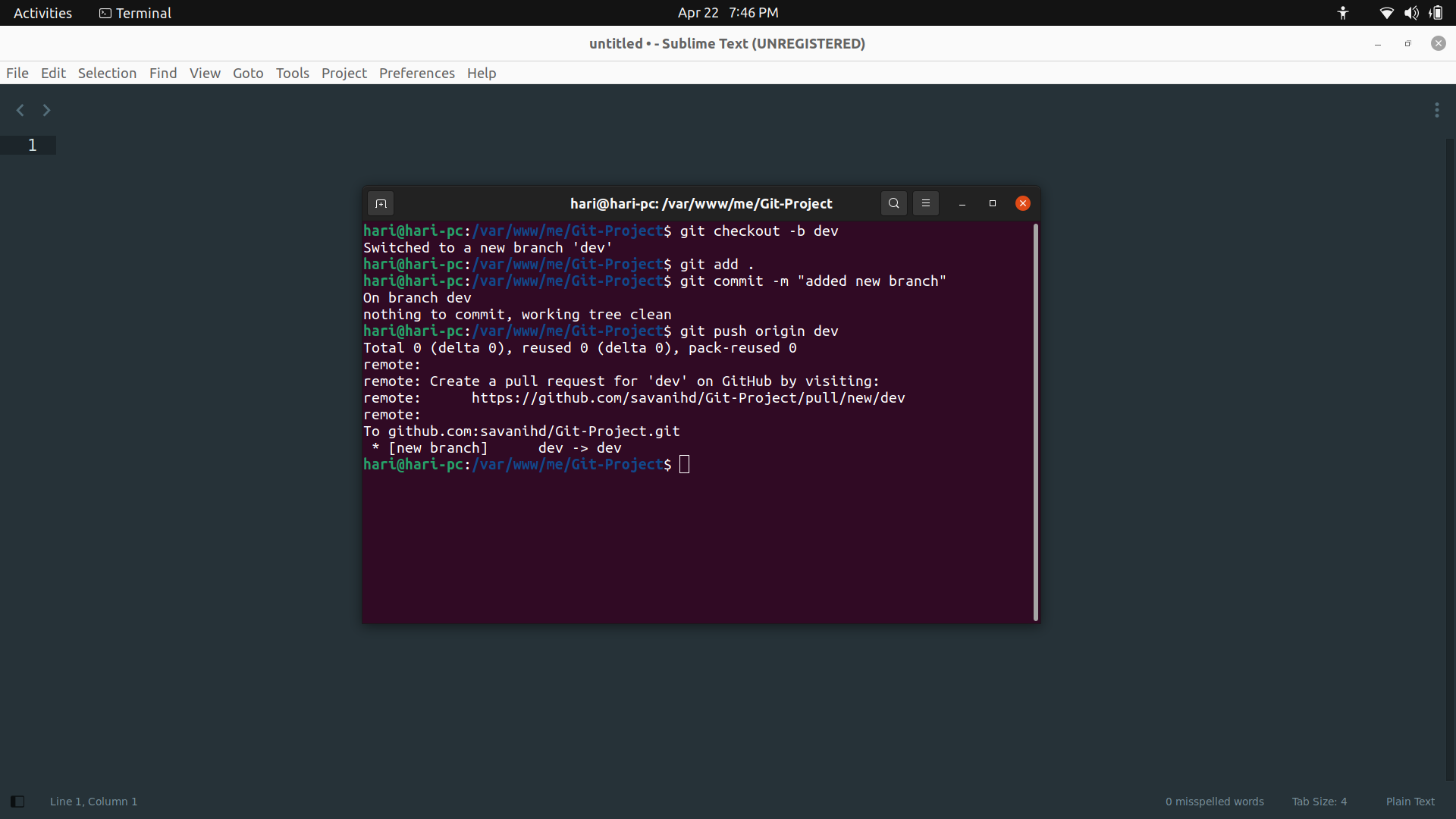
Tankmens Blog

TechTalks X Techniclusivity Building An Inclusive And Sustainable
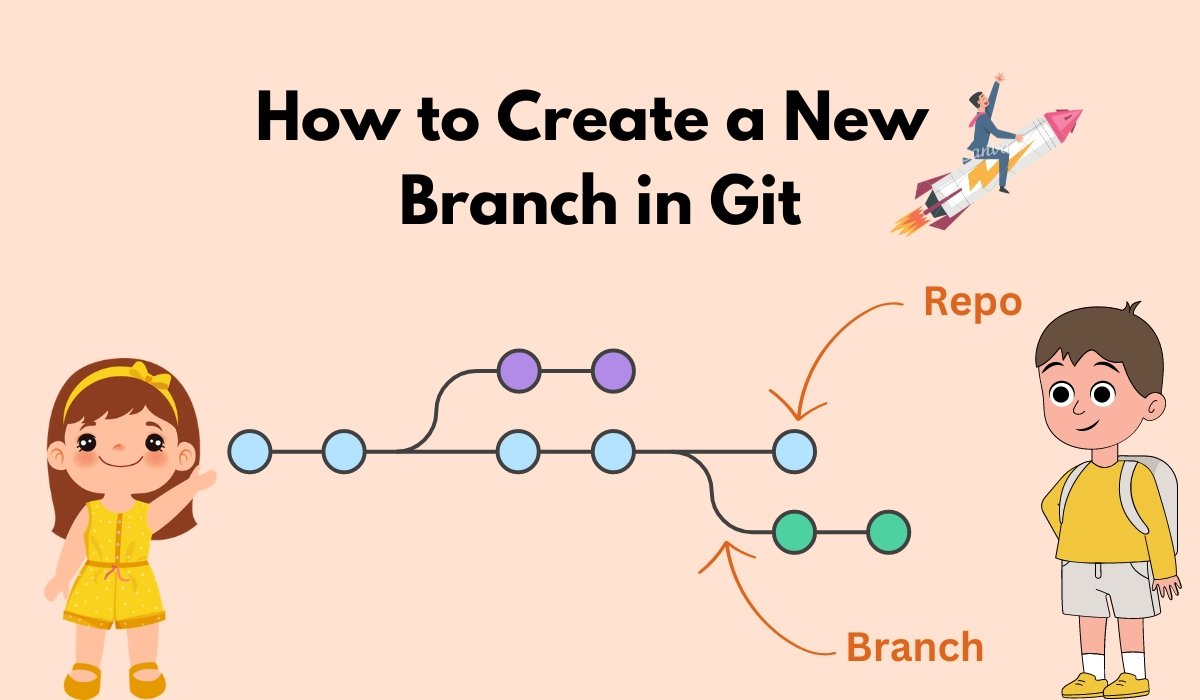
Branches Branches PlayCanvas Developer Site

How To Create Git Aliases

Web To create a new branch that is based on your currently checked out HEAD branch simply use quot git branch quot with the name of the new branch as the only parameter git branch lt new branch gt
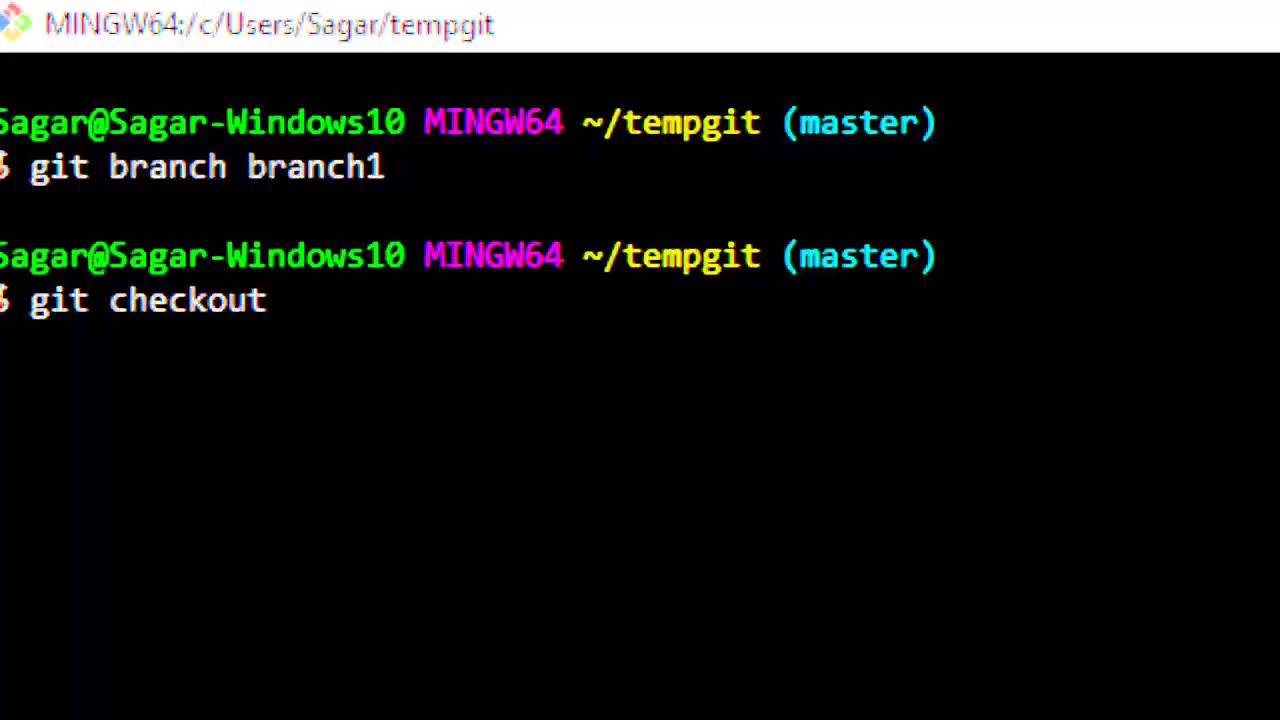
Web To create a new branch and switch to it at the same time you can run the git checkout command with the b switch git checkout b iss53 Switched to a new branch quot iss53 quot This is shorthand for git branch iss53 git checkout iss53 Figure 19 Creating a new branch pointer You work on your website and do some commits
Web In Git a branch is a new separate version of the main repository Let s say you have a large project and you need to update the design on it How would that work without and with Git Without Git Make copies of all the relevant files to avoid impacting the live version Start working with the design and find that code depend on code in other
Web Nov 9 2022 nbsp 0183 32 The simple answer is to use the following to create a new branch from master without switching git branch newBranch master git branch accepts a second argument of the source branch Alternatively you can use git stash or more thoroughly git stash save quot name description quot to save your code in a pseudo commit

Web Common options git branch List all of the branches in your repository This is synonymous with git branch list git branch lt branch gt Create a new branch called branch This does not check out the new branch git branch d lt branch gt Delete the specified branch
Web 3 days ago nbsp 0183 32 This approach involves using the command line interface to create a new branch in your local Git repository It s a straightforward method preferred by many developers for its simplicity and efficiency Syntax git checkout b lt branch name gt Example Creating a New Feature Branch Web English Topics Version 2 45 0 git branch last updated in 2 45 0 NAME git branch List create or delete branches SYNOPSIS git branch color lt when gt no color show current v abbrev lt n gt no abbrev column lt options gt no column sort lt key gt merged lt commit gt no merged lt commit gt
Web Dec 17 2010 nbsp 0183 32 So if you want to create a new branch called quot subbranch of b1 quot under the branch named quot branch1 quot follow the steps Checkout or change into quot branch1 quot git checkout branch1 Now create your new branch called quot subbranch of b1 quot under the quot branch1 quot using the following command git checkout b subbranch of b1 branch1