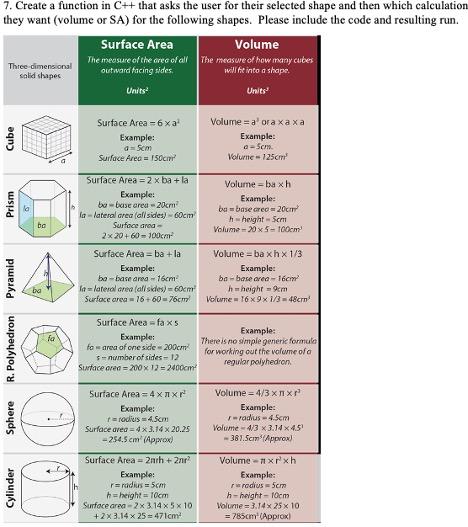
How To Create A Function In Excel Using Vba How To Create A True False Function In Excel With Images EForbes How To Create Function In Oracle Pdf Readinginternet How To Create Formula In Excel How To Calculate In Excel Vrogue Functions Of Ms Excel Solved 7 Create A Function In C That Asks The User Fo Web Aug 22 2023 nbsp 0183 32 Another way to go is to create user defined functions further UDF using the VBA editor While the first two options sound familiar the third one may cause some confusion So let s have a closer look at custom functions in Excel and decide whether they are worth a shot What is user defined function UDF in Excel
Web May 29 2019 nbsp 0183 32 Writing the Function in VBA To write the function go to the VB Editor and begin with the word Function This will be followed by the function name which you designate In my example I ve called it FiscalYear It can be any function name that isn t already in use Next open the parenthesis and specify the arguments Web Sep 13 2021 nbsp 0183 32 VBA Writing a Function procedure Article 09 13 2021 6 contributors Feedback A Function procedure is a series of Visual Basic statements enclosed by the Function and End Function statements A Function procedure is similar to a Sub procedure but a function can also return a value
Solved 7 Create A Function In C That Asks The User Fo Vba Send Email From Excel How To Emails Using Vba Without Outlook 4 How To Create A Formula With A Function In Excel How To Create User Defined Function In Excel Excel Examples How To Generate QR Code In Excel Using VBA Create QR Code In Excel How To Hide Column In Excel Using Vba Printable Forms Free Online How To Create Bulleted List Using CHAR Function In Excel TrendRadars 57 TUTORIAL HOW TO ADD FILTER FUNCTION IN EXCEL With VIDEO PDF Create A Function In JavaScript
How To Create A Function In Excel Using Vba
 How To Create A Function In Excel Using Vba
https://eforbes.net/wp-content/uploads/2022/09/How-to-Create-a-True-False-Function-in-Excel.jpg
Web Creating UDFs Using a Function from within an Excel Sheet Saving the Functions with your Excel File This tutorial will explain how to create User Defined Functions in VBA VBA is made up of Sub Procedures and Function Procedures
Templates are pre-designed documents or files that can be used for different purposes. They can save effort and time by supplying a ready-made format and design for developing various kinds of material. Templates can be used for personal or expert jobs, such as resumes, invitations, flyers, newsletters, reports, discussions, and more.
How To Create A Function In Excel Using Vba
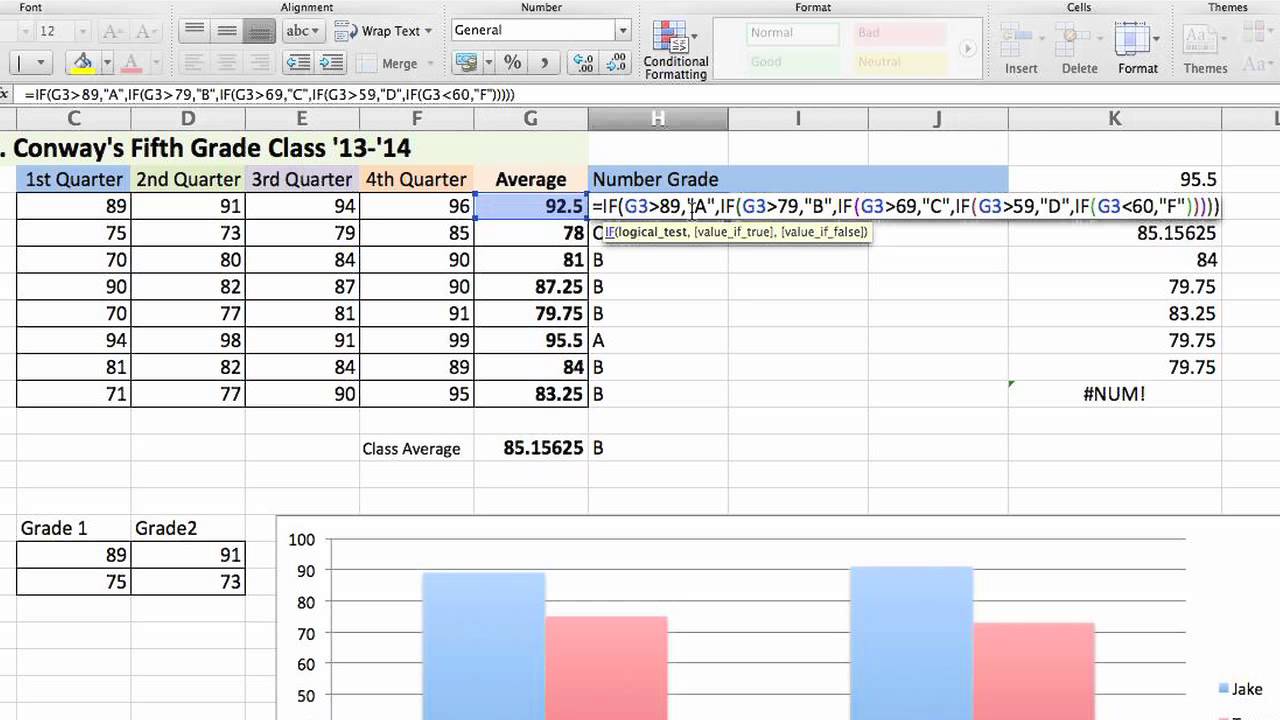
How To Create A Nested Function In Excel Microsoft Excel Tips
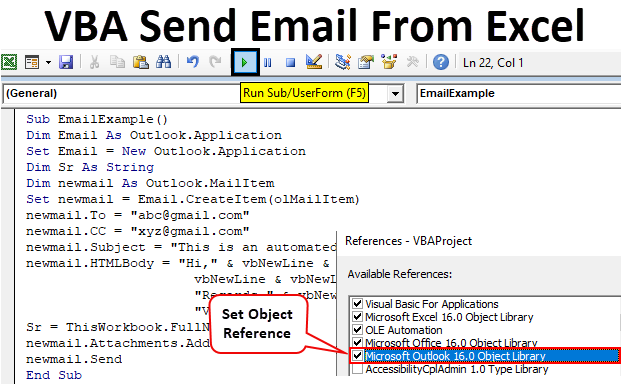
Vba Send Email From Excel How To Emails Using Vba Without Outlook 4
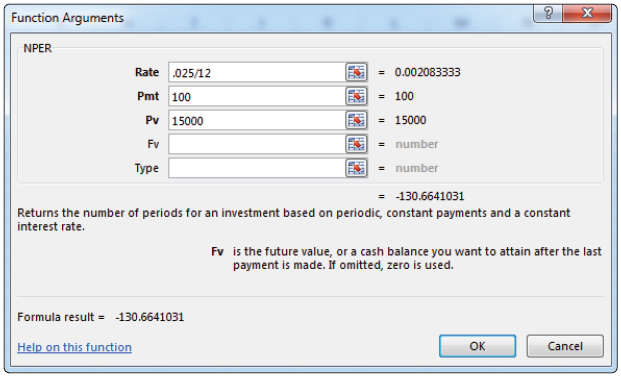
How To Create A Formula With A Function In Excel
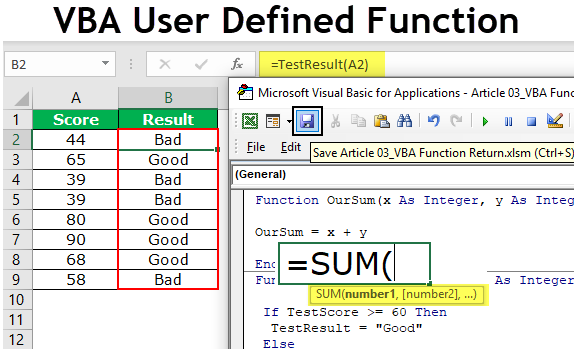
How To Create User Defined Function In Excel Excel Examples
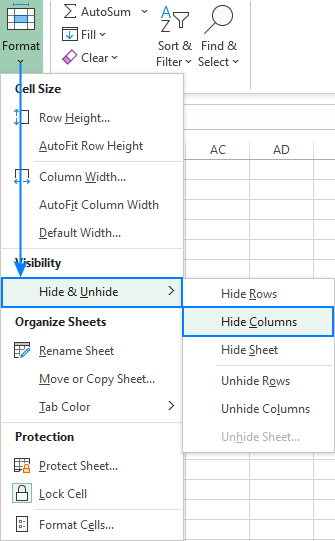
How To Hide Column In Excel Using Vba Printable Forms Free Online

How To Create Bulleted List Using CHAR Function In Excel TrendRadars

Web Creating a Function in VBA with Multiple Arguments Just like worksheet functions you can create functions in VBA that takes multiple arguments The below code would create a function that will extract the text before the specified delimiter It takes two arguments the cell reference that has the text string and the delimiter
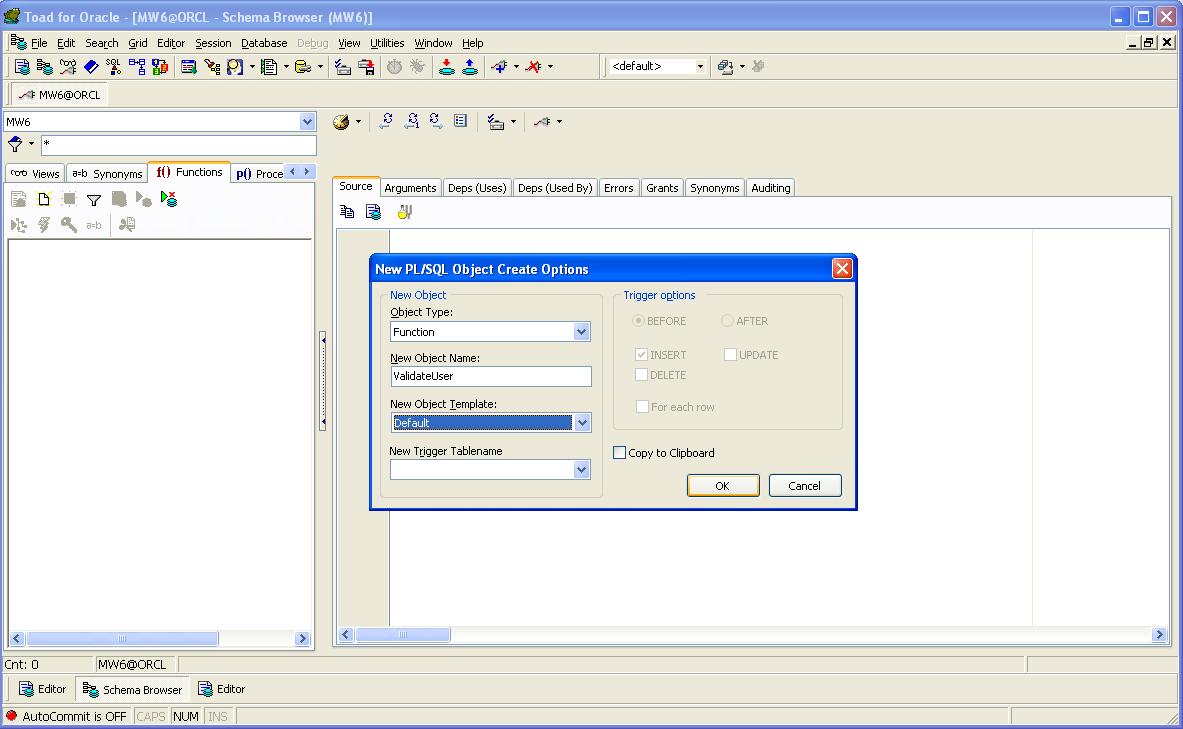
Web How to Create Custom Functions using VBA Example Step 1 Find Total Marks Step 2 Create ResultOfStudent Function Step 3 Apply ResultOfStudents Function to Get Result Step 4 Create GradeForStudent Function to get Grades Recommended Articles

Web Mar 14 2016 nbsp 0183 32 Function NumXs rng As Range As Integer Dim iCnt As Integer Dim c As Range Dim sTemp As String Dim J As Integer iCnt 0 For Each c In rng Cells sTemp c Value For J 1 To Len sTemp If Mid sTemp J 1 quot X quot Then iCnt iCnt 1 Next J Next c NumXs iCnt End Function Parts Of A User Defined Function

Web Mar 29 2022 nbsp 0183 32 This example uses the Function statement to declare the name arguments and code that form the body of a Function procedure The last example uses hard typed initialized Optional arguments VB The following user defined function returns the square root of the argument passed to it
Web Instead Excel provides you with the ability to create custom functions which are explained in this article Creating a simple custom function Custom functions like macros use the Visual Basic for Applications VBA programming language
Web Nov 22 2015 nbsp 0183 32 hit alt F11 create a module call it MyFunctions or something else meaningfull drop your funciton in there Once you have done all this save your workbook as an ExcelAddin xlam and close it Go to Excel Options or Tools addins and select your addin or go to the addins tab and click Go then find it for excel 07 Web May 1 2023 nbsp 0183 32 Steps Download Article 1 Open an Excel workbook Double click the workbook in which you want to use the custom defined function to open it in Excel 2 Press Alt F11 Windows or Fn Opt F11 Mac This opens the Visual Basic Editor 3 Click the Insert menu and select New Module
Web Excel VBA Function Procedures Easily Create And Execute User Defined Functions UDFs One of the most commonly used features in Excel are its functions This is hardly surprising After all Excel has hundreds of built in functions The variety in terms of uses and complexity is quite remarkable Excel seems to have a function for everything