How To Create A Folder Using Command Line 4 Different Ways to Create a File Using Command Prompt on Windows - TechPP How to Open a Folder in Command Prompt (CMD) How to Use the DIR Command in Windows 4 Ways to Navigate the Windows Directory - wikiHow How to create new folder on Windows 11 - Pureinfotech WEB Make Directory Create a new folder directory Syntax MD drive path drive path Key path The path directory to create The path can consist of any valid characters up
WEB Mar 25 2024 nbsp 0183 32 Folders can be used to organize any part of your computer including your desktop You can quickly create a folder by right clicking an empty area using a keyboard shortcut or using the Command WEB Sep 17 2021 nbsp 0183 32 First use File Explorer to navigate to the place where you want to create it Then right click or press and hold on an empty space head to New in the right click menu and press Folder in the submenu
How to create new folder on Windows 11 - Pureinfotech Ultimate User Guide]: Using CMD to Move Folder and Subfolders A Beginner's Guide to the Command Line | Twilio Easy Ways to Go Back Using the Command Prompt: 4 Steps How to save command output to file using Command Prompt or PowerShell | Windows Central Command Line Commands – CLI Tutorial How to create and run a batch file on Windows 10 | Windows Central How To Transfer Files and Folder One Drive To Another Drive Using CMD - YouTube How to Open Command Prompt in a Folder
How To Create A Folder Using Command Line
 How To Create A Folder Using Command Line
https://techpp.com/wp-content/uploads/2021/08/Create-a-File-Using-Command-Prompt-on-Windows.jpg
WEB Feb 3 2023 nbsp 0183 32 Creates a directory or subdirectory Command extensions which are enabled by default allow you to use a single mkdir command to create intermediate directories in
Templates are pre-designed files or files that can be used for numerous purposes. They can conserve effort and time by supplying a ready-made format and layout for creating different type of content. Templates can be used for personal or professional tasks, such as resumes, invites, flyers, newsletters, reports, discussions, and more.
How To Create A Folder Using Command Line
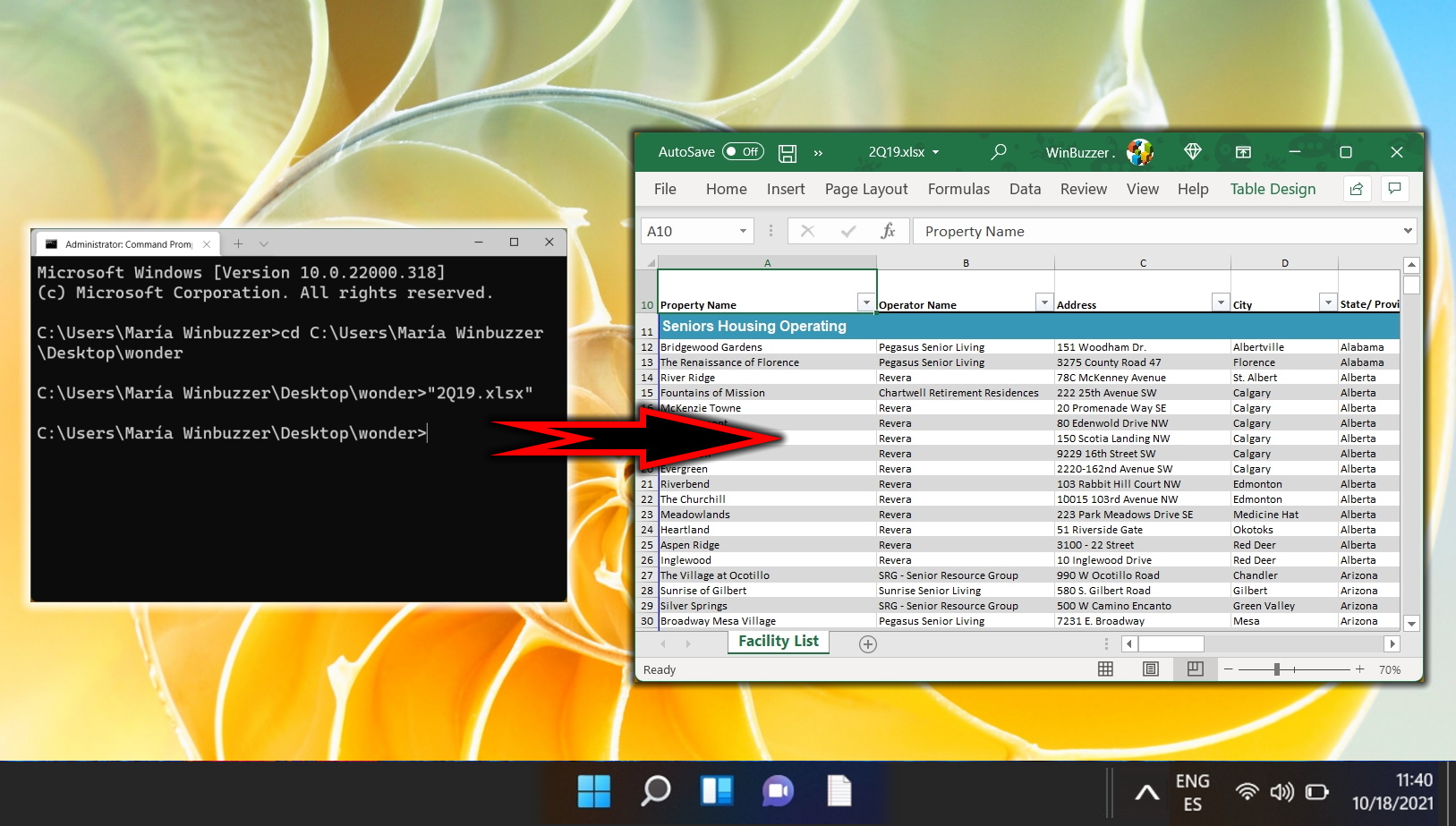
How to Open a File or Folder in Command Prompt (CMD) in Windows 11
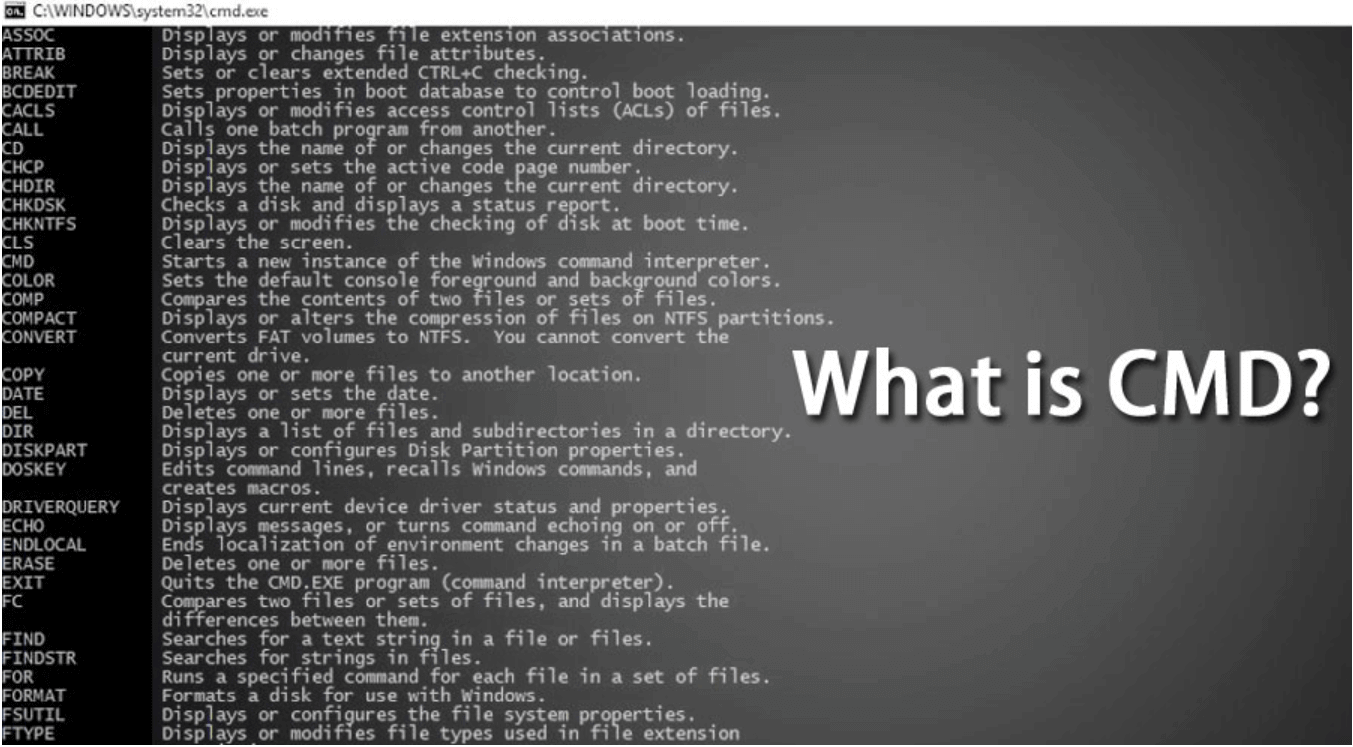
Ultimate User Guide]: Using CMD to Move Folder and Subfolders
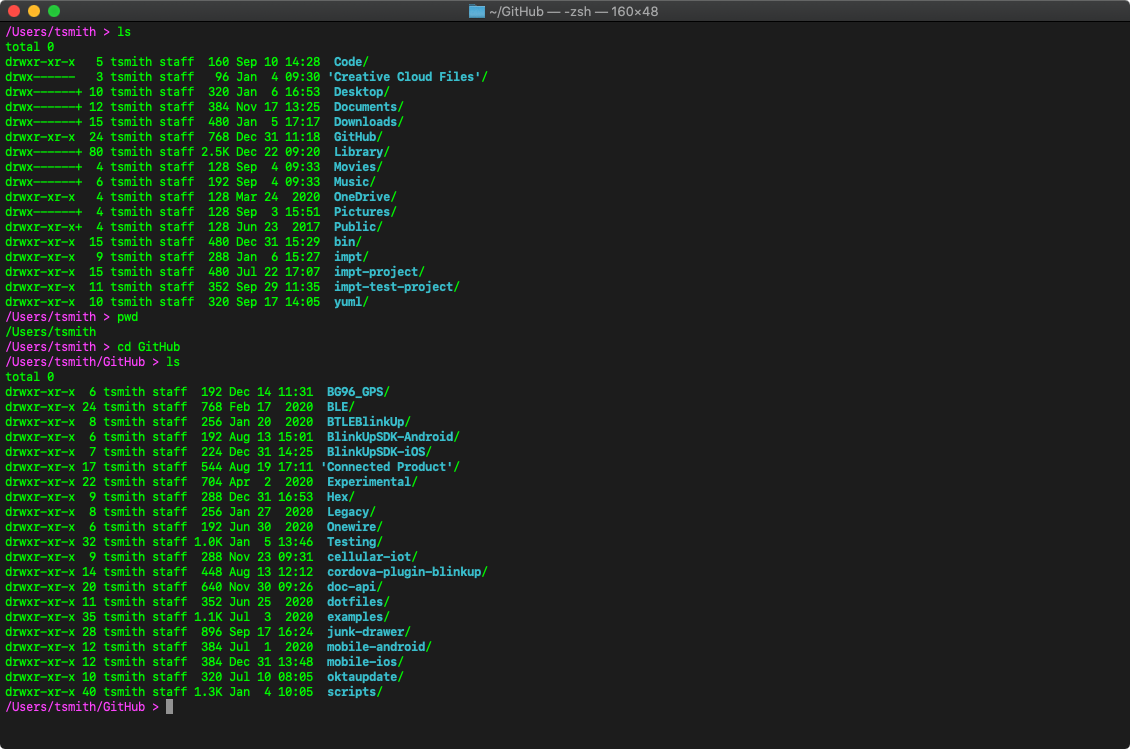
A Beginner's Guide to the Command Line | Twilio

Easy Ways to Go Back Using the Command Prompt: 4 Steps
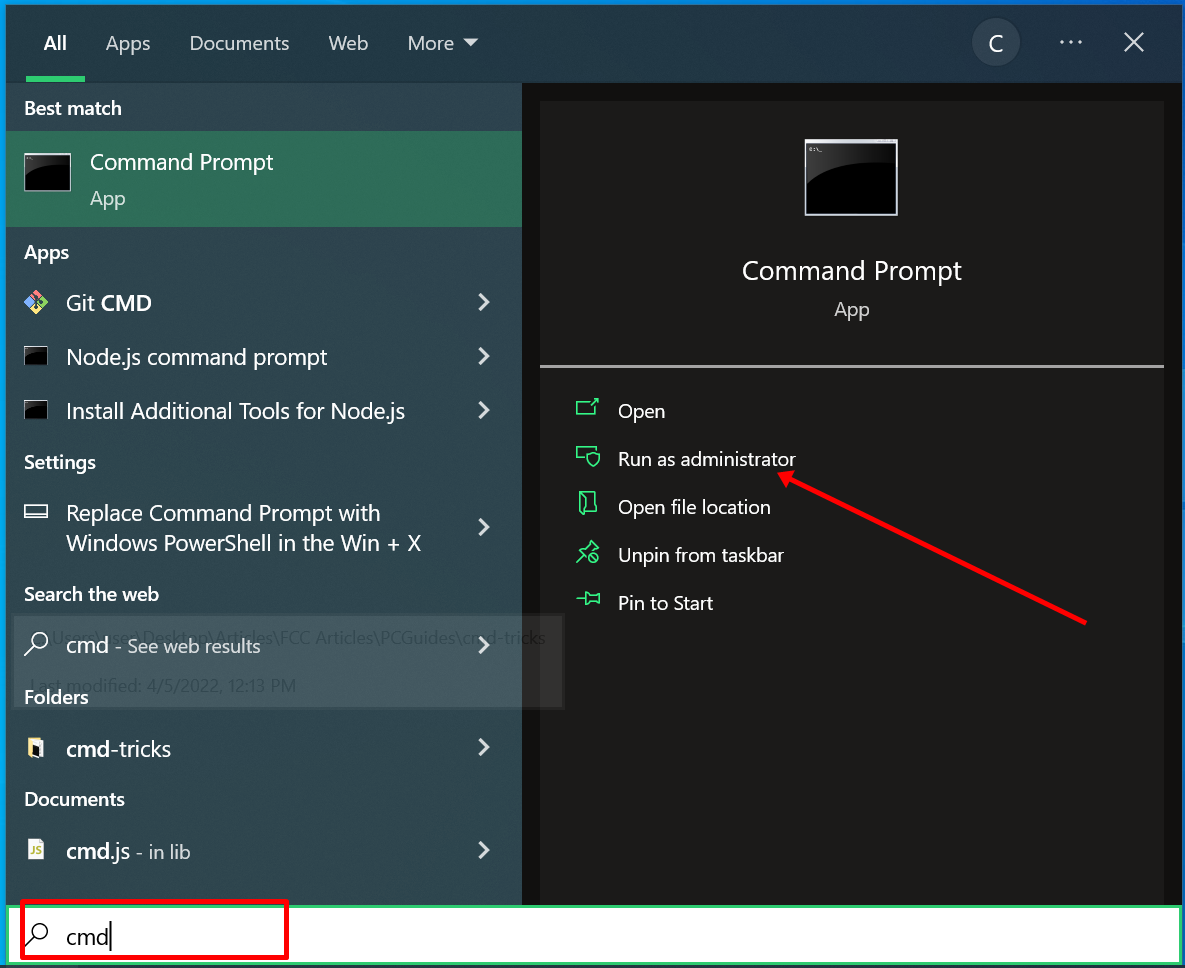
Command Line Commands – CLI Tutorial
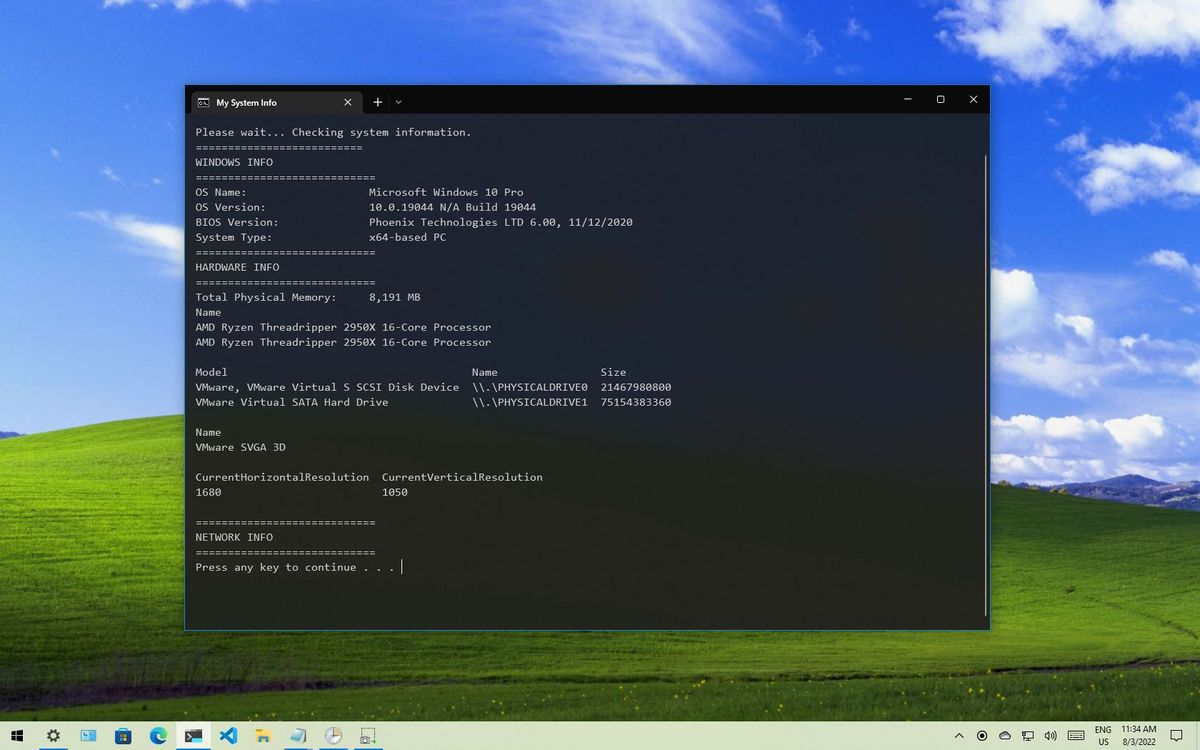
How to create and run a batch file on Windows 10 | Windows Central

WEB Jan 28 2024 nbsp 0183 32 Whether you re looking to create a script make several folders at once or you simply prefer command line methods over graphical ones it s quick and easy to

WEB Mar 7 2012 nbsp 0183 32 In Windows we can create directories from command line using the command mkdir or md Syntax of this command is explained below Create a folder from

WEB Nov 23 2023 nbsp 0183 32 Creating a folder using CMD in Windows is a simple yet essential skill for anyone dealing with Windows PCs Now you can easily organize your files and

WEB Apr 16 2024 nbsp 0183 32 When you create files and folders at the command line you can access use and manipulate those folders and files in Windows
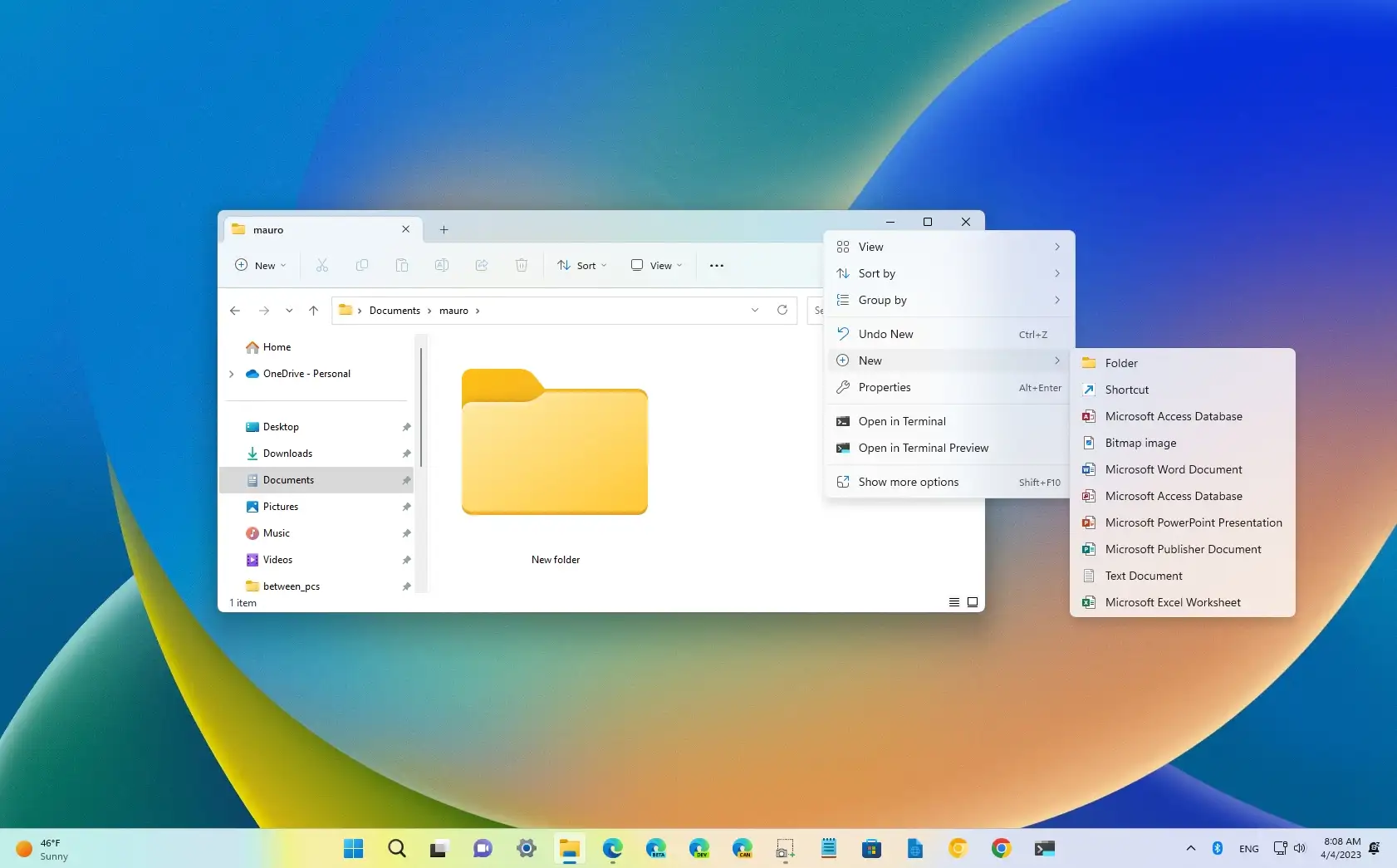
WEB Apr 26 2022 nbsp 0183 32 In this article we show you how to change the directory in CMD change the drive see the contents of a directory how to rename copy and delete files and folders and also how to launch an application
WEB CMD Command To Create Folders in Windows In the Windows command prompt we create folders using the mkdir command The syntax of the mkdir is as follows mkdir WEB Jan 5 2024 nbsp 0183 32 This article lists various commands that you can use to manage files and folders through Command Line in Windows 11 10 We show you how to create delete
WEB Feb 4 2024 nbsp 0183 32 Steps on how to create a directory or folder in Microsoft Windows MS DOS command line Linux and Unix