How To Create A Folder Command Line How To Run A Cmd File In Linux Systran Box How To Create Multiple Directories At Once In Linux Systran Box How To Create And Delete Files And Directories From Windows Command Prompt How Can I Copy Files In A Folder Into Another Folder On Linux Terminal How To Create Multiple Subdirectories With One Linux Command Web Mar 30 2011 nbsp 0183 32 52 I don t know much about windows bat file syntax My simple requirement is to create a folder at a specific location with name as current date I tried searching this on google but didn t get any good option Is there any way to do this windows batch file Share Improve this question Follow asked Mar 30 2011 at 11 46 Ramesh Soni 15 9k 28 93 113
Web fsutil command 1 Open the Command Prompt window 2 Use the cd command to go to the folder where you want to create a new file 3 Execute the below command to create a new blank file The file can be of any extension fsutil file createnew 4 To create a new file with specific file size use Web Oct 5 2014 nbsp 0183 32 l switch in for is for looping through given numbers so if don t want to create newdir 1 newdir 2 and so on but named folders you can put the names in a separate file folder txt line by line like that movies music documents pictures animation flash and then use the f switch for f a in folder txt do mkdir a
How To Create Multiple Subdirectories With One Linux Command How To Create A File Folder In Word Articlelasopa Extract Software Using Cmd Champpor Gift Longitude Rinse Navigate Folder In Cmd Advertisement Alcove Tray Windows Command Copy Command Computerthang Make A New File In A Directory In Terminal For Mac Toomultimedia Pinchazo Piel Por Favor Zip Example Linux Pereza Sastre Mentalmente How To Delete Files Folders And Subfolders In Command Prompt How To Open A Folder In Command Prompt Windows 10 Stashokfile
How To Create A Folder Command Line
 How To Create A Folder Command Line
https://syscdn.systranbox.com/1661362658529.png
Web Aug 12 2013 nbsp 0183 32 2 Yes we can zip and unzip the file folder using cmd See the below command and simply you can copy past in cmd and change the directory and file name To Zip Compress File powershell Compress Archive D Build FolderName D Build FolderName zip To Unzip Expand File powershell expand archive
Pre-crafted templates offer a time-saving solution for producing a diverse series of files and files. These pre-designed formats and designs can be made use of for numerous individual and expert jobs, including resumes, invites, leaflets, newsletters, reports, discussions, and more, simplifying the material development procedure.
How To Create A Folder Command Line

Linux How To Make A Directory Command NixCraft

How To Create A File Folder In Word Articlelasopa

Extract Software Using Cmd Champpor
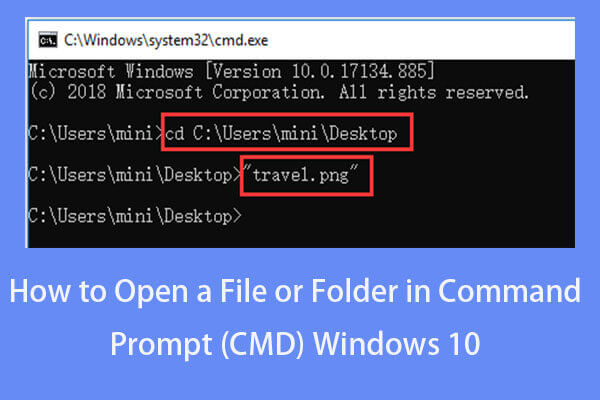
Gift Longitude Rinse Navigate Folder In Cmd Advertisement Alcove Tray
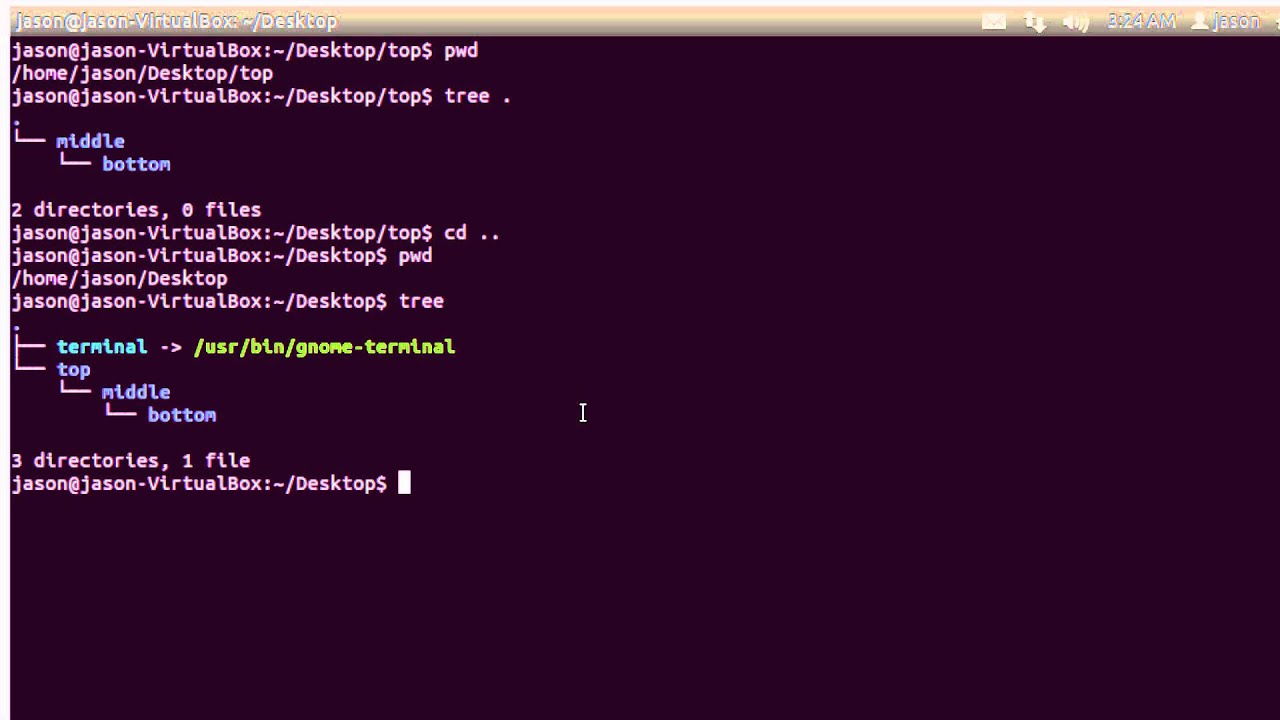
Make A New File In A Directory In Terminal For Mac Toomultimedia
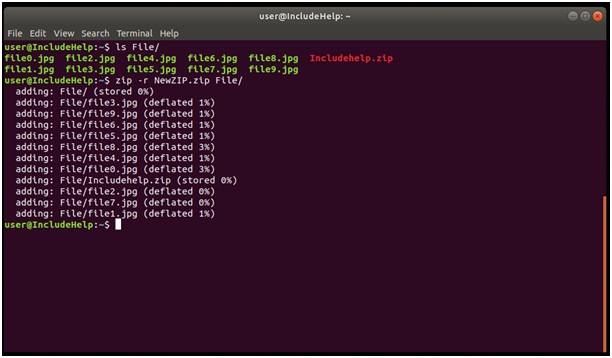
Pinchazo Piel Por Favor Zip Example Linux Pereza Sastre Mentalmente

Web Jul 6 2023 nbsp 0183 32 Creating a Folder 1 Open the Command Prompt 2 Go to the directory in which you want to create the new directory The prompt will open to C Users YourName by 3 Type mkdir NameOfDirectory at the prompt For example to make a directory named quot Homework quot you would type 4 Press

Web Mar 7 2012 nbsp 0183 32 In Windows we can create directories from command line using the command mkdir or md Syntax of this command is explained below Create a folder from command line mkdir foldername For example to create a folder named newfolder the command is mkdir newfolder Create directory hierarchy
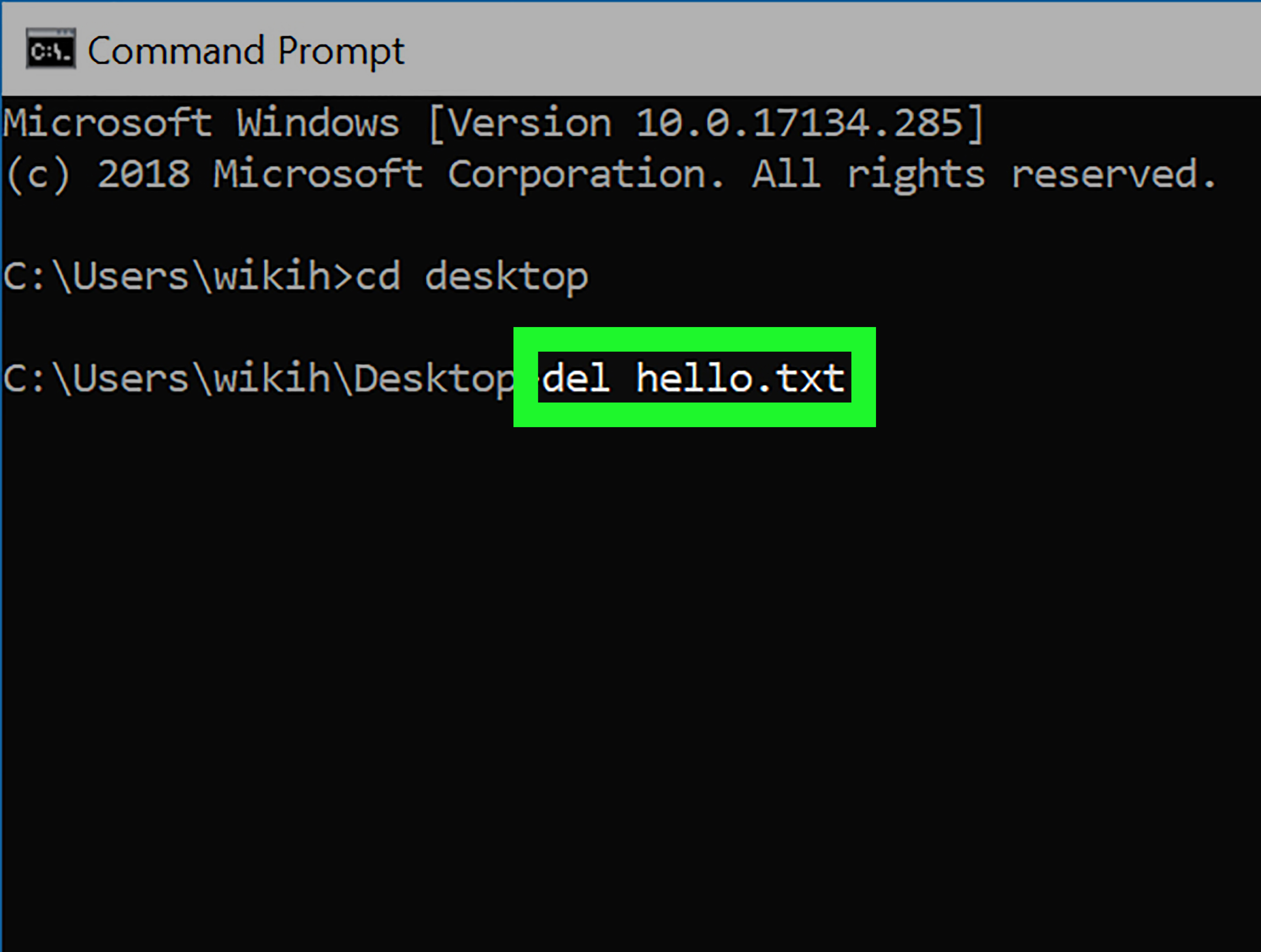
Web Oct 10 2023 nbsp 0183 32 How to Create a Single Folder Using CMD Step 1 Step 2 Type the below command and hit enter Note In place of YourDirectoryPath below enter your specified Step 3 That s it You have successfully created a single folder on your Windows computer using Command Prompt
Web Feb 3 2023 nbsp 0183 32 Creates a directory or subdirectory Command extensions which are enabled by default allow you to use a single mkdir command to create intermediate directories in a specified path Note This command is the same as the md command Syntax mkdir lt drive gt lt path gt Parameters Examples

Web Aug 22 2021 nbsp 0183 32 For this use the cd command to navigate to the folder where you want to create a new folder and use the following syntax mkdir directory name For example to create a directory name
Web Dec 25 2019 nbsp 0183 32 Step 1 If you want to delete a folder with CMD you can follow the same instructions above to enter into Command Prompt and go the directory you want to delete a folder Step 2 Then you can type rmdir s folder name replace folder name with the exact folder name you d like to delete e g rmdri s work Web Apr 26 2022 nbsp 0183 32 3 How to view the contents of a directory in Command Prompt DIR in CMD 4 How to create a new directory with Command Prompt MD in CMD 5 How to rename files and folders with Command Prompt REN in CMD 6 How to copy files in CMD COPY in Command Prompt 7 How to copy folders in CMD including their
Web May 1 2023 nbsp 0183 32 Windows command line My Computer or Windows Explorer Press the Windows key E to open Windows Explorer On the left side of the window select the drive or folder where you want to create the new folder for example the C drive Or you can create a folder in the root directory