How To Create A Branch In Git From Visual Studio Code Create A Branch From A Previous Commit In Git Techie Delight Introducing New Git Features To Visual Studio 2022 LaptrinhX Git blablabla Git Push Origin Myfeature Git Visual Studio Windows Microsoft Learn Using Git With Visual Studio Code Fadhs In this post I will show how to create a new branch with git using VS Code Before creating new bran Tagged with git github tutorial
To create the new branch on the origin and add the remote link between your local branch and the branch at the origin flip over to the Source It s easy to create a new branch in Visual Studio all you have to do is base it off an existing branch Here s how From the Git menu select New Branch
Using Git With Visual Studio Code Fadhs Git Create Branch From Terminal Lasopachristian How To Create A Local Branch In Git Git Visual Studio Detached Branch Rebase In Progress Issue Stack Git Support To Create Local Branch From Specific Remote Branch Issue Creating A New Branch And Switching To It With Just One Command Macos Terminal Git Tracking Vs Vs Code Git Tracking Is Not In Sync Git Merging Branches With Git In IntelliJ IDE ITecNote Visual Studio Code Solving Merge Conflict In Vim Stack Overflow I
How To Create A Branch In Git From Visual Studio Code
 How To Create A Branch In Git From Visual Studio Code
https://www.techiedelight.com/wp-content/uploads/create-branch-with-git-branch.png
Select the VSC Explorer icon left sidebar Go to View Command Palette and type git branch From the list of branches in the subsequent pane select the
Templates are pre-designed files or files that can be utilized for different purposes. They can save effort and time by offering a ready-made format and design for creating different sort of content. Templates can be utilized for individual or expert projects, such as resumes, invites, leaflets, newsletters, reports, discussions, and more.
How To Create A Branch In Git From Visual Studio Code

Example Git Branching Diagram Github Gambaran How To Create New Branch

Git Create Branch From Terminal Lasopachristian

How To Create A Local Branch In Git

Git Visual Studio Detached Branch Rebase In Progress Issue Stack
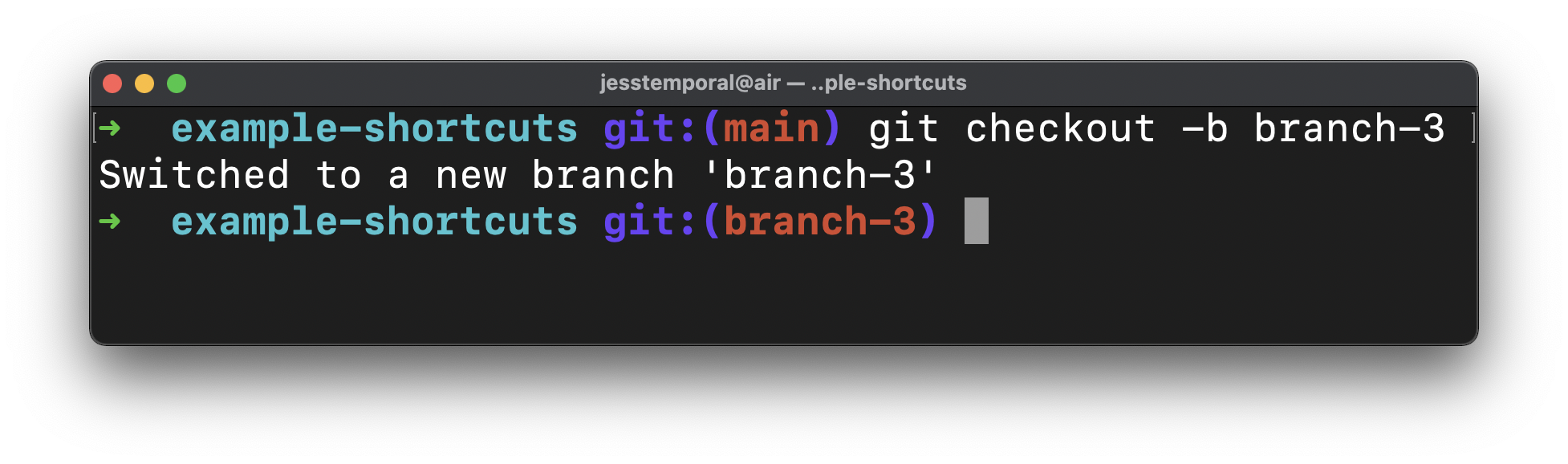
Creating A New Branch And Switching To It With Just One Command

Macos Terminal Git Tracking Vs Vs Code Git Tracking Is Not In Sync

From the Git menu select New Branch Screenshot of the New Branch option in the Git menu In the Create a new branch dialog box enter a branch
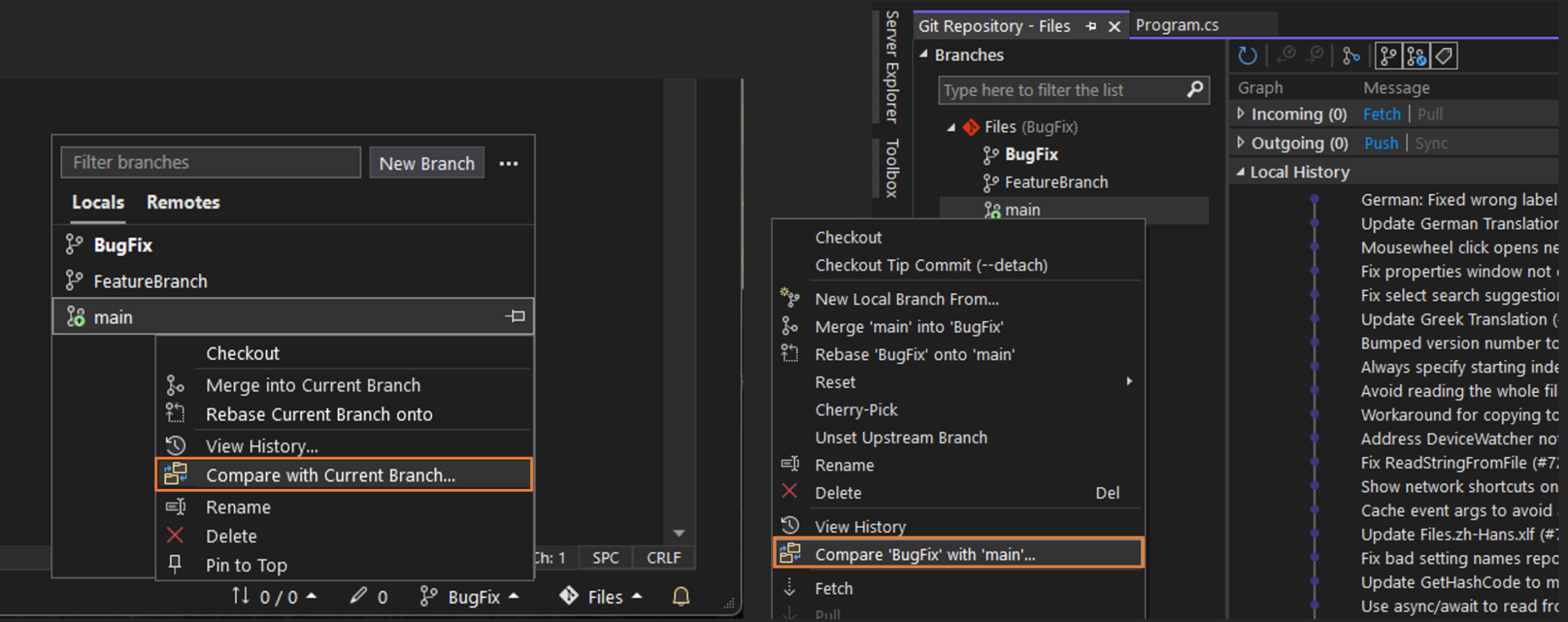
In Visual Studio Code you can create new branches by clicking on the name of the current branch in the bottom left and selecting Create New Branch Or you

Https aka ms vscode git Learn all about branch management in Visual Studio Code git

Navigate to Repos Branches Click New branch Enter a name of release for the new branch Use the Work items to link dropdown to select

Steps on How to Create a New Branch using Visual Studio Code Step 1 Look at the bottom leftmost corner of the screen You might be seeing the
To set branches click on the current branch name in the bottom left corner of Visual Studio Code the default branch on a newly pulled project You can create a Git branch using the git branch command followed by your desired branch name See how you can create and checkout a branch with the same
Switch to the Source Control tab and select Branch Create Branch from Enter addDivideOperation and origin master as ref This creates the new