How To Connect Visual Studio To Github Enterprise Direcci n Facil De Manejar El Actual Connect Visual Studio Code With Connecting Github To Visual Studio A Step by Step Guide How To How To Connect Mysql Visual Studio Youtube Server Use Select Insert GitHub VS Code Github Visual Studio Code WEB Simply connect your GitHub repo to Azure Boards and start linking commits and pull requests to work items Leverage GitHub Actions for Azure to easily create code to cloud workflows for various Azure scenarios
WEB Visual Studio subscriptions with GitHub Enterprise is a combined offering from Microsoft that allows a subscriber to use both Visual Studio and GitHub Enterprise WEB Nov 19 2020 nbsp 0183 32 We are happy to announce that Visual Studio 2019 now offers a fully integrated GitHub account experience Starting with version 16 8 you ll be able to add both GitHub and GitHub Enterprise Server accounts directly from Visual Studio
Github Visual Studio Code Github Visual Studio Code Build Like An Open Source Community With GitHub Enterprise The GitHub How To Connect A Visual Studio Project To GitHub How To Setup Visual Studio Code And Connect To Smp Teaching Server Vrogue Lesson 01 Introduction To Microsoft Visual Studio Collaborate On GitHub Direcci n Facil De Manejar El Actual Connect Visual Studio Code With What Is Github And How To Use It Updated Vrogue
How To Connect Visual Studio To Github Enterprise
 How To Connect Visual Studio To Github Enterprise
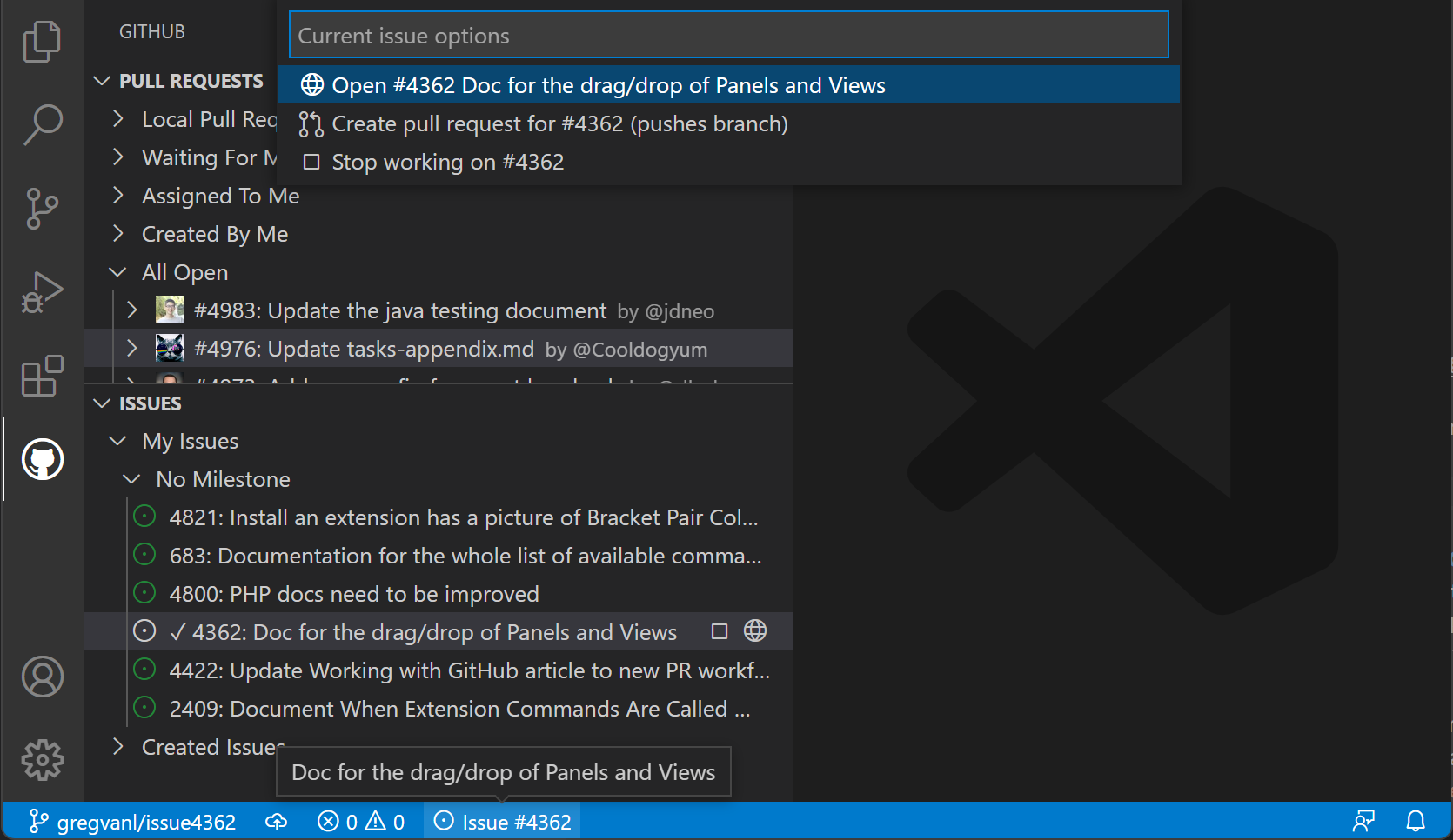
https://code.visualstudio.com/assets/docs/sourcecontrol/github/issue-status-bar-actions.png
WEB Jan 19 2024 nbsp 0183 32 To configure Visual Studio Code to work with 2 factor authentication 2FA you first need to set up a personal access token PAT in Github developer settings and then configure your PAT in VS Code The following steps explains how to connect VS Code to Github when 2FA is enabled
Pre-crafted templates provide a time-saving solution for creating a varied range of files and files. These pre-designed formats and designs can be utilized for numerous personal and expert projects, including resumes, invitations, leaflets, newsletters, reports, discussions, and more, streamlining the content creation procedure.
How To Connect Visual Studio To Github Enterprise
Install ASP NET 7 And Get Started With C 11 Today Jon D Jones
Github Visual Studio Code

Build Like An Open Source Community With GitHub Enterprise The GitHub

How To Connect A Visual Studio Project To GitHub
Lesson 01 Introduction To Microsoft Visual Studio
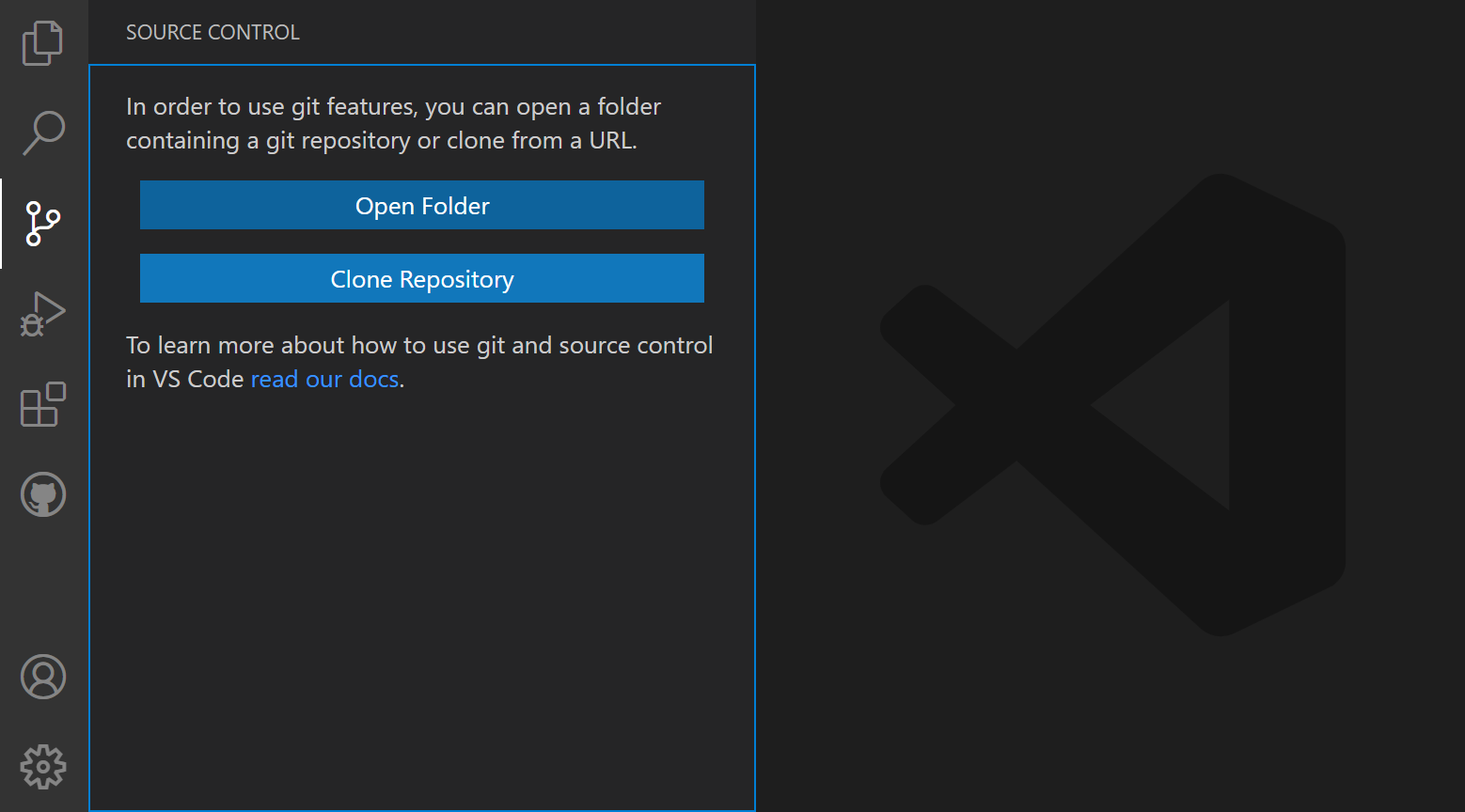
Collaborate On GitHub
WEB Seamless integration with GitHub Authenticate your GitHub or GitHub enterprise account to create a repository and push your first commits to GitHub all through Visual Studio Learn how to use GitHub with Visual Studio

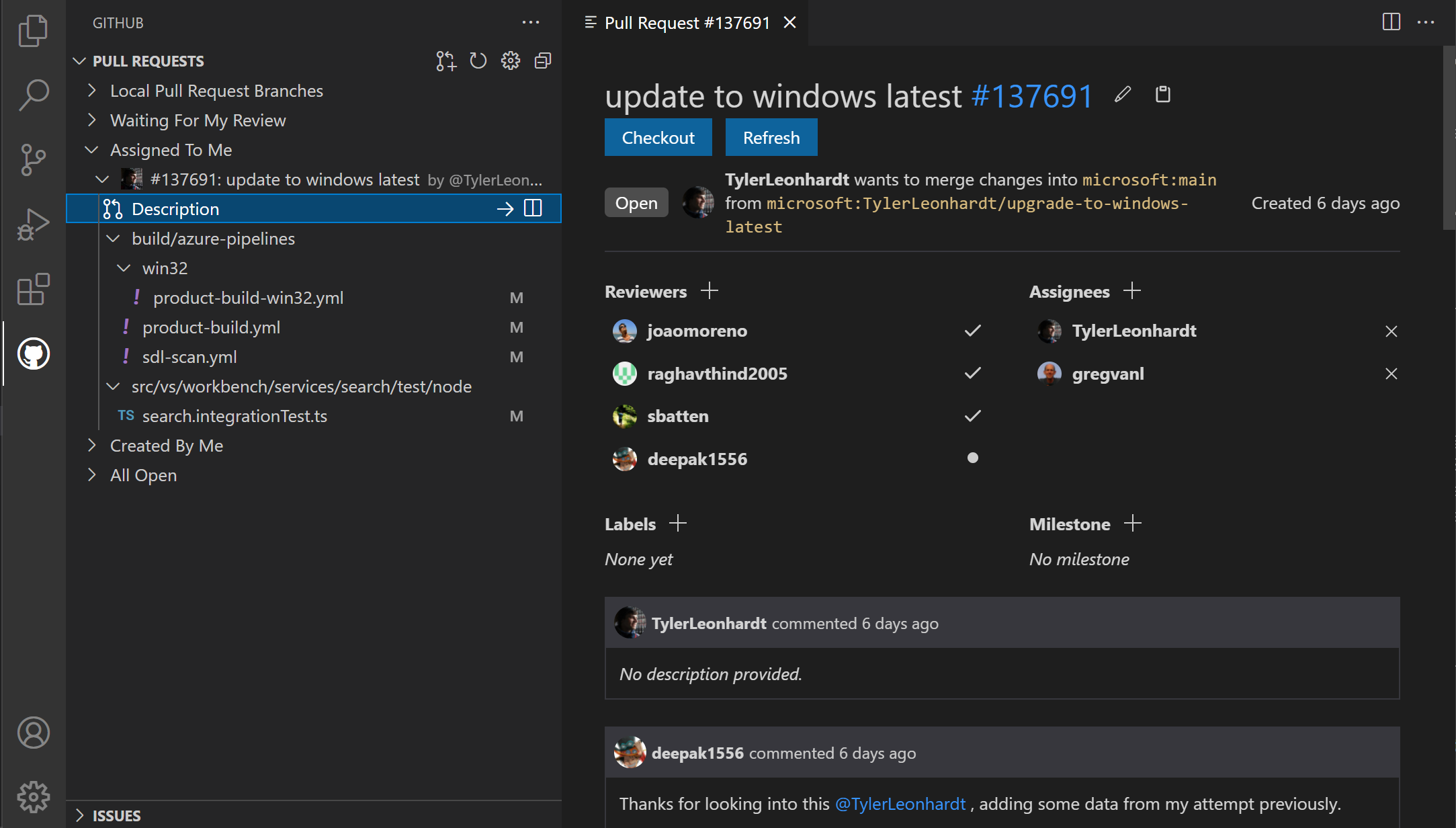
WEB Using GitHub with Visual Studio Code lets you share your source code and collaborate with others right within your editor There are many ways to interact with GitHub for example via their website at https github or the Git command line interface CLI but in VS Code the rich GitHub integration is provided by the GitHub Pull Requests

WEB How to login to GitHub or GitHub Enterprise In Visual Studio select Team Explorer from the View menu In the Team Explorer pane click the Manage Connections toolbar icon
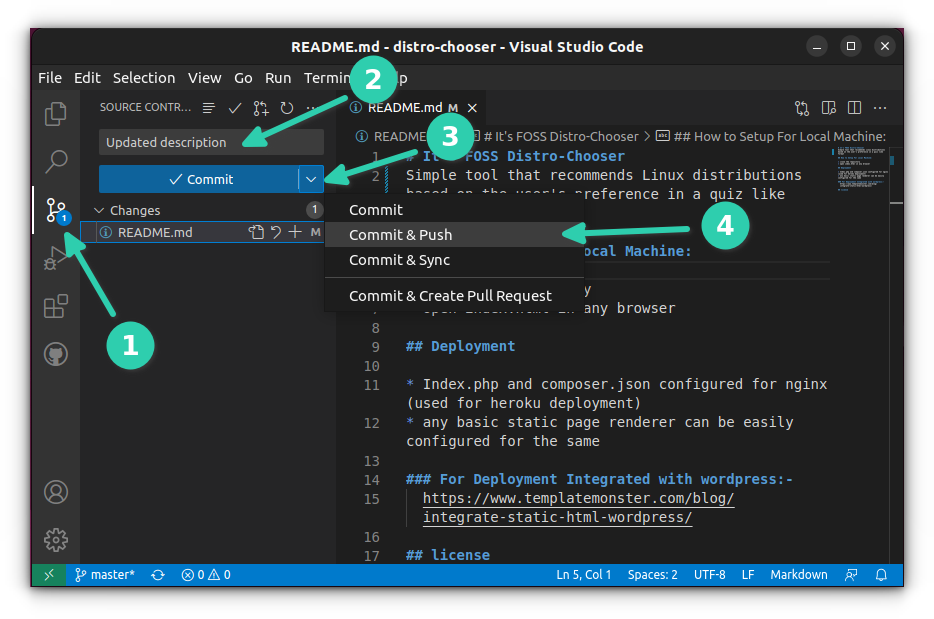
WEB Oct 29 2021 nbsp 0183 32 Here s what worked for me on vs code 1 62 3 Clone the GitHub Enterprise repo outside of vs code ie using git cli in a terminal or GitHub Desktop In vs code
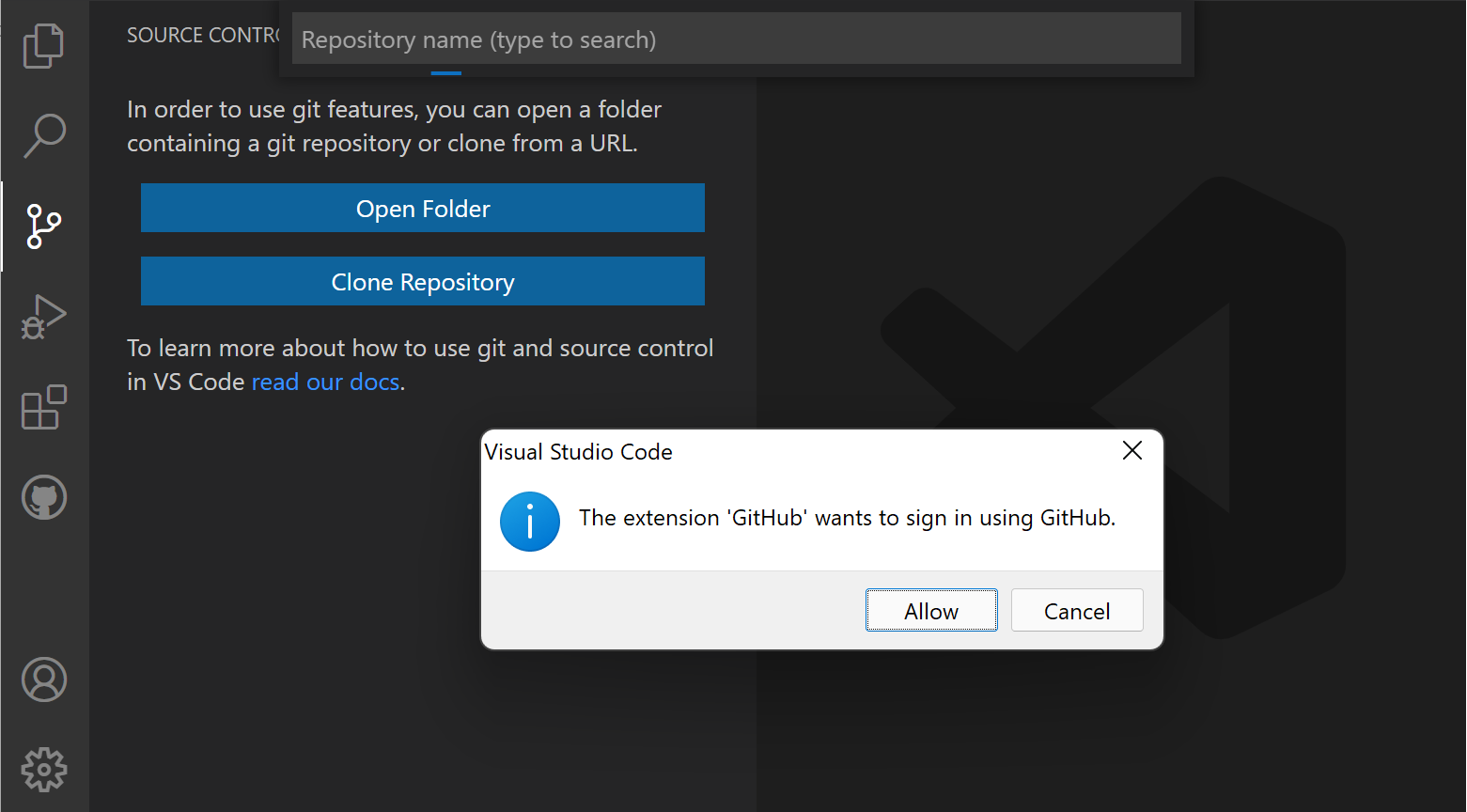
WEB Apr 4 2023 nbsp 0183 32 Discover how to access GitHub Enterprise as part of Visual Studio subscriptions get started using GitHub and find support options
WEB Jan 12 2022 nbsp 0183 32 Open the Team Explorer View gt Team Explorer Click the Connect Offline drop down from the top of the explorer Projects gt New Repository Under Create a new GitHub repository select Add an account under the account field to open up the sign on page for GitHub edited Jul 4 2022 at 16 59 WEB Aug 13 2021 nbsp 0183 32 Follow these simple steps to set up GitHub authentication with a personal access token Open a command line window on your PC or Terminal on Mac Set the current directory to your project root cd C Users Giddy source repo MySampleProject Run the command to set remote access via a token
WEB Apr 12 2023 nbsp 0183 32 Take your coding experience to the next level of ease by integrating GitHub into VS Code Here s a screenshot tutorial to show all the steps