How To Compare Two Code In Visual Studio Visual Studio Code Tutorial C Riset GitHub Socheatsok78 uses My Current Setup Run Code In Visual Studio Adamspen Suoja Merkitykset n R ykki Auto Indent Visual Studio Code Kaupunki Solved How To Format Code In Visual Studio Code On 9to5Answer Y ou ca n delete your Google Account at any time If you change your mind you might not be able to recover it after a certain amount of time
Important When you create a Google Account for your business you can turn business personalization on A business account also makes it easier to set up Google Business Profile On your computer open Google Maps On the map right click the place or area A pop up window appears At the top you can find your latitude and longitude in decimal format To copy
Solved How To Format Code In Visual Studio Code On 9to5Answer Visual Studio Code Tips And Tricks Unique Home Interior Ideas How Do I Test My Code In Visual Studio Code Visual Studio Code 1 52 Brings Extension Bisect Feature Questechie Visual Studio Code Format Code Mobile Legends 7 Best Visual Studio Code Extensions Photos How To Format File In Visual Studio Code For Mac Bingerkr Developing In Visual Studio Code Vs Visual Studio Rainbowkop Is VS Code A Text Editor What Is Mark Down
How To Compare Two Code In Visual Studio
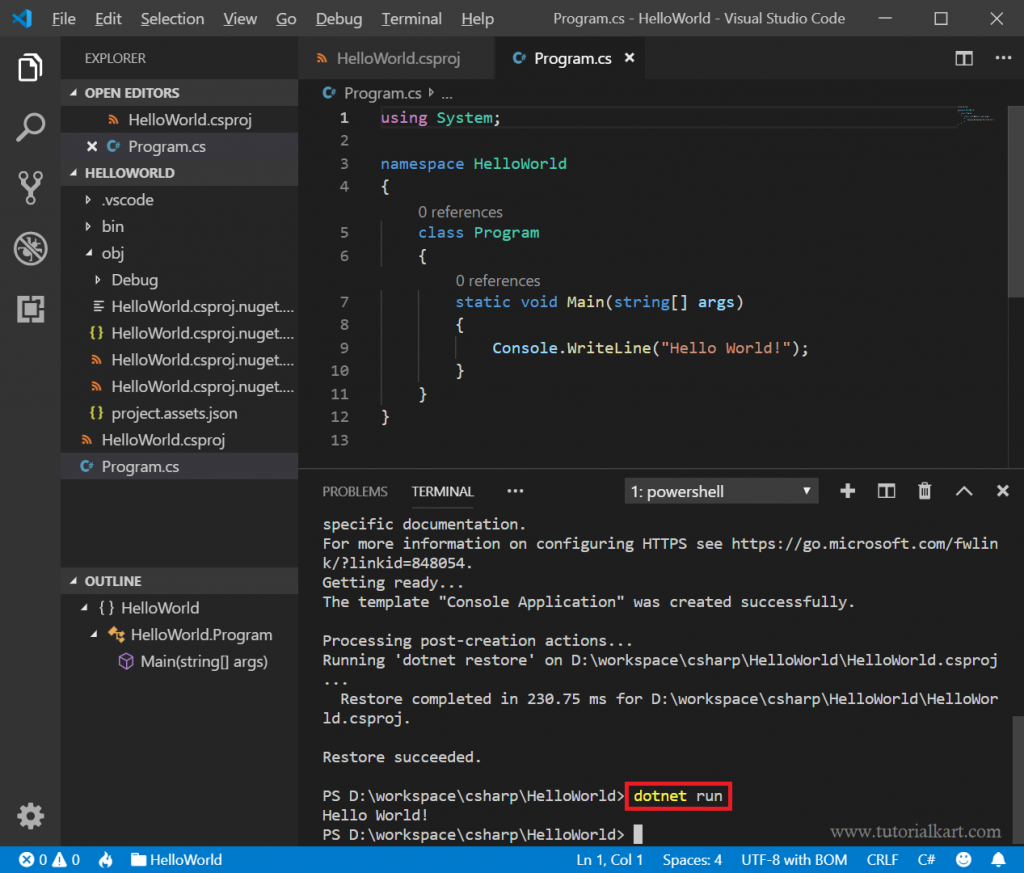 How To Compare Two Code In Visual Studio
https://www.tutorialkart.com/wp-content/uploads/2019/07/visual-studio-code-csharp-project-dotnet-run-1024x873.png
Important Before you start check that your operating system is compatible with Google Drive for desktop Tip If you use a work or school account you might not be able to use Google Drive
Templates are pre-designed documents or files that can be utilized for numerous purposes. They can conserve time and effort by providing a ready-made format and layout for producing various sort of content. Templates can be used for personal or professional projects, such as resumes, invitations, leaflets, newsletters, reports, discussions, and more.
How To Compare Two Code In Visual Studio
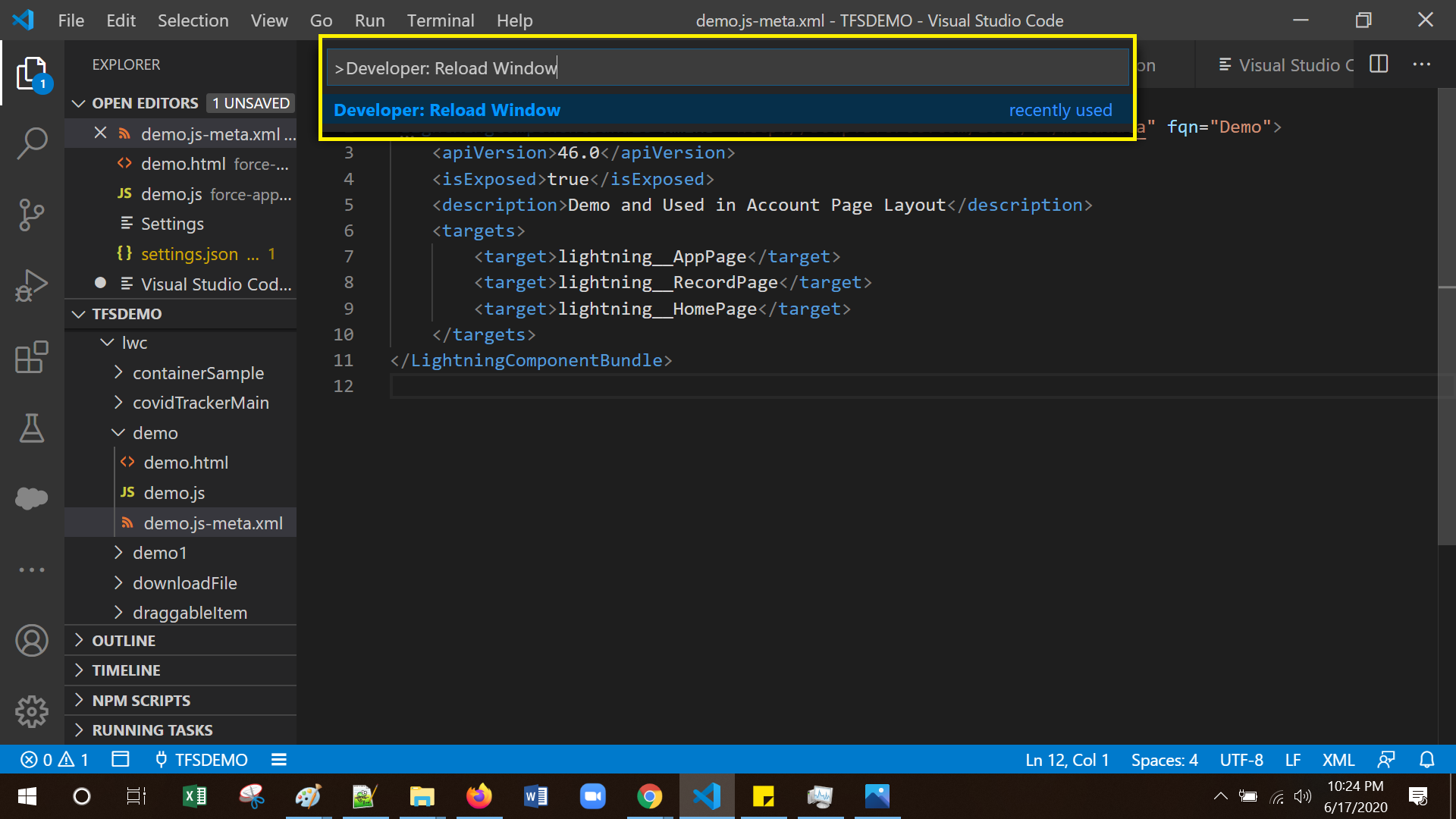
Visual Studio Code Tips Reload Restart Visual Studio Code Window
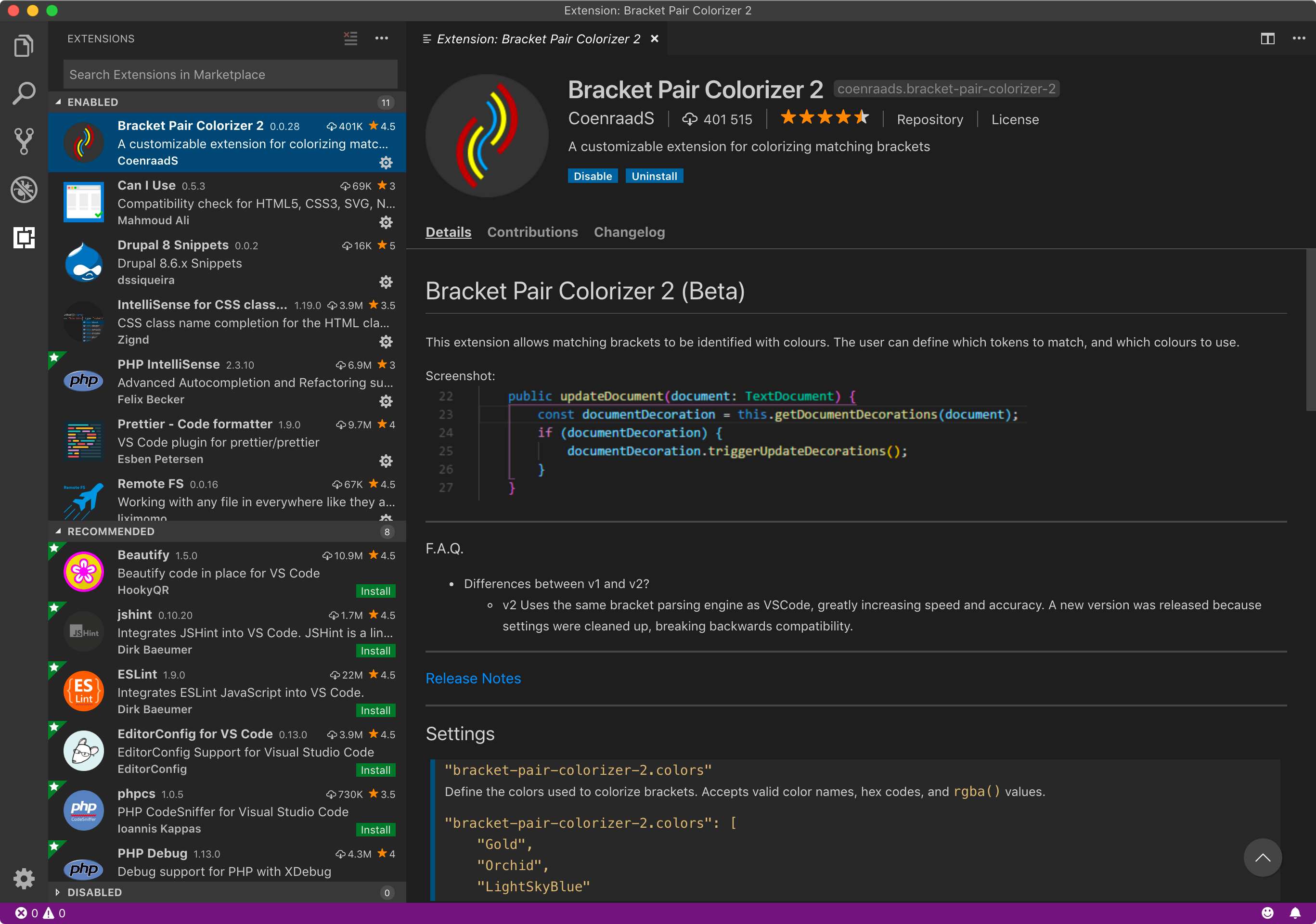
Visual Studio Code Tips And Tricks Unique Home Interior Ideas

How Do I Test My Code In Visual Studio Code
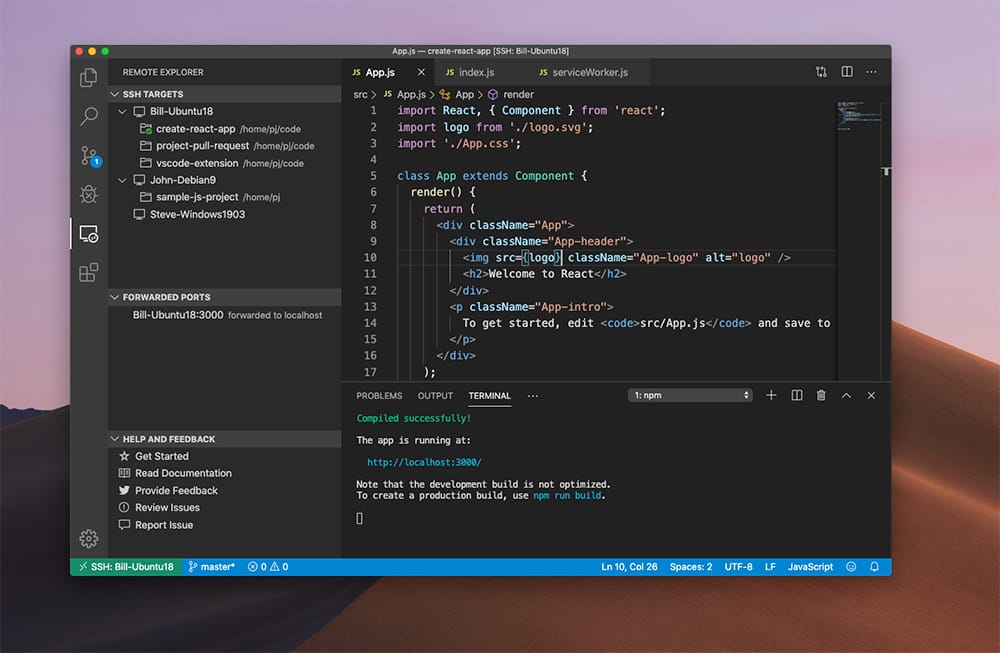
Visual Studio Code 1 52 Brings Extension Bisect Feature Questechie
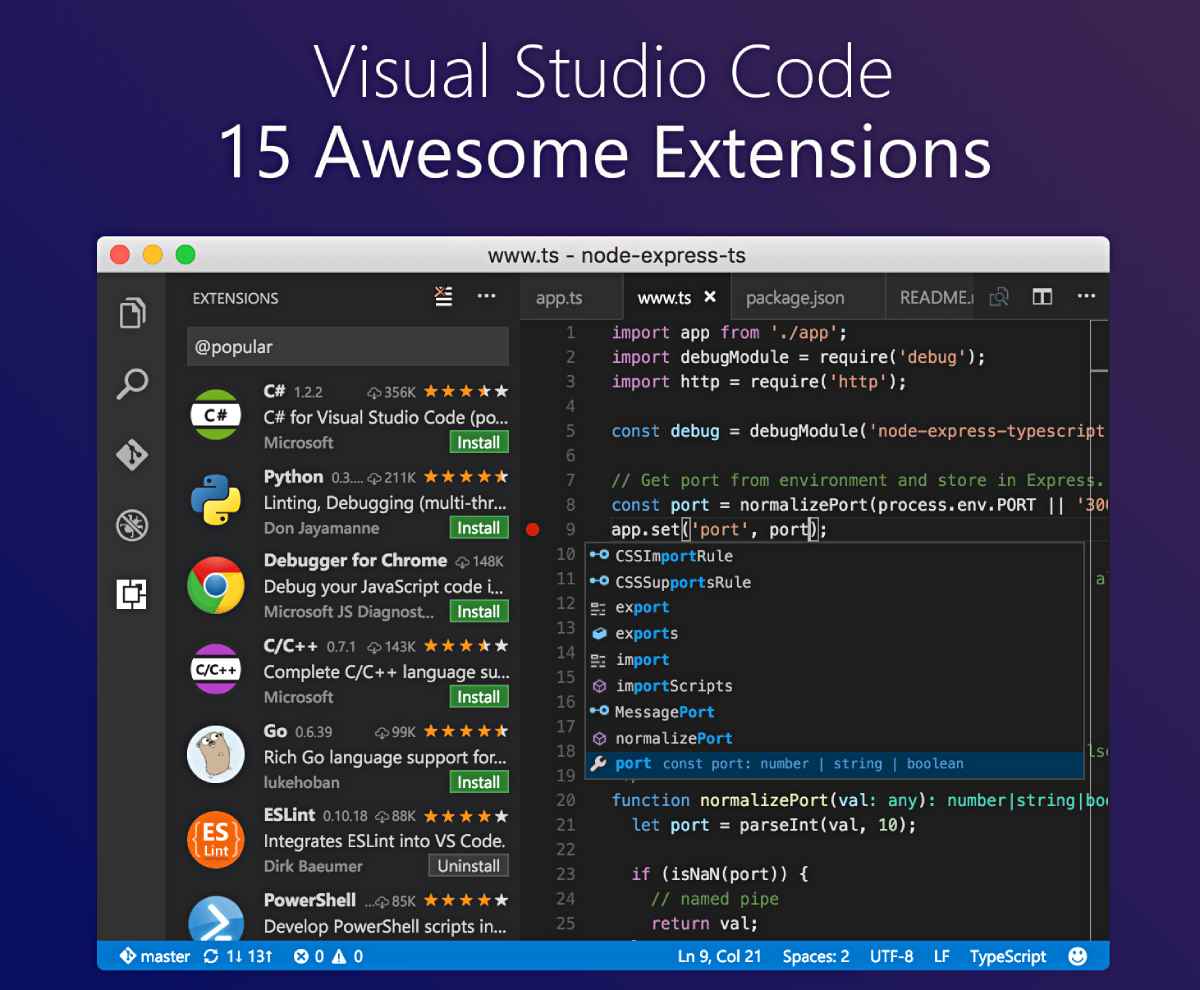
7 Best Visual Studio Code Extensions Photos
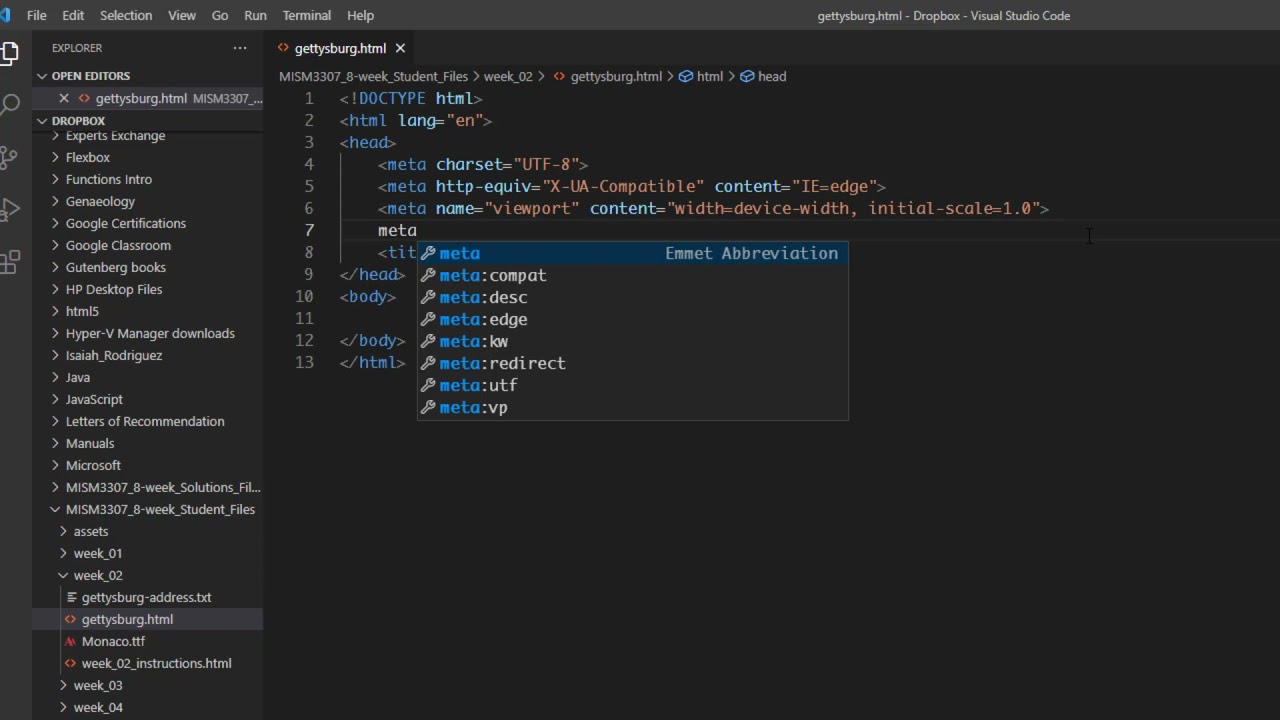
How To Format File In Visual Studio Code For Mac Bingerkr
How to install Chrome Important Before you download check if Chrome supports your operating system and you ve met all other system requirements

If you change or reset your password you ll be signed out everywhere except Devices you use to verify that it s you when you sign in Some devices with third party apps that you ve given
You can add update or remove phone numbers on your Google Account Phone numbers are used for different reasons and you have controls to manage how your numbers are used

Important Before you set up a new Gmail account make sure to sign out of your current Gmail account Learn how to sign out of Gmail From your device go to the Google Account sign in

In Incognito mode third party cookies are blocked by default If a site that relies on third party cookies doesn t work as expected you can try temporarily allowing them for that site Learn
[desc-11] [desc-12]
[desc-13]