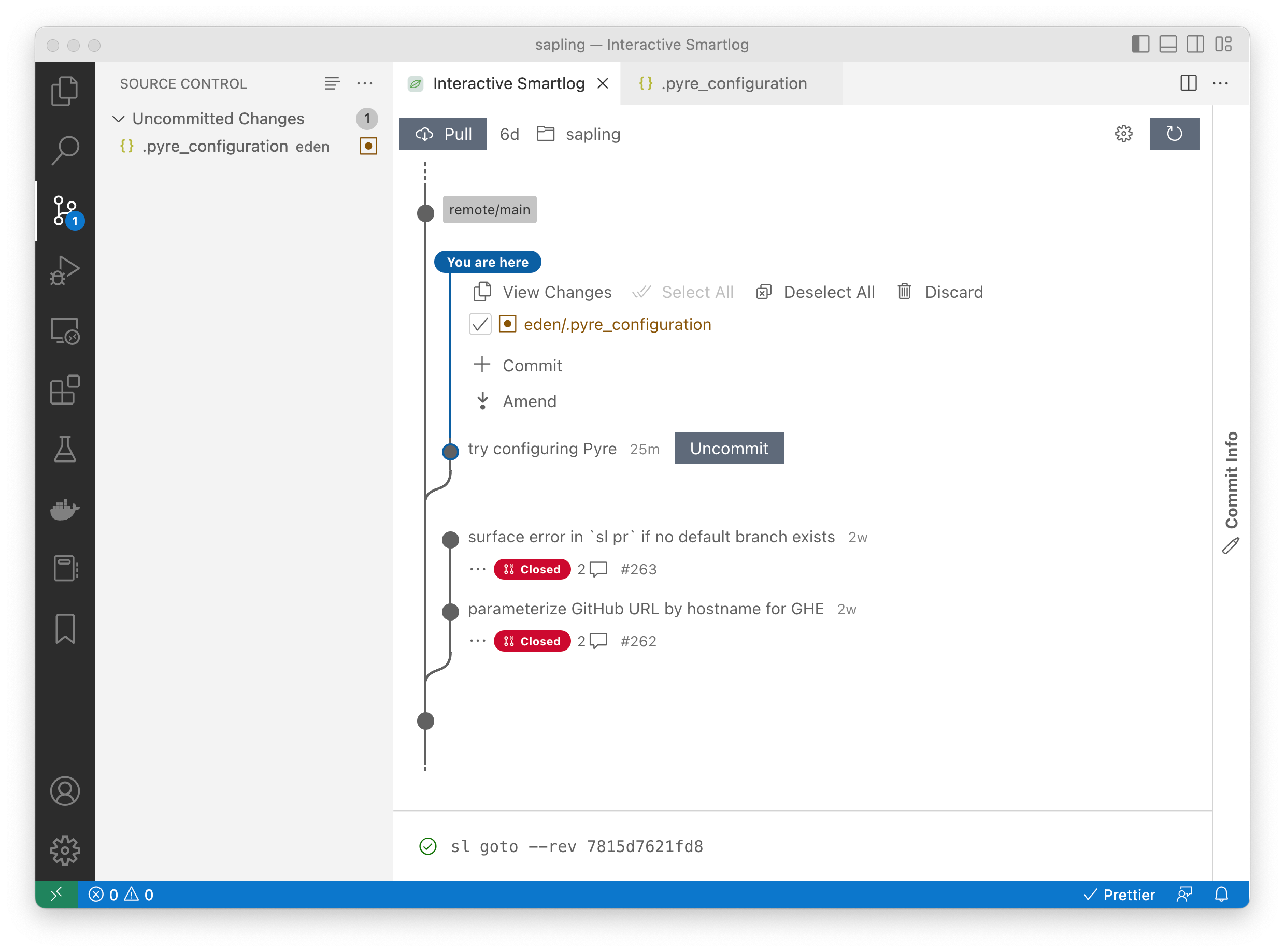
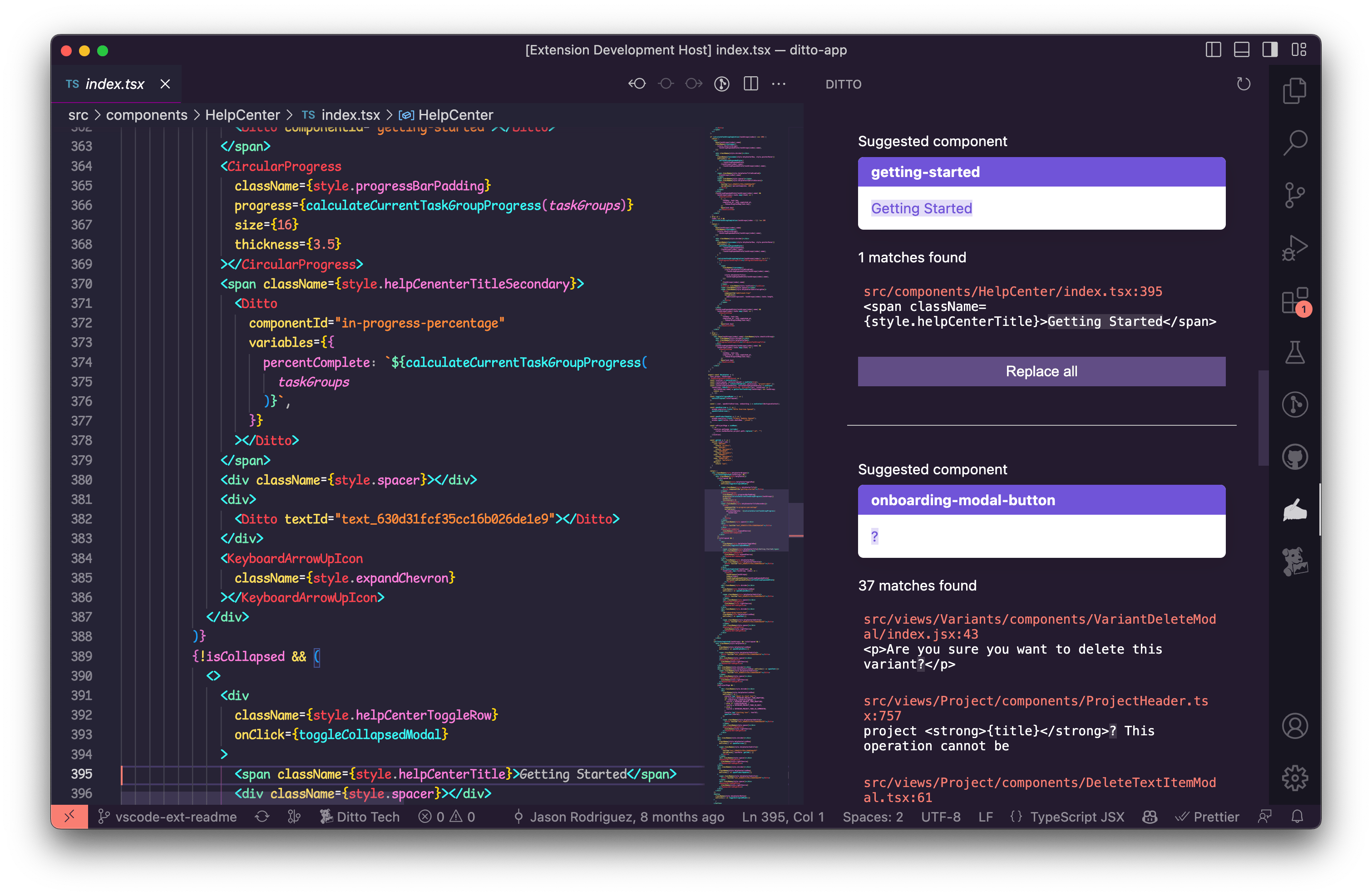
How To Comment Out Block In Vs Code How To COMMENT Or UNCOMMENT MULTIPLE LINES In VS CODE Shortcut YouTube VS Code Extension Sapling Syntax Highlighting VS Code Simple Dev Top 5 Extension In Vs Code VS Code 5 Extension Use These For VS VS Code Extension Ditto Official Google Play Help Center where you can find tips and tutorials on using Google Play and other answers to frequently asked questions
Official Gmail Help Center where you can find tips and tutorials on using Gmail and other answers to frequently asked questions To easily manage and share content across all of your devices and the cloud use Google s desktop sync client Drive for desktop If you edit delete or move a file on the Cloud the same
VS Code Extension Ditto Mastering Data Science In VS Code Setup And Essential Extensions Sticky Scrolling En VS Code Amit Merchant Un Blog Sobre PHP Node js In VS Code Why Does Yarn Debug Stop At Cli js When Caught VS Code Profiles Manage Configurations Easily For Workflows Grow Shortcut Trees In Visual Studio Code With Which Key Nick Cernis How To Locate Elements In Playwright Debbie Codes VS Code Profile For Databricks Visual Studio Code Comment And Uncomment Code Shortcut Or Hotkeys
How To Comment Out Block In Vs Code
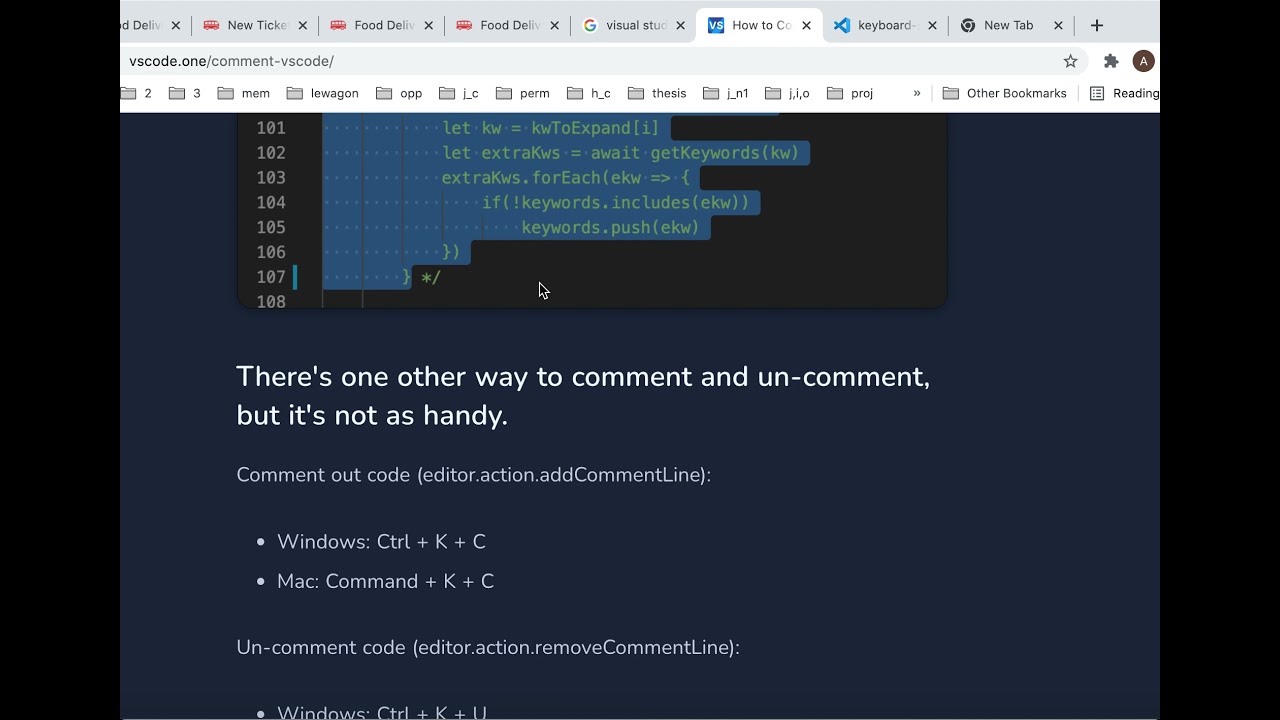 How To Comment Out Block In Vs Code
https://i.ytimg.com/vi/zx7txKVpu74/maxresdefault.jpg
Important Before you set up a new Gmail account make sure to sign out of your current Gmail account Learn how to sign out of Gmail From your device go to the Google Account sign in
Templates are pre-designed files or files that can be utilized for numerous functions. They can save time and effort by offering a ready-made format and design for producing various sort of material. Templates can be utilized for individual or professional jobs, such as resumes, invites, flyers, newsletters, reports, presentations, and more.
How To Comment Out Block In Vs Code

Format Code Block In ChatGPT Quick And Simple Guide Be On The Right

Mastering Data Science In VS Code Setup And Essential Extensions
Sticky Scrolling En VS Code Amit Merchant Un Blog Sobre PHP

Node js In VS Code Why Does Yarn Debug Stop At Cli js When Caught
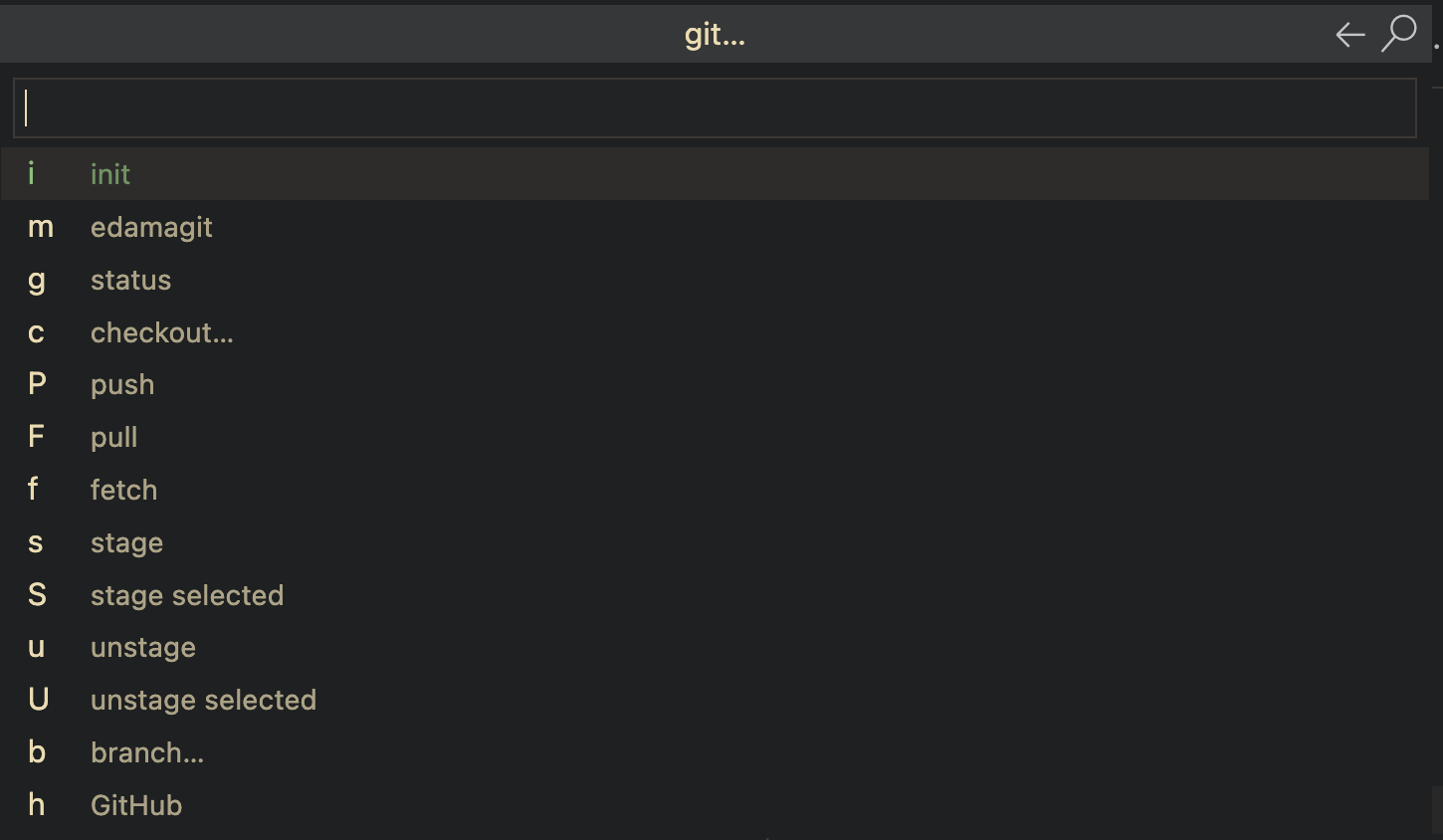
Grow Shortcut Trees In Visual Studio Code With Which Key Nick Cernis
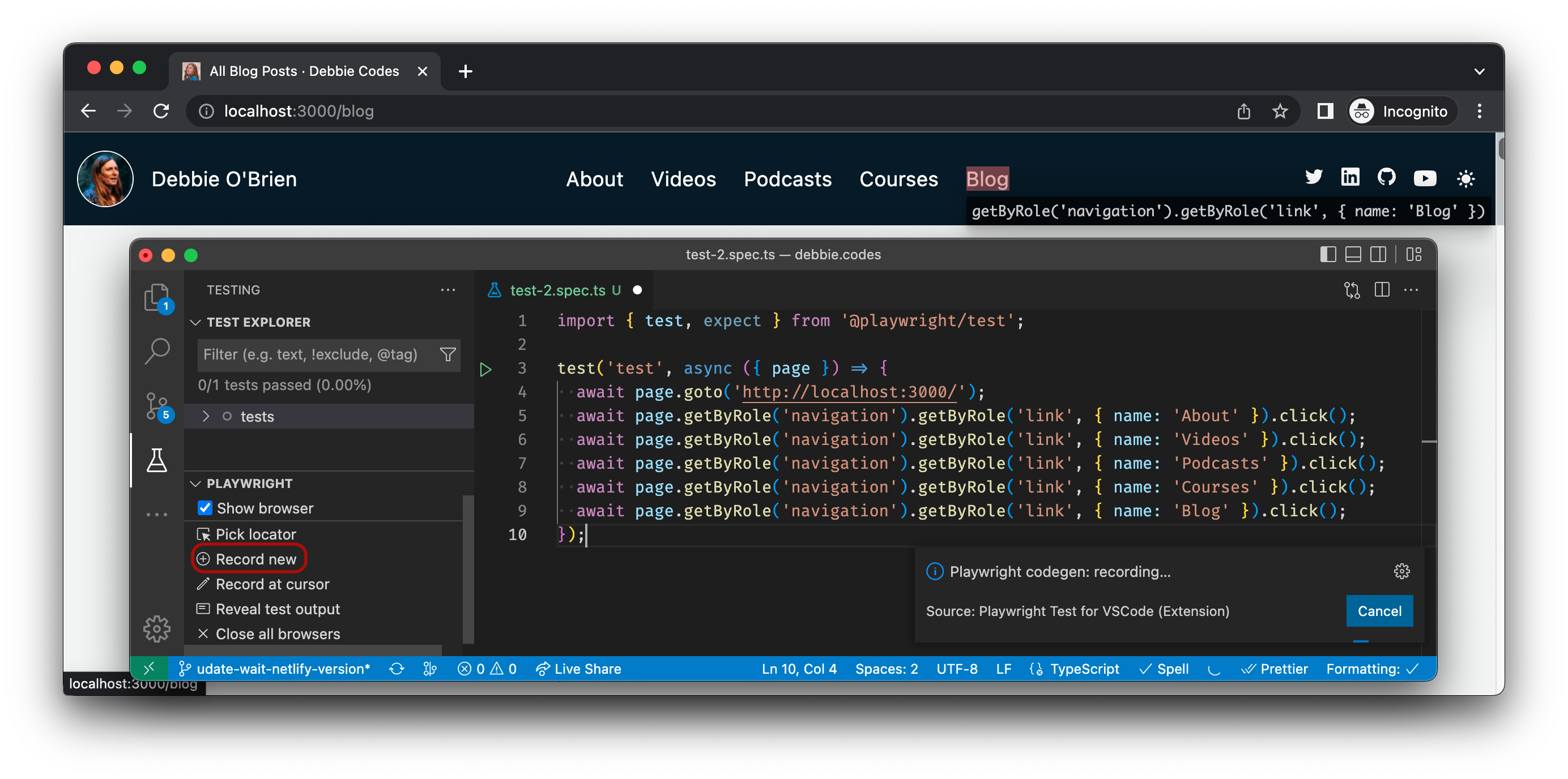
How To Locate Elements In Playwright Debbie Codes
How to install Chrome Important Before you download you can check if Chrome supports your operating system and other system requirements
Google Chrome tips Google Chrome tips From productivity to customization learn how to get things done more quickly with your browser

Want advanced Google Workspace features for your business Try Google Workspace today Google Drive helps you keep all your files together You can upload and share your files from

Gemini Apps give you direct access to Google AI You can get help with writing planning learning and more Learn more about what Gemini is and how it works
If you forgot your password or username or you can t get verification codes follow these steps to recover your Google Account That way you can use services like Gmail Pho
[desc-11] [desc-12]
[desc-13]