How To Comment Code In Visual Studio Code R dium Z pisn ku T k Pot it How To Comment Multiple Lines In Visual Studio Jako How To Add Python In Visual Studio Junctionbpo Visual Studio Code Comment And Uncomment Code Shortcut Or Hotkeys Visual Studio Shortcuts Comment Ascsetheatre Run Html In Visual Studio Code Resourceszik While debugging or experimenting with code you might want to comment blocks of code either temporarily or long term Select the code and select Toggle Line
You can use following shorcuts to comment single line code in Visual Studio VS Code Add a Line comment Ctrl K Ctrl C Windows Remove a line Fortunately if you re using VS Code Visual Studio Code commenting out a block of code is really quick and easy Table Of Contents 1 Solution 2 A Small Trick 3 What Next Solution All you need to do is
Run Html In Visual Studio Code Resourceszik Visual Studio Code Column Select Visual Studio Code Python Comment Shortcut Chinesedax How To Comment Code In Powershell QA With Experts Shortcuts To Collapse Code In Visual Studio Code Vs Code How To Run Html Code In Visual Studio Code BEST GAMES WALKTHROUGH VS Code How To Comment Out A Block Of Python Code KindaCode Visual Studio Code HTML Wrong Comment Type ITecNote
How To Comment Code In Visual Studio Code
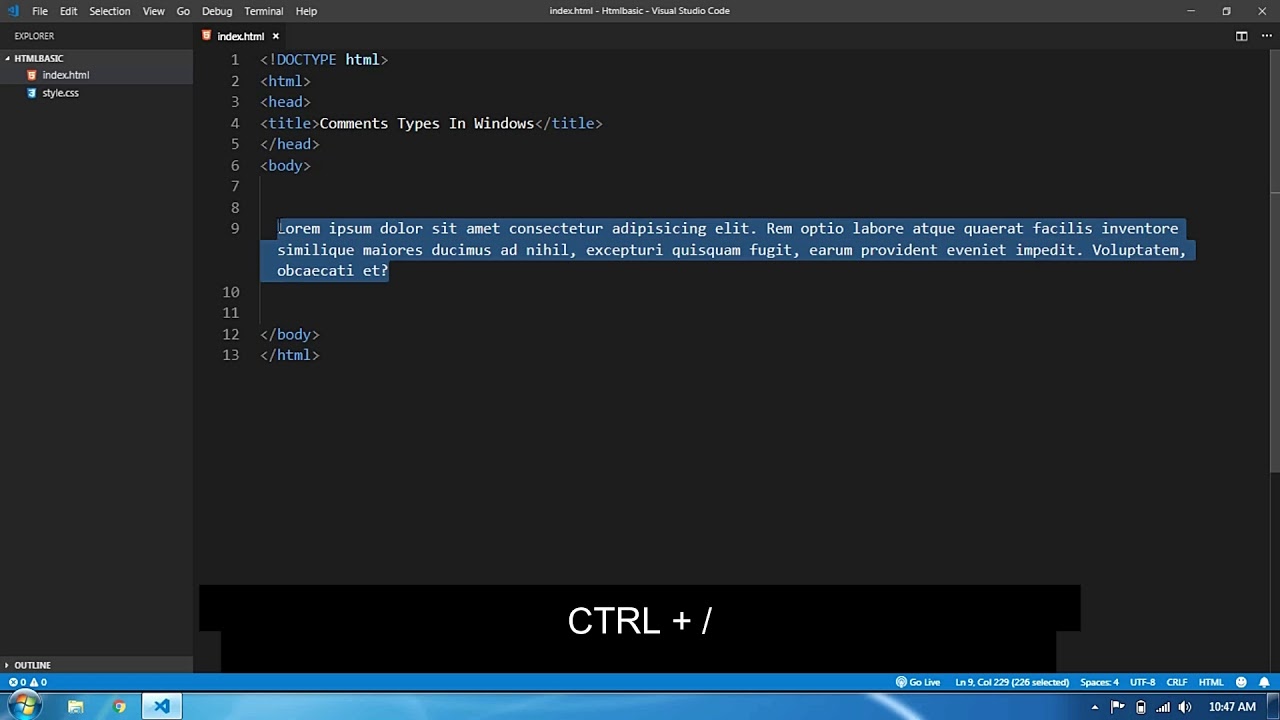 How To Comment Code In Visual Studio Code
https://i.ytimg.com/vi/Bd_EJkRmlcY/maxresdefault.jpg
Make sure the VS Code binary is on your path so you can simply type code to launch VS Code See the platform specific setup topics if VS Code is added to your environment
Pre-crafted templates offer a time-saving service for developing a varied variety of files and files. These pre-designed formats and layouts can be made use of for various individual and professional tasks, consisting of resumes, invitations, flyers, newsletters, reports, discussions, and more, streamlining the material development process.
How To Comment Code In Visual Studio Code
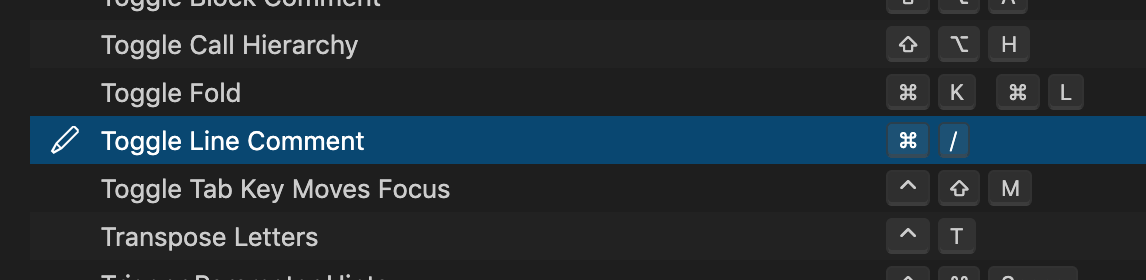
How To Comment In Vs Code The Vscode Comment Shortcut Photos
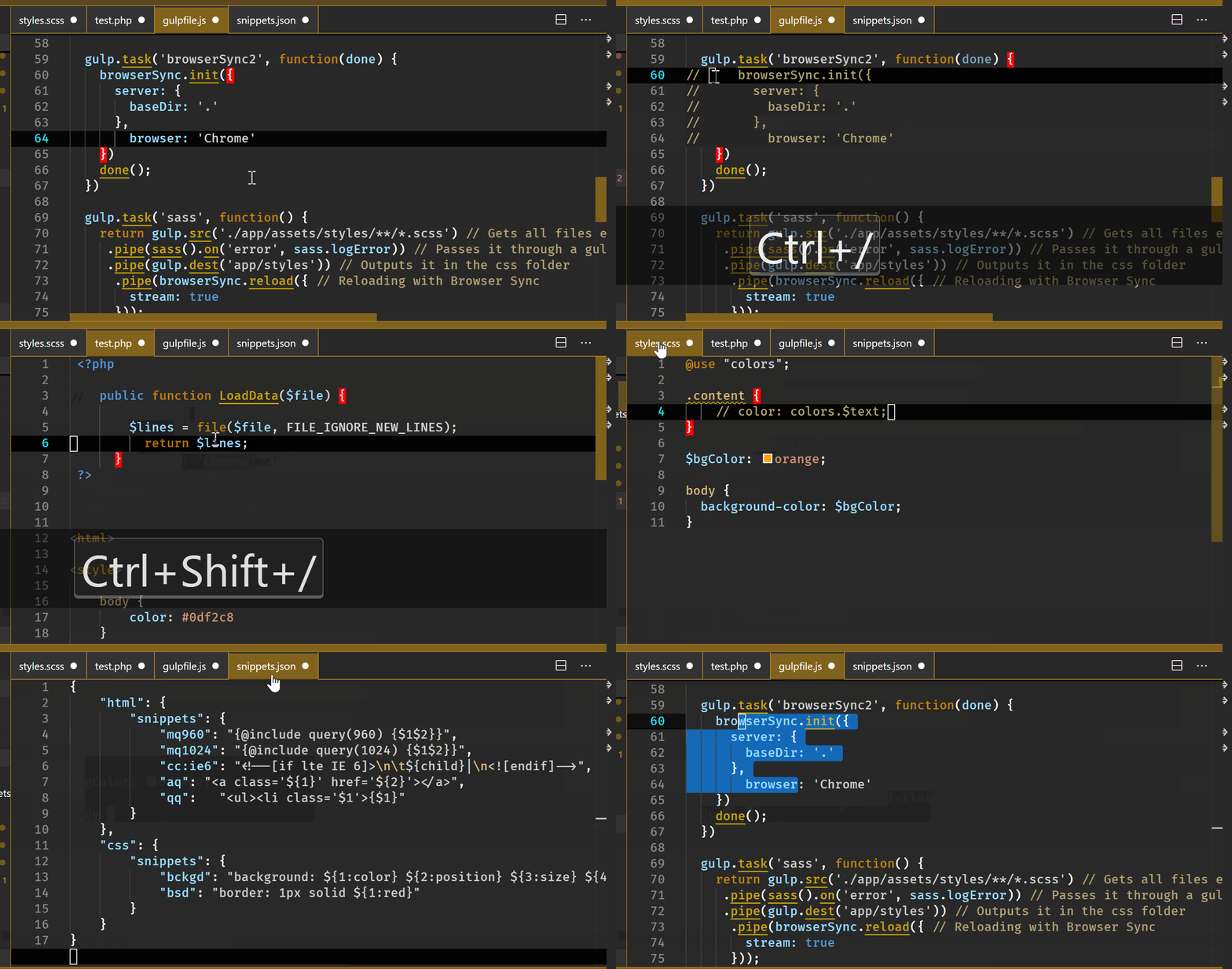
Visual Studio Code Column Select
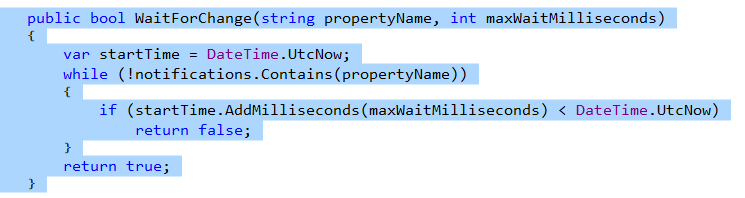
Visual Studio Code Python Comment Shortcut Chinesedax

How To Comment Code In Powershell QA With Experts
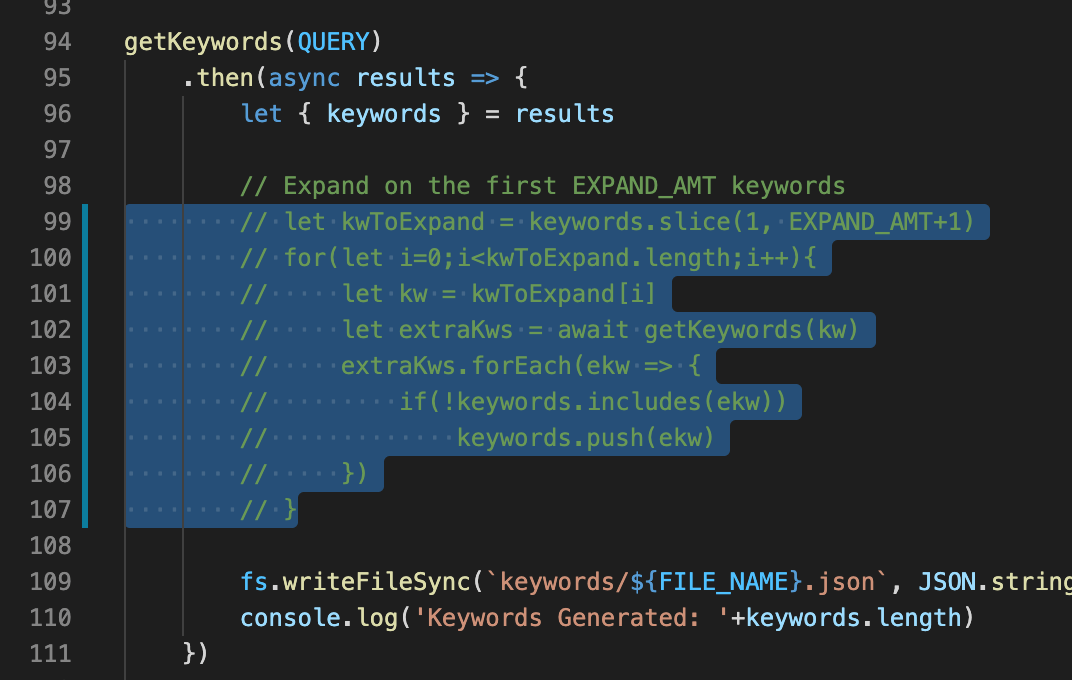
Vs Code
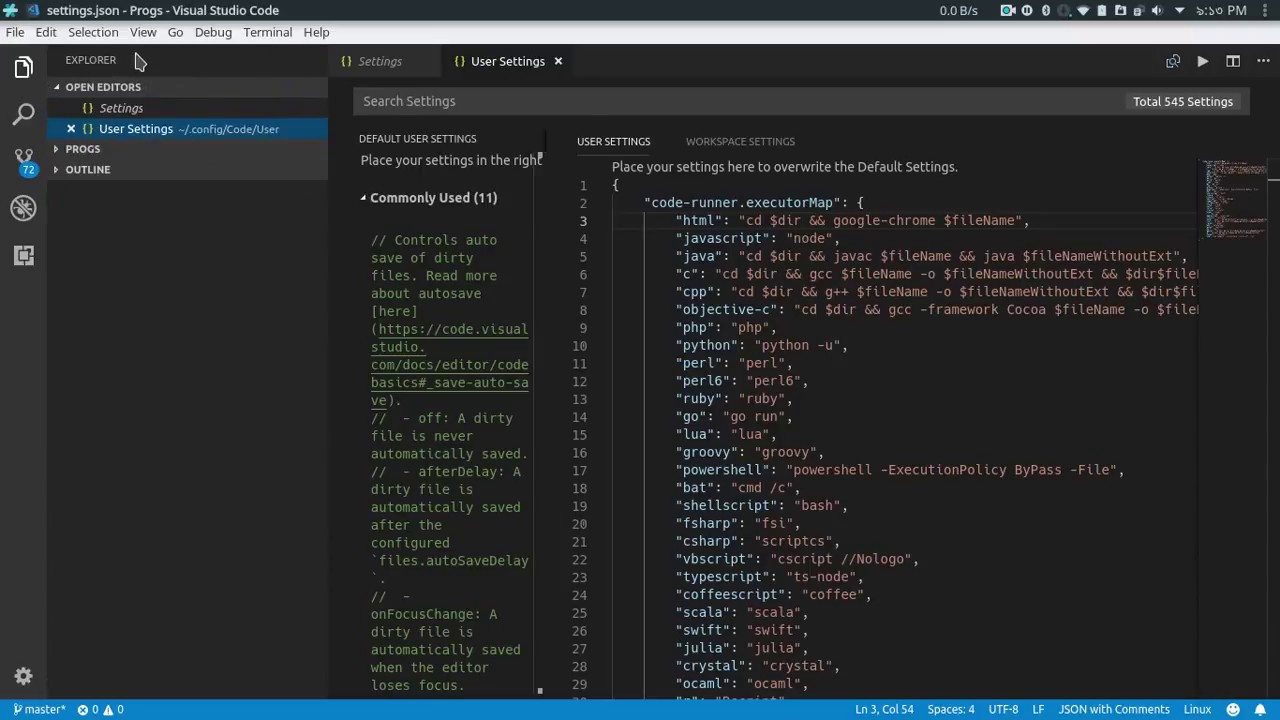
How To Run Html Code In Visual Studio Code BEST GAMES WALKTHROUGH
Multi Line Comment in VS Code To comment the code select the lines and hit Alt Shift A To Uncomment select the commented code

First place your cursor where you d like to add the comment Then use the VS Code comment shortcut that corresponds to your platform below On Windows the shortcut is CTRL On Mac the shortcut is Command

Follow edited Dec 8 2021 at 15 28 asked Dec 8 2021 at 13 29 namespace Pt 1 634 1 14 26 collapse the block fold select the block Ctrl if you comment all INSIDE the

Try the Toggle Block Comment command editor action blockComment Note that Toggle Block Comment is a language aware command so it will use the
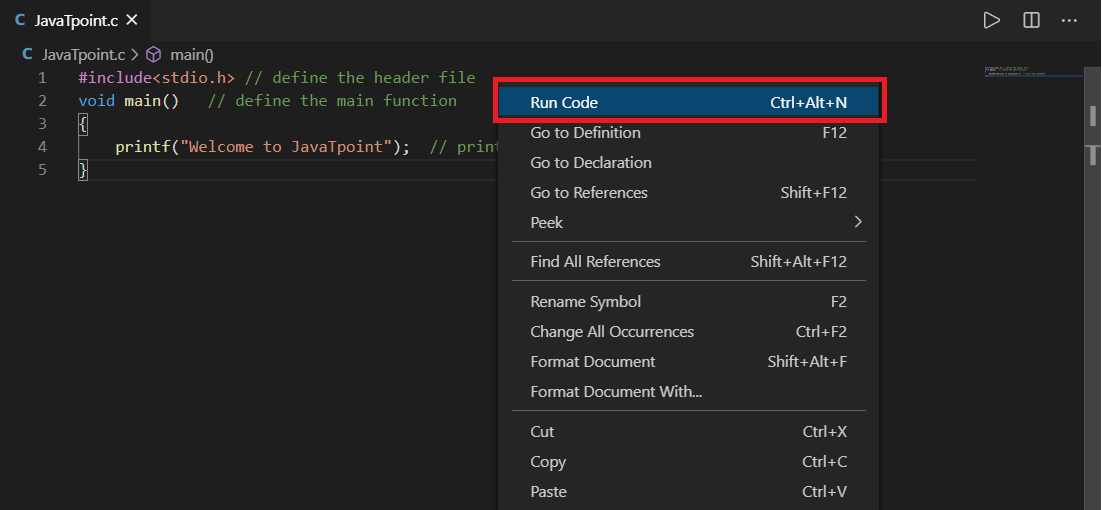
Select the desired lines of code and then use Ctrl to comment them out in VS Code Not clear yet Let me go in detail Comment out a block of code in VS Code The first step in commenting
How to change the default comment character in Visual Studio Code Ask Question Asked 1 year 8 months ago Modified 9 months ago Viewed 5k times 8 If you are using VS Code Visual Studio Code to develop your React app then you can easily and quickly make comments by using keyboard shortcuts All you
Applies to Visual Studio Visual Studio for Mac Visual Studio Code You can access a variety of commands and windows in Visual Studio by choosing the appropriate