How To Collapse All Functions In Visual Studio Code Mac Best Visual Studio Code Extensions Korearety Top 11 VS Code Extension To Increase 10x Productivity MarkTechPost Webgl fundamentals webgl qna how to get code completion for webgl in How To Set Java Home Environment Variable In Microsoft Visual Studio How To Run PHP In Visual Studio Code On Mac OS TechDecode Tutorials Learn how to change more cookie settings in Chrome For example you can delete cookies for a specific site In other browsers If you use Safari Firefox or another browser check its support
Important Before you set up a new Gmail account make sure to sign out of your current Gmail account Learn how to sign out of Gmail From your device go to the Google Account sign in In Incognito mode third party cookies are blocked by default If a site that relies on third party cookies doesn t work as expected you can try temporarily allowing them for that site Learn
How To Run PHP In Visual Studio Code On Mac OS TechDecode Tutorials Code Snippets In VS Code Using Emmet PLG Works Blog Minimizing All Functions In Visual Studio Code Made Easy What Is Mark Visual Studio Code Yaml File Formatting In Vscode Stack Overflow Manage How To Refactor Code In Visual Studio Code Download How To Run Angular In VSCode Visual Studio Code Suggestion Menu With USINGS In Visual Studio Keyboard Shortcut My Java Setup In Visual Studio Code Programming Languages Learning Dafny Fails In Visual Studio Code On MacOS 10 14 6 Does Anyone Know
How To Collapse All Functions In Visual Studio Code Mac
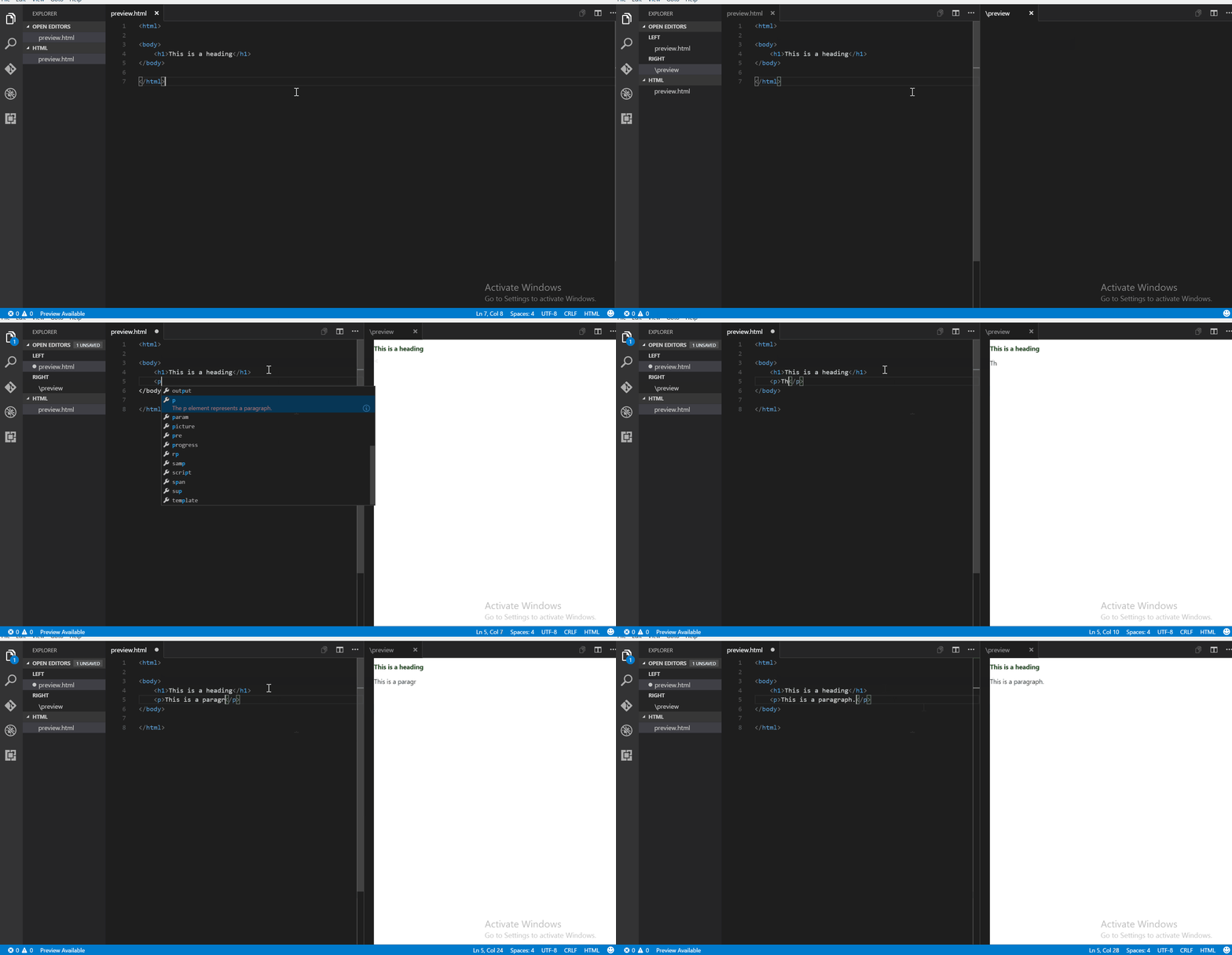 How To Collapse All Functions In Visual Studio Code Mac
https://1.bp.blogspot.com/-D99LJvBsQEQ/YREYwsK7LlI/AAAAAAAAATA/YSsI1MSl2PAZSSnLWL6N3Ad3a2eh192vgCPcBGAYYCw/s1897/Live%2BHTML%2BPreviewer%2BDemo.gif
Analytics Academy on Skillshop is a collection of free e learning courses designed by Analytics experts to help users get the most out of Google Analytics Google Analytics currently offers 4
Templates are pre-designed files or files that can be utilized for different purposes. They can conserve time and effort by offering a ready-made format and layout for developing various type of content. Templates can be used for personal or professional projects, such as resumes, invitations, leaflets, newsletters, reports, discussions, and more.
How To Collapse All Functions In Visual Studio Code Mac

How To Sync Visual Studio Code Settings Images

Code Snippets In VS Code Using Emmet PLG Works Blog

Minimizing All Functions In Visual Studio Code Made Easy What Is Mark

Visual Studio Code Yaml File Formatting In Vscode Stack Overflow Manage
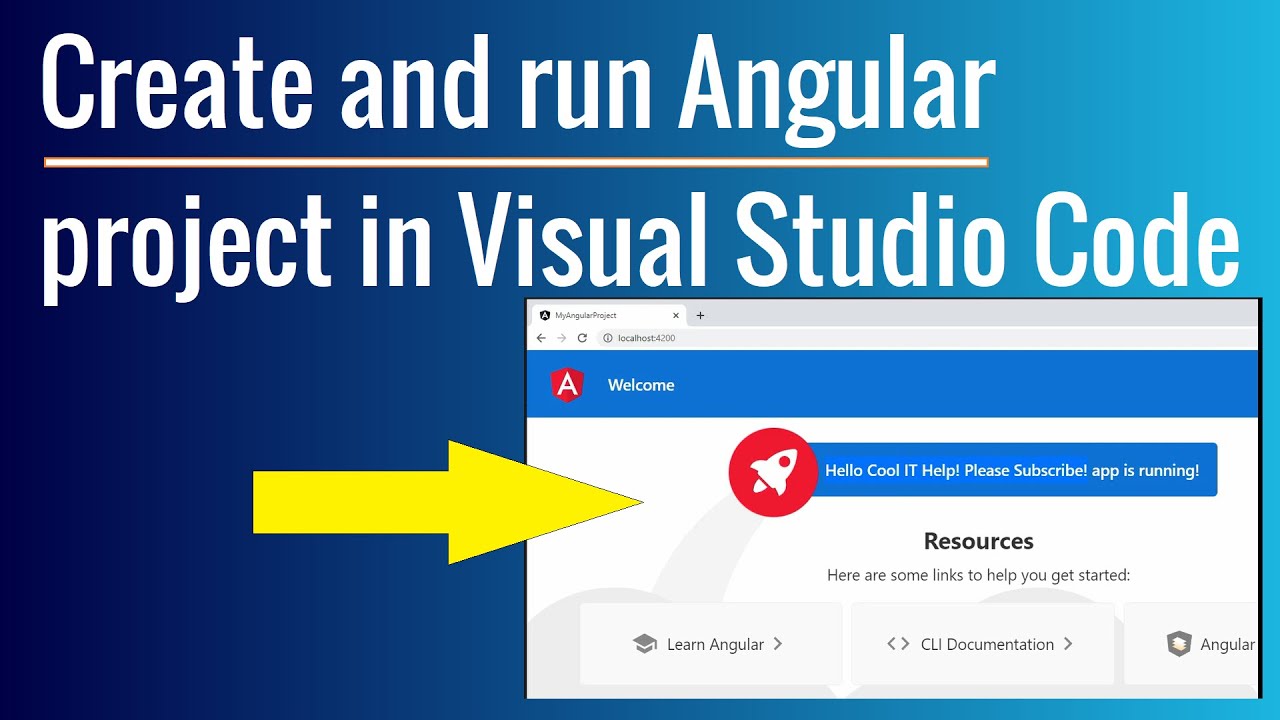
Download How To Run Angular In VSCode Visual Studio Code

Suggestion Menu With USINGS In Visual Studio Keyboard Shortcut
How to install Chrome Important Before you download you can check if Chrome supports your operating system and other system requirements

Google Chrome tips Google Chrome tips From productivity to customization learn how to get things done more quickly with your browser

If you forgot your password or username or you can t get verification codes follow these steps to recover your Google Account That way you can use services like Gmail Pho

You can get directions for driving public transit walking ride sharing cycling flight or motorcycle on Google Maps If there are multiple routes the best route to your destination is blue All other
Official Google Play Help Center where you can find tips and tutorials on using Google Play and other answers to frequently asked questions
[desc-11] [desc-12]
[desc-13]