How To Code In Terminal Want To Learn To Code In Atlanta Here s The Coding Bootcamp For You How To Code In Terminal YouTube Make Your VS Code Terminal Look Awesome By brahim BABAL Medium Change Default Terminal Back To Bash In VS Code Is Learning To Code Worth It In 2023 CS Careerline [desc-7]
Web Aug 11 2023 nbsp 0183 32 Along with being a great place to try out web development code the projects also give you access to a terminal so you can run all these commands directly in that terminal safe in the knowledge that you won t break your own machine A great resource for getting a quick overview of specific terminal commands is tldr sh This is a community [desc-8]
Is Learning To Code Worth It In 2023 CS Careerline How To Run Code In Terminal In Vs Code BEST GAMES WALKTHROUGH Kondenz tor Autor Situa n Komedie Orlando Airport Map Mechanicky 10pcs PCT 228A Quick Terminals Wire Connector Universal Terminal Block Code VS Compiler Et Ex cuter En C StackLima Codecademy Learn C C Data Types Coding Pin On GameDev Convert C Code To C Online ElishagroMartinez Features
How To Code In Terminal
 How To Code In Terminal
https://www.altcademy.com/blog/content/images/size/w1200/2023/05/brad-huchteman-sR1Kz2auNJE-unsplash.jpg
[desc-9]
Pre-crafted templates provide a time-saving solution for producing a diverse series of files and files. These pre-designed formats and layouts can be used for different personal and professional tasks, consisting of resumes, invites, leaflets, newsletters, reports, presentations, and more, streamlining the material creation procedure.
How To Code In Terminal
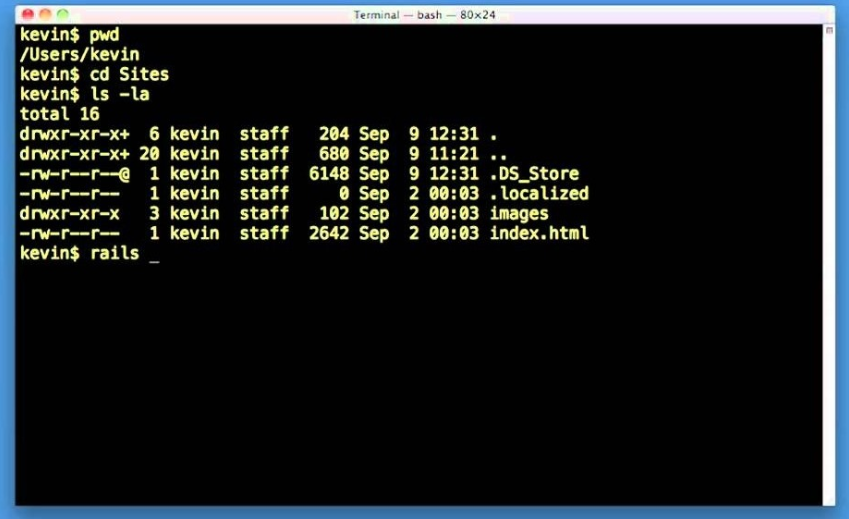
Extfs Terminal Commands Tyredcarbon
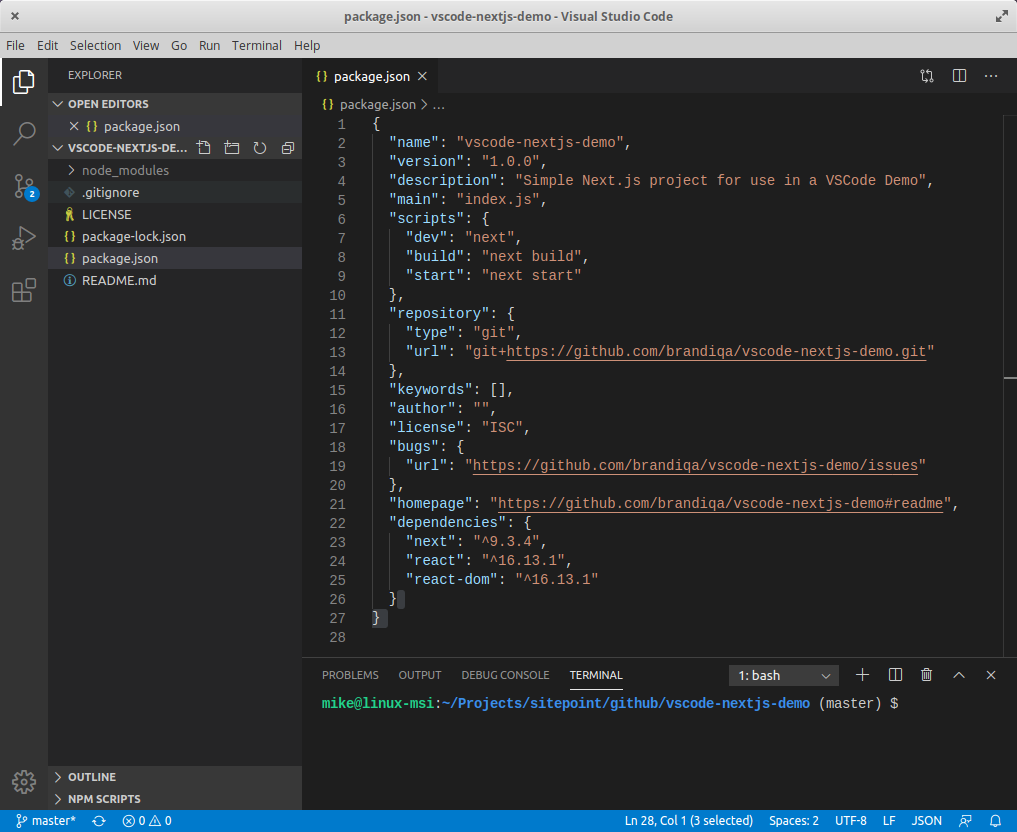
How To Run Code In Terminal In Vs Code BEST GAMES WALKTHROUGH

Kondenz tor Autor Situa n Komedie Orlando Airport Map Mechanicky

10pcs PCT 228A Quick Terminals Wire Connector Universal Terminal Block

Codecademy Learn C C Data Types Coding

Pin On GameDev

Web You can open a terminal as follows From the menu use the Terminal gt New Terminal or View gt Terminal menu commands From the Command Palette Ctrl Shift P use the View Toggle Terminal command In the Explorer you can use the Open in Integrated Terminal context menu command to open a new

Web Oct 17 2018 nbsp 0183 32 A small sample git tons of aliases and useful functions for git t mux alias and settings for integrating zsh with tmux node adds node docs command for opening website docs osx several utilities for working with OSX web search initialize web searches from command line
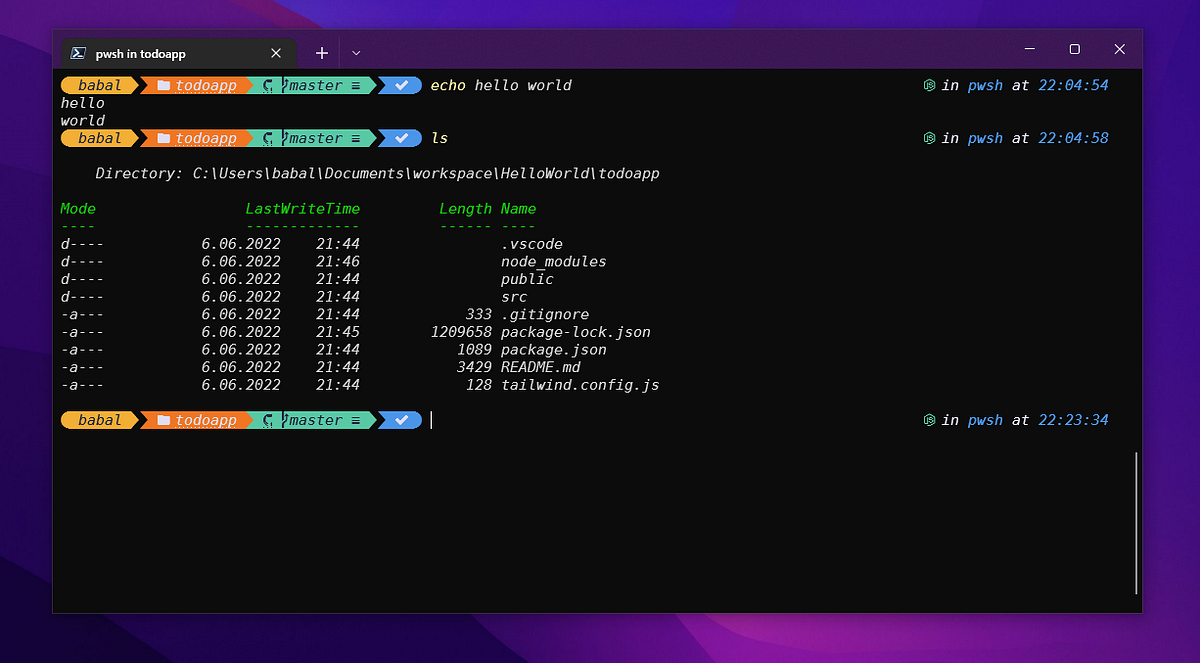
Web The Linux command line for beginners 1 Overview The Linux command line is a text interface to your computer Often referred to as the shell terminal console prompt or various other names it can give the appearance of being complex and confusing to use

Web To get an overview of the VS Code command line interface open a terminal or command prompt and type code help You will see the version usage example and list of command line options Launching from command line You can launch VS Code from the command line to quickly open a file folder or project

Web Jul 10 2019 nbsp 0183 32 Linux You can open Terminal by directly pressing ctrl alt T or you can search it up by clicking the Dash icon typing in terminal in the search box and opening the Terminal application Again this should open up an app with a black background When you see your username followed by a dollar sign you re ready to start using command line
[desc-11] [desc-12]
[desc-13]