How To Close All Programs In Mac Deleting Apps On A Mac A Step by Step Guide Infetech Tech News Reviews And Analysis How To Close All Programs In Windows 10 Kdanepal Tutorial Debugging C Programs In Mac Using VS Code YouTube How To Close All Workbooks In Excel With VBA How To Close All Windows On Mac Desktop Pagdrive Want advanced Google Workspace features for your business Try Google Workspace today Google Drive helps you keep all your files together You can upload and share your files from
Learn how to change more cookie settings in Chrome For example you can delete cookies for a specific site In other browsers If you use Safari Firefox or another browser check its support On your computer open Gmail In the top right click Settings See all settings Click the Accounts and Import or Accounts tab Under quot Send mail as quot click Edit info Enter the name you want to
How To Close All Windows On Mac Desktop Pagdrive 4 Different Ways To Install Apps Programs In Mac OS X TechApple How To Close All Tabs At Once In Safari In IOS 10 Close All Running Programs In Windows In One Click YouTube Macos Clean Disk Terminal Mac How To Close All Programs On Windows 10 Accountingjas How To Close All Programs That Are Not Responding In Windows 10 How To Do SPS Or SPS Pass Thru Programming With Tis2web The Blog Of Www obd2tool How Do I Find Programs Running On Startup Lasoparam
How To Close All Programs In Mac
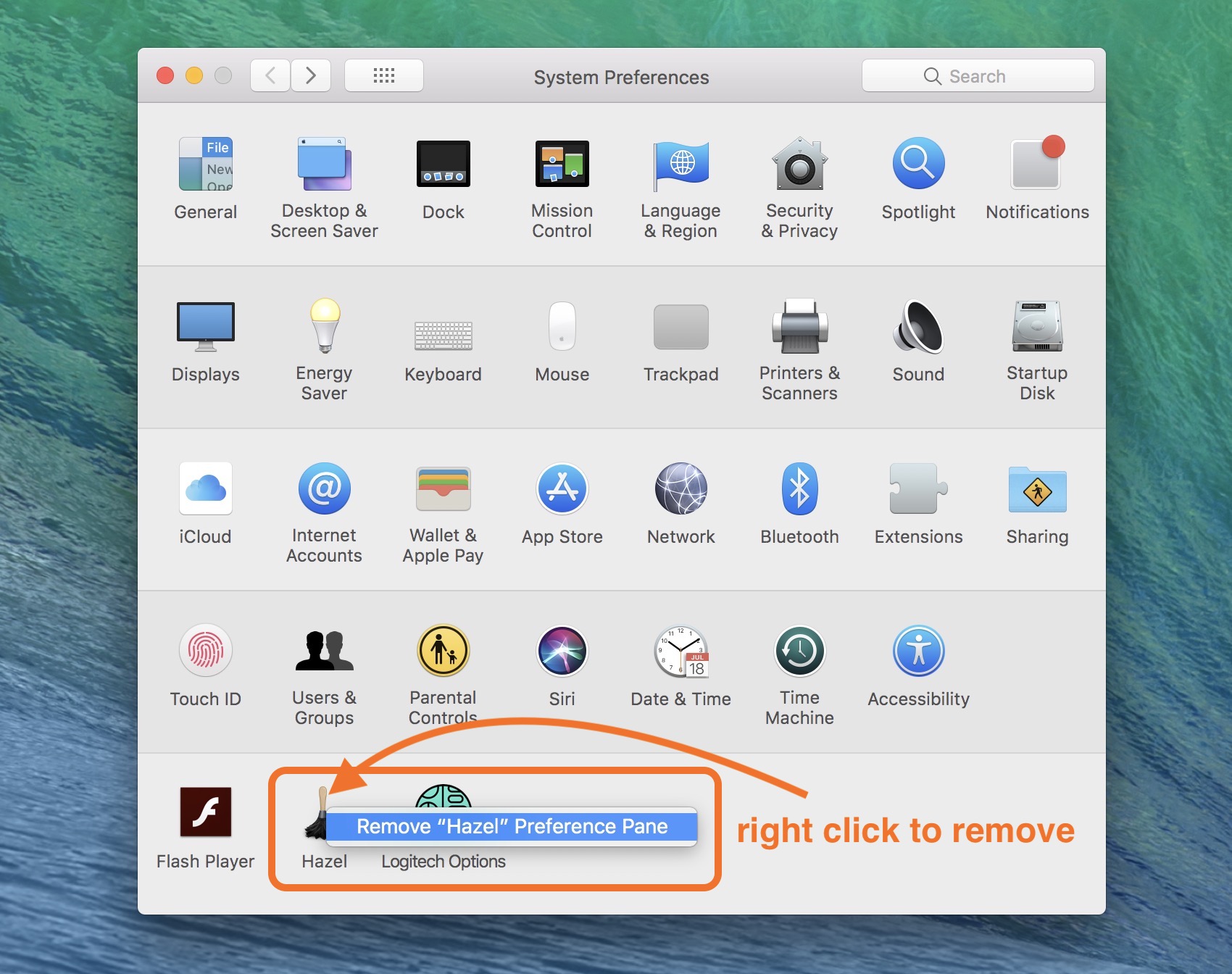 How To Close All Programs In Mac
https://9to5mac.com/wp-content/uploads/sites/6/2018/06/how-to-delete-mac-apps-5.jpg?resize=1024
When you automatically back up your photos and videos to your Google Account you can find them on any device Learn how to back up photos and videos
Templates are pre-designed documents or files that can be utilized for various functions. They can conserve effort and time by offering a ready-made format and layout for creating different type of content. Templates can be used for individual or expert tasks, such as resumes, invitations, leaflets, newsletters, reports, presentations, and more.
How To Close All Programs In Mac
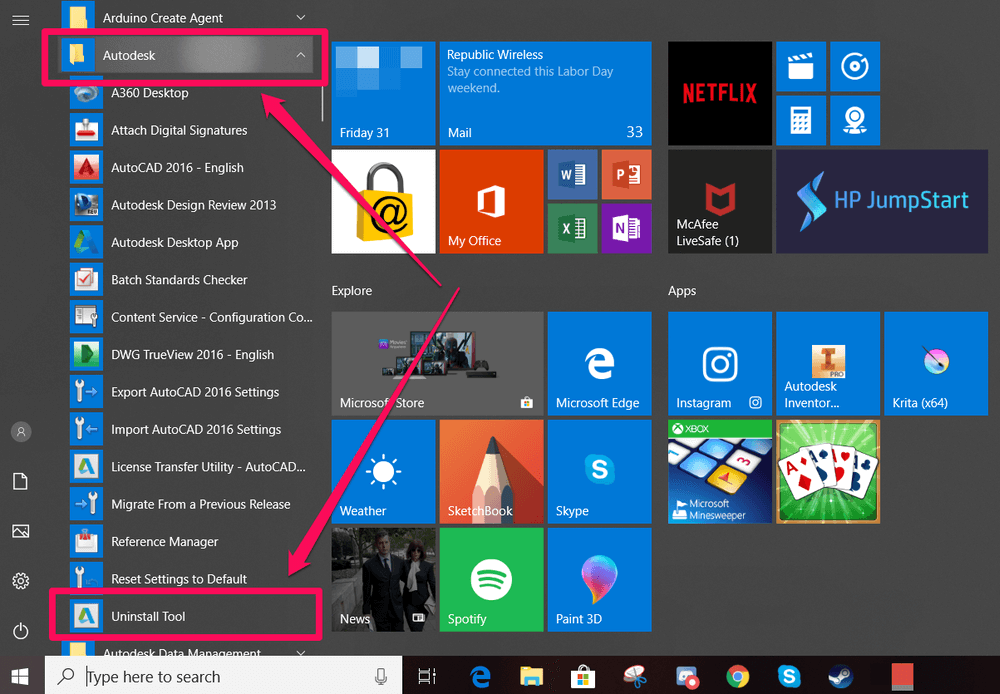
All Programs In Windows 10 Hot Sex Picture

4 Different Ways To Install Apps Programs In Mac OS X TechApple

How To Close All Tabs At Once In Safari In IOS 10

Close All Running Programs In Windows In One Click YouTube

How To Close All Programs On Windows 10 Accountingjas

How To Close All Programs That Are Not Responding In Windows 10
How to install Chrome Important Before you download you can check if Chrome supports your operating system and other system requirements

Learn how to update apps on Android Related resources Fix problems with the Google Play app How to update apps on Android

Important When you create a Google Account for your business you can turn business personalization on A business account also makes it easier to set up Google Business Profile

Sign in to Gmail Tip If you sign in to a public computer make sure to sign out before you leave the computer Learn how to sign in on a device that s not yours

Important Before you set up a new Gmail account make sure to sign out of your current Gmail account Learn how to sign out of Gmail From your device go to the Google Account sign in
[desc-11] [desc-12]
[desc-13]