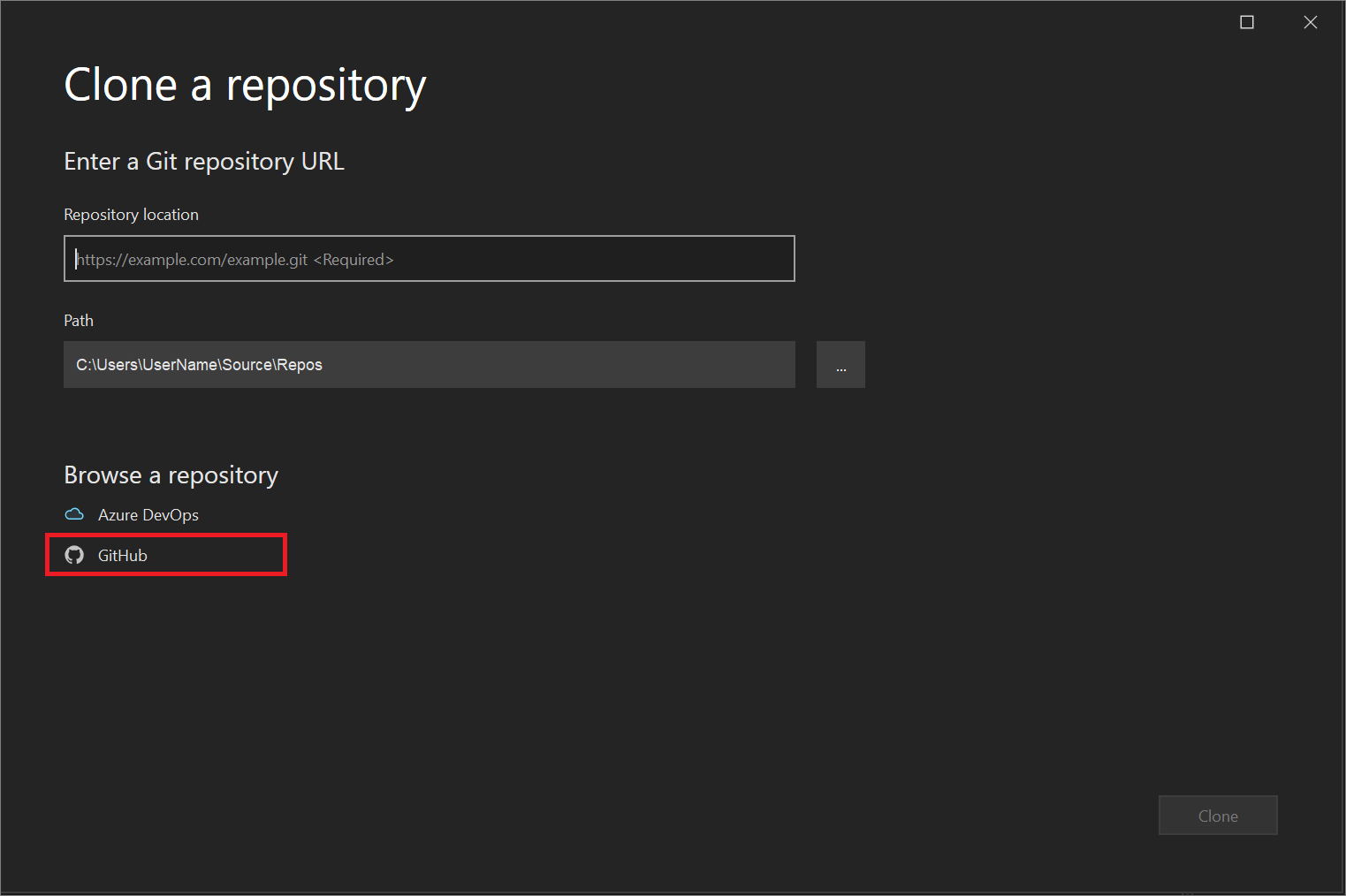
How To Clone A Repository Command Line How To Clone A Git Repository Clone A Git Repository With Command Create A New Public Repository On GitHub Without Using The Command Line Clone A Repo In Visual Studio Microsoft Learn Git Clone Create A Copy Of An Existing Git Repository How To Clone A Repository In Git YouTube Open your Terminal Navigate to the location where you want the local repository to be copied using the cd command Use the git clone command followed by the path to the project directory You can also
Follow the directions below Open GitHub and go to the GitHub repository that you want to clone Click Code and copy the given URL Click Code and copy the URL If we want to clone an empty repository click the To clone a git repository use the git clone command with the URL of your Git repository git clone For example let s say that you want to clone a public repository from Github you are going to
How To Clone A Repository In Git YouTube Clone Git Linux Git Clone Option QFB66 Cultural Analytics Open Science Guide 6 Create A GitHub Account Clone GitHub Repository With VSCode Azure Microsoft Learn Git Clone Local Repo Hot Sex Picture Create A New GitHub Repository From The Command Line How To Clone A Repository From Github Using Visual Studio 2019 Youtube How To Clone A Repository And Install Software From GitHub On Windows Clone A Repository Dev Documentation
How To Clone A Repository Command Line
 How To Clone A Repository Command Line
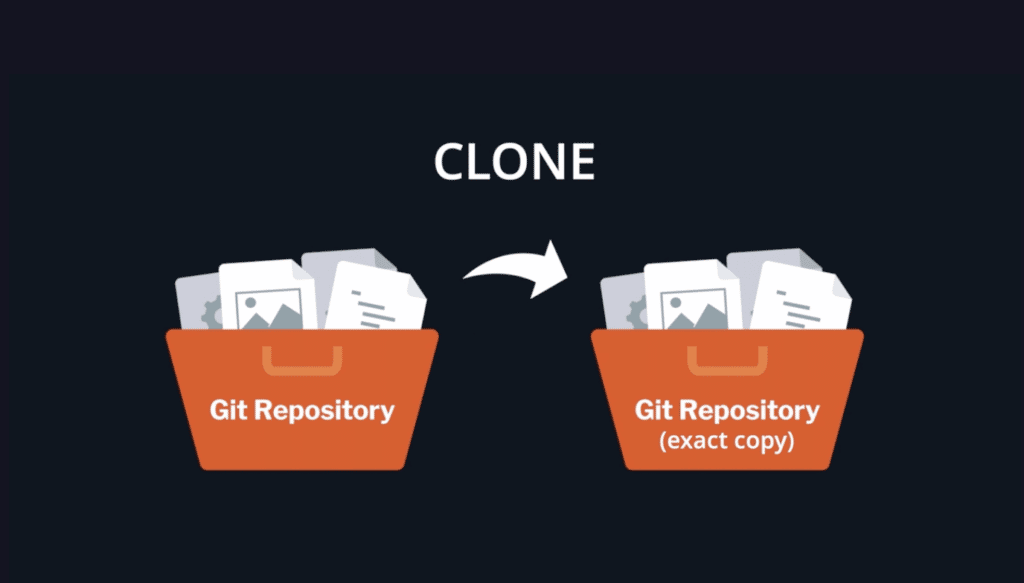
https://www.junosnotes.com/wp-content/uploads/2021/07/How-To-Clone-a-Git-Repository-1024x576.png
In order to clone a remote repository you ll want to use the git clone command which is typically used in this fashion git clone This will clone
Templates are pre-designed files or files that can be utilized for numerous functions. They can save effort and time by providing a ready-made format and layout for creating various kinds of content. Templates can be used for personal or professional tasks, such as resumes, invites, leaflets, newsletters, reports, presentations, and more.
How To Clone A Repository Command Line
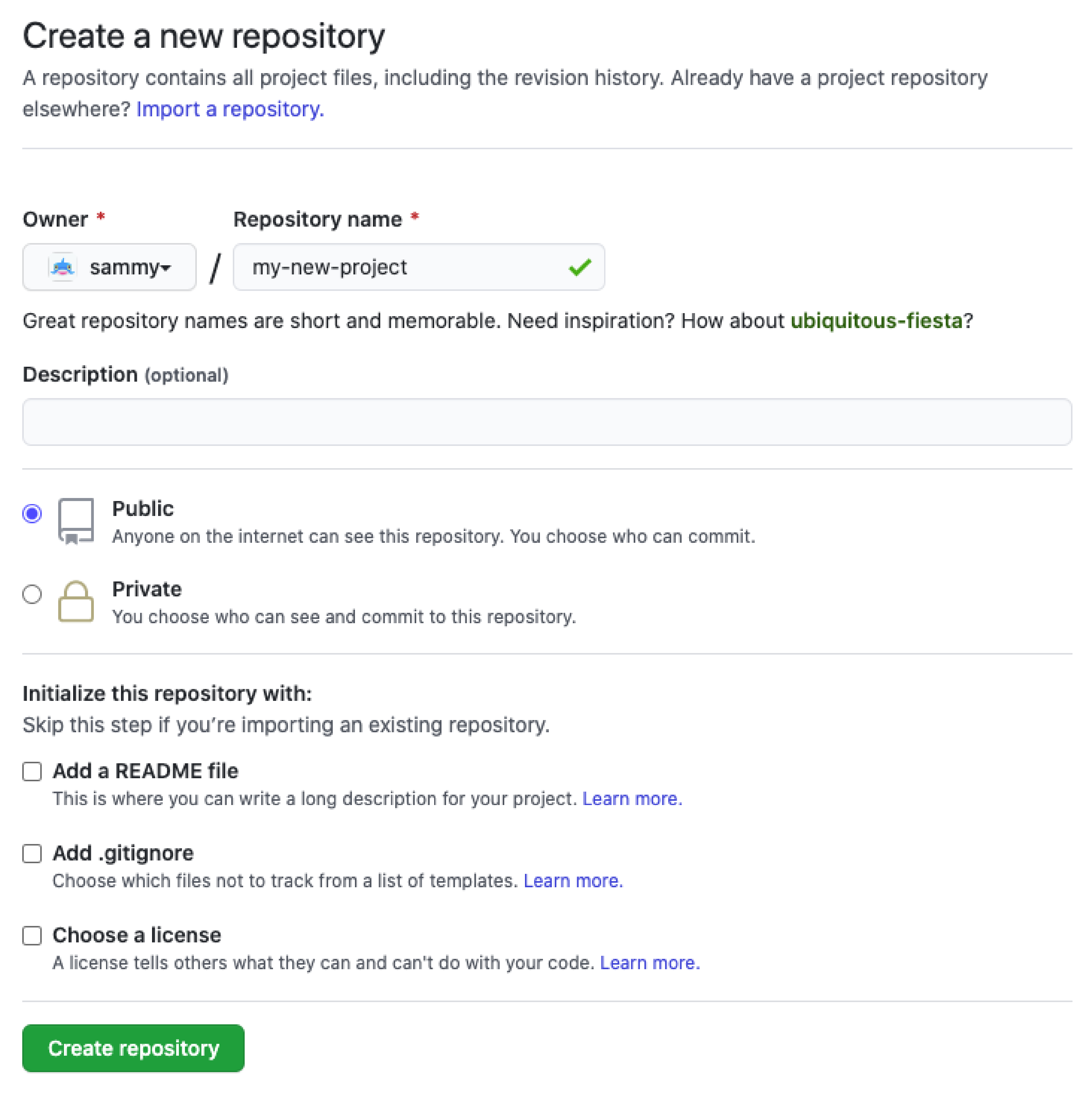
How To Push An Existing Project To GitHub Tutorial
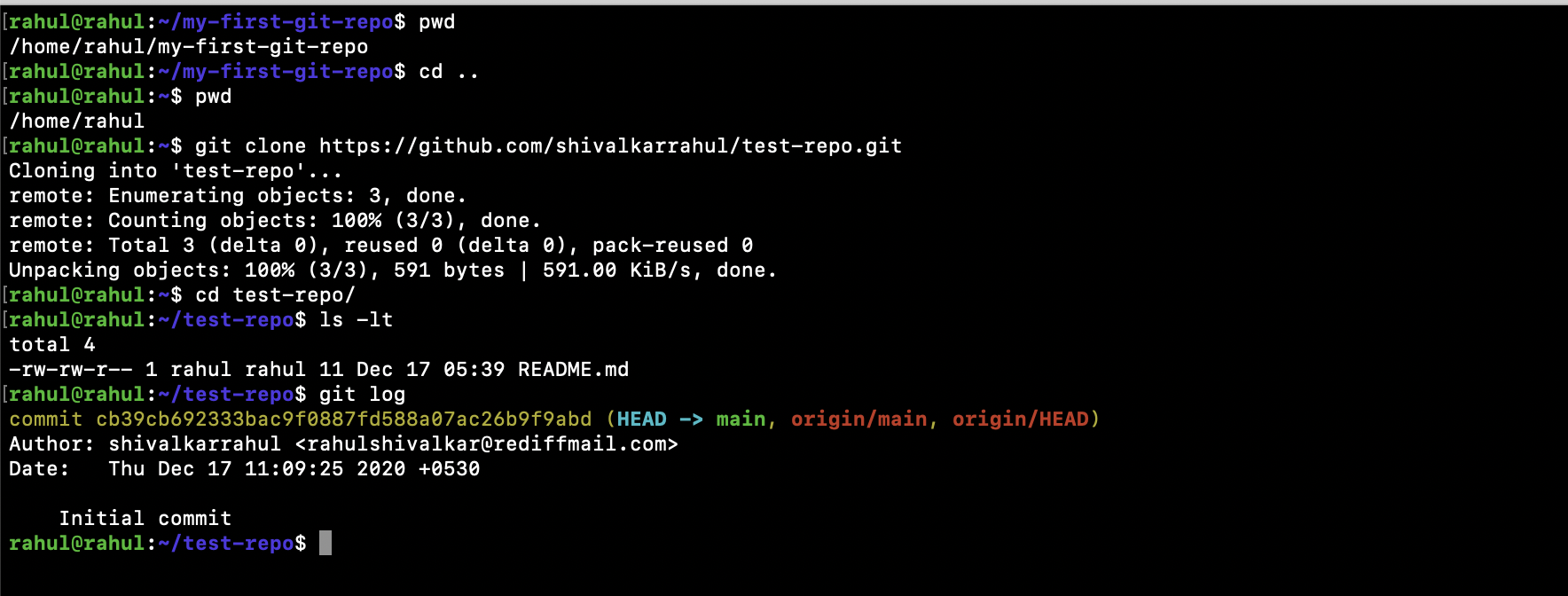
Clone Git Linux Git Clone Option QFB66
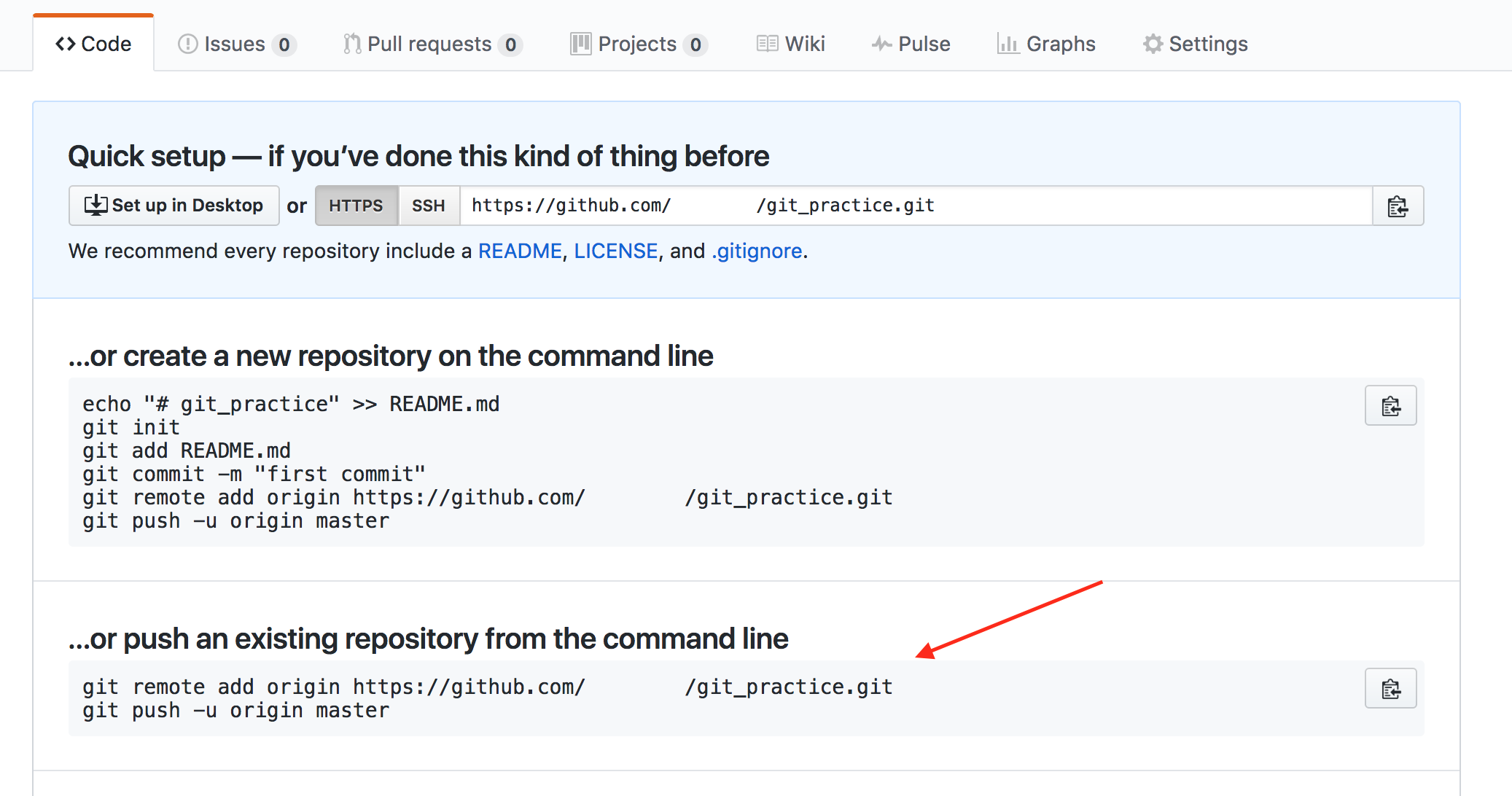
Cultural Analytics Open Science Guide 6 Create A GitHub Account
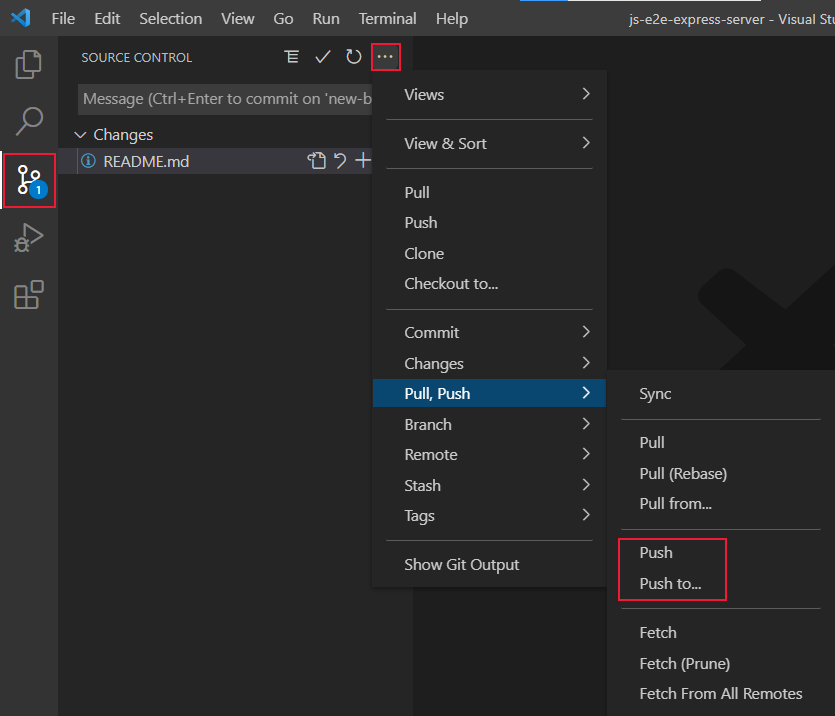
Clone GitHub Repository With VSCode Azure Microsoft Learn

Create A New GitHub Repository From The Command Line

How To Clone A Repository From Github Using Visual Studio 2019 Youtube
Allows overriding the default branch name e g when initializing a new repository clone defaultRemoteName The name of the remote to create when cloning a

The git clone command is used to create a copy of a specific repository or branch within a repository Git is a distributed version control system Maximize the advantages of a full repository on your own machine by
Git clone is a Git command line utility which is used to target an existing repository and create a clone or copy of the target repository In this page we ll discuss extended
If you want to clone the repository into a directory named something other than libgit2 you can specify the new directory name as an additional argument git clone

To clone the repo directly to the specified directory instead Now with the repo URL still copied to your clipboard it s time to clone the repo Enter the following command git clone In this case
You can clone any repository using OWNER REPO syntax Cloning a repository Projects gh repo clone cli cli Cloning into cli Projects cd cli Projects cli Using other selectors You can also use GitHub URLs to clone repositories Cloning a repository Projects my project gh repo clone https github cli cli Winget install git In WSL distros like Ubuntu and Debian you can install Git using the command sudo apt install git It should already be installed when you set up
Windows Setting up Git on Windows Clone a repository using the command line Prior to cloning or interacting with a Bitbucket Cloud repository using git you ll need to