How To Clear Data In Excel Sheet Using Uipath How To Clear Cache On The IPad Support Center How To Clear Data In Telegram For IOS 2023 YouTube How To Load Millions Of Records In EXCEL Sheet Using PHP Spreadsheet Save Excel Sheet With Different Names Studio UiPath Community Forum Clear Data In Excel With Format fyp fyp viral tipsbyumarfarooq Step1 The input in the excel that we are using for this example is shown below Step2 Drag and Drop an excel application scope activity from activities panel to designer panel as shown below Step3 Drag and Drop Invoke VBA activity from activities panel to designer panel as shown below Let s see the required properties for invoke vba activity
Clear Sheet Range Table Activity permits to clear the range or table or sheet of the excel clearing the range table or sheet in the excel is very step full Delete duplicates To delete duplicate rows select the data range and click Data Remove Duplicates The resulting dialog box will ask you to confirm which columns must match for the row to be considered a duplicate Click OK and Excel will remove the duplicate rows 2 Make Sure Numbers Are Correctly Formatted
Clear Data In Excel With Format fyp fyp viral tipsbyumarfarooq How To Clear Data In Excel Using VBA Code YouTube How To Clear Data Of Any Application In Pc Full Tutorial In Hindi What Happens When You Clear Data Of An Android App Popular Apps Explained 6 Clear Data Excel How To Use Clear Data In How To Clear Data In Excel Macro Excel Vba Clear Contents On Another How To Specify Sheet Name For Excel Application Scope Instead Of How To Clear Data Usage On Android Phone 2022 Techk How To Clear APP Data On The Android Device Blackview Blog
How To Clear Data In Excel Sheet Using Uipath
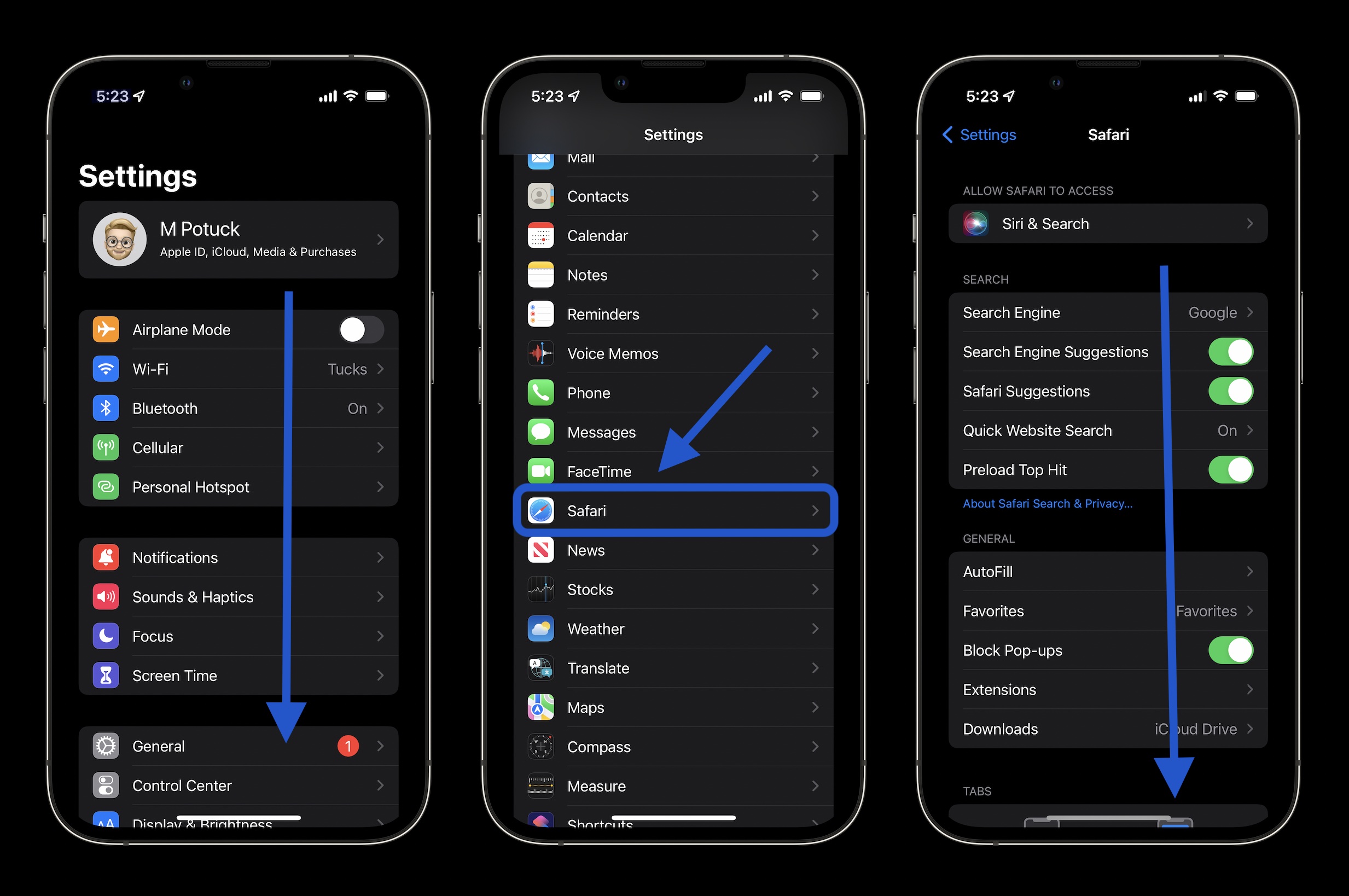 How To Clear Data In Excel Sheet Using Uipath
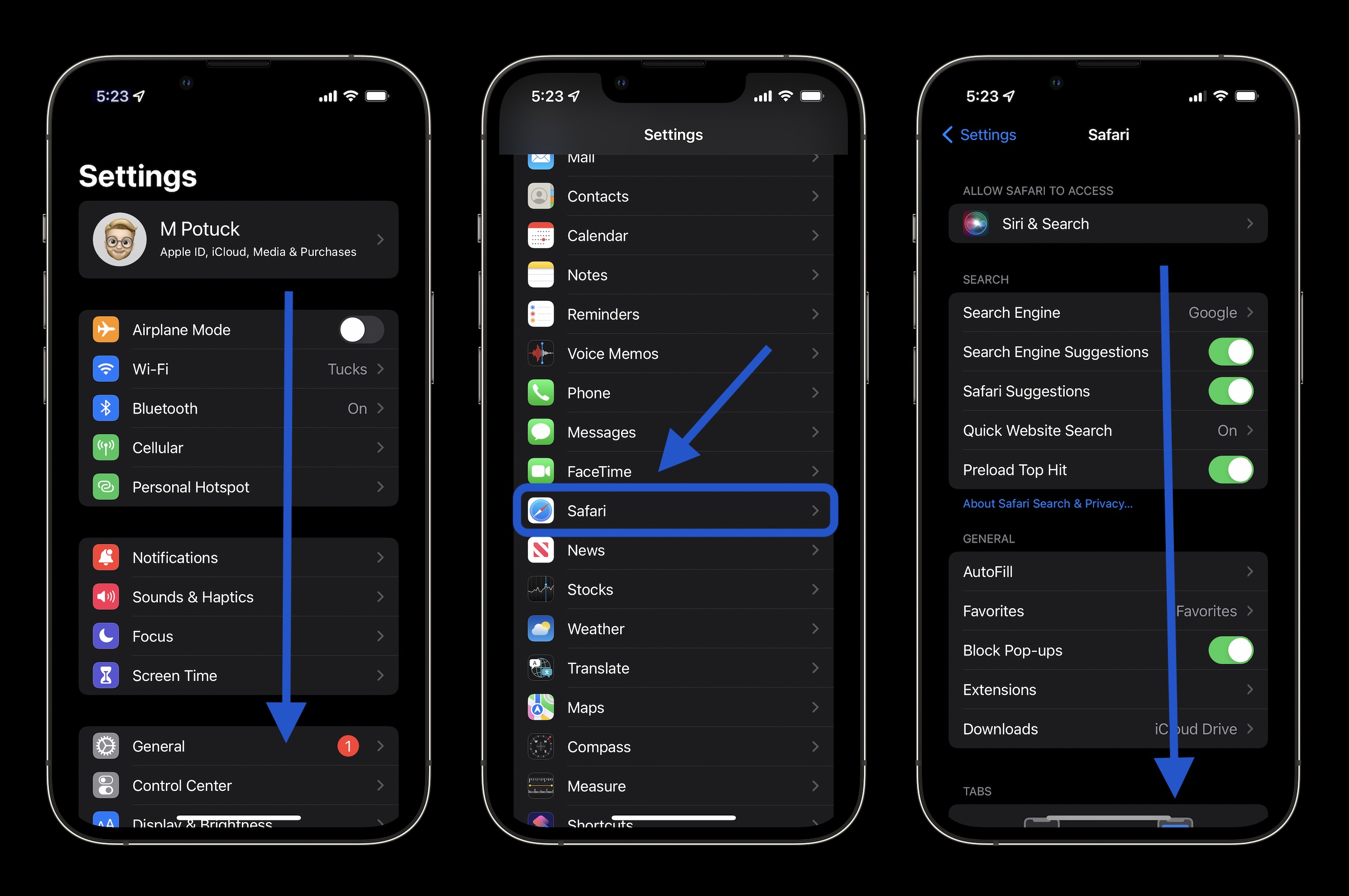
https://9to5mac.com/wp-content/uploads/sites/6/2021/03/clear-cache-on-iphone-and-ipad-1.jpg?quality=82&strip=all
Look up values in a list of data Shows common ways to look up data by using the lookup functions LOOKUP Returns a value either from a one row or one column range or from an array The LOOKUP function has two syntax forms the vector form and the array form HLOOKUP
Pre-crafted templates offer a time-saving solution for producing a varied range of files and files. These pre-designed formats and layouts can be utilized for numerous personal and professional jobs, including resumes, invitations, flyers, newsletters, reports, discussions, and more, simplifying the content creation procedure.
How To Clear Data In Excel Sheet Using Uipath

How To Remove Extra Space In Excel Remove Space In Excel Clear Data
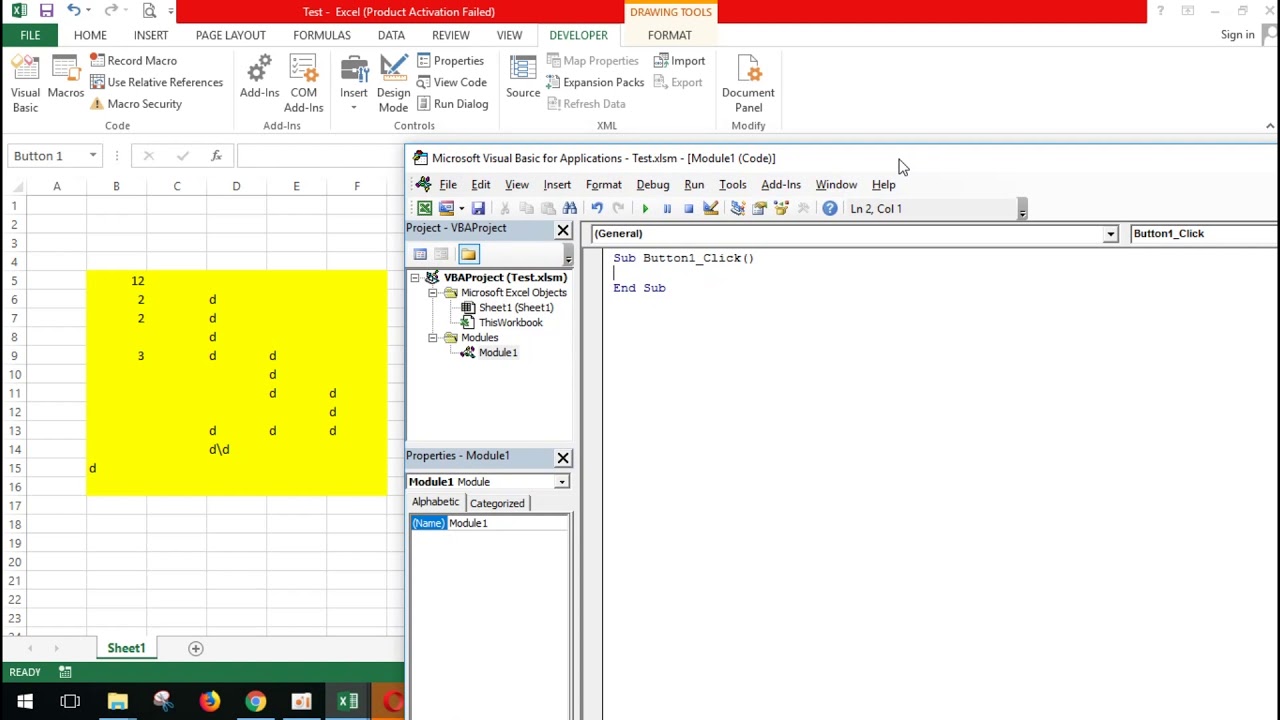
How To Clear Data In Excel Using VBA Code YouTube

How To Clear Data Of Any Application In Pc Full Tutorial In Hindi
What Happens When You Clear Data Of An Android App Popular Apps Explained
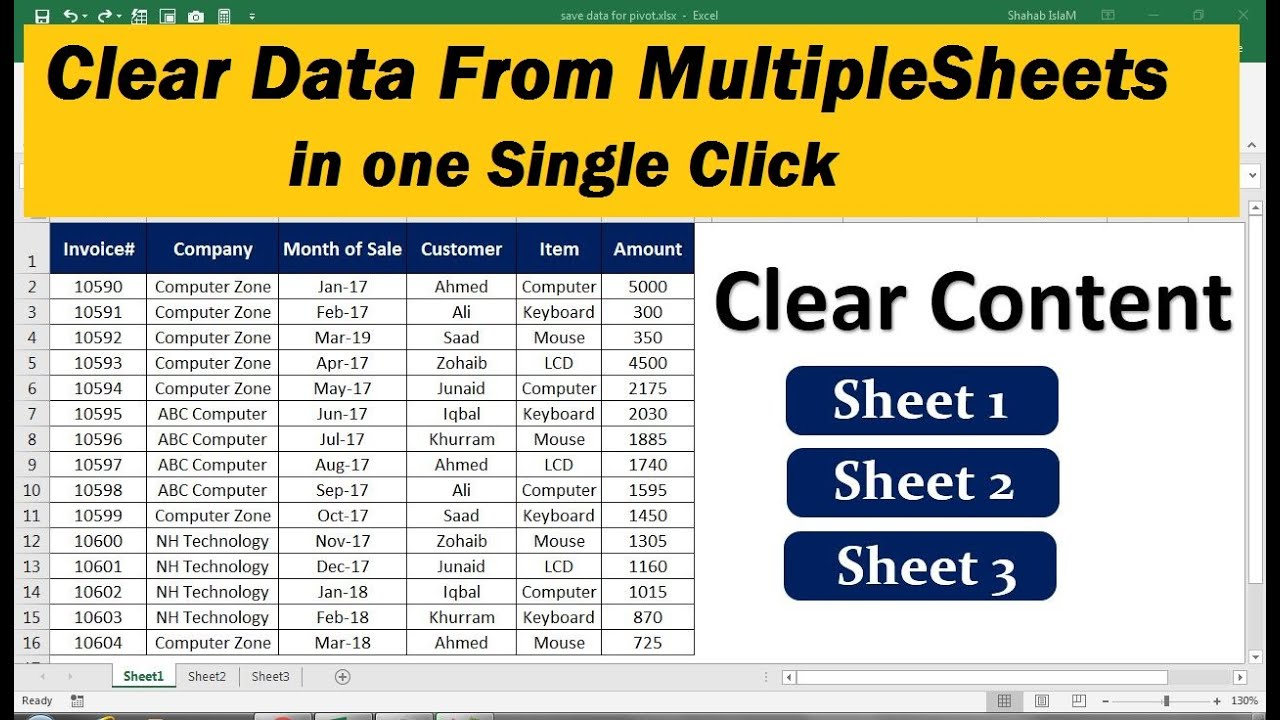
How To Clear Data In Excel Macro Excel Vba Clear Contents On Another

How To Specify Sheet Name For Excel Application Scope Instead Of
The easiest way to clear all cells in a spreadsheet is to write a macro and call it from within UiPath 1 Like Data Scrapping error18 Rajtk7 Rajan Thangavelu February 20 2018 3 10pm 4 Use Write cell option Give the sheet name sheet1 and Range for ex A2 D25 Below field input It will clear the contents in an given range 3 Likes

Activities will be Excel Process scope Use Excel File Use Clear Sheet Range Table 616 686 21 4 KB If you are using workbook activities at initial process please read the entire excel using Read Range Workbook activity and store it an datatable then use Clear Data Table activity to clear the data in the particular sheet Hope it helps

1 Hello How can I clear the whole Macro Enabled excel sheet Format Palaniyappan Forum Leader September 17 2021 10 59am 2 Hi Did we try with this activity UiPath Activities Clear Sheet Range Table UiPath Excel Activities Business ClearRangeX Clears the data from a specified sheet range or table

Select the cells rows or columns that you want to clear Tip To cancel a selection of cells click any cell on the worksheet On the Home tab in the Editing group click the arrow next to the Clear button and then do one of the following To clear all contents formats and comments that are contained in the selected cells click Clear All

Productivity Activities Last updated Dec 6 2023 Clear Sheet Range Table UiPath Excel Activities Business ClearRangeX Clears the data from a specified sheet range or table The activity can be used with an Excel file selected for a parent Use Excel File activity or with the Project Notebook Configuring the Activity In the Body of the Activity
Here you able to perform Deleting Data in Excel File without deleting sheet names We have taken an initiative to provide education to everyone Here you wi To remove formula in Excel and keep values using the Paste Special option follow these steps Open the Excel spreadsheet on your PC Select the data range Ctrl C to copy the data Right click on
Commonly used shortcuts for clearing formulas There are several commonly used keyboard shortcuts for clearing formulas in Google Sheets Clear all formulas Press Ctrl Shift to clear all the formulas from the selected cells Clear contents Use Ctrl Alt Shift to clear the contents of the selected cells without affecting the