How To Checkout Git Branch Command Line How To Change Branch In Git Logilax 27 Git Checkout Different Ways Of Using The Checkout Command In The Git Checkout Explained With Example Git Checkout Command Git Github How To Create New Branch Using Git Command ItSolutionStuff Git Checkout Remote Branch Code Examples Tutorials More If you are using the redesigned Drive for desktop visit this article to learn more about key improvements
When your account reaches its storage limit you won t be able to upload or create files in Drive send or receive emails in Gmail or back up photos or videos to Google Photos If you re over Remove unwanted programs on your computer Before you reset your browser settings check your computer for unwanted programs Learn how to reset your browser settings
Git Checkout Remote Branch Code Examples Tutorials More Renaming A Git Branch Which Command Is Used To Rename A Branch In Git DevOps Essential Git Commands With Examples GIT Commands Basic To Advanced GIT Commands List That You Should Know GIT Command Cheat Sheet SlayTec Cybersecurity Magazine Git Create Branch From Terminal Lasopachristian Git Checkout Command Complete Guide To Git Checkout Command 20 Git What Is Git Checkout Remote Branch Benefits Best Practices More
How To Checkout Git Branch Command Line
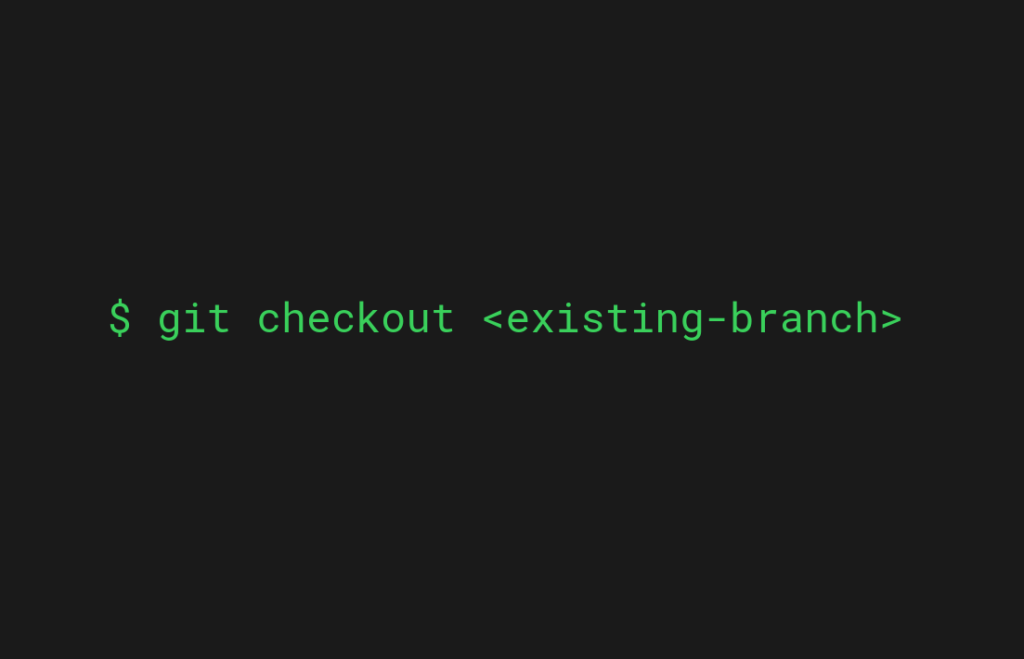 How To Checkout Git Branch Command Line
https://www.codingem.com/wp-content/uploads/2022/11/change-branch-in-git-1024x659.png
This article is for users If you re an administrator go to Set up Voice for your organization
Pre-crafted templates use a time-saving solution for creating a diverse variety of files and files. These pre-designed formats and designs can be used for different personal and professional jobs, including resumes, invites, flyers, newsletters, reports, discussions, and more, improving the content production process.
How To Checkout Git Branch Command Line

How To Checkout Git Repo At A Specific Version Or Revision By Rahul
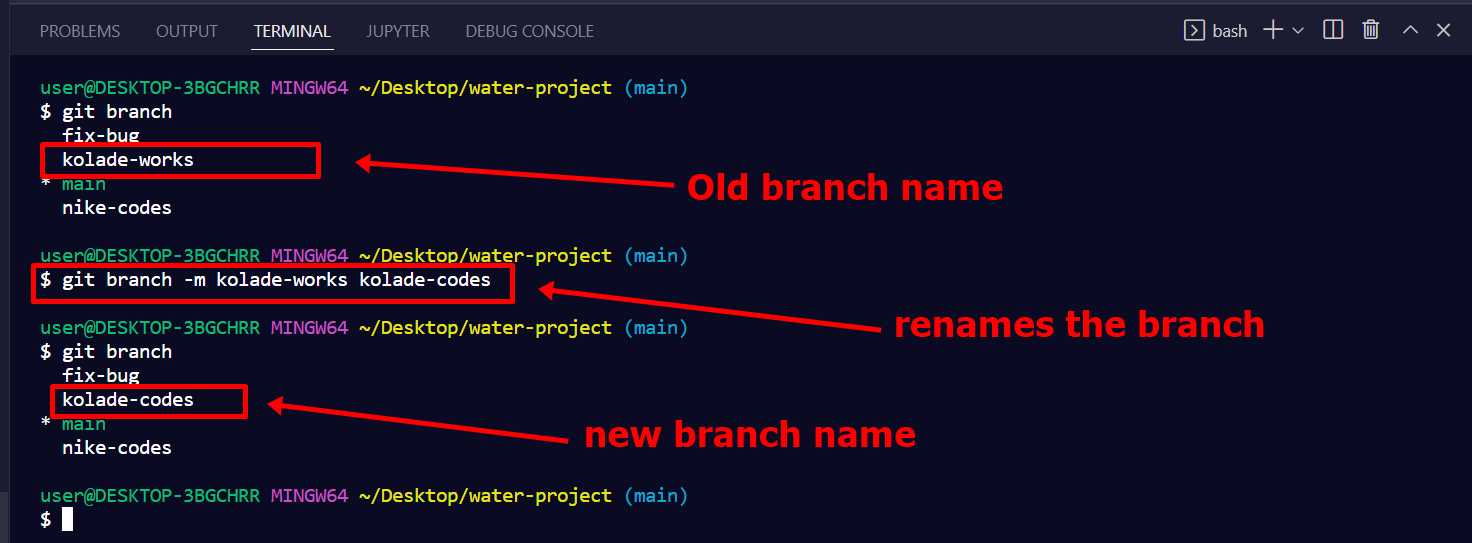
Renaming A Git Branch Which Command Is Used To Rename A Branch In Git
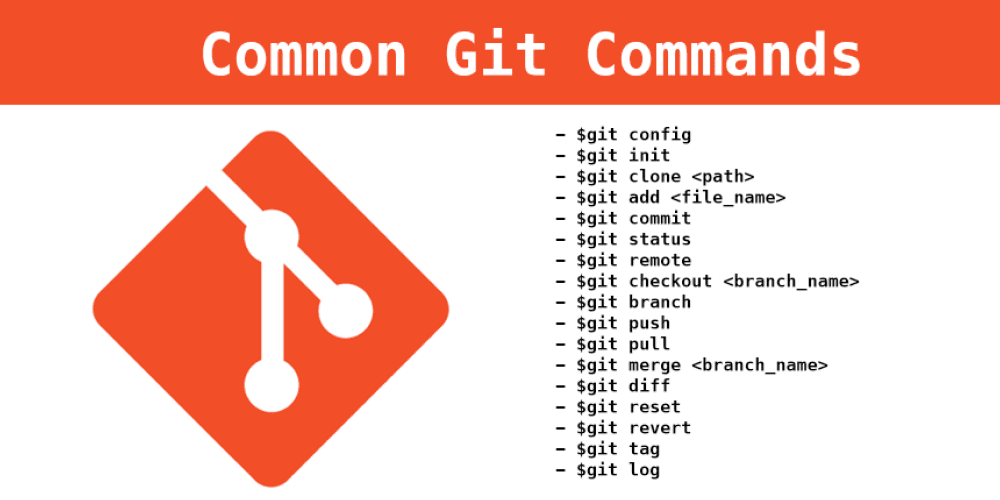
DevOps Essential Git Commands With Examples
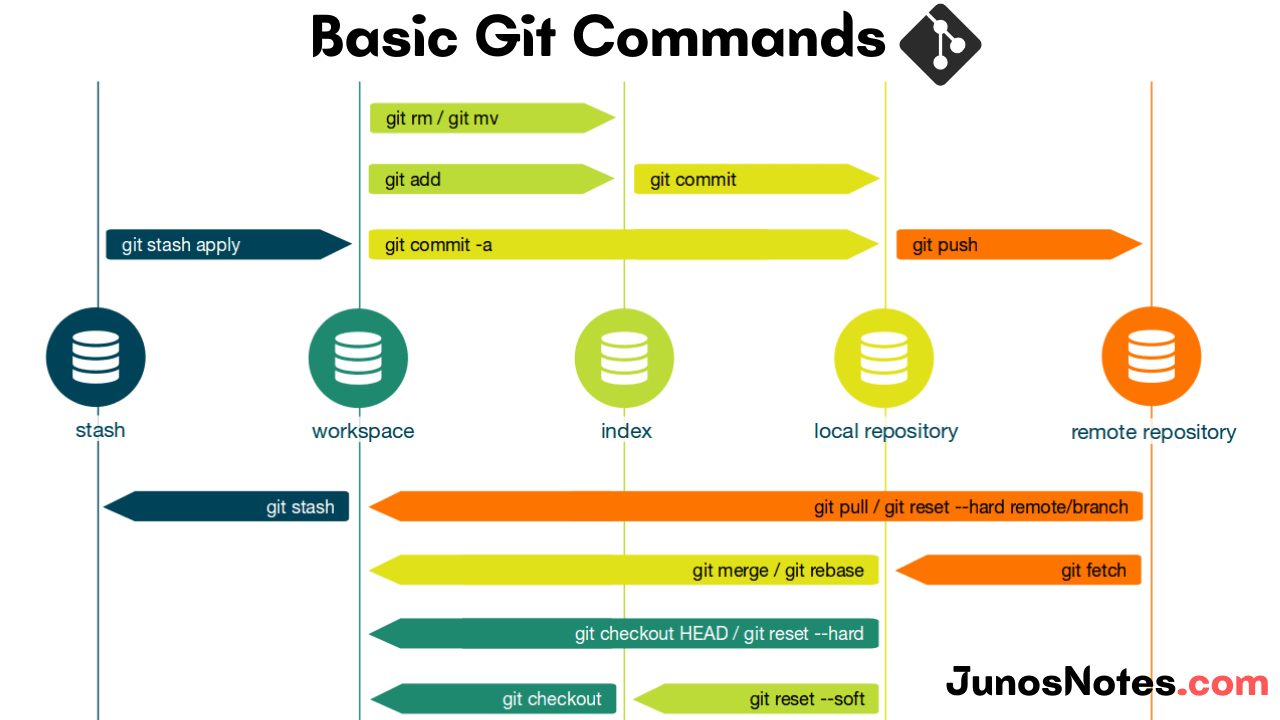
GIT Commands Basic To Advanced GIT Commands List That You Should Know

Git Create Branch From Terminal Lasopachristian
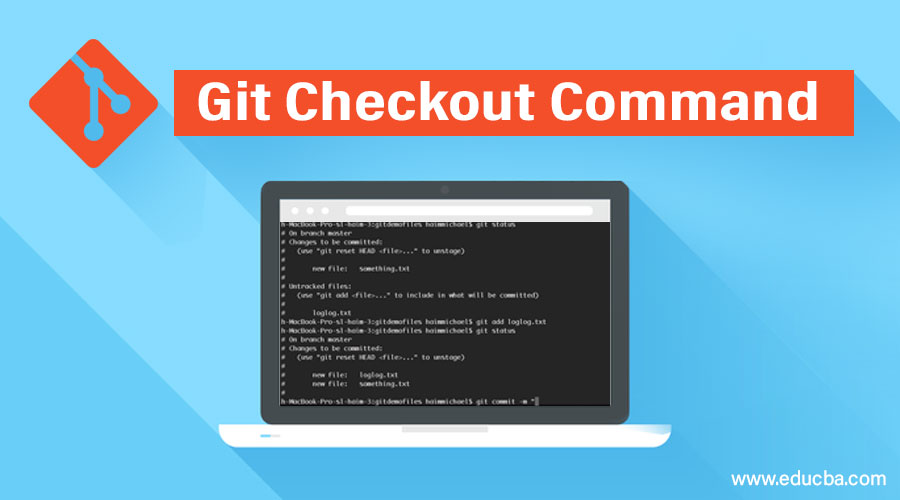
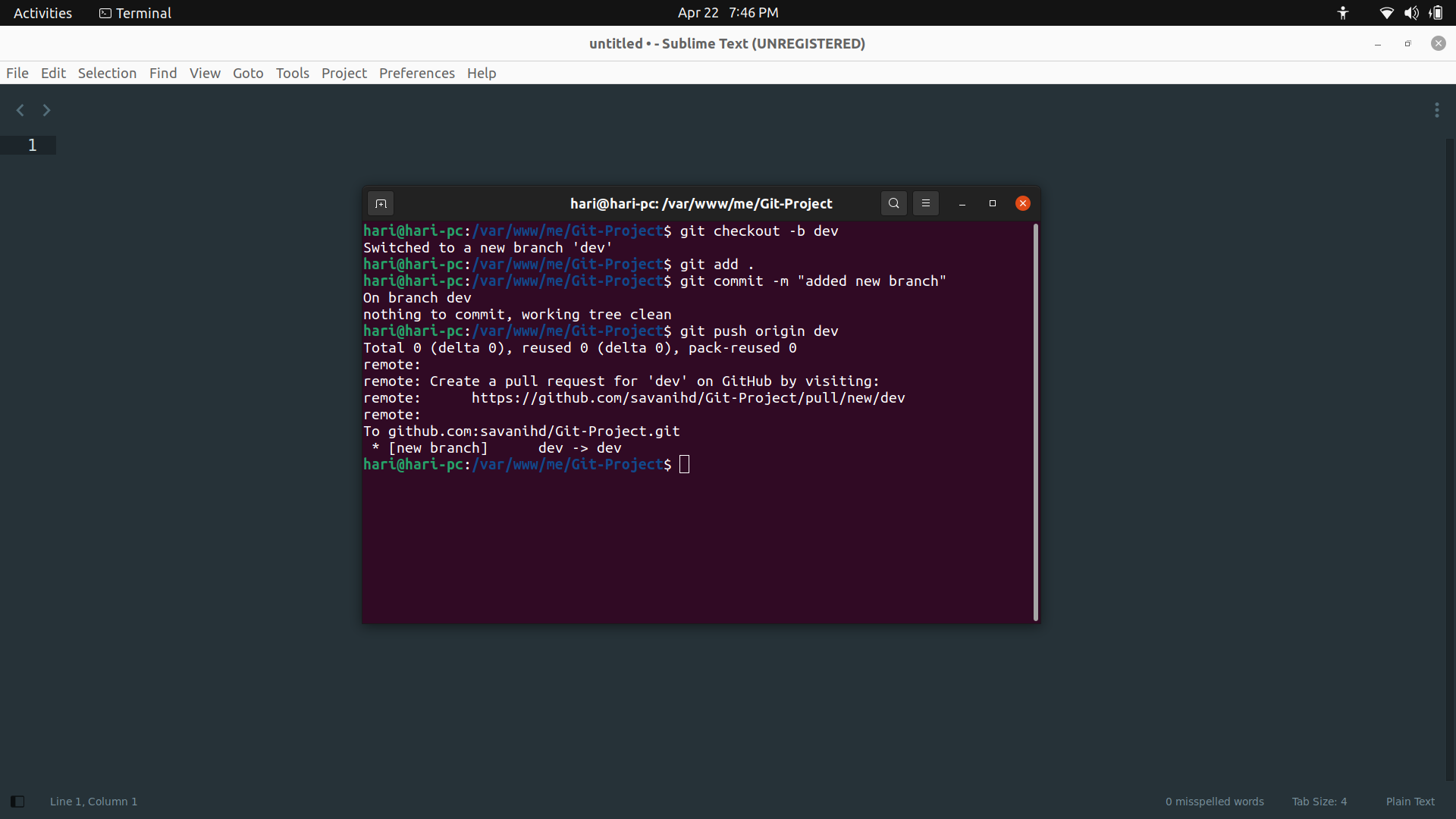
Git Checkout Command Complete Guide To Git Checkout Command

Important Before you set up a new Gmail account make sure to sign out of your current Gmail account Learn how to sign out of Gmail From your device go to the Google Account sign in

Sign in to Gmail Tip If you sign in to a public computer make sure to sign out before you leave the computer Learn how to sign in on a device that s not yours

Important When you create a Google Account for your business you can turn business personalization on A business account also makes it easier to set up Google Business Profile
To find your username follow these steps You need to know A phone number or the recovery email address for the account The full name on your account Follow the instructions to

On your computer open Chrome At the top right click More Delete browsing data Choose a time range like Last hour or All time Select the types of information you want to remove Click
[desc-11] [desc-12]
[desc-13]