How To Check Remote Computer Specs Using Cmd How To Check Specs Of Computer Playerhurt30 Windows 10 How To Check PC Specs With System Information Or Speccy How To Find Computer Specs On Windows 11 5 Methods How To Check Your Computer Specs Find Your Cpu Gpu Motherboard Ram Vrogue Temyiz S zl k T nel Notebook Search By Specification Tema Yani Nokta Reference article for the systeminfo command which displays detailed configuration information about a computer and its operating system including operating system configuration security information product ID and hardware properties such as RAM disk space and network cards
To get the info from a remote computer use computername switch to the cmdlet For example Get WmiObject class Win32 PhysicalMemoryArray computername C 20141222B How many memory sticks and a total of RAM installed The following cmdlet reveals this information in a single run If you want to check the system information of a remote PC accessible from your Windows computer then you can follow these steps Press the hotkey Win R to open the Run dialog In the Run dialog type msinfo32 exe and press Enter System information tool will be launched and it will display the system information for the local computer
Temyiz S zl k T nel Notebook Search By Specification Tema Yani Nokta Guide To Remote Desktop File Transfers Secure Data Sharing How To Find Your Windows 11 Pc Hardware And System Specs Hot Sex Picture How To Detect Remote Desktop Figfilm3 How To Show Computer Specs In Command Line Cmd Systeminfo YouTube How To Check Connectivity Between Two Servers Domtor Windows 10 How To Check Which Graphics Card You Have Youtube Model And How To Find Out What Your Computer Specs Are How To Check Computer How To Find IP Address Using Command Prompt YouTube
How To Check Remote Computer Specs Using Cmd
How To Check Remote Computer Specs Using Cmd
https://i.insider.com/62b335a3bac38c001833ed51?width=1000&format=jpeg&auto=webp
This script reads a list of computer names or IP addresses from a CSV file and remotely gets the system information such as System name Operating system details disk capacity details network information etc The output is printed on the screen and also written into a CSV file To run the script you need to pass two parameters an input csv
Pre-crafted templates use a time-saving solution for creating a diverse series of files and files. These pre-designed formats and layouts can be used for numerous personal and expert projects, including resumes, invitations, flyers, newsletters, reports, presentations, and more, enhancing the material creation process.
How To Check Remote Computer Specs Using Cmd
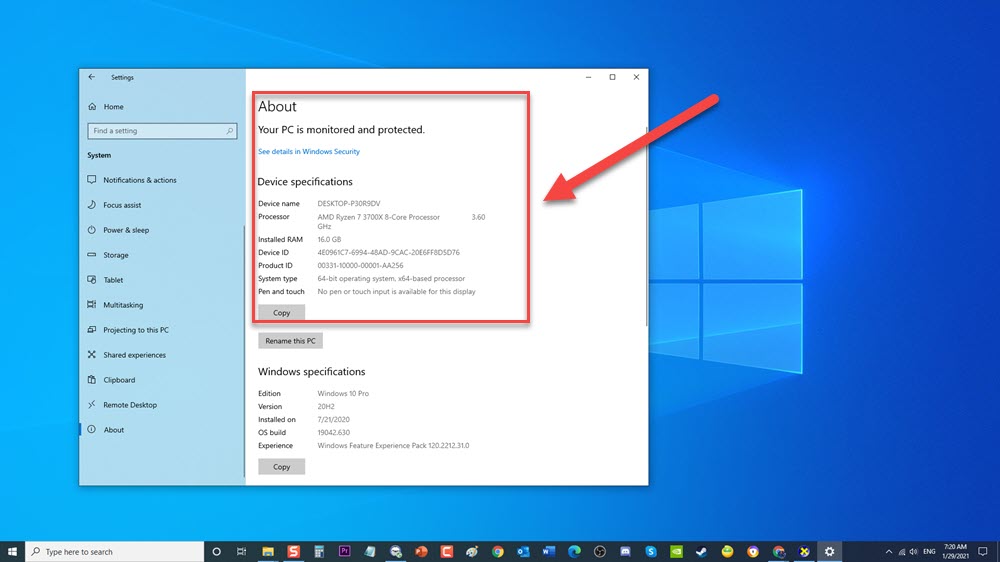
How To Check Computer Specs On Windows 10

Guide To Remote Desktop File Transfers Secure Data Sharing
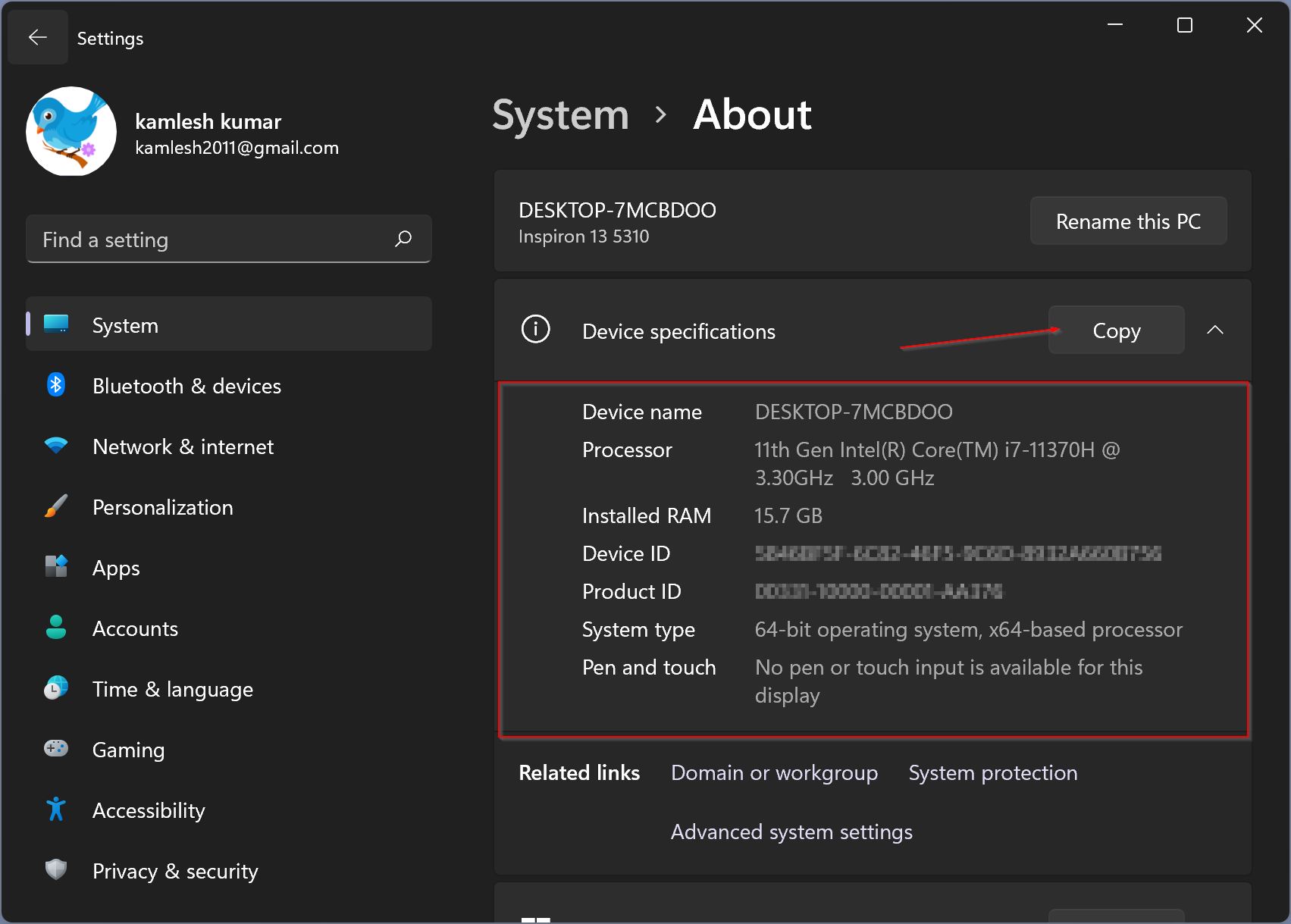
How To Find Your Windows 11 Pc Hardware And System Specs Hot Sex Picture

How To Detect Remote Desktop Figfilm3

How To Check Connectivity Between Two Servers Domtor
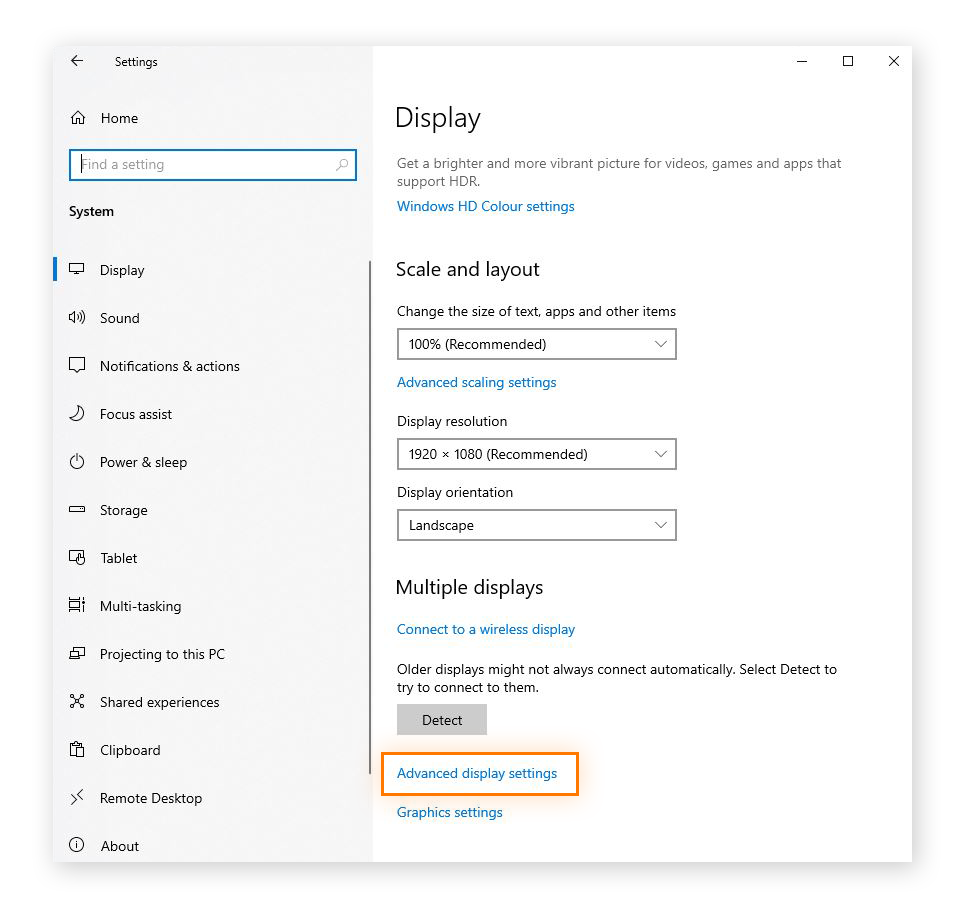
Windows 10 How To Check Which Graphics Card You Have Youtube Model And
2 Belarc is one good tool There are others https www belarc products belarc advisor It can inventory a remote computer https community spiceworks topic 369734 running belarc advisor against remote computer Google for PC Inventory Share Improve this answer Follow edited Jan 19 2020 at 19 47 answered Jan 19 2020 at 18 35 John

Powershell invoke command ComputerName computerNameHere ScriptBlock Get ComputerInfo Property TimeZone OsLocalDateTime CsManufacturer CsModel BiosName CsDomain CsUserName LogonServer WindowsRegisteredOwner WindowsProductName OsArchitecture OsVersion CsProcessors CsNumberOfLogicalProcessors

Windows comes with two utilities that allow you to read system information for remote computers through Windows Management Instrumentation WMI For simple tasks the graphical msinfo32 exe utility is sufficient for complex demands the powerful command line tool wmic should be your first choice Author Recent Posts Wolfgang Sommergut

Use the following command with node wmic node server output filespec namespace root cimv2 path win32 diskdrive get all format csv Where server is an IP or DNS of the remote system You ll need admin access to obtain details else may need to use something else like psexec MacG Feb 21 2013 at 5 29 Add a comment 3 Answers
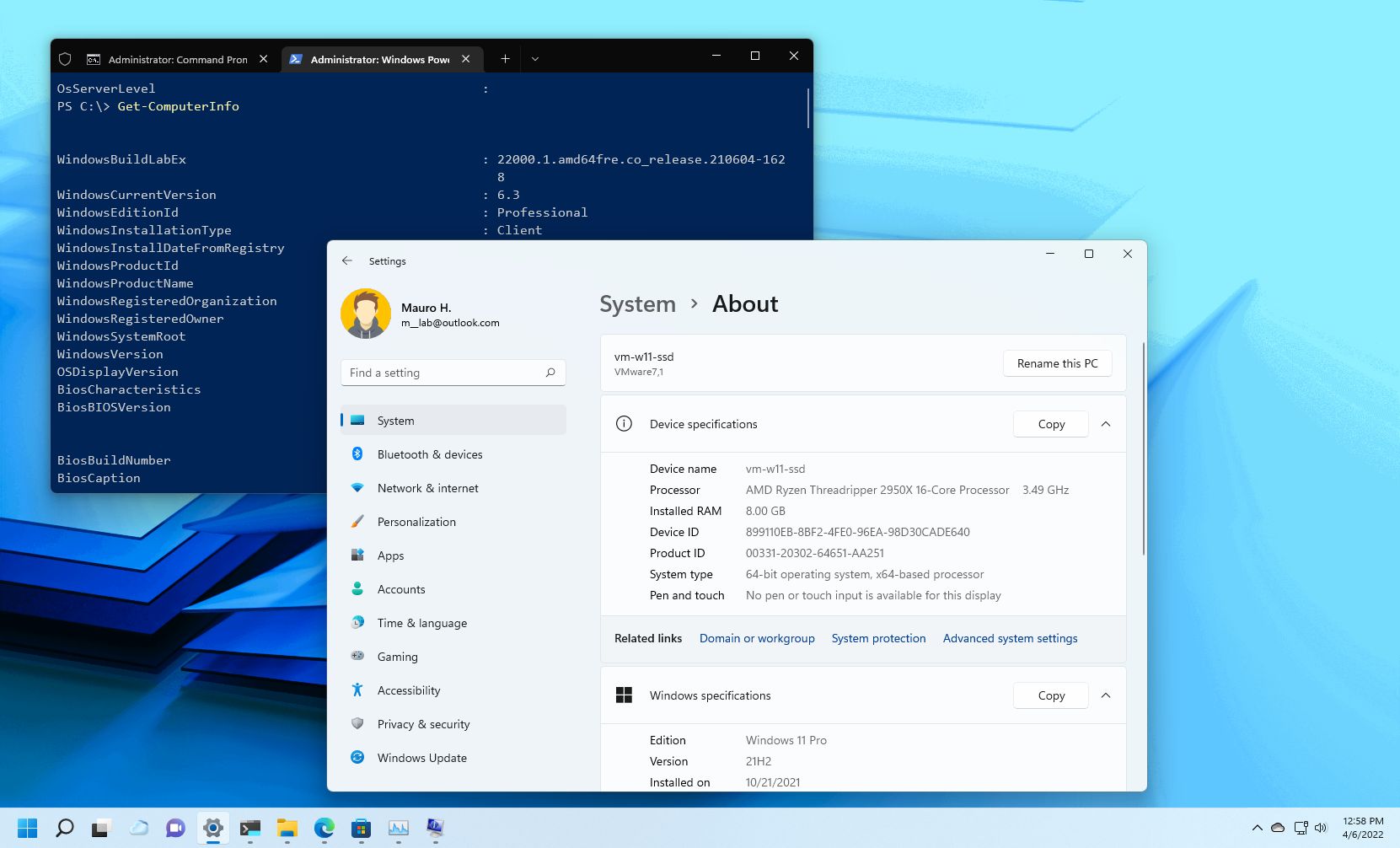
Just right click on the START button and select POWERSHELL as an Administrator that has permission to the remote computer and try these short commands 1 Pull Windows Version Hot Fixes Memory CPU Boot Information systeminfo s hostname 2 List The Programs and Tasks Running on a Remote Computer
1 Answer Sorted by 7 The following command should give you both the configured display resolution as well as the RDP resolution wmic path Win32 VideoController get VideoModeDescription When connected via RDP output should look something like this VideoModeDescription 1920 x 1080 x 4294967296 colors 1704 x 942 x 4294967296 colors Share Click on System Click on About Under the Device specifications section check the processor system memory RAM architecture 32 bit or 64 bit and pen and touch support Image credit
However this directory is added to the PATH environment variable when you install the resource kit so you do not need to specify the full path You can just run Srvinfo command from any directory Below is the syntax to remotely find the information about a computer Srvinfo remote compute rname